
Home/Videos/LevelUp 2025 features

Video walkthrough · LevelUp 2025

Twelve HighLevel Features Announced at LevelUp 2025

Twelve announcements from the Dallas stage, grouped so you can pick the two or three that fit.
The video plays here, loaded from YouTube when you press play.Watch on YouTube

In this video Michael Reimer reports from the LevelUp 2025 summit in Dallas and goes through twelve new GoHighLevel features announced on stage, from chatbot upgrades and a desktop app to multibrand accounts and the AI Agent Studio. It is for agencies and business owners who were not in the room and want to know where to start.

Michael took notes as each feature was announced live. His advice comes before the list: you do not need to implement all twelve at once. Start with the two or three that speak to your biggest business challenge, then add others as you see results. To the worry that new features ship with bugs, he says HighLevel used alpha and beta testers for most of these and rolled many out in phases.

What changed for chatbots and the chat widget?

The first feature is really four. Chatbots can now read and interpret images, and his examples are a haircut picture or damage on a car. They can process voice notes too. Chat attachments let a visitor upload a file for the AI to read, so a document can be analyzed in the chat.

The voice agent in the chat widget is the one Michael calls a whole new dimension. Visitors speak to the AI agent through the browser or phone microphone without making a phone call. The last piece is multi calendar booking, which lets a bot book across a series of calendars. The guide to adding a chat widget to your website covers where the widget lives.
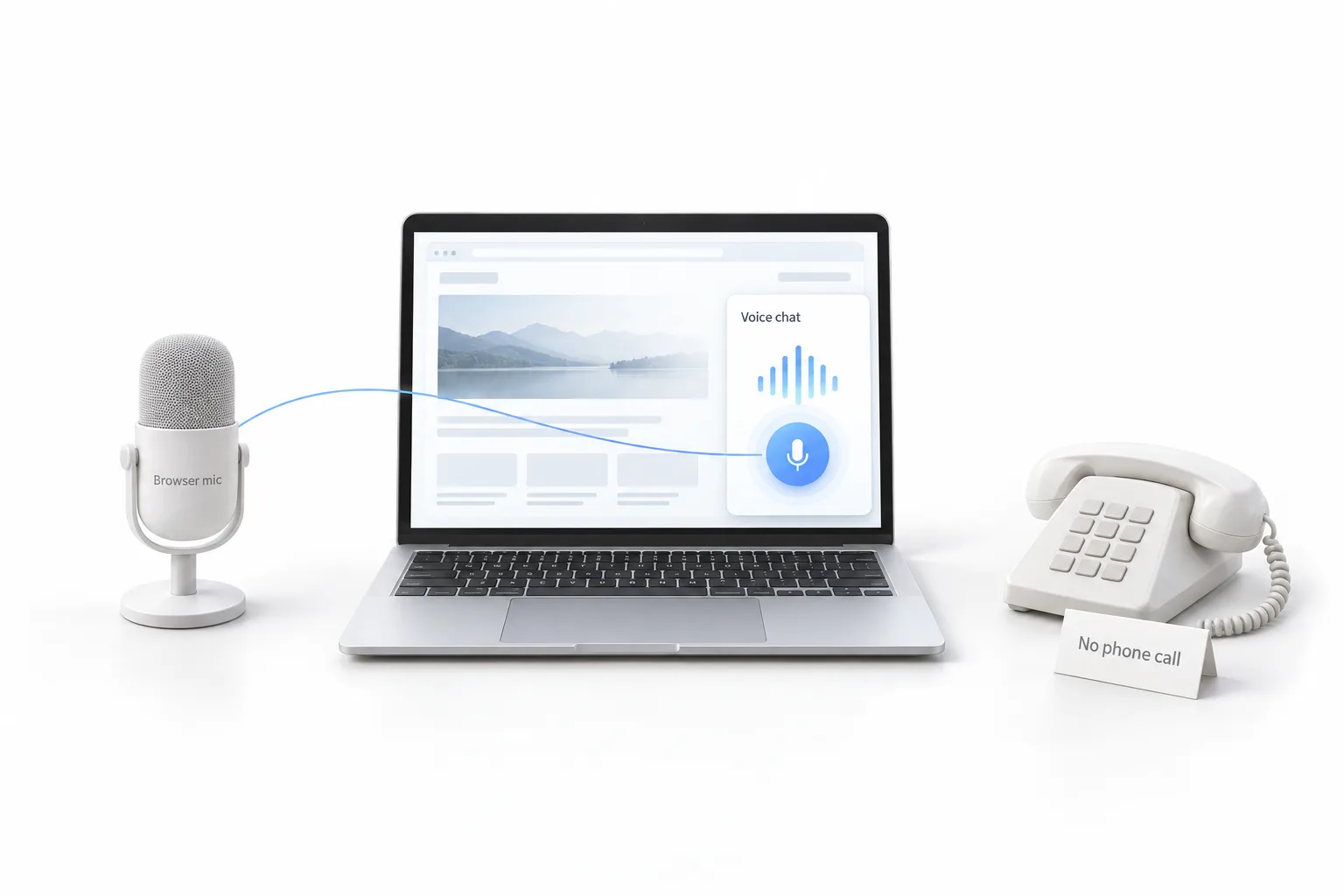
A desktop microphone labeled Browser mic linked to a laptop showing a Voice chat widget with a microphone button, beside an unused desk phone with a card reading No phone call

What is new in the desktop app, prospecting and communities?

There is now a native desktop application with its own icon in the taskbar. The first version mirrors what the browser does. Michael's interest is in what it makes possible later, and he says it is one to keep a close eye on.

The prospecting tool was upgraded to handle larger batches of prospects, which matters to agencies and power users who work through a lot of them. Communities got two additions. One is native live streaming inside a community, with a mobile friendly design. The other is affiliate program management built for paid communities. If you have not started one, see how to launch a community.

What changed in the mobile app and call management?

The mobile app was redesigned based on user feedback, with a customizable home dashboard. The business scanner, which people had complained about, was overhauled and now provides business analysis inside the app. Michael notes that mobile use is closely tied to accounts that stick around.

Call management gained two features. Cross subaccount call management lets you answer calls across multiple subaccounts without switching accounts. Local presence dialing automatically uses a number with a local area code based on where the prospect is.

What did HighLevel add for templates and reputation management?

The embeddable template library is a widget you can place on any website, with custom redirect URLs. Michael's read is that it turns a template showcase into a way to capture leads.

Reputation management got three additions, and he calls this group a huge one for local businesses. The Google Business Profile AI audit analyzes a profile and recommends improvements. Competitor analysis produces automated reports. Retroactive review replies let you go back and respond to old reviews, with a drip mode so the replies do not all land at once. The guide to connecting a Google Business Profile is the starting point for all three.

What are multibrand, outbound AI calling, the AI Agent Studio and the advanced workflow builder?

Multibrand is the one Michael says the community had requested for years. One account can run two separate brands with different logos, different domains and different logins. It starts with two brands.

Outbound AI calling is native AI calling for existing contacts who have given consent. It comes with a limit of 100 calls per day and compliance safeguards. Michael frames it as a way to reach the client base you already have. His later video on outbound check in calls shows it in a workflow.

The AI Agent Studio is the one he did not expect. It is a visual, drag and drop AI agent builder with tool nodes for generative AI, web search, knowledge base access, API calls and business integrations. The Agent Studio guide goes through it in detail.

Last is the advanced workflow builder, a flow based, drag and drop upgrade with an unlimited visual canvas and more branching logic. Users can choose between the standard builder and the advanced one.
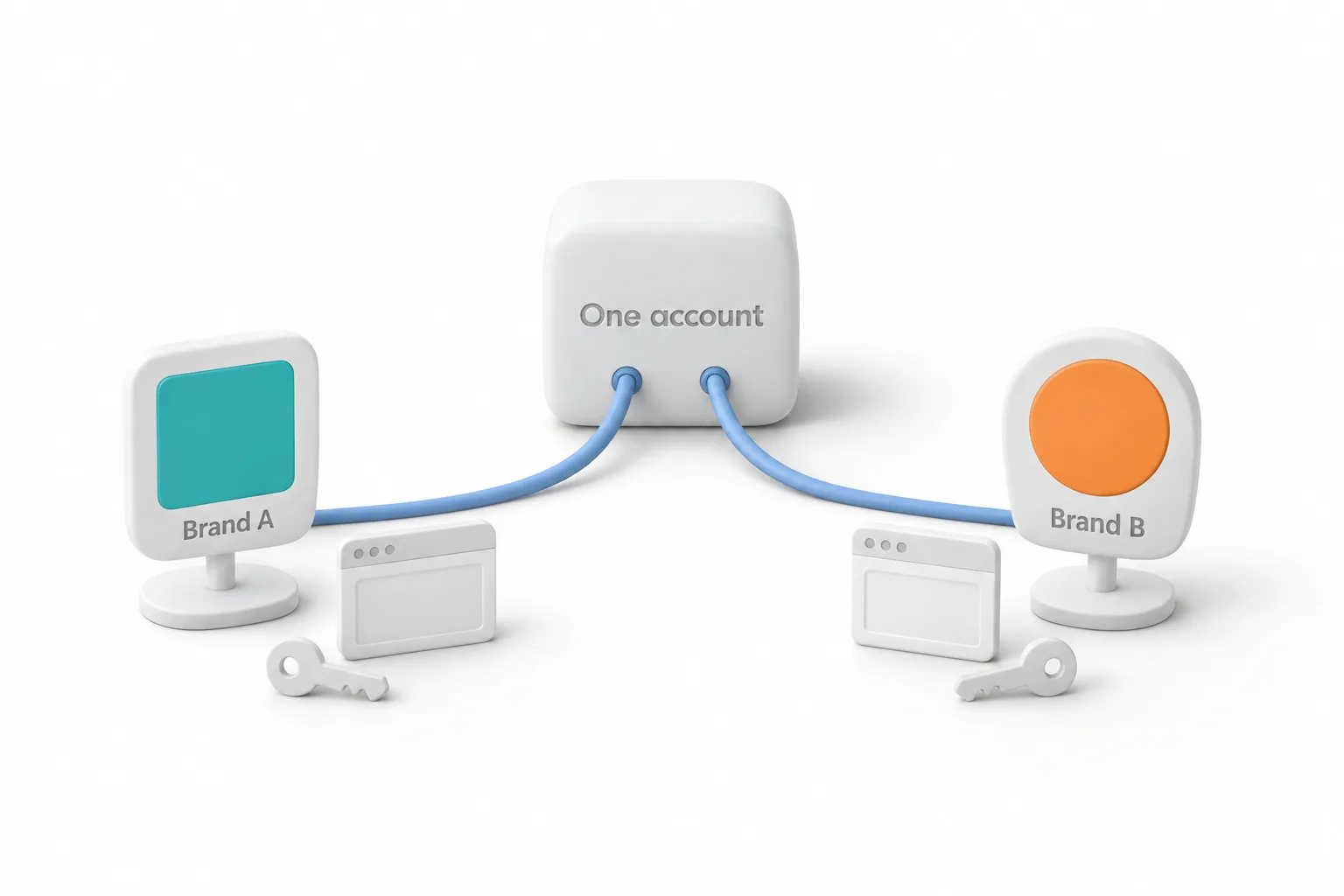
A white hub labeled One account with two cables running to separate signs labeled Brand A and Brand B, each with its own browser window and key

Which LevelUp 2025 features should you set up first?

Michael's guidance, turned into a short list.

  1. Pick two or three. Start with the features that address your biggest challenge.
  2. Add voice to the widget. Put the voice agent in your chat widget so visitors can talk to your AI agent from the browser.
  3. Book across calendars. Use multi calendar booking to book across a series of calendars.
  4. Audit the profile. Run the Google Business Profile AI audit for local business clients.
  5. Answer old reviews. Reply to older reviews with retroactive review replies.
  6. Fix the phones. Use cross subaccount call management and local presence dialing.
  7. Call with consent. Use outbound AI calling only for existing contacts who have given consent.

What changes for agencies after LevelUp 2025?

Michael calls it the most feature packed set of announcements he has seen at a HighLevel event. The moment that stood out for him was multibrand, followed right away by the AI Agent Studio and the voice chat widget. For agencies, the list adds services to offer, such as AI business audits, multibrand management and voice interactions on a website, and it removes some daily friction, such as switching accounts to answer a call.

He also answers the client who says the current setup works fine. These features build on what you already do, and most fit into existing workflows. This video is from October 2025, so some details have moved on since. The LevelUp 2025 recap on this site puts the announcements in context for GoHighLevel users.

To try the features that fit your business, start a GoHighLevel 30 day trial through Michael's link. If you are comparing platforms after the announcements, see the best HighLevel alternatives first.

This article was written from the video transcript. Michael Reimer is a HighLevel Commander and a sponsored affiliate, which means he earns when people sign up through his link.

Questions

LevelUp 2025 questions.

What is the multibrand capability?

Multibrand lets one account run two separate brands with different logos, different domains and different logins. Michael says the community had requested it for years, and it was the moment that stood out for him at the event. It starts with two brands, and he lists multibrand management as a service agencies can offer.

What is the AI Agent Studio?

The AI Agent Studio is a visual, drag and drop AI agent builder. It has tool nodes for generative AI, web search, knowledge base access, API calls and business integrations. Michael says it is the announcement he did not expect, and the Agent Studio guide on this site goes through it in detail.

Does outbound AI calling have limits?

Yes. The video describes outbound AI calling as native AI calling for existing contacts who have given consent. It comes with a limit of 100 calls per day and compliance safeguards. Michael frames it as a way to reach the client base you already have. The video is from October 2025, so check current limits.

Do you need to set up all twelve features at once?

No. Michael's advice comes before the list: you do not need to implement all twelve at once. Start with the two or three that speak to your biggest business challenge, then add others as you see results. He adds that these features build on what you already do and most fit into existing workflows.

Can visitors talk to an AI agent without making a phone call?

Yes. With the voice agent in the chat widget, visitors speak to the AI agent through the browser or phone microphone without making a phone call. Michael calls it a whole new dimension. The same update lets chatbots read images, process voice notes, accept file attachments and book across a series of calendars.

Is the standard workflow builder going away?

Not according to the video. Michael says users can choose between the standard builder and the advanced one. The advanced workflow builder is a flow based, drag and drop upgrade with an unlimited visual canvas and more branching logic, so it adds an option and does not replace the standard builder.

Viewer questions

Questions viewers asked.

What does no A2P required mean for the HighLevel voice chat widget?

It means the voice conversation does not depend on text message registration. A2P 10DLC is the carrier registration businesses in the United States complete before sending text messages from local numbers. With the voice agent in the chat widget, a visitor talks through the browser or phone microphone, so no text message is sent. You still need A2P registration for any texting you do from the account. The A2P 10DLC glossary page explains the registration.

Is HighLevel multibrand meant for franchise clients?

Not as HighLevel documents it. The help center calls the feature SaaS Multi Brands and describes it at the agency level: one agency account runs up to two brand identities, each with its own name, logo, white label domain and theme. Subaccounts are then mapped to one brand or the other. It is built for an agency that serves different markets under separate brands, not for managing the locations of one client.

Where do you find multibrand in a HighLevel account?

At the agency level, not inside a subaccount. HighLevel's help center says to open the SaaS Configuration section of the agency dashboard and create a new brand there. Each brand gets its own white label settings, and subaccounts with no assigned brand fall back to the default brand you choose. The help center describes the feature as a beta released in stages, so it may not show on every account yet.

Where do you find retroactive review replies in HighLevel?

They sit under Reviews AI, where HighLevel calls the feature Drip Mode. The help center path is Reputation, then Settings, then Reviews AI, then Respond to Reviews Drip Mode, where you create a new campaign. You need a connected review source, Reviews AI turned on for the subaccount and at least one Reviews AI agent set up. The guide to connecting a Google Business Profile covers the review source.

How does drip mode reply to old reviews in HighLevel?

It works through the backlog a little at a time. According to HighLevel's help center, a Drip Mode campaign targets older reviews that never got a reply, inside a date range you pick. You set how often it runs, the most replies it can post in a day and, if you want, the hours when replies can publish. Reviews over the daily limit wait for the next window. New reviews stay with your regular Reviews AI settings.

Is there a GoHighLevel desktop app for Windows and Mac?

Yes. HighLevel's help center lists desktop builds for Windows, macOS and Linux, downloaded from the official links in its desktop app article. It says the experience and data are the same as the web app. The desktop app runs HighLevel in its own window and adds native notifications from the operating system. In the video Michael describes the first version the same way: it mirrors the browser.

Next step

See it in your own account. Thirty days, every feature.

Start a 30 day trial through Michael's link, build the first system and test it before the first invoice. Usage fees for phone, SMS, email and AI can apply during the trial.

HighLevel has three plans at a flat monthly price, each with unlimited users and contacts. See what each one includes and what it costs.

Compare the PlansStarter, Unlimited and Founder
⌃

Site preview

Explore the next page

This destination is reserved in the page inventory and is not built yet.