
AI Studio websites
A client ready site built in AI Studio.
Home/Training/HighLevel workshops
Training · Workshops
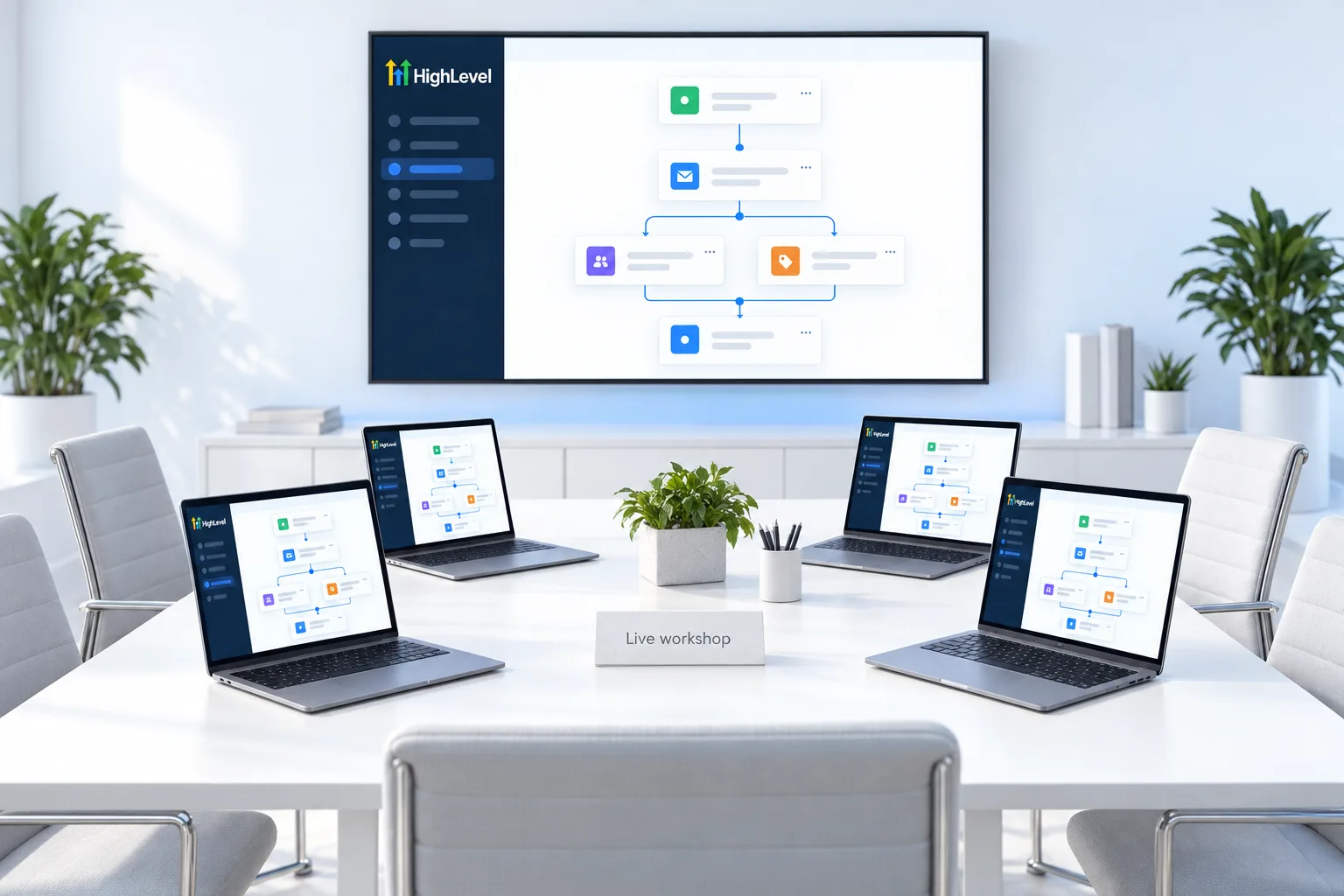
GoHighLevel workshops are ongoing, advanced sessions that run every six weeks. Each one is longer than a training call and built around doing, not watching. You build along in your own HighLevel account and leave with a working system.
The short answer
HighLevel workshops are advanced, hands on sessions held every six weeks. Each one builds one complete system in your own account, start to finish, with Michael leading and the CRM Pros team on hand. They are made for people already working in HighLevel.
Format
Topics
A client ready site built in AI Studio.
An agent that answers, qualifies and books.
Follow up, routing and reporting that run on their own.
Each workshop topic is announced in the community ahead of time, with any setup steps to finish first.
Prepare

Build in a test subaccount, not a live client account. Copy it over once it works.
Workshop or call
A weekly call fixes one thing. You arrive with a question, share your screen and leave with an answer. A workshop builds a whole system. Everyone starts from the same empty point, follows the same steps and tests the same finished result.
That changes how you prepare. For a call you bring a problem. For a workshop you bring time, a clean test subaccount and the setup steps already done, so the session is spent building and not waiting for a login or a phone number. If you are not sure which format you need, the workshop fit finder sorts it out in four questions.
The test account
Create a subaccount that no client uses and name it so nobody mistakes it for a live one. The first subaccount guide covers the steps. Add yourself as a contact with your own mobile number and email, because you will be the first person every workflow and agent talks to.
Then finish whatever the announcement for that workshop asks for. A Voice AI session needs a phone number in the account, since Voice AI agents answer calls. A website session is built in AI Studio, and the AI Studio website guide shows what that looks like. Do this the day before. Setup problems found during the session cost you the build.
Afterward
Test the system once more on your own, a day later, with nobody guiding you. If you can explain what each step does, you own it. If one step is a mystery, bring it to the next Build and Ship call.
When it works, save it. Create a snapshot of the test subaccount so the finished system can be loaded into a client account instead of rebuilt by hand. That is how one afternoon of building turns into something you can deliver again.
If you want a shorter first step before an advanced session, Build your first AI agent is a single hands on workshop that ends with one agent running.
Still evaluating HighLevel? Start with the 30 day GoHighLevel free trial through Michael's link and test it in your own account. For an honest look at strengths and limits, read the HighLevel review.
Questions
Every six weeks, on an ongoing schedule.
No. They are advanced sessions for people already building in HighLevel.
Yes. You build along in your own account.
In the community, with the topic and any setup steps.
Longer than a weekly training call. Set aside a few hours with no interruptions.
No. Build in a test subaccount and copy the system over once it works.
Topics include AI Studio websites, Voice AI agents and advanced workflows. Each topic is announced in the community ahead of time.
HighLevel's standard free trial is 14 days. Starting through Michael's link gives you 30 days on the plan you choose. Usage such as phone numbers, texts, calls, email and AI is billed as you go during the trial, so set a small budget for it.
Next step
Start a trial, build the first system and test it before the first invoice. Usage fees for phone, SMS, email and AI can apply during the trial.
HighLevel has three plans at a flat monthly price, each with unlimited users and contacts. See what each one includes and what it costs.
Compare the PlansStarter, Unlimited and Founder