
Founders
You answer leads yourself and want the first reply, the qualifying questions and the booking handled for you.
Home/Founders/Training/Build your first AI agent
Workshop 01
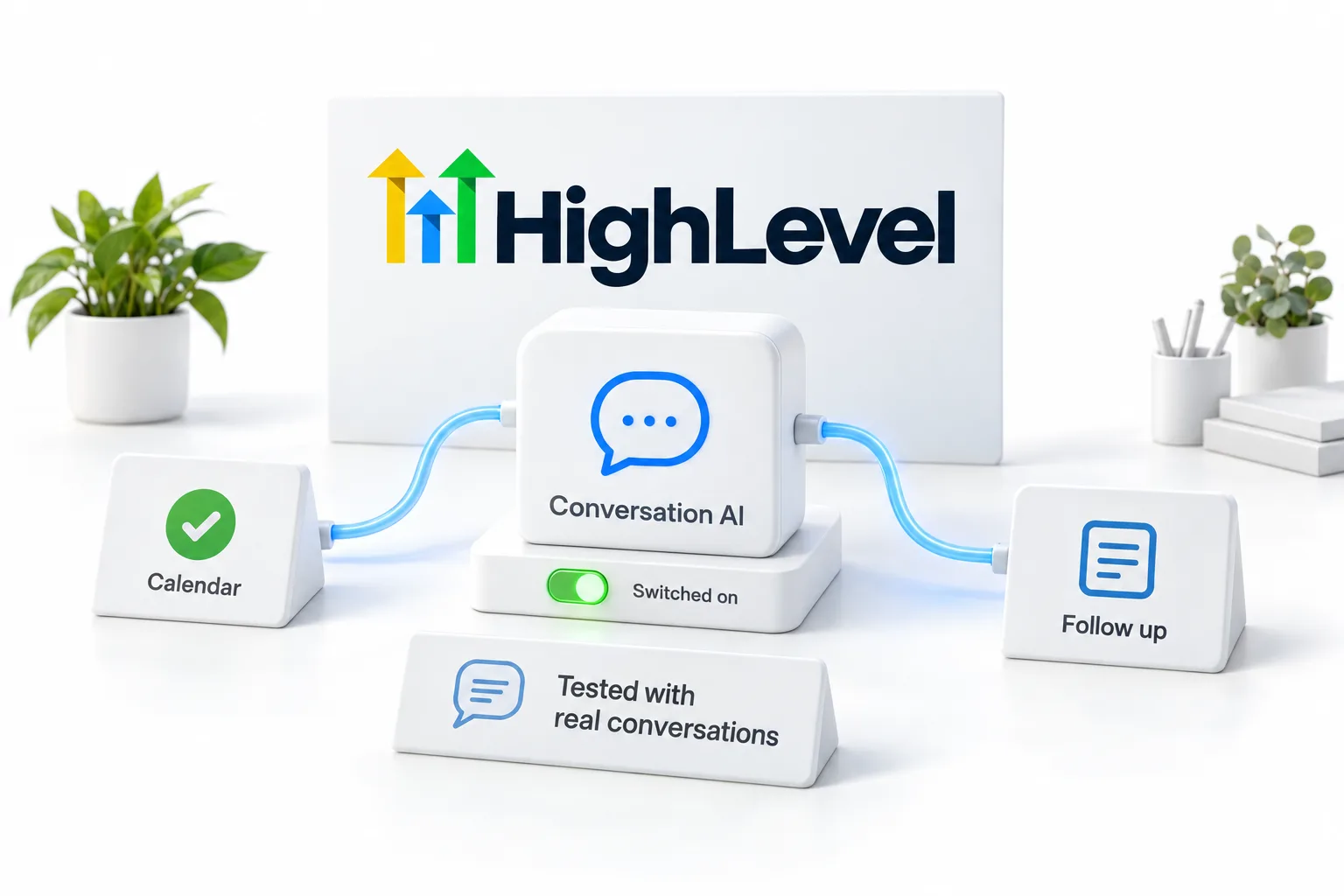
One session, hands on, inside GoHighLevel and AI Studio. You design a Conversation AI agent for your own business, connect it to the calendar and the follow up, test it with real conversations and switch it on before you leave.
The short answer
Build your first AI agent is a live, hands on workshop in HighLevel and AI Studio. You design a Conversation AI agent for your own business, connect it to your calendar and follow up, test it with real conversations and switch it on before you leave. A trial account is enough to take part.
Michael is a sponsored HighLevel affiliate. Links to HighLevel use his partner link at no extra cost to you.
Who it is for
You answer leads yourself and want the first reply, the qualifying questions and the booking handled for you.
You want to build the agent you will sell, on your own account first, with the prompt and the tests you can reuse.
You run the inbox for someone else and want it to run without you being the bottleneck.
What happens
Bring a laptop, a HighLevel account (a trial is enough) and the business you want the agent to work for. Everything else is built in the room.

What you leave with

I run this workshop the same way every time: nobody leaves with notes, everybody leaves with an agent. The build is not hard. The hard part is deciding the channel, writing a description the bot can actually use and testing it with strangers before it meets a lead.
Bring your real business. A pretend business makes a pretend agent. When the agent is answering your own leads by the end of the session, the next system is a lot easier to justify.
How to join
Workshops run live, online and at events. Dates, format and registration are on the homepage events list and in the newsletter as each one is confirmed. If you want this workshop for your team, ask and we will set it up.
More training
Workshop 02
Package the work, price it as recurring revenue and run the sales conversation with confidence.
Read more →Every week
Bring your workflows, agents and roadblocks into a focused working conversation every week.
Read more →Live session
Founders in the room, implementing AI now, exploring how HighLevel and AI agents support the next move.
Read more →Preparing
The agent can only say what you tell it, so most of the preparation is writing down things you already know. Bring these and the session goes to building, not to looking things up.
It also helps to know the three states a bot can be in. Conversation AI runs Off, in Suggestive mode where it drafts replies for a person to approve, or on Auto Pilot. The workshop starts you in Suggestive mode for that reason. You read what it would have said before it says anything on its own.
Not sure you are ready for an agent yet? The AI readiness scorecard takes five minutes. To see the same build in writing, read set up Conversation AI for GoHighLevel.
For an example of an agent built for one industry, see the AI receptionist for real estate agents. Short answers on agents are collected under AI agent questions. Not on HighLevel yet? The GoHighLevel 30 day trial through Michael's link gives you 30 days to build and test.
Plan prices and usage rates are laid out on the GoHighLevel pricing page. For an honest look at strengths and limits, read the HighLevel review.
Questions
A trial account is enough. If you sign up through Michael's link the CRM Pros team is there for setup help in your first 7 days.
No. The workshop is built for Founders. You type what you know about your business; the agent and the connections are built step by step with the room.
The one your leads use most. For most service businesses that is SMS. One channel first, then the others once the agent is proven.
Bring it to weekly office hours. That is what they are for.
The bot drafts each reply and a person approves it before it sends. It is the safe way to start before you switch to Auto Pilot.
Yes, when you connect a calendar to the bot. It collects the details you ask for and then offers a time.
In this workshop you create one in HighLevel and AI Studio. You design a Conversation AI agent for your own business, connect it to the calendar and the follow up, test it with real conversations and switch it on before you leave.
Next step
Team sessions build one agent per person on your own accounts. Tell us the business and the channel.