
Home/HighLevel/Integrations/ChatGPT and OpenAI
Integrations · ChatGPT and OpenAI
HighLevel ChatGPT and OpenAI integration. Three ways they work together.
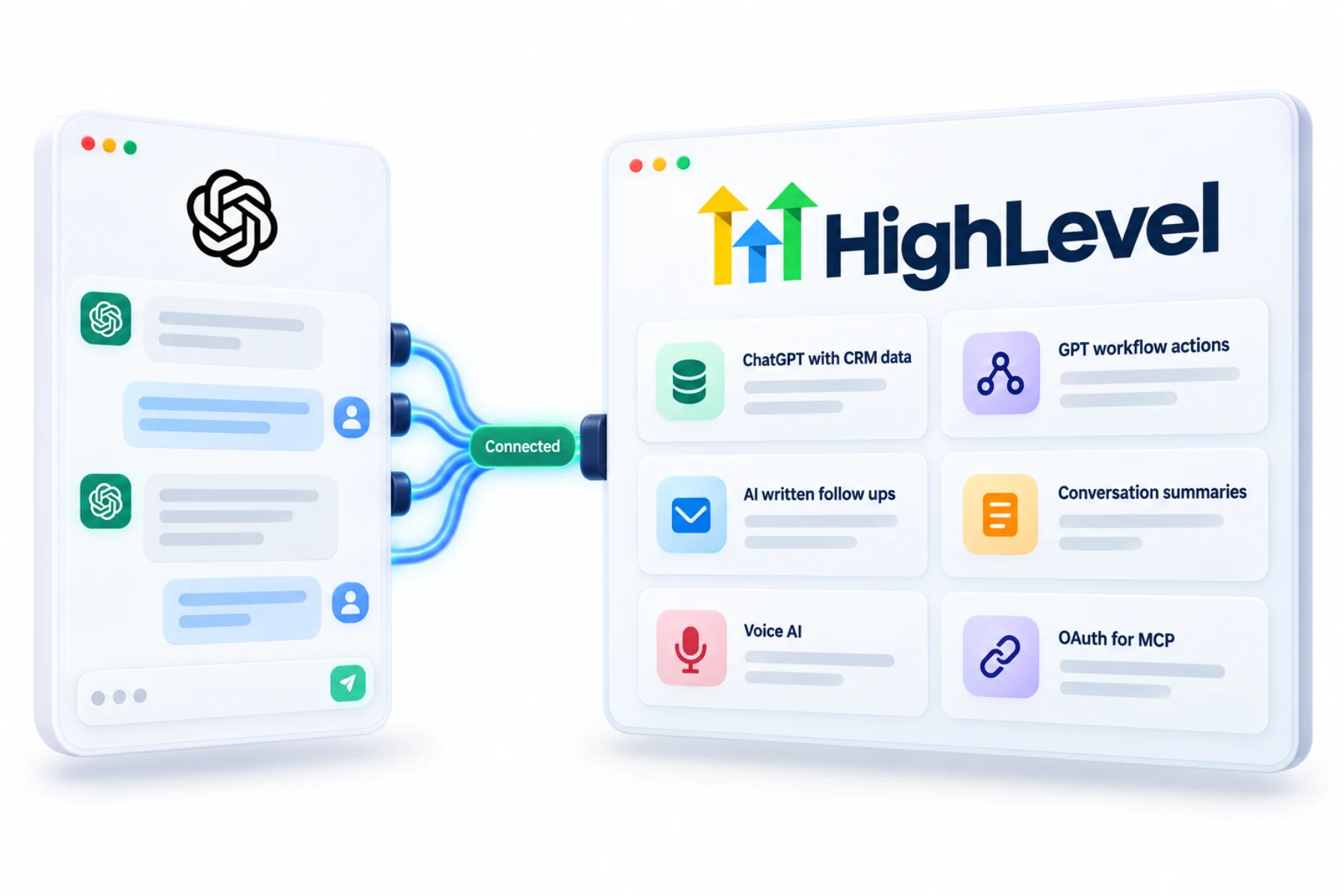
The GoHighLevel ChatGPT integration is really three connections with OpenAI: ChatGPT and Codex can use the LeadConnector MCP, workflows can run GPT actions, and Voice AI can use OpenAI speech models.
The short answer
With the GoHighLevel ChatGPT integration, ChatGPT and Codex connect to HighLevel through the LeadConnector MCP with OAuth, using CRM tools across the subaccounts you select and approve. Inside HighLevel, GPT workflow actions write follow ups, summarize conversations and create content, with optional history memory. Voice AI can use OpenAI speech to speech models for natural calls.
Michael is a sponsored HighLevel affiliate. Links to HighLevel use his partner link at no extra cost to you. HighLevel prices and product facts on this page come from HighLevel's own pricing page and help center, checked on the date above.
Connect
How do you connect ChatGPT and OpenAI to HighLevel?
These are three different connections that happen to share a company name. One lets ChatGPT or Codex work with your CRM from the outside. One puts a GPT step inside your workflows. One sets the voice model for a Voice AI agent. You can use any one without the others. The same is true whether you know the platform as HighLevel or GoHighLevel.
- For ChatGPT, add the LeadConnector MCP connection and sign in with OAuth.
- Select the subaccounts it may use.
- For workflows, add a GPT action and write the prompt.
- Choose the memory scope if history is needed.
- For Voice AI, select the model in the agent settings.
Uses
What can you do with ChatGPT and OpenAI and HighLevel?
From the outside, ChatGPT and Codex connect through the LeadConnector MCP with an OAuth sign in. You select the subaccounts it may use and approve access, and then you can ask it to work with CRM data in plain language.
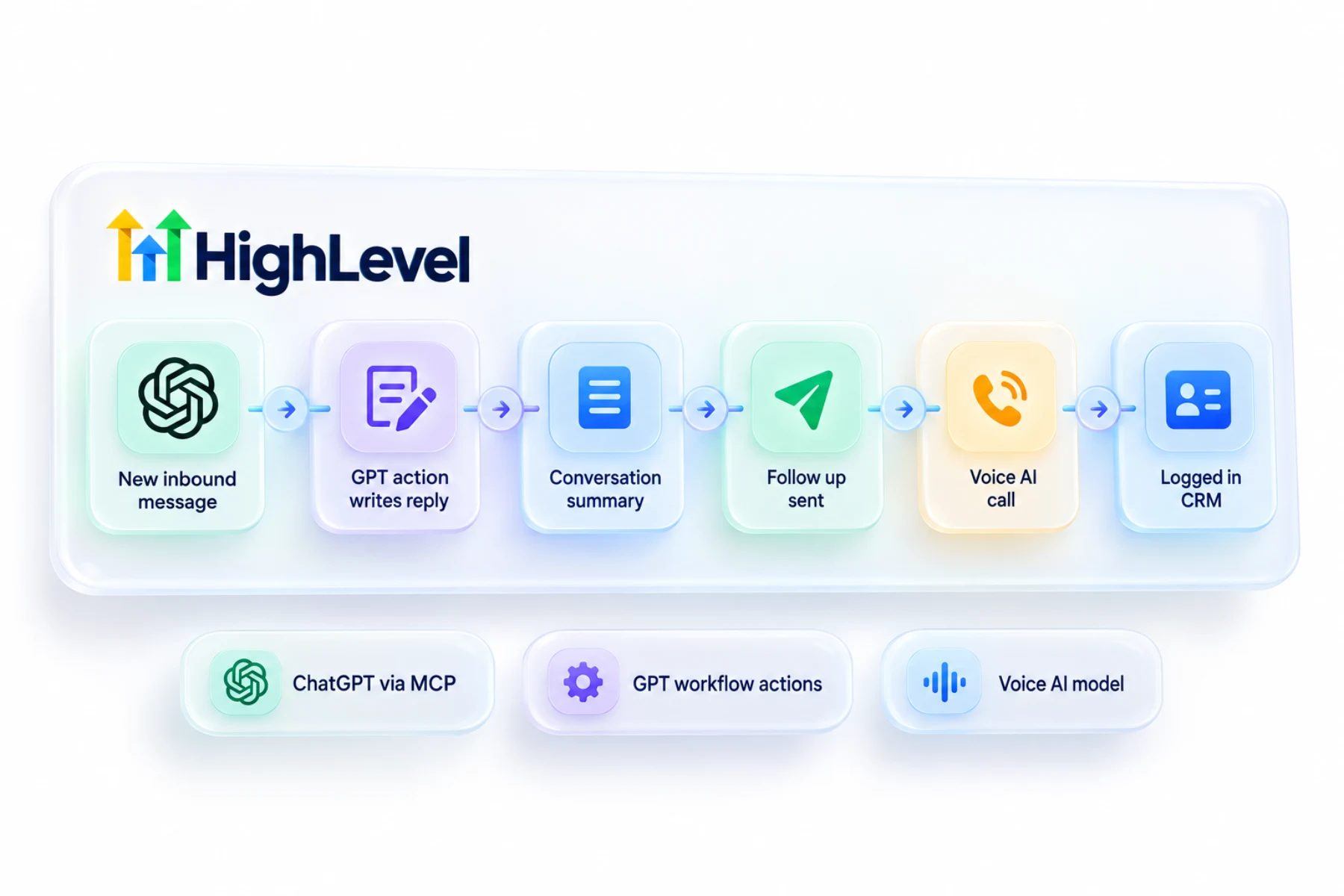
Inside HighLevel, a GPT action in a workflow writes or summarizes on the fly. It can draft a follow up from what the lead said, summarize a conversation for the team or create content. With the history memory option it can take earlier steps into account. For calls, Voice AI agents can use OpenAI speech to speech models for a more natural conversation.
- ChatGPT working with CRM data
- AI written follow ups in workflows
- Conversation summaries
- Natural voice conversations
Access
What does each connection have access to?
The MCP connection reaches only the subaccounts you select and approve. A GPT workflow action works from what you put in its prompt, which is usually contact details and conversation text passed in with the custom value picker, plus earlier steps if you turn on history memory. The Voice AI model setting is about how the agent speaks and listens. What the agent knows still comes from its instructions and knowledge base.
Limits
What are the limits to know about?
AI features are billed as usage, so a GPT action in a high volume workflow adds up. Current plans and rates are on AI usage costs.
Output quality follows the prompt. Vague prompts give vague messages. Give the action one narrow job and an example of a good answer. An assistant connected from outside can make real changes, so start with read only tasks. What AI should and should not be trusted with is covered in what AI can and cannot do.
In practice
Where does a GPT action earn its place?
Take a quote request form with a free text box. A workflow passes the answer to a GPT action with a prompt like this: write a two sentence text that thanks the person by first name and mentions the job they described. The lead gets a reply that sounds like someone read their message. A second action writes a one line summary into a note for the sales team.
Starter prompts are in the AI prompt library, and patterns are in AI workflows.
To test the OpenAI connections in your own account, use the 30 day trial through Michael's link. GoHighLevel pricing lists what each plan costs, and who should get the Founder Plan explains when the top tier makes sense.

Give GPT actions a narrow job and an example. Vague prompts give vague messages.
Questions
Common questions.
Can ChatGPT connect to HighLevel?
Yes. ChatGPT and Codex connect to HighLevel, also called GoHighLevel, through the LeadConnector MCP with an OAuth sign in. You select the subaccounts it may use and approve access, and then you can ask it to work with CRM data in plain language. Start with read only tasks.
Can workflows use GPT?
Yes. Add a GPT action to a HighLevel workflow and write the prompt. The action can draft a follow up from what the lead said, summarize a conversation for the team or create content. It works from what you pass into the prompt, usually contact details and conversation text.
Does Voice AI use OpenAI?
OpenAI speech to speech models are available for Voice AI agents, and you select the model in the agent settings. The model affects how the agent speaks and listens. What the agent knows still comes from its instructions and knowledge base, so the model choice does not replace good setup.
Can GPT remember past steps?
Yes, with the history memory option. When you add a GPT action to a workflow, choose the memory scope if history is needed, and the action can take earlier steps into account. Without it, the action works only from what you put in its prompt.
Are GPT workflow actions the same as connecting ChatGPT?
No. GPT actions are steps inside HighLevel workflows. The ChatGPT connection through the LeadConnector MCP is a separate setup. You can use either one without the other. GPT actions run inside your automations, while the MCP connection lets ChatGPT work with your CRM from the outside.
Does the Voice AI model change what the agent knows?
No. The model is about how the agent speaks and listens. Its answers come from its instructions and knowledge base. Choosing an OpenAI speech to speech model can make a call sound more natural, but you still need clear instructions and a current knowledge base for accurate answers.
How do I get better output from a GPT action?
Give it one narrow job and an example of a good answer. Vague prompts give vague messages. Pass in the contact details and conversation text the action needs with the custom value picker, and turn on history memory only when earlier steps matter. Starter prompts are in the AI prompt library.
Next step
See it in your own account. Thirty days, every feature.
Start a trial, build the first system and test it before the first invoice. Usage fees for phone, SMS, email and AI can apply during the trial.
HighLevel has three plans at a flat monthly price, each with unlimited users and contacts. See what each one includes and what it costs.
Compare the PlansStarter, Unlimited and Founder