
Home/HighLevel/Glossary/Trigger Link
Glossary · Trigger Link
What is a Trigger Link in GoHighLevel? A link that tracks clicks and starts workflows.
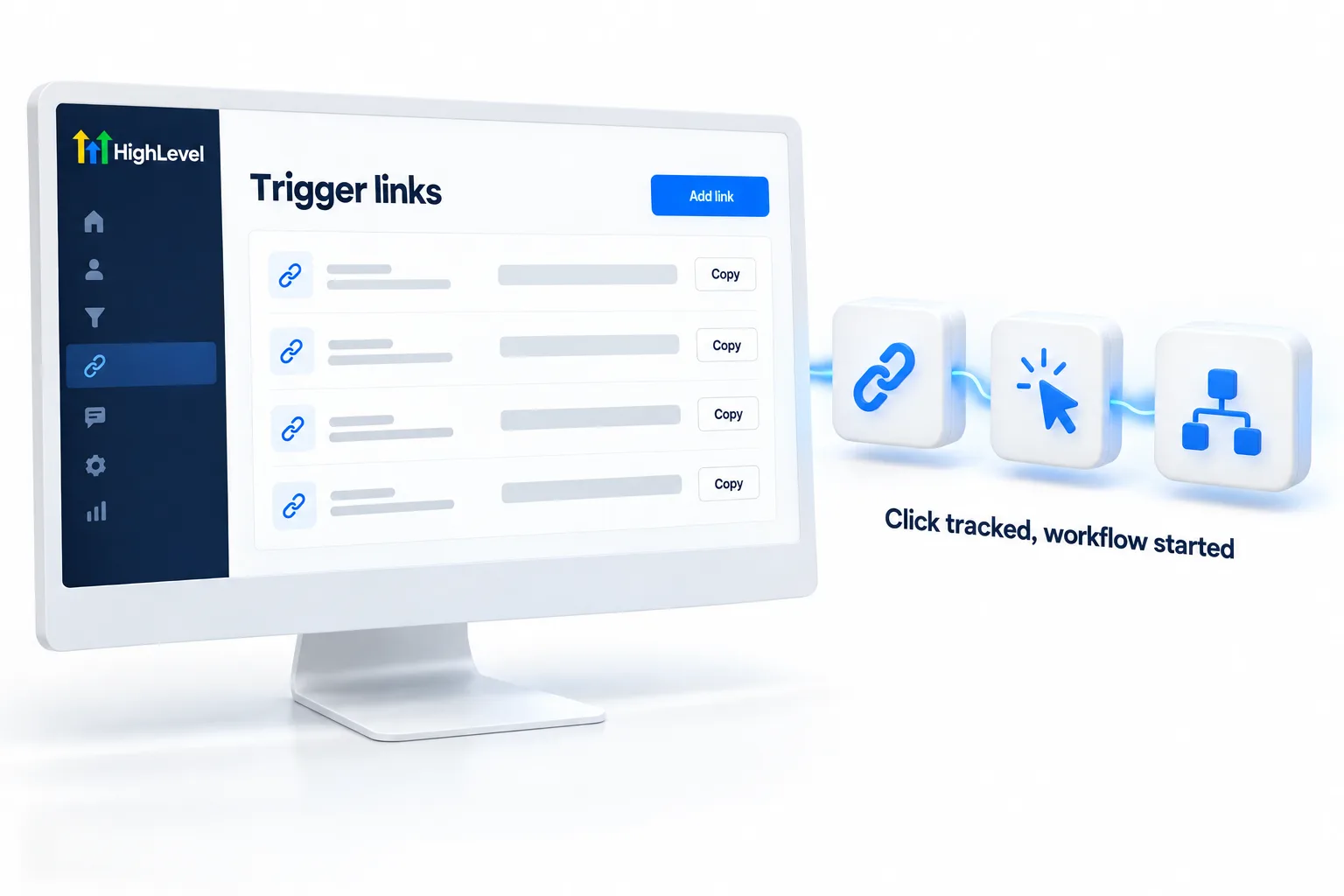
A trigger link is a tracked URL. When a contact clicks it in a text, email or message, HighLevel redirects them, records the click and can start a workflow.
A link that tracks clicks and starts workflows.
The short answer
A trigger link is a tracked link in HighLevel that, when a contact clicks it in SMS, email, Google Business Profile, Facebook, Instagram or WhatsApp, redirects them, records the click on their timeline and can start a workflow through the Trigger Link Clicked trigger.
Michael is a sponsored HighLevel affiliate. Links to HighLevel use his partner link at no extra cost to you. HighLevel prices and product facts on this page come from HighLevel's own pricing page and help center, checked on the date above.
In practice
How does a trigger link work in HighLevel?
A trigger link is a link HighLevel can see being clicked. You create it once under Marketing, Trigger Links, give it a name and point it at the page you want people to land on. In HighLevel, or GoHighLevel as it is still commonly called, you then insert it from the message composer instead of pasting the plain URL.
When a contact clicks, three things happen. They are sent on to the destination. The click is recorded on their activity timeline. And any workflow that starts with the Trigger Link Clicked trigger can begin for that contact.
It works across channels: SMS, email, Google Business Profile, Facebook, Instagram and WhatsApp.
- Created under trigger links in Marketing
- Inserted from the message composer
- Clicks appear in the activity timeline
- Use the Trigger Link Clicked workflow trigger
Example
What does a trigger link look like in practice?
A reactivation text includes a trigger link; anyone who clicks is tagged hot and gets a call task.
Here is that reactivation campaign in full. You text past customers a seasonal offer with a trigger link to the booking page. Most people do nothing. The ones who click are the ones who are interested. A workflow starting from Trigger Link Clicked adds the tag hot and creates a call task for the team. Your staff call a short list of warm people and skip the cold ones.
Watch for
What mistakes do people make with trigger links?
Pasting the plain URL is the first. A normal link still gets the customer to the page, but it will not start the Trigger Link Clicked workflow. Insert the trigger link from the composer.
One link for everything is the second. If the same trigger link sits in five campaigns, you cannot tell which one earned the click. Create one per campaign and name it clearly.
Tracking clicks and doing nothing with them is the third. A click is a signal. Give it a follow up, as in build a lead nurture workflow or run a database reactivation campaign.

Use trigger links in every campaign. Clicks tell you who is interested.
Questions
Common questions.
What is a Trigger Link in GoHighLevel?
A trigger link in GoHighLevel is a tracked link. When a contact clicks it in a text, email or message, the platform sends them on to the destination, records the click on their activity timeline and can start a workflow through the Trigger Link Clicked trigger. You create it once and reuse it in messages.
Where do I find trigger links in HighLevel?
Trigger links are under Marketing, Trigger Links. Create the link there, give it a clear name and point it at the page you want people to land on. Then insert it from the message composer when you write a text or an email, instead of pasting the plain URL.
Can I see who clicked a trigger link?
Yes. Each click is recorded on that contact's activity timeline, so you can see who clicked and when. A workflow that starts with the Trigger Link Clicked trigger can also add a tag to everyone who clicks, which gives you a simple way to find and follow up with all of them.
Which channels support trigger links?
Trigger links work in SMS, email, Google Business Profile, Facebook, Instagram and WhatsApp messages. In every channel the link has to be inserted as a trigger link from the composer. A plain pasted URL still takes the customer to the page, but the click is not tracked and no workflow starts.
Can a trigger link start a workflow?
Yes. A click can start any workflow that begins with the Trigger Link Clicked workflow trigger. Use it to follow up with people who showed interest, for example by adding a tag or sending the next message. Create one trigger link per campaign, so you know which campaign earned the click.
How do I add a trigger link to a message?
Create the link under Marketing, Trigger Links, then insert it from the message composer when you write the text or email. Do not paste the plain URL. A normal link still gets the customer to the page, but it will not record the click or start the Trigger Link Clicked workflow.
Next step
See it in your own account. Thirty days, every feature.
Start a trial, build the first system and test it before the first invoice. Usage fees for phone, SMS, email and AI can apply during the trial.
HighLevel has three plans at a flat monthly price, each with unlimited users and contacts. See what each one includes and what it costs.
Compare the PlansStarter, Unlimited and Founder