
Home/Affiliates/Tracking and links
Affiliates · Tracking
HighLevel affiliate tracking and links. See every referral move through.
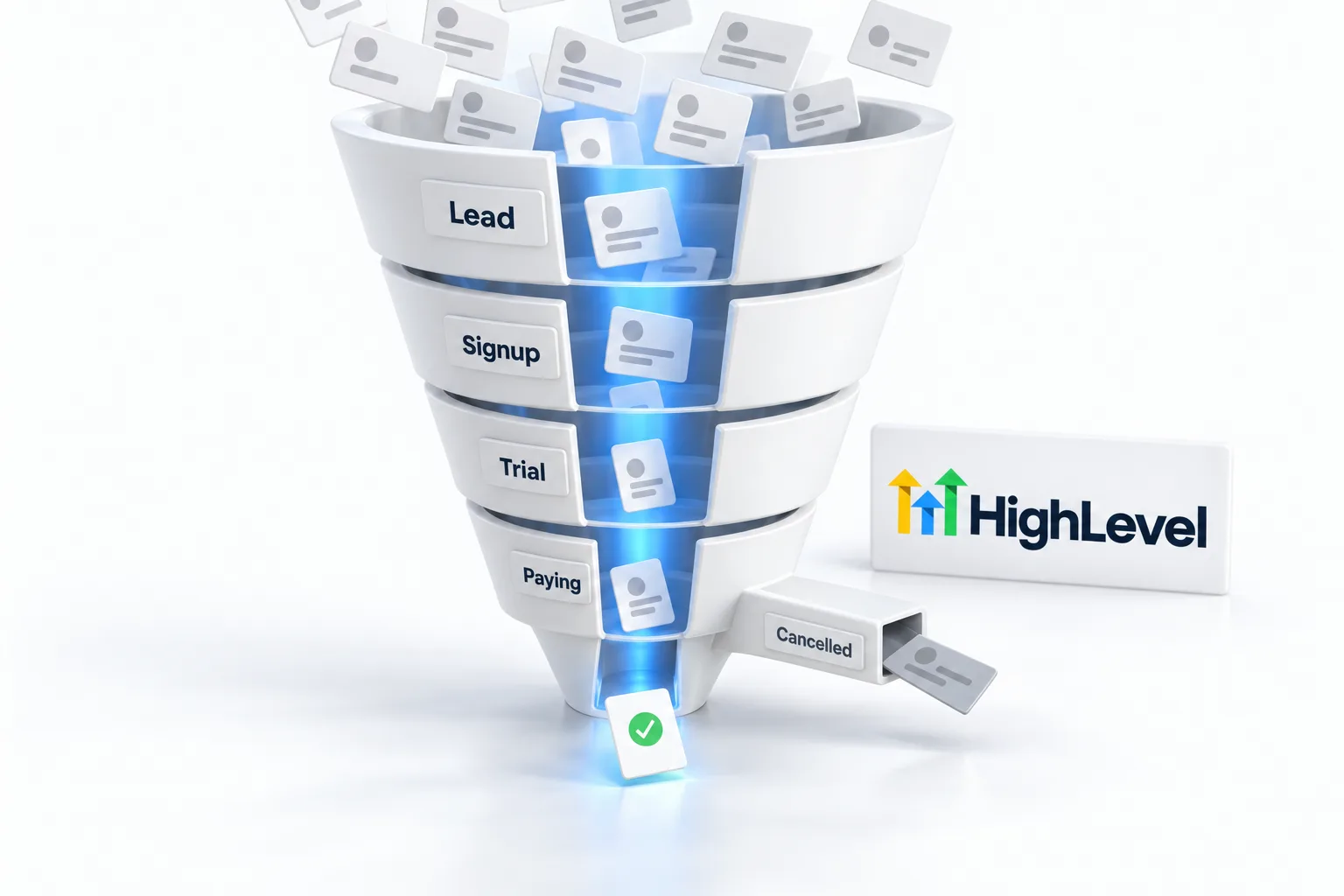
Your GoHighLevel affiliate link is how HighLevel knows a signup came from you. The Affiliate Portal, powered by FirstPromoter, shows each referral as it moves from lead to trial to paying customer.
The short answer
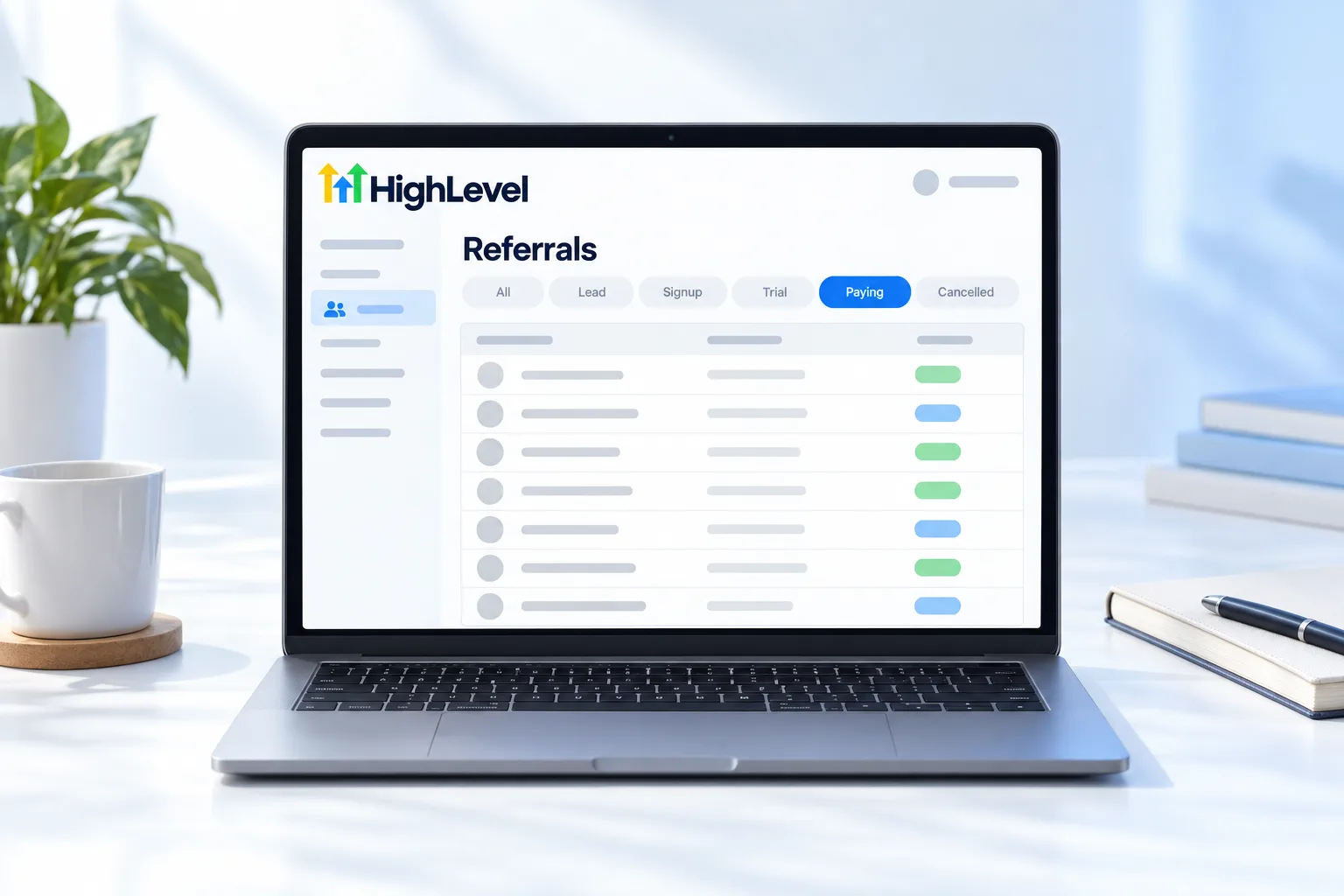
Your HighLevel affiliate link sits on the Dashboard of the Affiliate Portal in Agency View. HighLevel tracks every referral with FirstPromoter and sorts them in the Referrals tab as Any, Active or Paying, Signup, Lead and Canceled. Commission applies once a signup pays, and earned commissions appear in the Rewards tab.
Michael is a sponsored HighLevel affiliate. Links to HighLevel use his partner link at no extra cost to you. HighLevel prices and product facts on this page come from HighLevel's own pricing page and help center, checked on the date above.
Categories
What do the referral categories mean?
| Category | Meaning |
|---|---|
| Any | Every referral |
| Active or Paying | Paying a subscription; you earn commission |
| Signup | Active account on a free trial |
| Lead | Started signup through your link, no trial yet |
| Canceled | No longer a customer |
Check
How do you find who signed up?
- Open the Affiliate Portal in Agency View.
- Go to your Affiliate Dashboard.
- Click Referrals.
- Filter by category.
- Open the Rewards tab to see commissions.
Your link
Where is your HighLevel affiliate link?
Every HighLevel agency account gets a unique affiliate link automatically. You find it in Agency View under Affiliate Portal, on the Dashboard. One link covers the program. HighLevel says you do not need a separate link for each campaign or plan.
Three settings are worth knowing before you share it widely.
| Setting | What it does | Watch out for |
|---|---|---|
| Customize Token | Changes the ending of your link to something readable | Links you already shared with the old ending stop working, so do it early |
| SubIDs | Creates variations of one link so you can see which channel sent the click | Keep a simple naming habit, one per channel |
| Notifications | Emails you when a referral arrives or changes status | Turn it on so trial signups do not go unnoticed |
SubIDs
How do you tell which content sent a referral?
SubIDs answer that. One promoter ID can carry several link variations, each tagged for a channel. Use one for your YouTube descriptions, one for email and one for your website, and the portal shows which of them produce clicks and referrals. That tells you where to spend your next hour.
Keep the disclosure next to the link wherever it appears. A tracking tag changes nothing about the rule. The habits are on how to promote HighLevel honestly.
Do not confuse an affiliate link with the tracking tools inside the product. A trigger link in HighLevel tracks clicks from your own contacts, and call tracking in HighLevel shows which source made the phone ring. Those belong to your account, which you can open with the GoHighLevel 30 day trial through Michael's link. What a HighLevel Founder is covers the $497 plan mentioned above.
Troubleshooting
Why is a referral missing from your list?
- They are still a Lead. A Lead finished only the first step of the trial signup. The filter may say Lead while the status field says Subscribed. They mean the same thing.
- They upgraded to the $497 plan. Those customers move to a separate campaign. In Rewards, click View another campaign.
- They were already a HighLevel customer when you referred them to the $497 plan. HighLevel treats that as a split customer. They will not appear in Referrals, but the commission shows in Rewards with their email once they pay.
- They did not sign up through your link. Tracking depends on the link, so ask your affiliate manager what your options are.
A trial account reads Not a customer yet until the first subscription payment. That is normal. Commission starts on the day they pay, as covered in affiliate commissions explained, and the money follows on the schedule in affiliate payouts. If the portal itself will not open, see affiliate login help.

Check the Signup list weekly and offer help to people on trial. That is where retention starts.
Questions
Common questions.
Where is my HighLevel affiliate link?
Your HighLevel affiliate link is on the Dashboard of the Affiliate Portal, in Agency View. Every HighLevel agency account gets a unique affiliate link automatically. One link covers the program, so you do not need a separate link for each campaign or plan.
How does HighLevel track referrals?
HighLevel tracks referrals with FirstPromoter, shown inside the Affiliate Portal. Each referral appears in the Referrals tab as it moves from Lead to Signup to Active or Paying, or to Canceled. Tracking depends on the link, so a person who did not sign up through your link is not credited to you.
How do I see who signed up?
Open the Affiliate Portal in Agency View, go to your Affiliate Dashboard and click Referrals. Filter by category: Any, Active or Paying, Signup, Lead or Canceled. Signup means an active account on a free trial, and Active or Paying means they pay a subscription and you earn commission.
Where do I see commissions?
Open the Rewards tab in the Affiliate Portal to see commissions you have earned. Commissions from the $497 Founder Plan show under a separate campaign, so in Rewards, click View another campaign to see them. Commission applies only once a signup pays.
Can I change my HighLevel affiliate link?
Yes. Use Customize Token in the HighLevel Affiliate Program campaign to change the ending of your link to something readable. Links you already shared with the old ending stop working, so change it early, before you publish anything, and do not change it again afterward.
Do I need a different link for each HighLevel plan?
No. HighLevel says one link covers the program and you do not need a separate link for each campaign or plan. Referrals who choose the $497 Founder Plan are tracked under a separate campaign in the portal, but they still come through the same link.
What does Lead or Subscribed mean?
The person completed only the first step of the trial signup and has not started a trial. The filter may say Lead while the status field says Subscribed, and the two labels mean the same thing. No commission applies at this stage, because nothing is earned until a referral pays.
Can I track which channel sends referrals?
Yes. SubIDs let you create variations of one link, each tagged for a channel. Use one for your YouTube descriptions, one for email and one for your website, and the portal shows which of them produce clicks and referrals. Keep the disclosure next to the link wherever it appears.
Next step
See it in your own account. Thirty days, every feature.
Start a trial, build the first system and test it before the first invoice. Usage fees for phone, SMS, email and AI can apply during the trial.
HighLevel has three plans at a flat monthly price, each with unlimited users and contacts. See what each one includes and what it costs.
Compare the PlansStarter, Unlimited and Founder