
Home/Affiliates/Login help
Affiliates · Login
GoHighLevel affiliate login. Two ways into your portal.
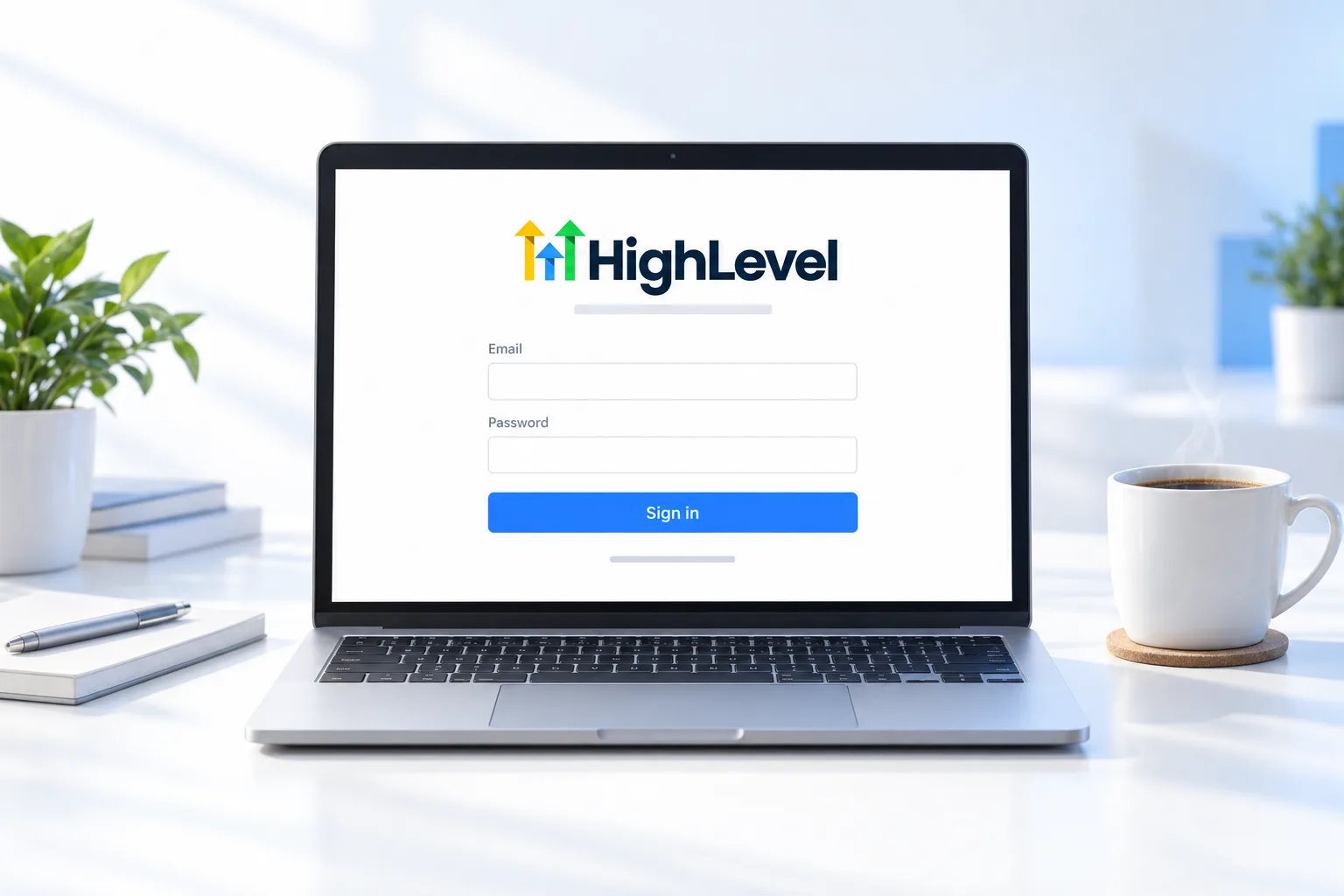
Most affiliates reach the portal from inside HighLevel. If you are not logged in to HighLevel, or you are not a customer, there is a direct login. Here are both, plus what to check when it does not appear.
The short answer
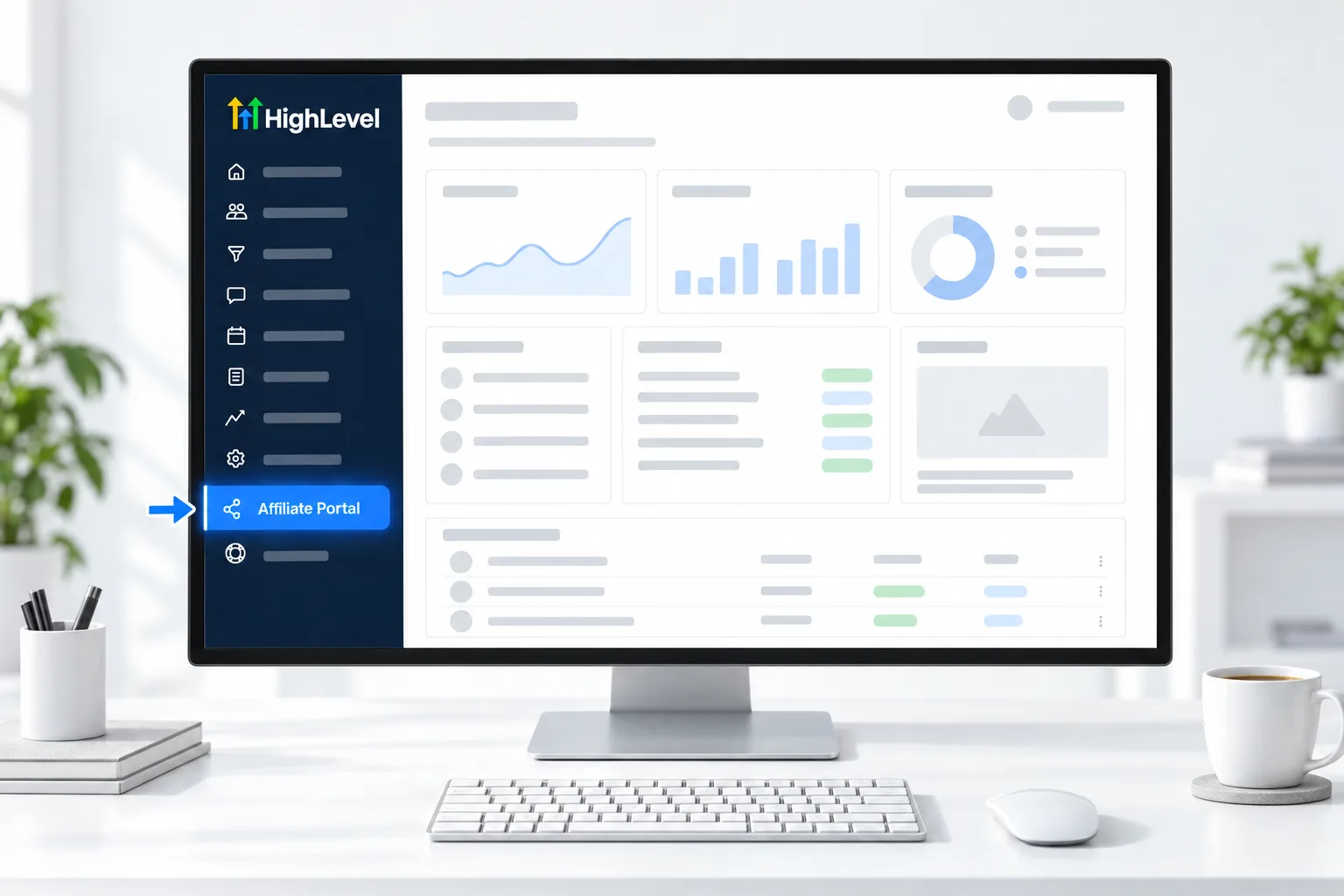
To log in to the GoHighLevel affiliate portal, switch to Agency View in HighLevel and click Affiliate Portal in the left menu, or, if you are not logged in to HighLevel or not a customer, go to the direct login page at affiliate.gohighlevel.com/login. The in app portal is visible only to Agency Admins.
Michael is a sponsored HighLevel affiliate. Links to HighLevel use his partner link at no extra cost to you. HighLevel prices and product facts on this page come from HighLevel's own pricing page and help center, checked on the date above.
In app
How do you log in from inside HighLevel?
- Log in to HighLevel.
- Switch to Agency View.
- Click Affiliate Portal in the left menu.
Direct
What is the direct login page?
Go to affiliate.gohighlevel.com/login. Use it when you are not logged in to HighLevel or do not have an agency account.
For the main HighLevel sign in, the mobile app and two factor codes, see the GoHighLevel login guide. If you do not have an account yet, the GoHighLevel 30 day trial through Michael's link creates one. The CRM Pros team offers GoHighLevel migration help if you are moving from another platform, and what a HighLevel Founder is explains the $497 plan.
Fixes
What if you cannot see the portal?
| Problem | Check |
|---|---|
| No Affiliate Portal menu | You are in Agency View and are an Agency Admin |
| Wrong account | You are logged in to the agency that owns the link |
| Not a customer | Use the direct login |
| Still stuck | Contact HighLevel support or your affiliate manager |
Which one
Which login should you use?
| Your situation | Use | Why |
|---|---|---|
| You have a HighLevel agency account and are an Agency Admin | Agency View, then Affiliate Portal | The portal opens inside your account |
| You registered as an affiliate without a HighLevel account | The direct login page | There is no agency account to open it from |
| You are not signed in to HighLevel on this device | The direct login page | HighLevel says it works even when you are not logged in to your account |
| You are a team member without admin rights | Ask an Agency Admin | The portal is visible only to Agency Admins |
Once inside
What should you check once you are in?
- Dashboard. Confirm your link, and accept the Affiliate Policy if the portal asks.
- Referrals. See who is a Lead, who is on trial and who is paying.
- Rewards. See commissions earned. For the $497 plan, click View another campaign.
- Payment Details. Confirm Tipalti is complete and your tax forms are valid.
This is the same portal people mean by the GoHighLevel affiliate login. Affiliate tracking and links explains each tab, and affiliate payouts covers Payment Details.
Problems
What are the common login problems?
- The menu item is missing. You are probably in a subaccount. Switch to Agency View.
- You see a portal with no referrals. Check that you are in the agency that owns the link, not a second agency you belong to.
- You get an error page such as Error 400. HighLevel asks you to open a support ticket with your affiliate email and referral link, and to name the affiliate portal in the title.
- A team member can see your payment details. Every Agency Admin can. Change their role under Agency Settings, Agency Team management.
- You never set up an account. How to join the affiliate program covers both routes.
For anything about the account itself rather than the affiliate portal, how to contact HighLevel support lists the options. More quick answers are in the affiliate FAQ.

Bookmark the direct login. It saves a hunt every time you check your numbers.
Questions
Common questions.
Where is the HighLevel affiliate login?
Inside HighLevel, switch to Agency View and click Affiliate Portal in the left menu. If you are not logged in to HighLevel, or you are not a customer, use the direct affiliate login page that HighLevel provides, linked on this page. The in app portal is visible only to Agency Admins.
Why can I not see the Affiliate Portal?
The Affiliate Portal is visible only to Agency Admins, and only in Agency View. If the menu item is missing, you are probably in a subaccount, so switch to Agency View. Also check that you are logged in to the agency that owns the link, not a second agency you belong to.
Can non customers log in?
Yes. People who registered as affiliates without a HighLevel account use the direct login page HighLevel provides, because there is no agency account to open the portal from. HighLevel says the direct login also works when you are not signed in to your account on a device.
Who helps with login problems?
HighLevel support or your affiliate manager. For an error page, open a support ticket with your affiliate email and referral link, and name the affiliate portal in the title. For payment questions, HighLevel has a dedicated affiliate payments email, listed on the payouts page.
What do I do about Error 400 in the affiliate portal?
Open a HighLevel support ticket with your affiliate email and referral link, and mention the affiliate portal in the title. That is what HighLevel asks for when the portal shows an error page such as Error 400, because it lets the team find your record quickly.
Can a team member see the affiliate portal?
Only if they are an Agency Admin. The portal is not visible to team members without admin rights. Every Agency Admin can also see your payment details, so set roles carefully. You can change a role under Agency Settings, Agency Team management.
What should I check after logging in?
Check four things. Confirm your link on the Dashboard and accept the Affiliate Policy if the portal asks. Look at Referrals to see who is a Lead, on trial or paying. Open Rewards for commissions earned. Then confirm Tipalti is complete and your tax forms are valid under Payment Details.
Keep reading
Related pages.
Next step
See it in your own account. Thirty days, every feature.
Start a trial, build the first system and test it before the first invoice. Usage fees for phone, SMS, email and AI can apply during the trial.
HighLevel has three plans at a flat monthly price, each with unlimited users and contacts. See what each one includes and what it costs.
Compare the PlansStarter, Unlimited and Founder