
Home/Affiliates/How to join
Affiliates · Join
How to join the HighLevel affiliate program. You may already be in.
Here is how to join the GoHighLevel affiliate program. If you have a HighLevel agency account, you already have an affiliate link. You just need to open the Affiliate Portal and finish onboarding. If you are not a customer, there is a separate registration.
The short answer
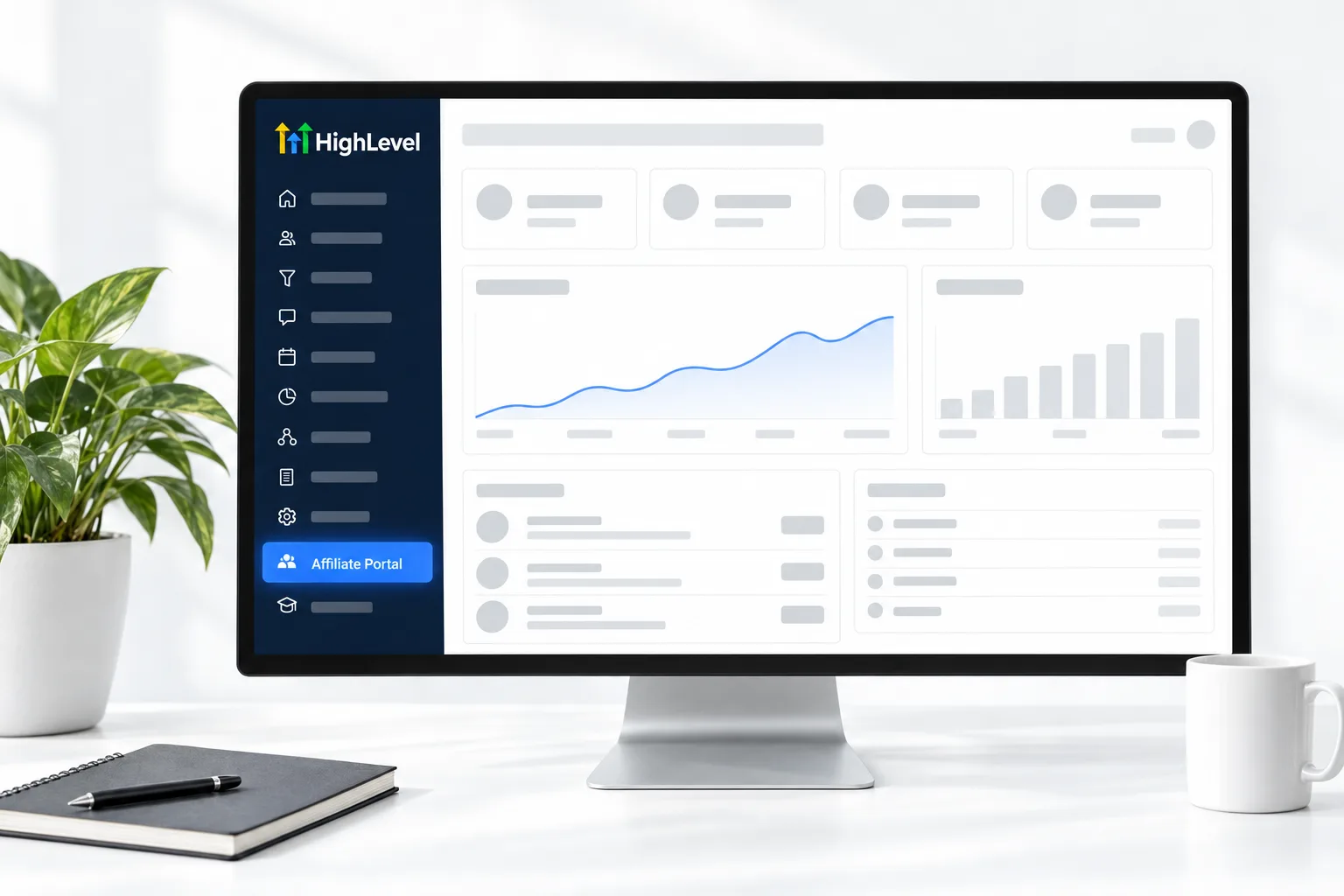
HighLevel agency accounts get an affiliate link automatically. To join, switch to Agency View, click Affiliate Portal in the left menu, accept the Affiliate Policy and copy your link. Only Agency Admins can see the portal. If you are not a HighLevel customer, register through HighLevel's separate affiliate signup. Then set up Tipalti so you can be paid.
Michael is a sponsored HighLevel affiliate. Links to HighLevel use his partner link at no extra cost to you. HighLevel prices and product facts on this page come from HighLevel's own pricing page and help center, checked on the date above.
Customers
How do you join if you have an agency account?
- Log in and switch to Agency View.
- Click Affiliate Portal in the left menu.
- Complete onboarding: review the Affiliate Policy, compliance video, branding guidelines and content guide.
- Copy your affiliate link from the Dashboard.
- Set up Tipalti under Payment Details.
Not a customer
How do you join if you are not a customer?
HighLevel offers a separate affiliate registration for people without an active agency. Find it from HighLevel's affiliate page. Then email affiliatepayments@gohighlevel.com to request a Tipalti setup link.
If you are not a customer yet, the GoHighLevel 30 day trial through my link gives you an account to learn in, and the HighLevel review covers what it does well and where it is harder. What a HighLevel Founder is explains the $497 plan. For help while you learn, see how to join Michael's community groups.
Onboarding
What happens on the onboarding screen?
The first time you open the Affiliate Portal, the Dashboard asks you to review the program materials before you start. Joining the GoHighLevel affiliate program is a short process if you read as you go.
- Read the Affiliate Policy. It is the agreement you are accepting.
- Watch the compliance video and look through the marketing and branding materials on the same screen.
- Tick the box confirming you have read and accepted the Affiliate Policy.
- Click Accept Terms & Join Now.
- Copy your link from the Dashboard.
HighLevel notes that the portal is being updated, so the labels on your screen may differ slightly from older screenshots and videos. The steps are the same.
First week
What should you do in your first week?
Joining is the easy part. These are the things that save trouble later.
- Finish Tipalti, including the tax forms. HighLevel cannot pay you without it. Affiliate payouts has the steps.
- Decide whether to customize the ending of your link, and do it before you share anything. Changing it later breaks the old links. See affiliate tracking and links.
- Turn on referral notifications so you know when someone starts a trial.
- Take HighLevel's Affiliate Welcome Course and join the weekly affiliate Q&A, which HighLevel lists on its events calendar.
- Read the affiliate compliance rules and write the disclosure line you will use everywhere.
Access
Who can see the portal, and who cannot?
The Affiliate Portal is visible only to Agency Admins, and only in Agency View. A user who works inside a subaccount will not see it. If you are an admin and the menu item is missing, check that you switched to Agency View and that you are logged in to the right agency. Affiliate login help covers each case, including the direct login page for people without an agency account.
One limit to know before you start: you cannot refer yourself. HighLevel's tracking flags signups that share your details, and those payments can stay stuck in pending. You can refer clients, friends and other businesses who open their own accounts.
Not sure the program suits you? Is the affiliate program worth it gives the balanced view, and what an affiliate is covers the basics.

Build one real system in your own account before you promote. Your first piece of content writes itself.
Questions
Common questions.
How do I become a HighLevel affiliate?
If you have a HighLevel agency account, switch to Agency View, click Affiliate Portal in the left menu, complete onboarding and copy your link from the Dashboard. If you are not a customer, register through HighLevel's separate affiliate signup. Either way, set up Tipalti so you can be paid.
Do I need a HighLevel account?
No. HighLevel offers a separate affiliate registration for people without an active agency. Agency customers get an affiliate link automatically. Using HighLevel yourself still makes you a far better affiliate, because you can only teach what you have built.
Who can see the Affiliate Portal?
Only Agency Admins can see the Affiliate Portal, and only in Agency View. A user who works inside a subaccount will not see it. If you are an admin and the menu item is missing, check that you switched to Agency View and are logged in to the right agency.
What do I set up after joining?
Set up Tipalti under Payment Details, including the tax forms, because HighLevel cannot pay your commissions without it. Then decide whether to customize the ending of your link before you share it, turn on referral notifications and take HighLevel's Affiliate Welcome Course.
Do I need a separate affiliate link for each plan?
No. HighLevel says one affiliate link covers the program, so you do not need a separate link for each campaign or plan. Commissions from the $497 plan simply show under a separate campaign in the portal. In Rewards, click View another campaign to see them.
Can a subaccount user join through the portal?
No. The portal appears only for Agency Admins in Agency View, so a user who works inside a subaccount will not see it. Someone without agency access can register through HighLevel's separate affiliate signup and use the direct login page instead.
Can I refer myself?
No. HighLevel does not allow you to use your own link, and its tracking flags signups that share your details. Those payments can stay stuck in pending. You can refer clients, friends and other businesses who open their own accounts.
What training does HighLevel give new affiliates?
HighLevel lists an Affiliate Welcome Course, a weekly affiliate Q&A on Tuesdays and a monthly Affiliate Hangout. The Welcome Course is on demand. HighLevel posts session times on its events calendar, and schedules move, so check the calendar for current times.
Keep reading
Related pages.
Next step
See it in your own account. Thirty days, every feature.
Start a trial, build the first system and test it before the first invoice. Usage fees for phone, SMS, email and AI can apply during the trial.
HighLevel has three plans at a flat monthly price, each with unlimited users and contacts. See what each one includes and what it costs.
Compare the PlansStarter, Unlimited and Founder