
01Who this is for
- Agency owners who sell third party services can charge clients through the wallet, keeping billing under their control.
- Product managers of SaaS tools that need usage based fees can rely on wallet based rebilling regardless of the payment gateway.
- Financial administrators can monitor wallet balances and ensure markup rules are applied consistently.
02Reselling and rebilling, explained
The feature uses the agency subaccount to hold the payment provider configuration. When a V2 client subaccount is linked, any resale or usage charge is deducted from that client’s wallet, which must be topped up before charges are applied. Reselling applies to products such as WhatsApp, WordPress and Marketplace Apps; rebilling applies to usage based services like Phone System, Email and AI tools. Configuration is done on the Manage Client page in the SaaS Configurator by selecting a V2 labeled provider card, assigning a billing contact, setting markups, ensuring the wallet is funded and confirming the setup.
03How businesses use reselling and rebilling
- Digital marketing agency. The agency selects a supported provider in the V2 setup, creates a contact to store the client’s payment method, defines a markup for WhatsApp resale, and verifies the client’s wallet has enough balance before launching campaigns.
- AI services provider. The provider enables rebilling for Content AI and Workflow AI, configures the appropriate provider card, assigns a billing contact, and ensures the client’s wallet is replenished to cover usage fees.
- Web development firm. The firm activates reselling for WordPress and Marketplace Apps, sets markup rates, links the client’s billing contact, and monitors the client wallet to keep subscriptions active.
04The numbers and rules that matter
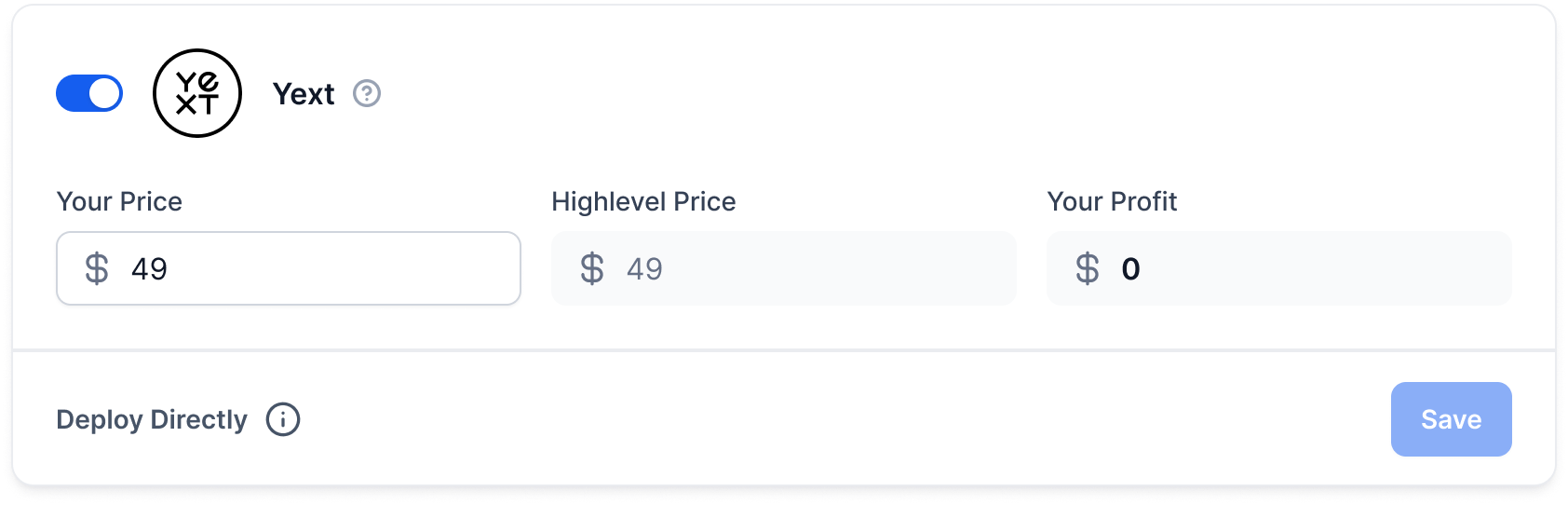
- Supported reselling products: WhatsApp, Prospecting, Client Portal, Listings (Yext), WordPress, AI Employee, SEO, Workflow Pro, Ad Manager, Marketplace Apps.
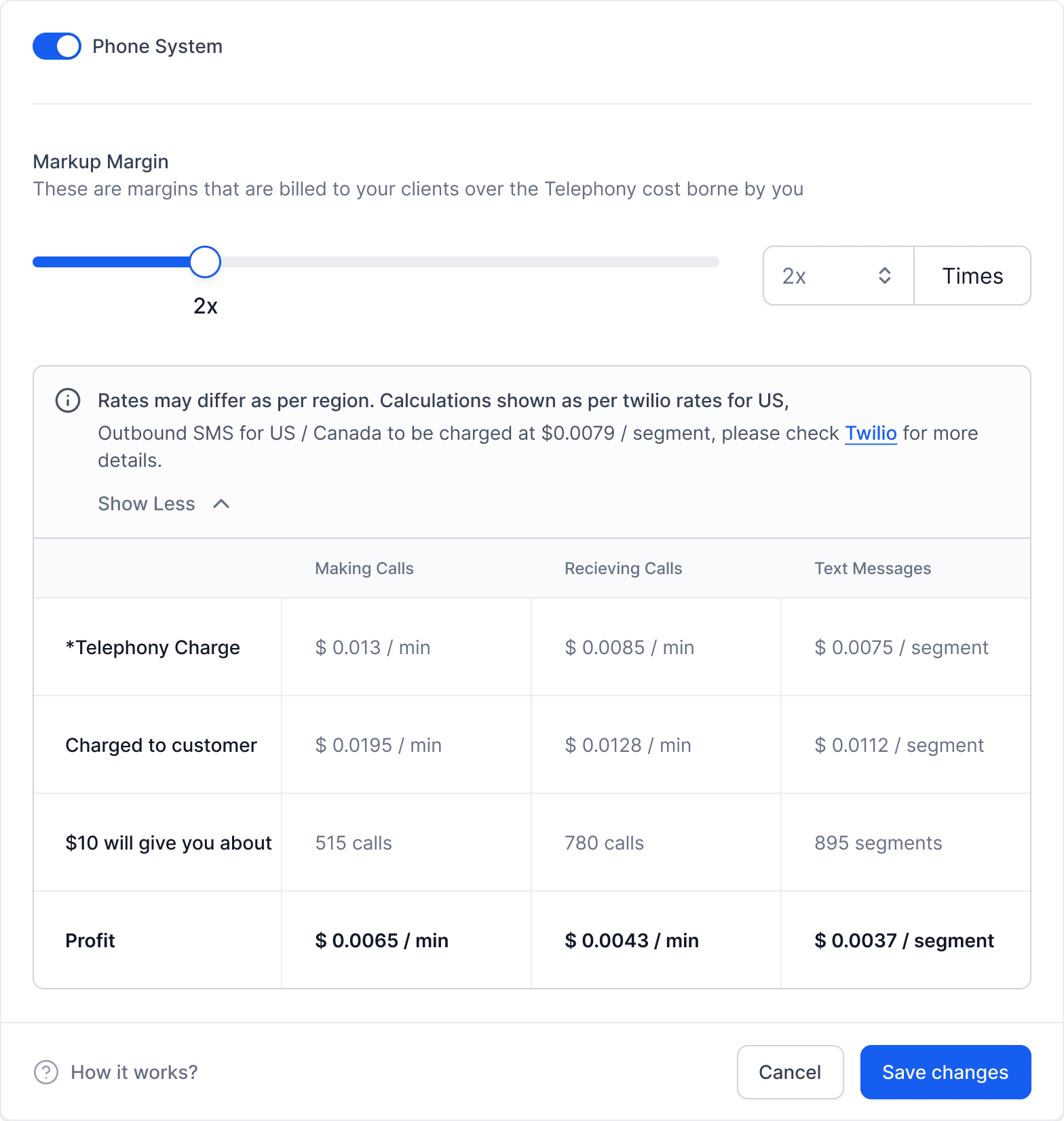
- Supported rebilling products: Phone System, Email, LC, Premium Triggers & Actions, LC Email Verification, Content AI, Workflow AI, Conversation and Voice AI, WhatsApp Conversation, Reviews AI, Domain Purchase, AutoComplete Address, Funnel AI.
05Before you start
- A V2 agency subaccount must already be configured with a supported payment provider.
- The client subaccount must have a wallet created and visible in the system.
06How to set up and use reselling and rebilling in HighLevel
Enable reselling and rebilling for V2 subaccounts
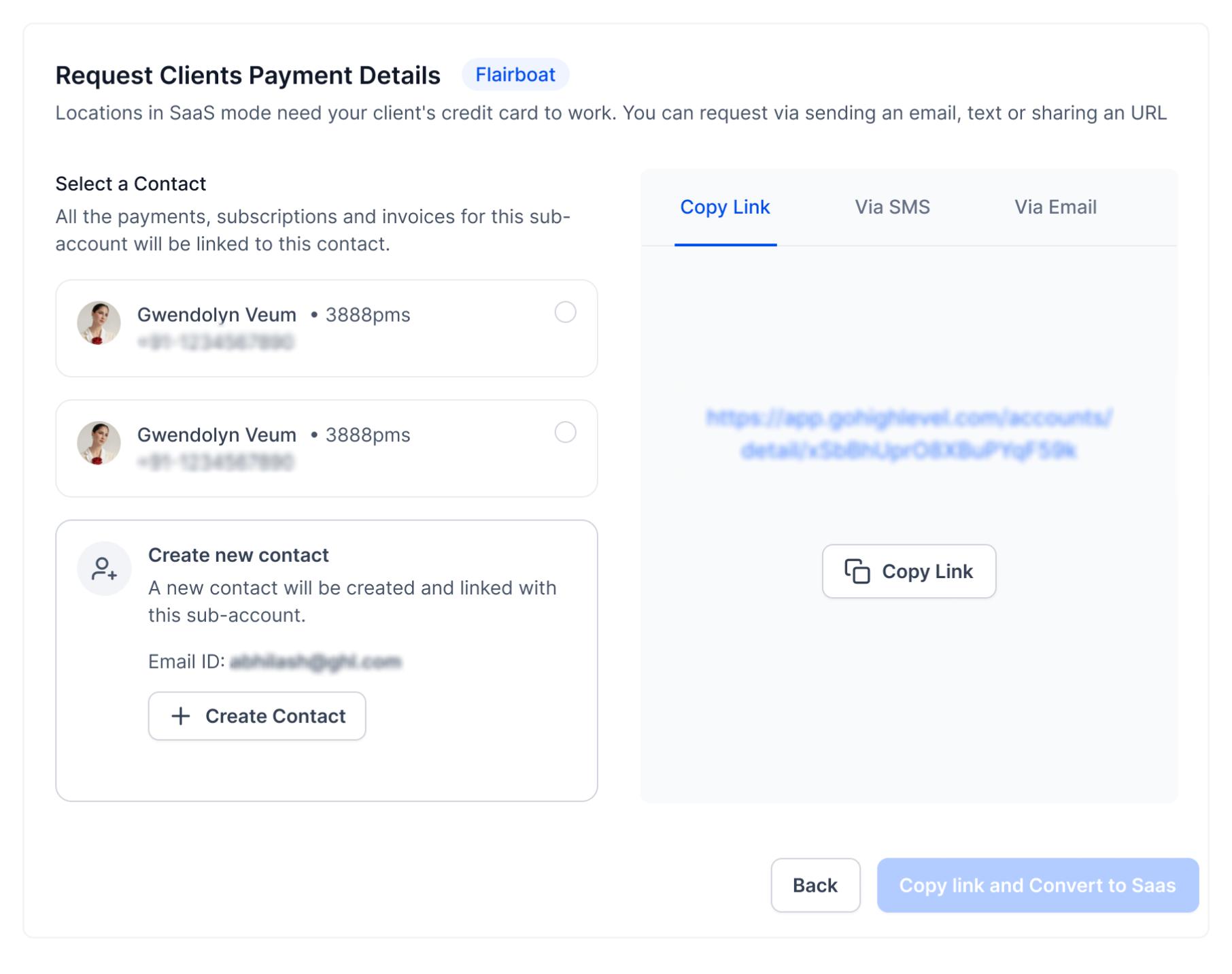
- Open the Manage Client page, select the payment provider card labeled V2 (Subaccount) that points to the agency subaccount.
- Choose an existing contact or create a new one; this contact will store the client’s payment details.
- Enter the desired markup percentages for reselling and rebilling.
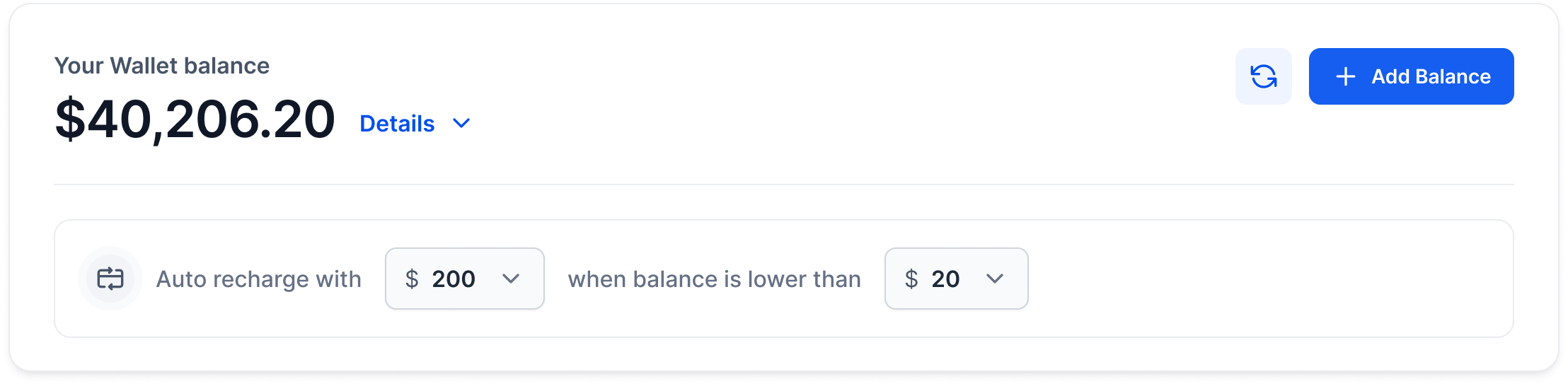
- Ask the client to recharge their wallet so that future charges can be drawn.
- Confirm the configuration; all applicable charges will then be taken from the client’s wallet.
07What it looks like in HighLevel
08Settings that matter
- Company Billing. Controls the minimum wallet balance and the options for recharging the client wallet.
09Things to know before you rely on it
- Reselling supports products such as WhatsApp, WordPress and Marketplace Apps; Email IP is not yet supported for resale.
- Rebilling covers usage based items like Phone System, Email and AI services; all V2 subaccounts can be rebilled regardless of the payment gateway.
- Provider cards marked Not supported appear in the list but cannot be selected for SaaS subscription or rebilling.
10If something goes wrong
- Client wallet does not have enough funds for a charge. Check the wallet balance under Subaccount View > Settings > Company Billing and have the client add more credit.
- Rebilling shows On Hold because no payment method is stored. Create or select a billing contact that contains a valid payment method, then complete the payment setup.
11How it connects to the rest of HighLevel
- How to enable and rebill external AI models External AI rebilling
- Guide to activating phone rebilling in SaaS mode Phone rebilling
- Managing SaaS wallet credits, adding and refunding Wallet credit management
- HighLevel pricing and plan details Pricing
- Start a 30 day HighLevel trial Free trial
Michael's take

Watch out for wallets that run empty. If the client’s wallet lacks funds, any reselling or rebilling charge will fail and can hold your revenue stream. Keep an eye on balance alerts and make sure recharge settings are in place.
When everything is funded, the model shines. You can bundle services like WhatsApp or WordPress and add a markup, then let the client’s wallet pay for usage such as Phone System or Content AI without juggling multiple providers.