
01Who this is for
- Marketers who build multi step funnels benefit from clear, organized URLs that match their campaign hierarchy.
- Ecommerce owners can reflect product categories in the address bar, helping shoppers understand site sections.
- Webinar hosts gain intuitive session URLs that align with event schedules and topics.
02Nested URL paths, explained
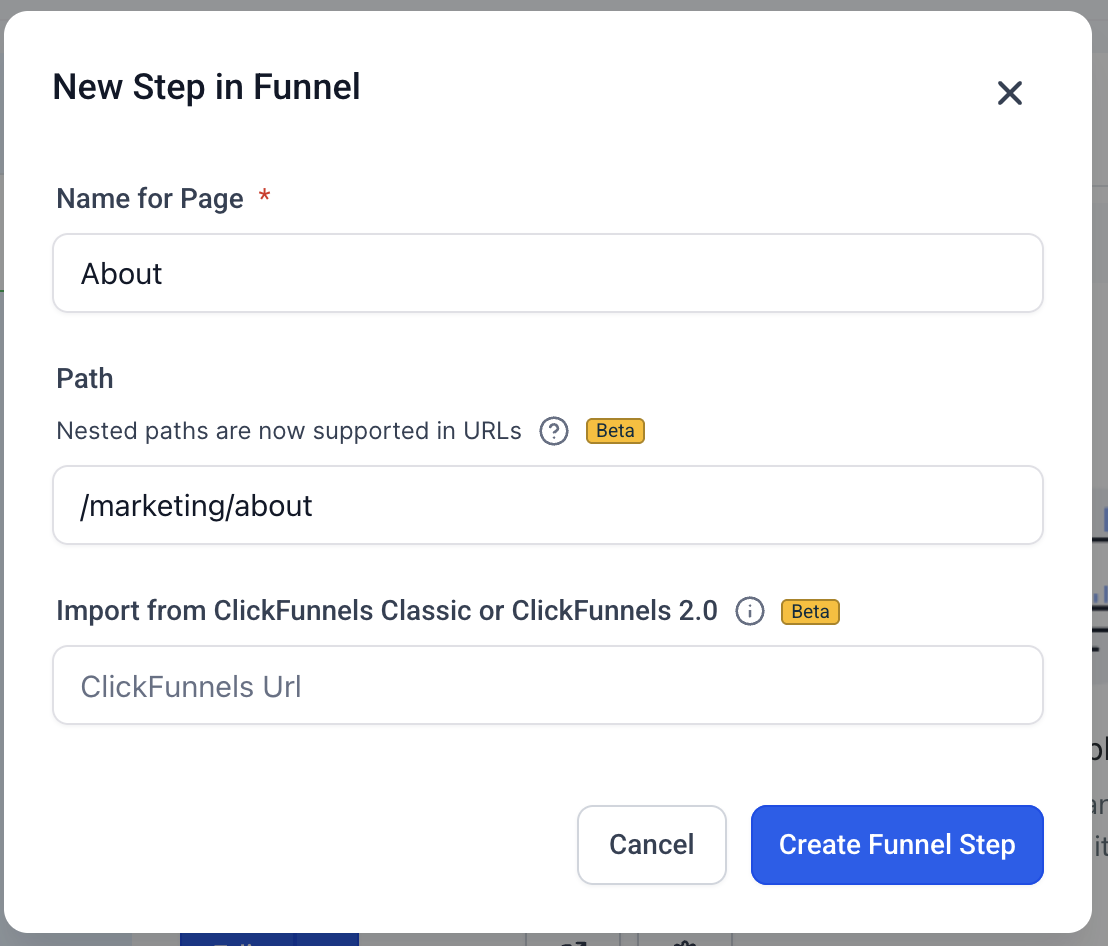
The feature adds support for multi segment URLs across Funnels, Websites, Ecommerce and Webinars. Each segment, separated by a forward slash, represents a level in the site hierarchy. The platform limits the depth to five levels and excludes certain reserved paths.
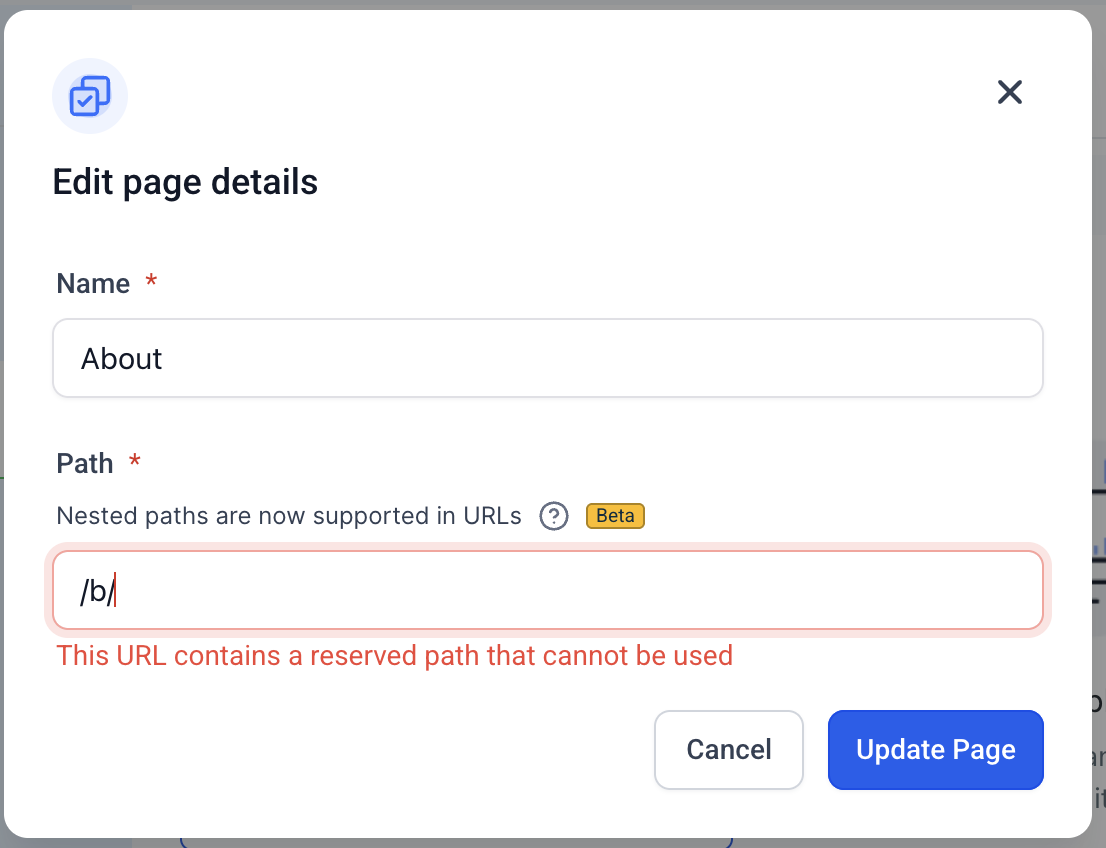
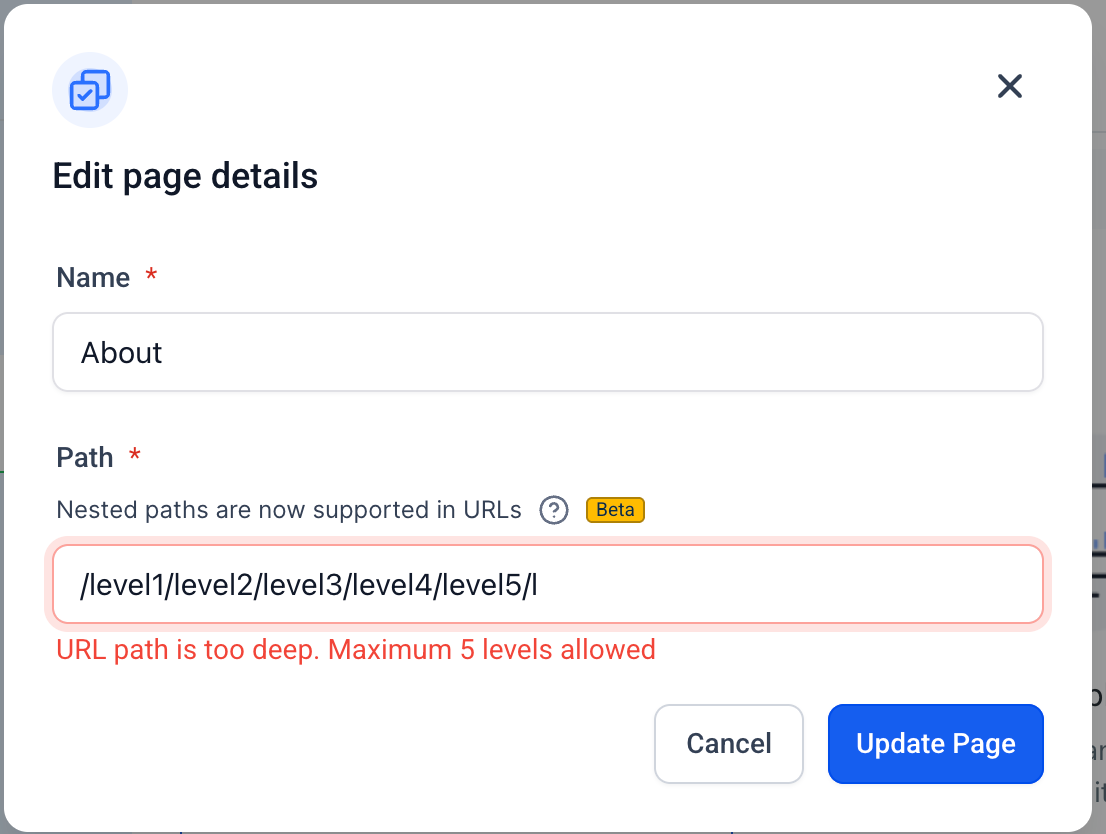
When editing a page or step, you enter the desired path in the URL field. The builder validates the entry, blocking saves that exceed the depth limit or use a reserved segment. Valid URLs appear exactly as typed, preserving the slash based hierarchy.
Nested URLs are reflected in generated sitemaps, enabling search engines to index the full structure. The paths work alongside flat URLs, so you can mix simple and nested addresses within the same site.
03How businesses use nested URL paths
- Digital marketing agency. The agency opens a funnel page, clicks Edit, and types a path like /resources/courses/sales funnel. This creates a clear hierarchy for client facing content and improves search indexing.
- Online store. An ecommerce manager edits a product category page, enters /collections/spring/men clothing, and saves. The nested URL mirrors the catalog structure for shoppers and search bots.
- Webinar organizer. The organizer selects a webinar step, clicks Edit, and inputs /webinars/2025/summer session. The URL now conveys the year and season, helping attendees locate the session.
04The numbers and rules that matter
- Supported in Funnels, Websites, ecommerce, and Webinars.
- Maximum depth: 5 levels (e.g., /level1/level2/level3/level4/level5).
05How to set up and use nested URL paths in HighLevel
Add a nested URL path
- Open any funnel, website, e commerce or webinar page or step.
- Click the Edit button for that page or step.
- Enter the desired hierarchical URL using forward slashes (/) in the URL field.
- Save the page; if the path exceeds five levels or uses a reserved segment, the builder blocks the save and shows an error message.
06What it looks like in HighLevel
07Things to know before you rely on it
- Reserved paths such as /b/, /c/, /product/, /collections/, /post/, /category/, /author/, /tag/ and /store/account cannot be used.
- Maximum nesting depth is five levels; attempts to exceed this show a "URL path is too deep. Maximum 5 levels allowed." error.
- Avoid trailing slashes, double slashes and empty segments to keep URLs clean.
08How it connects to the rest of HighLevel
- Create and customize website pages before adding nested URLs Website setup
- Add a root or subdomain using Domain Connect to host nested paths Domain Connect
- Explore all Sites features for additional page and funnel tools All Sites features
Michael's take

When you have a growing library of courses, product lines or multistep webinars, reflecting that structure in the URL can be valuable. Clean, hierarchical links boost search rankings and make it obvious to visitors where they are, which helps navigation.