
01Who this is for
- Compliance officers in regulated industries who must prove who altered digital assets.
- Agency owners who want to hold team members accountable for edits across multiple client sites.
02Audit logs, explained
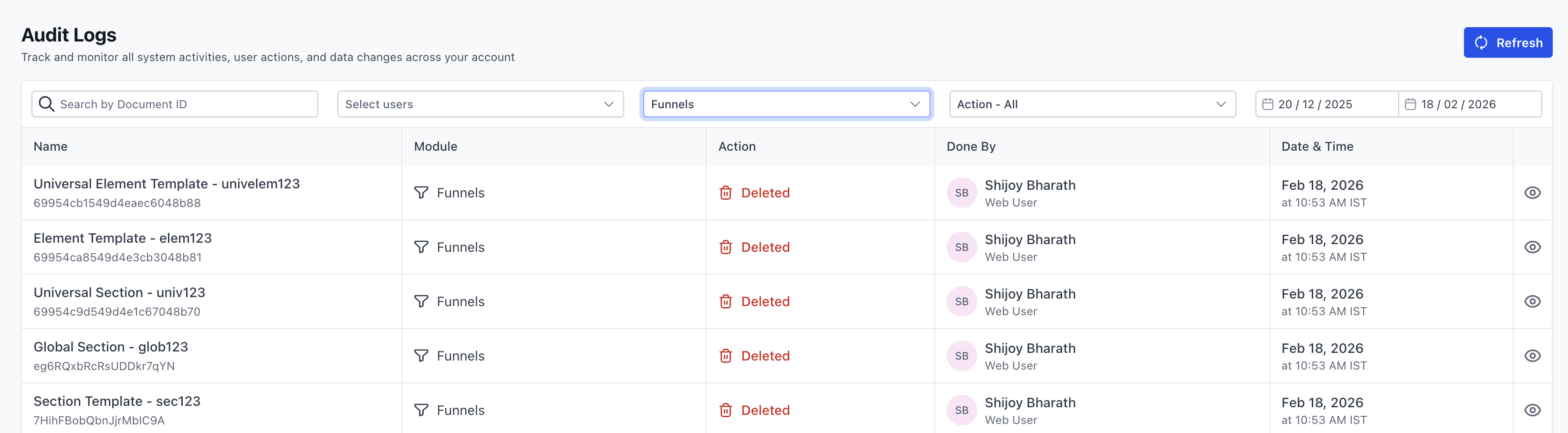
Audit logging captures a chronological list of user actions inside each HighLevel module. The logs contain timestamps, user IDs and the type of event, such as page edits or funnel deletions. Each module, Funnels, Websites, Webinars, and Stores, maintains its own independent log and filter set.
The logs are stored for a rolling 60 day period. After that time the data is permanently removed, so you must export any records you need for longer retention. Filtering options let you narrow results by module, action type, date range or user.
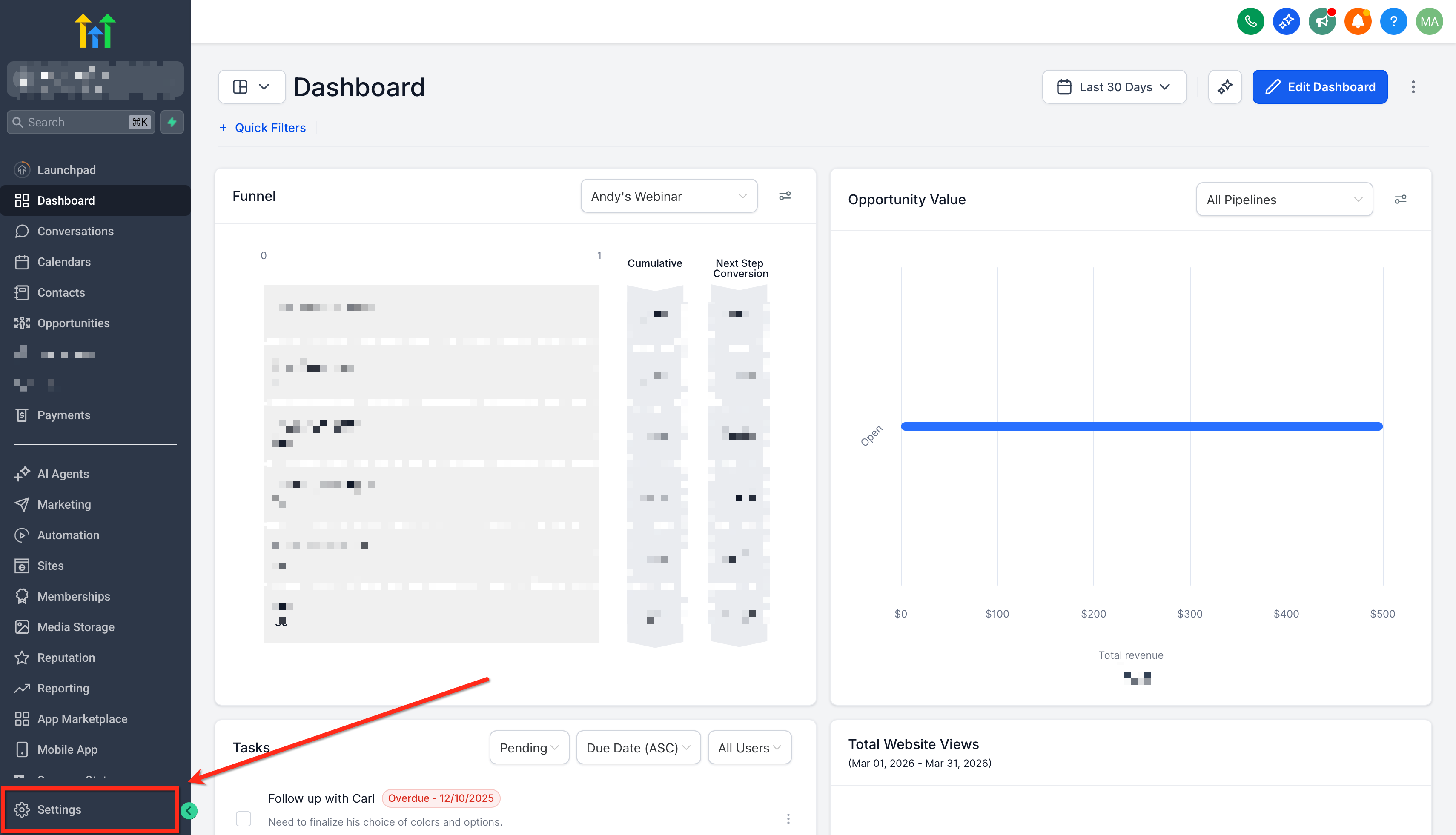
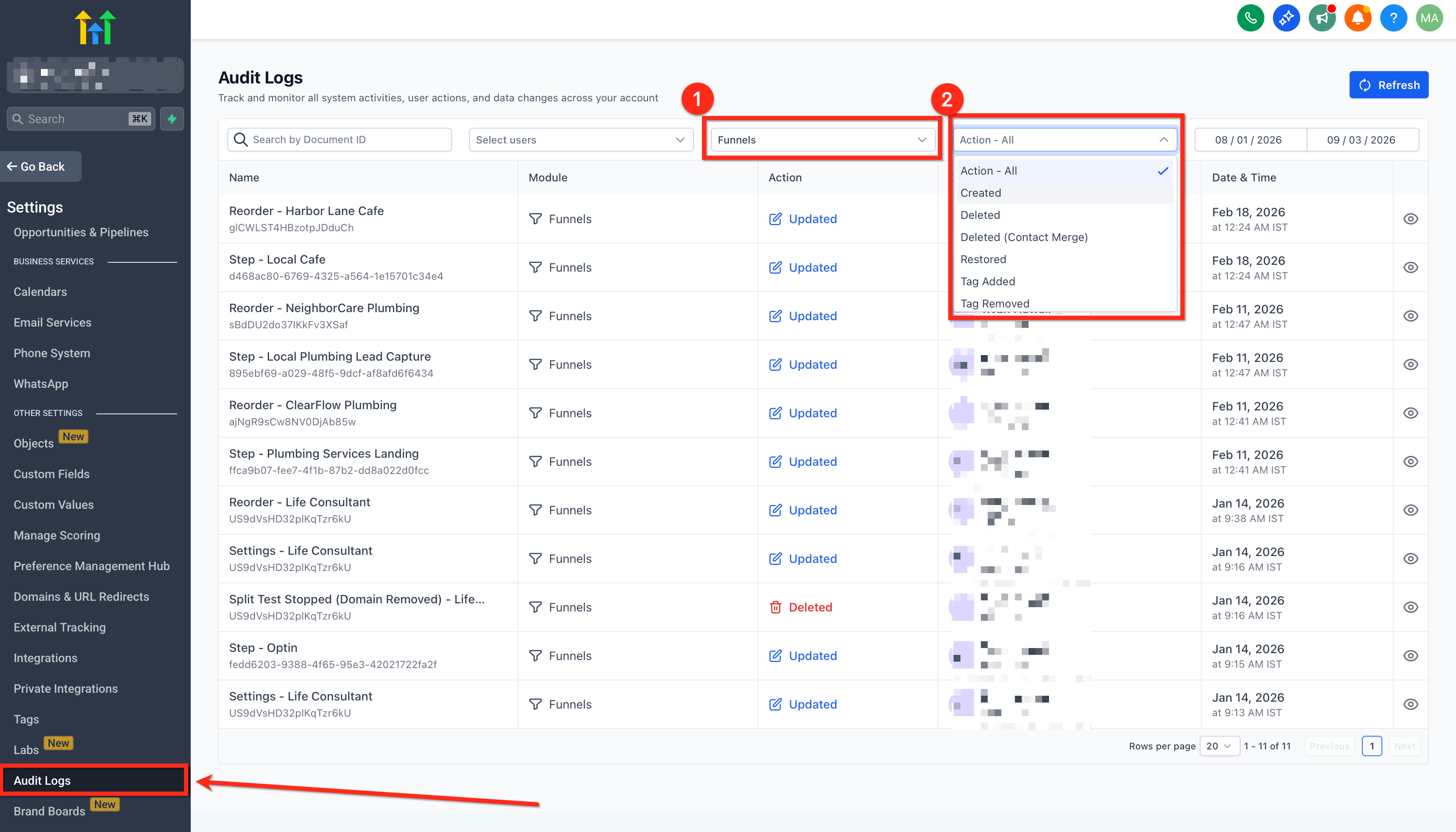
You reach the logs from the Settings area, then select the desired module via tabs or icons. From there you can review entries, apply filters, or export the view as a CSV file.
03How businesses use audit logs
- Digital marketing agency. The agency opens Settings > Audit Logs, selects the Websites tab, and filters by "Page Edit" to see which team member updated a landing page before a campaign launch. They then export the filtered view to CSV for client reporting.
- Ecommerce store owner. The store owner switches to the Stores module in Audit Logs, applies a date range for the past week, and looks for product related actions to verify that inventory changes were made by the correct staff member.
- Webinar host. The host accesses the Webinars tab, filters for "Webinar scheduling" actions, and reviews who altered the webinar date. They export the log to archive the change for compliance documentation.
04The numbers and rules that matter
- Logs are retained for a rolling 60 day period.
- After 60 days logs are permanently deleted and cannot be recovered.
- Tracked actions include Folder Delete, Move to Folder, Funnel Delete, Funnel Settings Change, Funnel Settings Change (with domain removed), Step Edit, Step Reorder, Step Delete, Step Restore Variation, Step Delete Variation, Step Choose Split Test Winner, Stats Reset, Page Edit.
05How to set up and use audit logs in HighLevel
Access audit logs
- Open the left hand menu and choose Settings > Audit Logs.
- Click the tab or icon for Funnels, Websites, Webinars, or Stores as needed.
- Read the entries that appear for the selected module.
Export audit logs
- In the Audit Logs view for the chosen module, locate the Export button.
- Select CSV as the export format if prompted.
- Save the downloaded file to your computer.
06What it looks like in HighLevel
07Things to know before you rely on it
- Logs are kept for a rolling period of 60 days only.
- Records older than 60 days are permanently deleted and cannot be recovered.
- Audit logging is available only for Funnels, Websites, Webinars and Stores modules.
08How it connects to the rest of HighLevel
- Set up and customize your website pages before reviewing audit activity. HighLevel website setup
- Add tracking code to funnels and websites to capture additional analytics alongside audit data. Add tracking code
- Review all site related features to understand how audit logs fit into the broader platform. All Sites features
Michael's take

When you run a team that builds and updates client funnels, websites or ecommerce stores, the audit log records accidental deletions or misconfigurations, and you can export a CSV before the 60 day window closes.
If your operation is small, you rarely change assets, and you have no regulatory reporting requirements, the 60 day roll over may feel restrictive. In that case you might find the feature adds little value beyond occasional curiosity about who edited a page.