
01Who this is for
- Agency owners, they can monitor admin initiated number changes and ensure agents are aware of any unexpected updates.
- Subaccount managers, they receive alerts directly, allowing them to verify changes and self service a reversal if needed.
- Support staff, they can track reversal activity in audit logs to investigate security incidents.
02Phone number change security alerts and reversal, explained
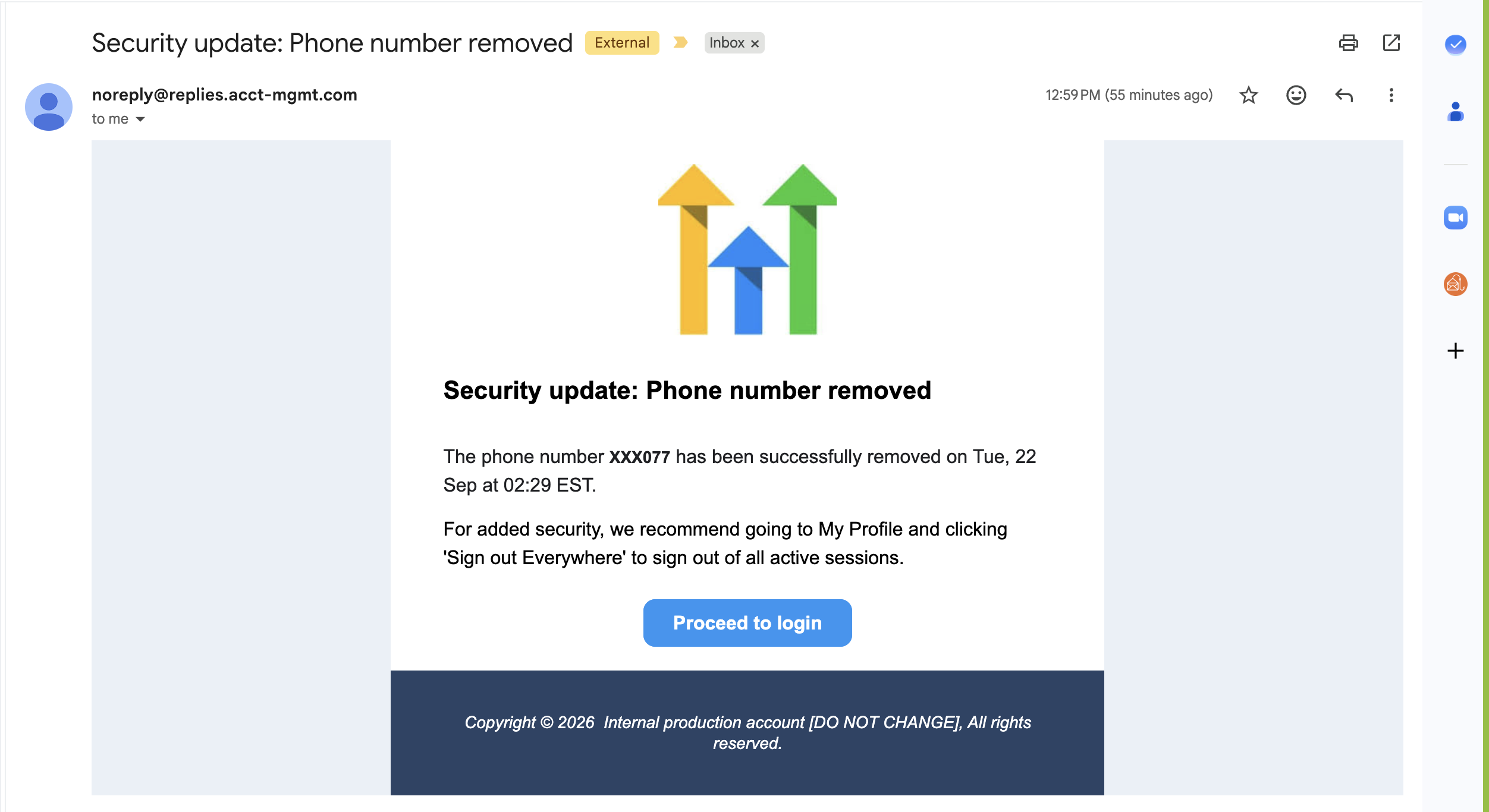
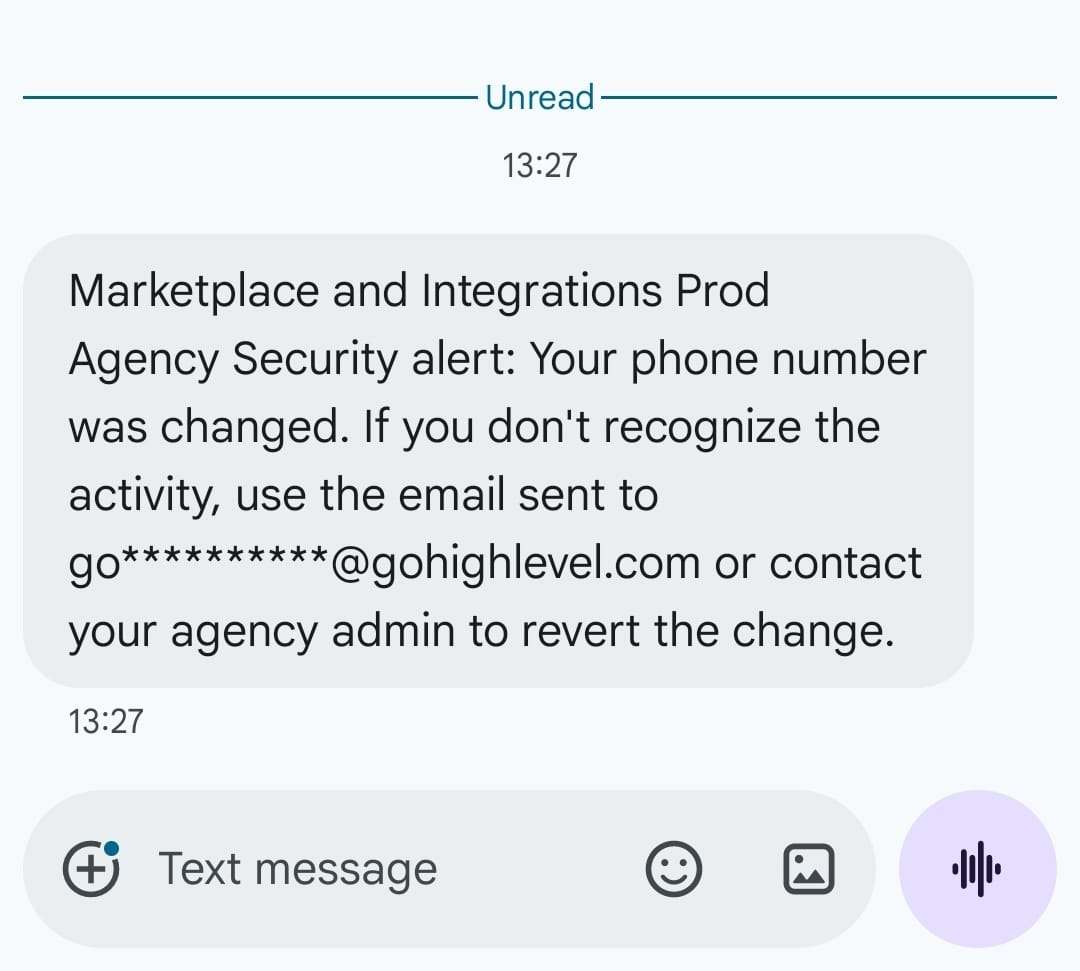
When a user's phone number is added for the first time or replaced, HighLevel creates a security alert for that user. The alert is sent by email, appears as an in app notification, and, for a replacement, is also sent as an SMS to the previous number.
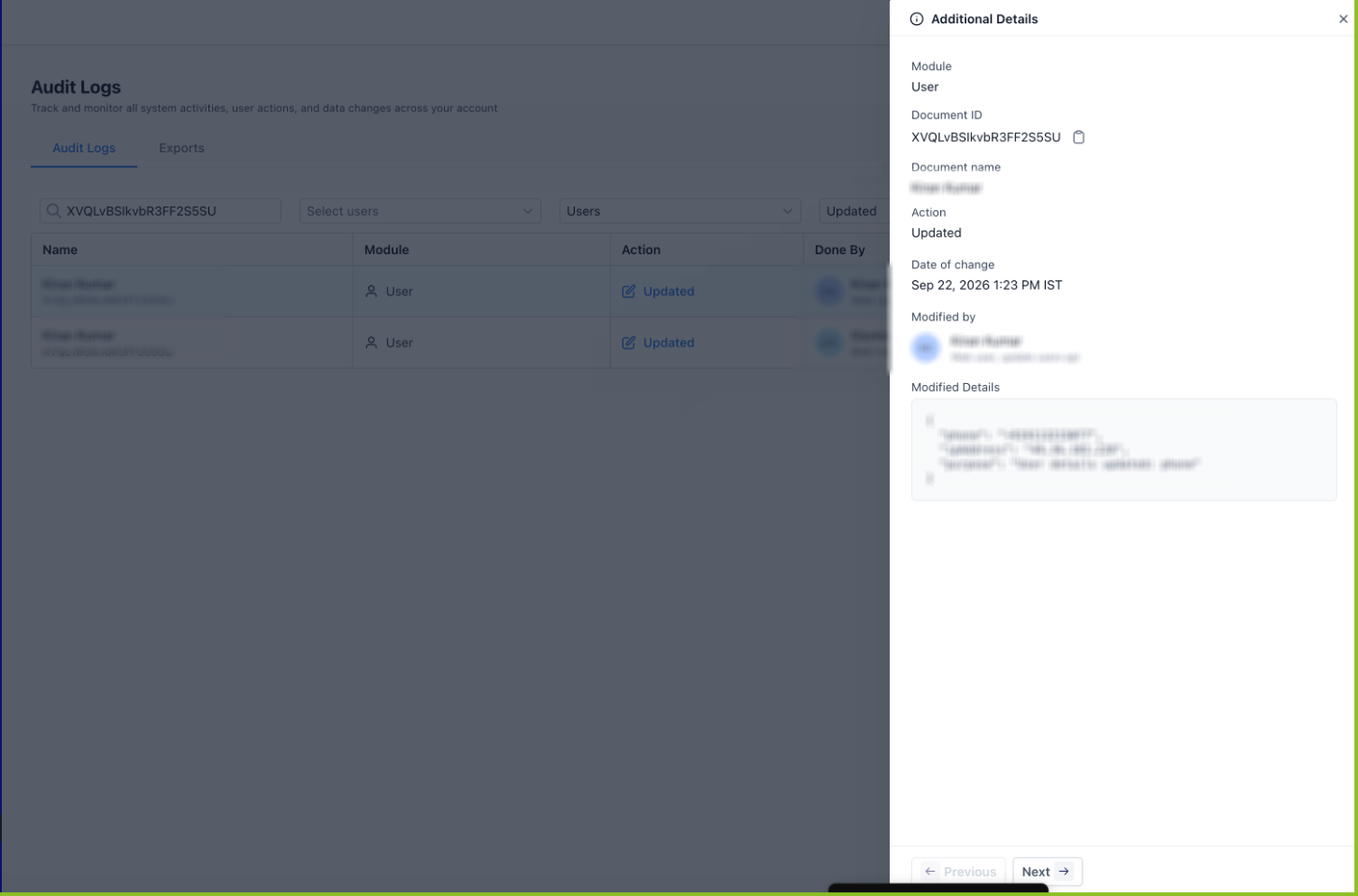
If the replacement was not expected, the alert contains a single use reversal link. Clicking the link restores the original number, displays a confirmation page, and records the action in the platform's audit logs. The link expires after seven days and can be used only once.
These alerts are delivered using the agency’s branding and domain when the agency operates a white label experience, so users never see HighLevel branding in the notification.
03How businesses use phone number change security alerts and reversal
- Digital marketing agency. When an admin updates a team member's phone number, the member gets an alert that shows the change was made by an admin. If the member did not expect the change, they can click the reversal link in the alert to restore their original number without logging in.
- Coaching practice. A coach who changes their own contact number receives an email and in app notice confirming the update. If the change was accidental, the coach opens the alert and uses the single use link to revert to the previous number, keeping two factor authentication functional.
- Software consultancy. When a consultant's phone number is modified as part of onboarding, the consultant receives an SMS on the old number. The SMS includes the reversal link, which the consultant can use to undo the change within seven days if the update was not authorized.
04The numbers and rules that matter
- Reversal link is valid for 7 days.
05How to set up and use phone number change security alerts and reversal in HighLevel
Respond to a phone number security alert
- Open the security alert as soon as possible.
- Verify that the phone number change was not authorized by you.
- Check whether the alert indicates the change was made by you or by your admin.
- Click the single use reversal link included in the alert.
- Complete the reversal within the seven day validity period.
- Confirm on the confirmation page that the previous phone number has been restored.
06What it looks like in HighLevel
07Things to know before you rely on it
- The reversal link works only for phone number changes where an existing number is replaced.
- The link is single use and expires after seven days.
- Alerts are sent through email, in app notification, and SMS to the previous number; SMS is only sent for an existing number change.
08If something goes wrong
- Reversal link no longer works. Contact an authorized agency administrator for assistance.
09How it connects to the rest of HighLevel
- View audit logs to see recorded phone number reversals Phone system features
- Check HighLevel pricing and plan options HighLevel pricing
Michael's take

Wondering if you really need a separate alert when a user’s phone number changes? The short answer is yes, because the number often receives the codes that let someone log in. These alerts give the user a clear picture of who changed the number and let them fix it on their own without waiting for support.
If I were setting this up, I’d make sure the reversal link works as soon as it lands in the inbox, just to confirm it restores the old number correctly. A quick check also verifies the notification reaches the old number via SMS, which is the extra safety net the feature promises.