
01Who this is for
- Businesses that need to publish an Android app on the Google Play Store.
- Organizations that must verify their legal entity and domain before distribution.
02Google developer accounts, explained
The Google Developer account is a profile in the Google Play Console that is linked to a legal business entity. It holds the app publishing credentials, payment information and verification documents needed to upload apps to Google Play.
03How businesses use the Google developer account
- Publish a branded Android app. Create the developer account, verify the business details and domain, then upload the app package through the Play Console.
- Distribute a free Android app. After the account is activated, use the Play Console to publish the free app without financial terms on the website.
- Update an existing Android app. Sign in to the same developer account to submit new versions of the app after verification is complete.
04The numbers and rules that matter
- $25 one time registration fee payable via card (per HighLevel's help center, checked November 2026).
- Account activation may take 24, 48 hours.
05Before you start
- Official business name that matches the legal entity.
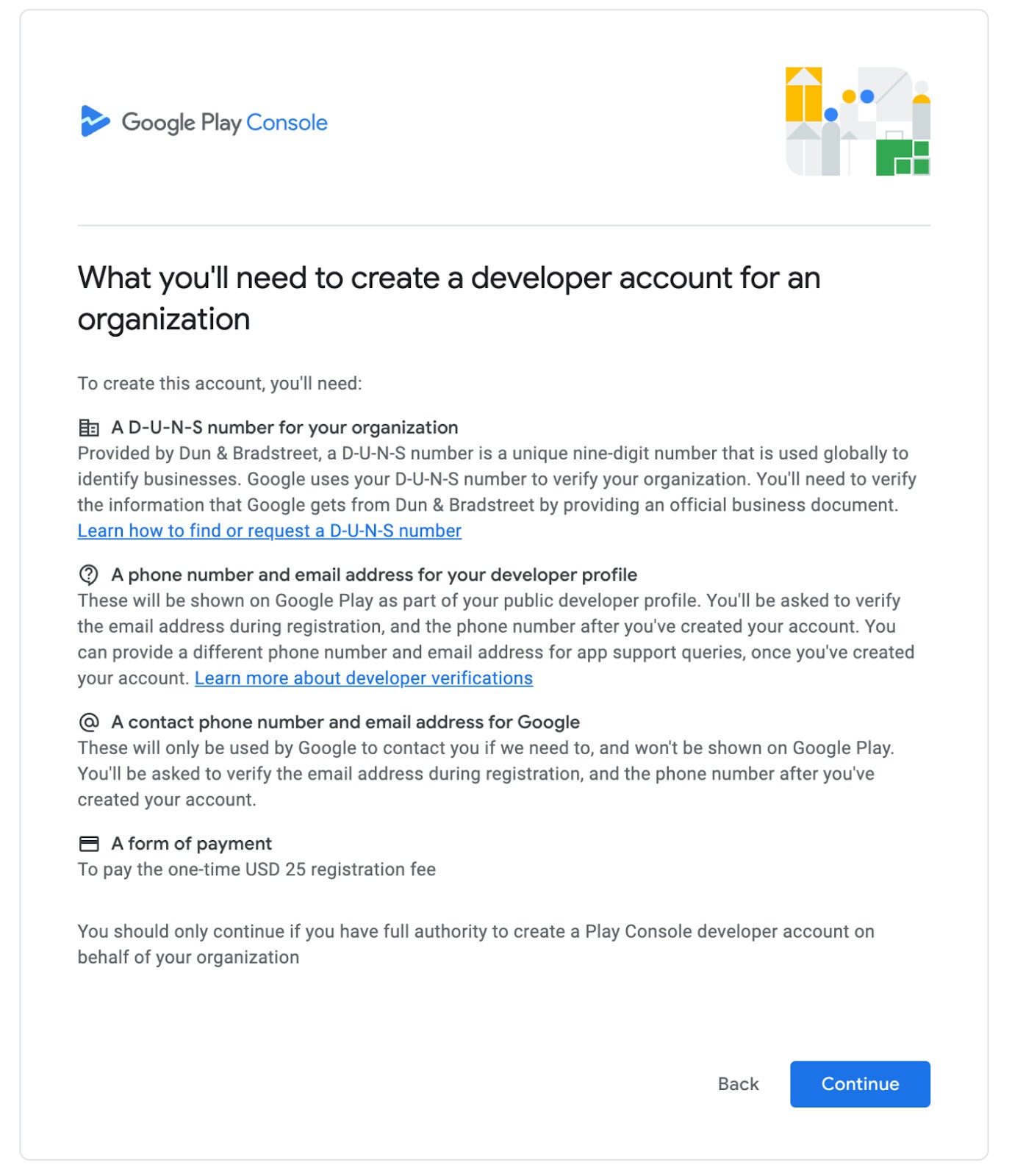
- D U N S® number for verification.
- Business email, phone number and physical address.
- Public facing website that shows company details.
- Verified website ownership via Google Search Console.
- Business oriented Google account (not a personal Gmail).
- One time $25 registration fee payable by card (per HighLevel's help center, checked November 2026).
- Valid government issued ID such as passport or driver’s license.
06How to set up and use the Google developer account in HighLevel
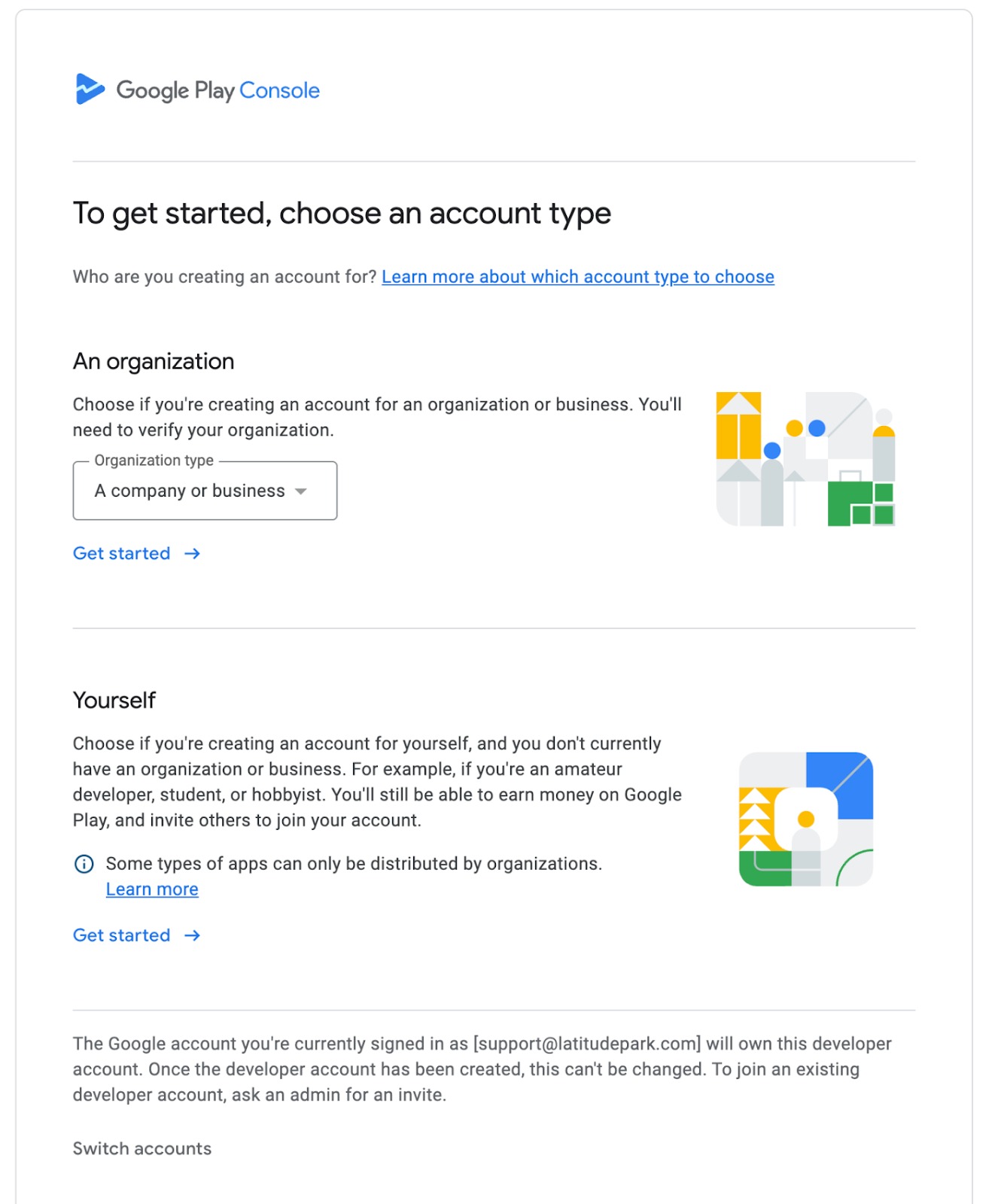
Register a Google Developer account
- Open the Google Play Console and sign in with a business Google account, creating one if needed.
- Read and accept the Developer Agreement and the Developer Distribution Agreement, then continue to the payment screen.
- Enter card details and submit the $25 one time registration fee (per HighLevel's help center, checked November 2026).
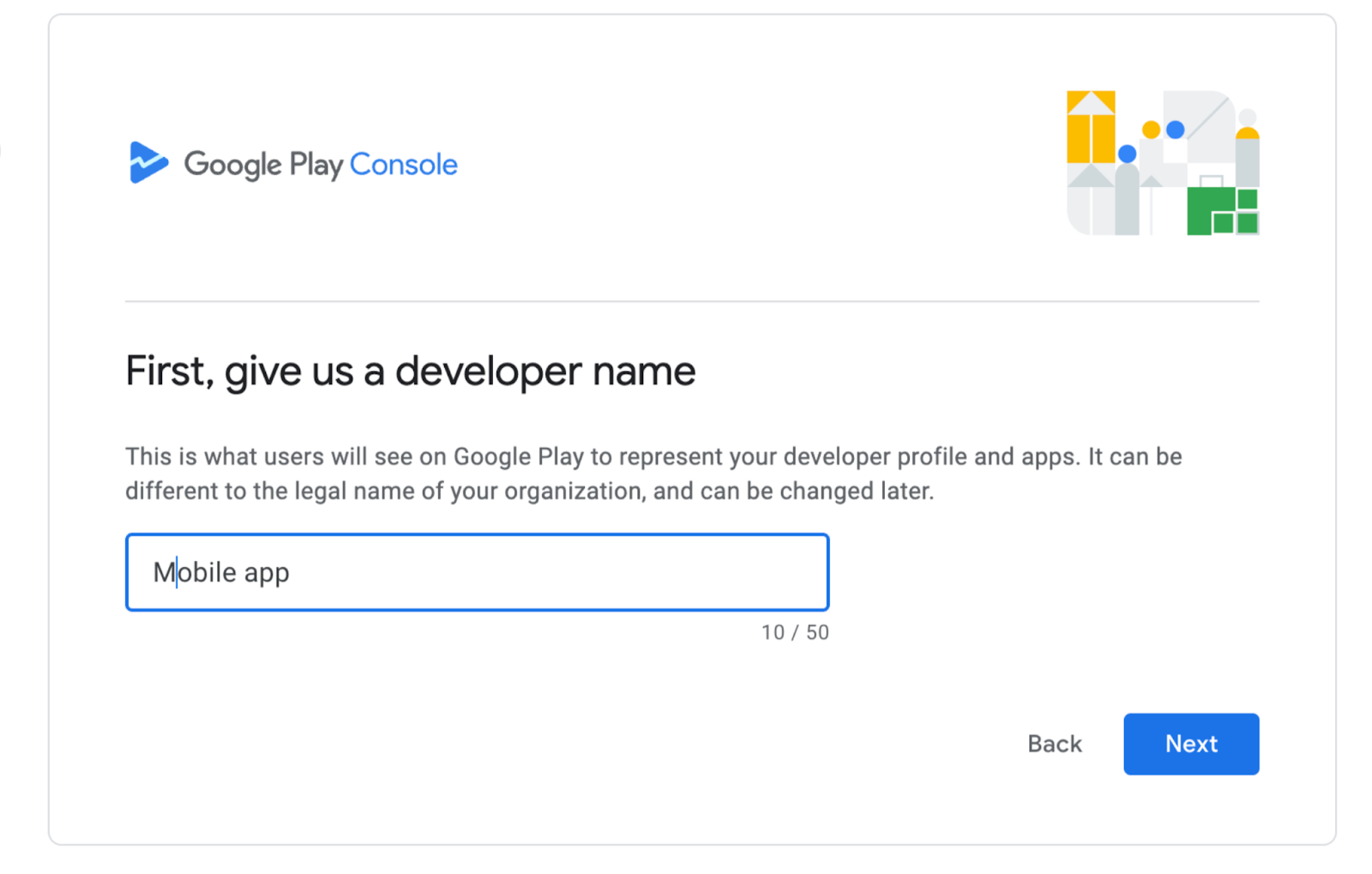
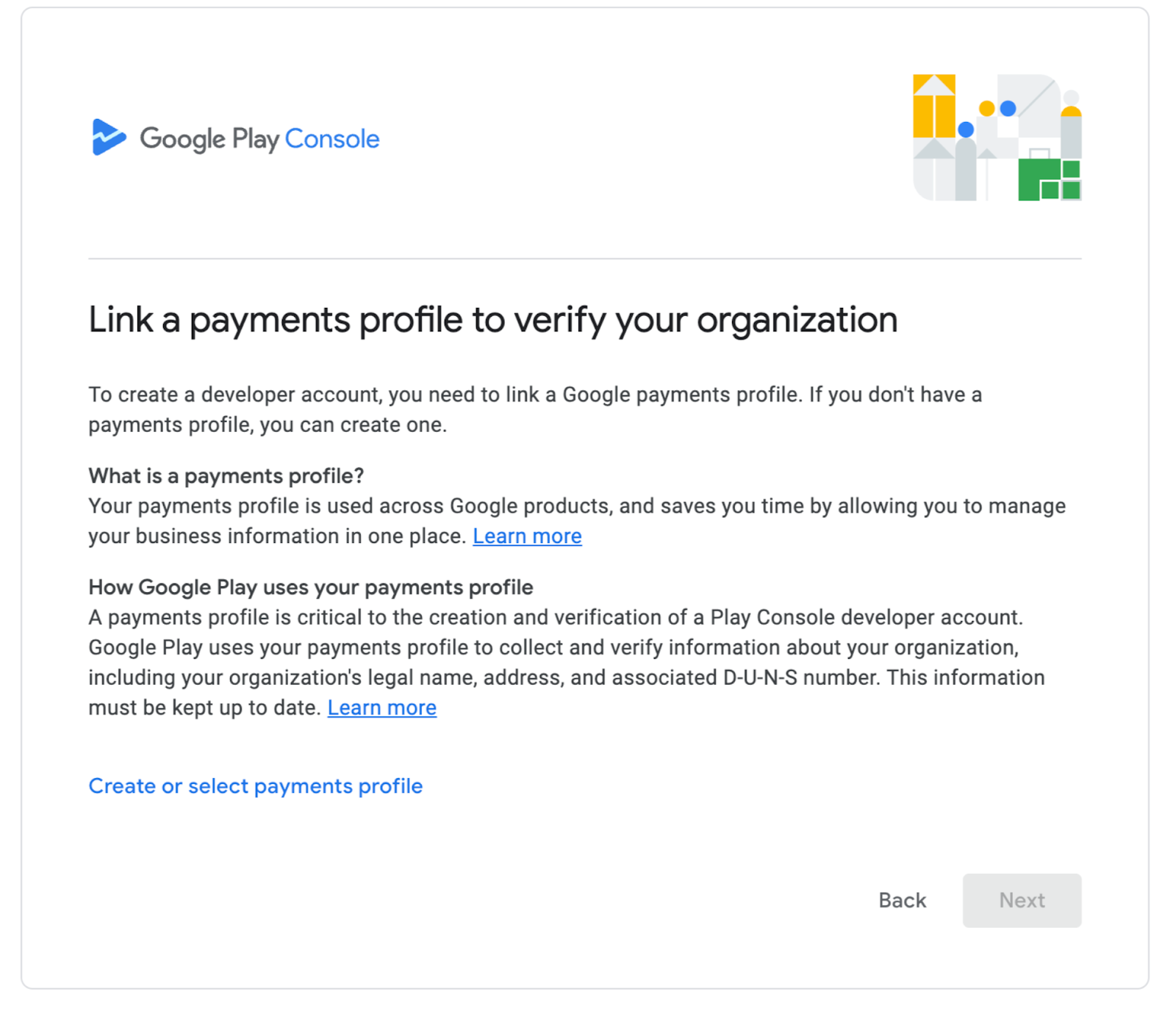
- Provide the legal business name, address, email, phone number and website URL as requested.
- Confirm domain ownership through Google Search Console as directed.
- Upload a valid government issued identification document for verification.
- Wait for an activation email; the account typically becomes active within 24 to 48 hours.
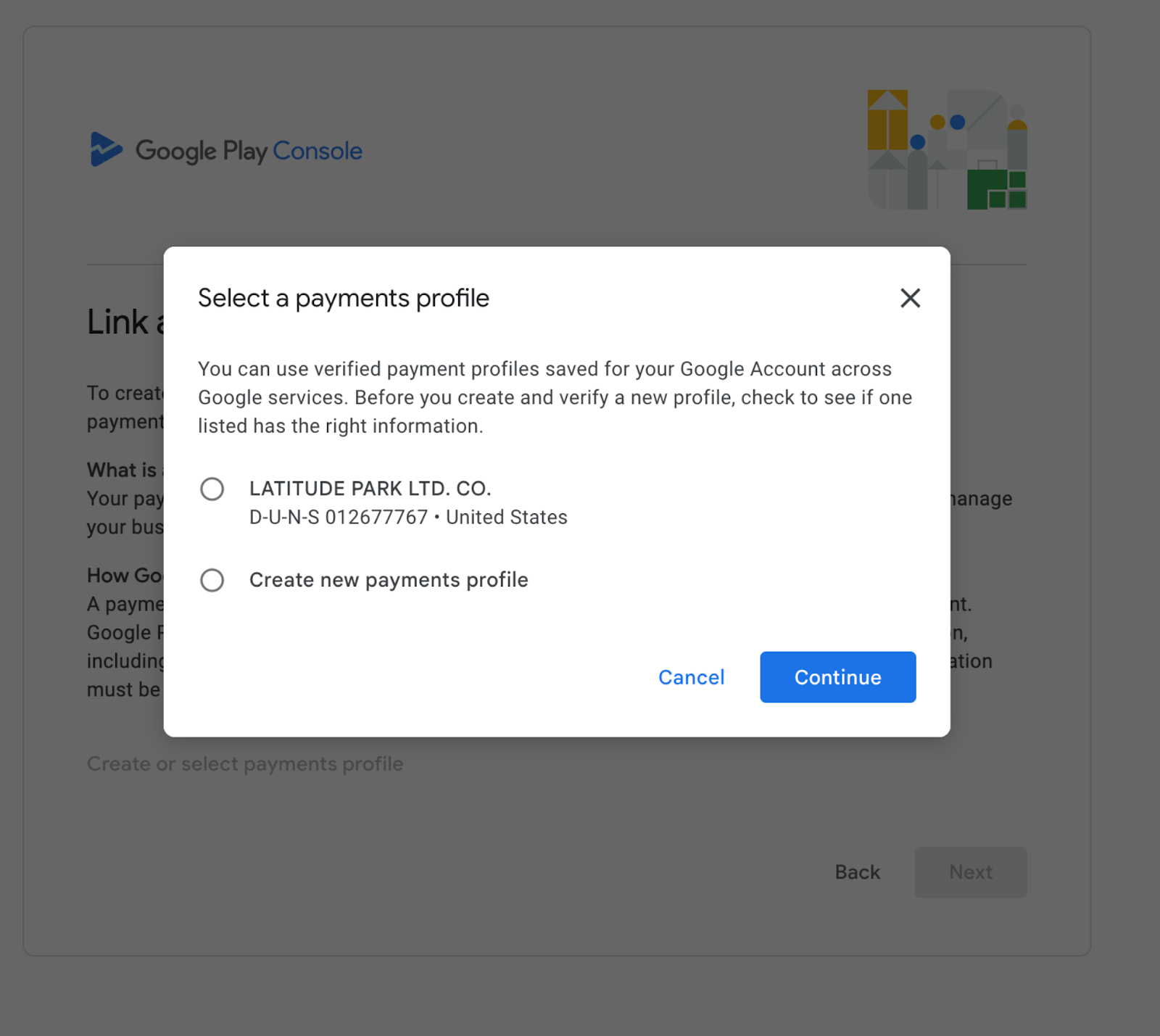
07What it looks like in HighLevel
08How it connects to the rest of HighLevel
- Link your Google PlayStore account to the Whitelabel Mobile App Customizer Link Google PlayStore
- Publish your Android White Label App in Google Play Console Publish Android App
- Guide to promoting and customizing a whitelabel app Whitelabel app guide
Michael's take

Michael ReimerFounder of CRM Pros, HighLevel Commander and Certified Admin
Most people try to use a personal Gmail for their developer role and then hit verification roadblocks. The correct approach is to create a dedicated Google account that belongs to the business from the start, so all the details line up with your legal entity.
Get More InformationOpens on HighLevelPublished November 2, 2026 · Updated November 16, 2026