
01TypeScript/JavaScript SDKs, explained
The TypeScript/JavaScript SDK from HighLevel's API Center of Excellence handles the full OAuth 2.0 flow, including app installations for subaccounts or bulk agencies, daily token refreshes, and cleanup when an app is removed.
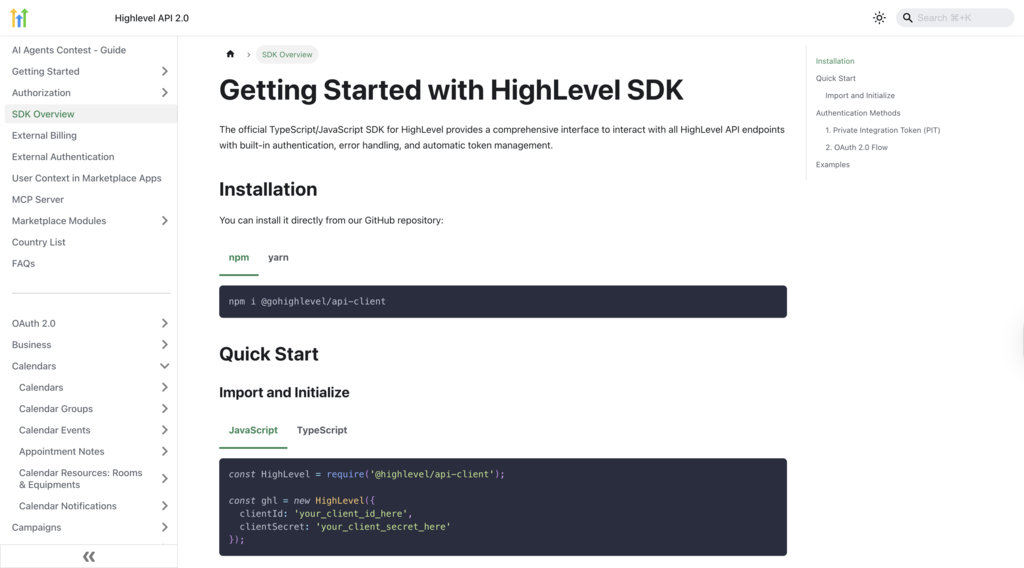
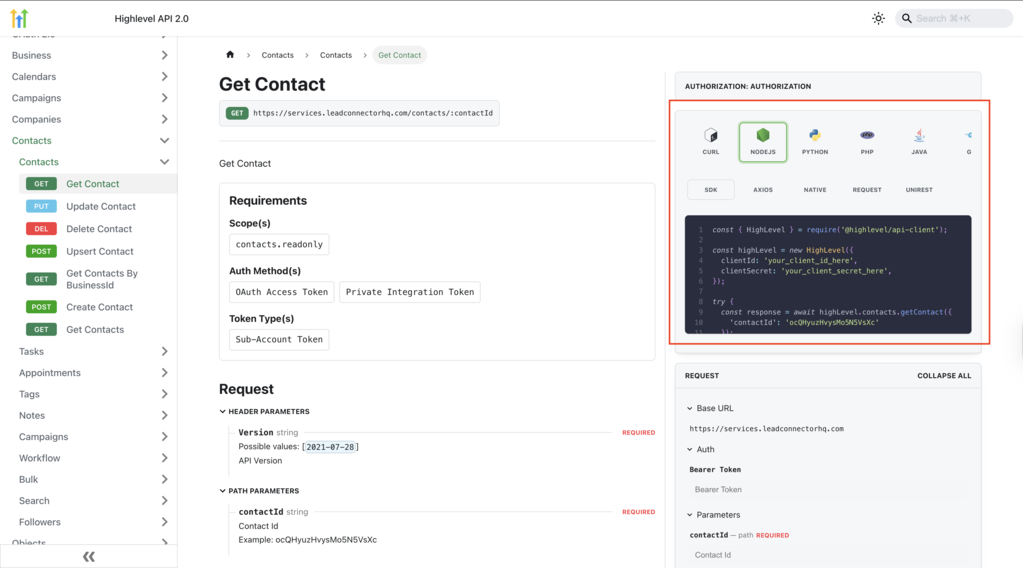
The SDK is published on NPM as @gohighlevel/API client, supports all public APIs, and includes embedded sample code. Automated SDK generation keeps the SDK aligned with API updates.
02How businesses use the TypeScript/JavaScript SDK
- Automated OAuth installation. Developers add the SDK to their project and configure credentials. The library then creates and manages installations for subaccounts, bulk agencies or future automated setups without manual steps.
- Continuous token refresh. The SDK monitors token expiry and automatically refreshes tokens each day, keeping API calls uninterrupted.
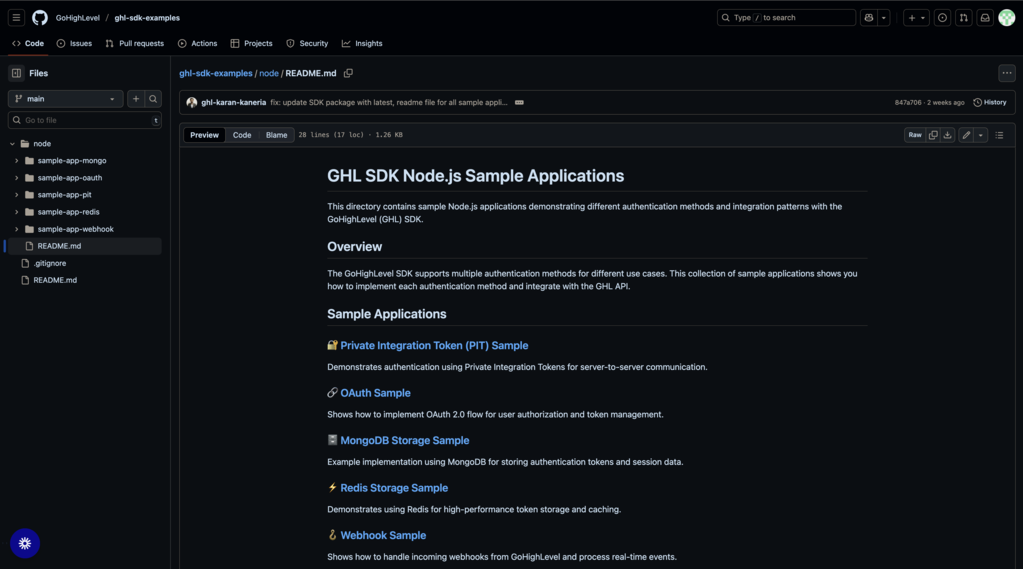
- Database agnostic token storage. Developers integrate their own database. Such as MongoDB or Redis. Using the SDK’s sample implementations. Tokens are stored and retrieved from the chosen store, allowing seamless use of existing infrastructure.
03How to set up and use the TypeScript/JavaScript SDK in HighLevel
Set up the SDK
- Install the SDK via NPM: Npm install @gohighlevel/API client.
- Import the SDK: Import { HighLevel } from '@gohighlevel/API client';.
- Configure OAuth 2.0 credentials and redirect URIs.
- Integrate your preferred database for token storage, using the provided MongoDB or Redis samples if needed.
- Run a test API call with the sample code to verify connectivity.
04What it looks like in HighLevel
05Settings that matter
- OAuth 2.0 credentials. Provide your app's client ID, client secret and redirect URIs so the SDK can handle authentication flows.
- Preferred database. Specify the database system you want to use for token storage; the SDK works with any database and includes sample code for MongoDB and Redis.
Michael's take

This SDK feels like a modest convenience that can become a real shift for teams that constantly build or maintain HighLevel integrations. Automating the OAuth dance reduces the need to write repetitive token refresh code and helps keep the client library aligned with API changes.
A SaaS agency that spins up dozens of client dashboards each month would benefit. They can drop the SDK into their codebase, point it at their existing MongoDB cluster for token storage, and let it handle installations and daily refreshes across all client subaccounts without extra effort.