
01Who this is for
- Social media managers who need a quick way to queue short form content for clients.
- Small business owners looking to keep their Facebook presence active without manual posting.
- Marketing agencies that schedule multiple brand pages and want a unified tool for Stories.
02Facebook stories, explained
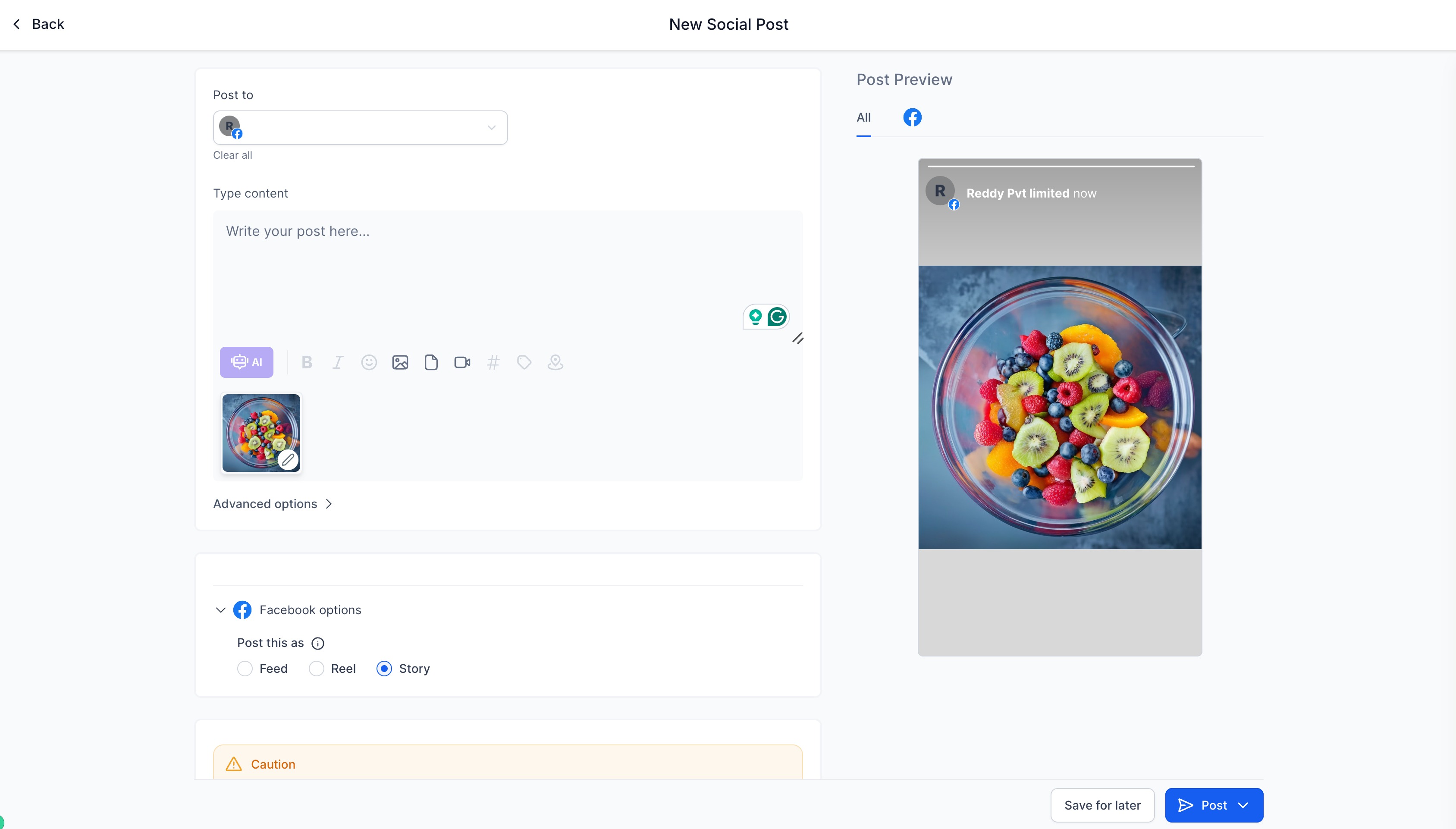
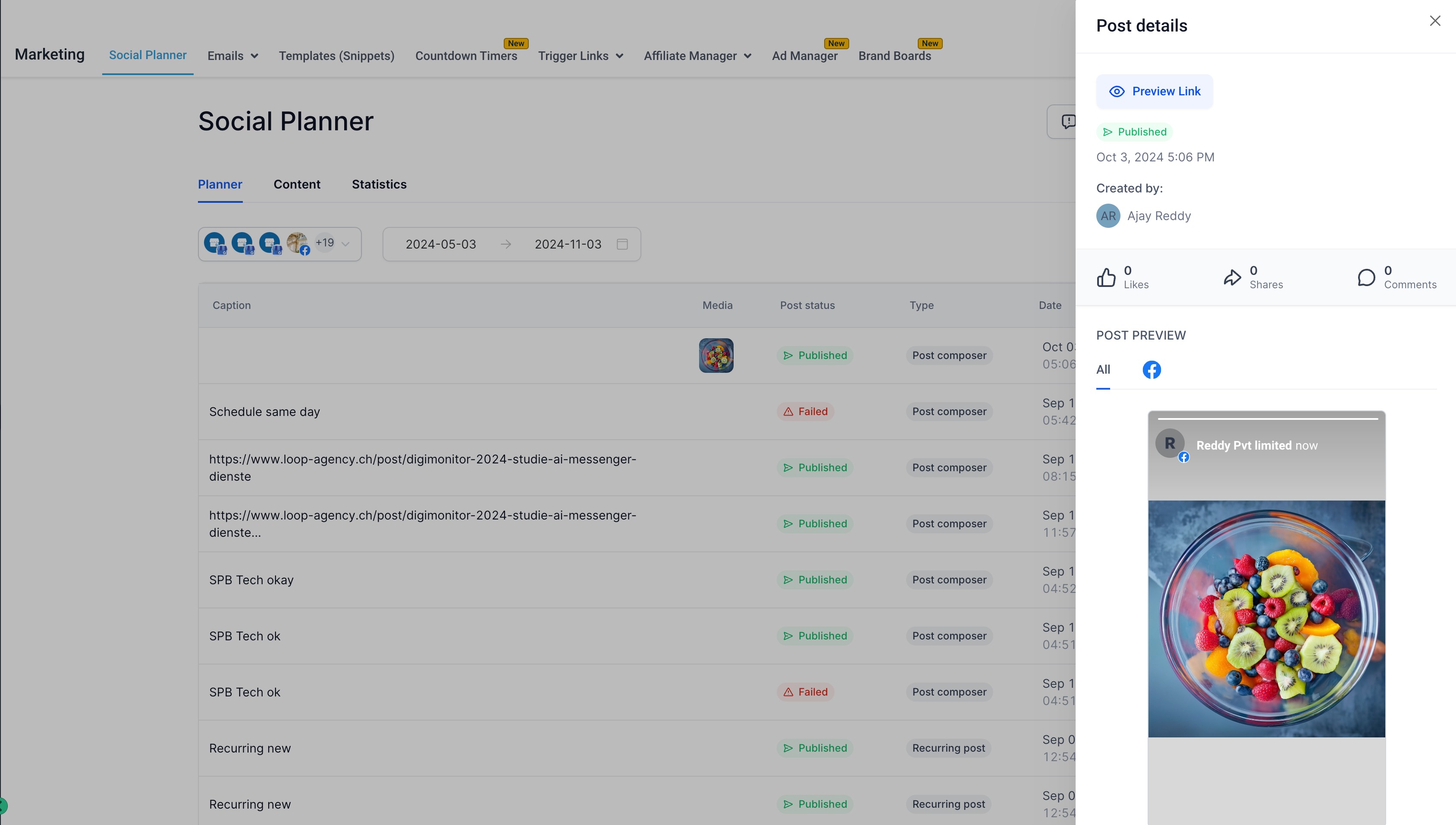
The feature lets users create a Facebook Story directly inside HighLevel’s Social Planner. After a Facebook page is connected, the composer accepts either one image or one video. The content follows Facebook’s technical limits for file size, length and dimensions. Once the story is built, it can be scheduled to publish at a chosen time, and HighLevel will deliver it to the selected Facebook page.
You access the feature under Marketing > Social Planner. From there you connect any Facebook pages you manage, click New Post, add the visual media, pick the page from the socials dropdown, and set a schedule. The platform does not generate a thumbnail or OG meta tag for the story.
03How businesses use Facebook story
- Local coffee shop. The owner uploads a photo of a new seasonal drink, selects the shop’s Facebook page, and schedules the story for the morning rush. HighLevel stores the image and posts it automatically at the chosen time.
- Real estate agency. An agent records a 15 second video tour of a property, attaches it in the composer, and schedules the story for peak viewing hours. The video meets the required dimensions and length, and HighLevel posts it to the agency’s Facebook page.
- Fitness trainer. The trainer creates a GIF showcasing a quick workout move, uploads it as the story image, and sets a future publication date. HighLevel ensures the GIF complies with the 4 MB limit and posts it to the trainer’s Facebook page.
04The numbers and rules that matter
- Facebook Stories disappear after 24 hours.
- One image or video per story.
- Image max file size: 4 MB.
- Video any format, max size 1 GB.
- Video length: Minimum 3 seconds, maximum 90 seconds.
- Video minimum dimensions: 540 × 960 px.
- Facebook Stories are short 20 second videos or 5 second photos.
05Before you start
- A Facebook page must be linked to the Social Planner before a story can be created.
06How to set up and use Facebook story in HighLevel
Create Facebook Story
- Open the Social Planner by selecting Marketing > Social Planner.
- Link the desired Facebook page(s) to the planner.
- Press New Post and use the composer to upload an image or video.
- Choose the Facebook page from the socials dropdown and add your caption.
- Set a date and time to schedule the Facebook Story.
07What it looks like in HighLevel
08Things to know before you rely on it
- Image files must be JPEG, PNG, or GIF and cannot exceed 4 MB.
- Only one image or one video can be attached to a story.
- Video size is limited to 1 GB, length must be between 3 seconds and 90 seconds, and dimensions must be at least 540 × 960 px.
- Stories do not support a thumbnail or OG meta tag.
09How it connects to the rest of HighLevel
- Connect your Facebook page to the Social Planner Facebook page connection
- Image and video specifications for Social Planner content Content guidelines
- Facebook publishing troubleshooting guide Publishing help
Michael's take

I find the story format handy for sharing timely updates that only need to be visible for a day.