
01Who this is for
- Local restaurant owners, need a single dashboard to publish Google posts and other social updates.
- Multi location retail chains, can choose each store's profile and manage them from one place.
- Service based businesses, want shared Google authorization for both Social Planner and Reputation tools.
02Google business profile connections, explained
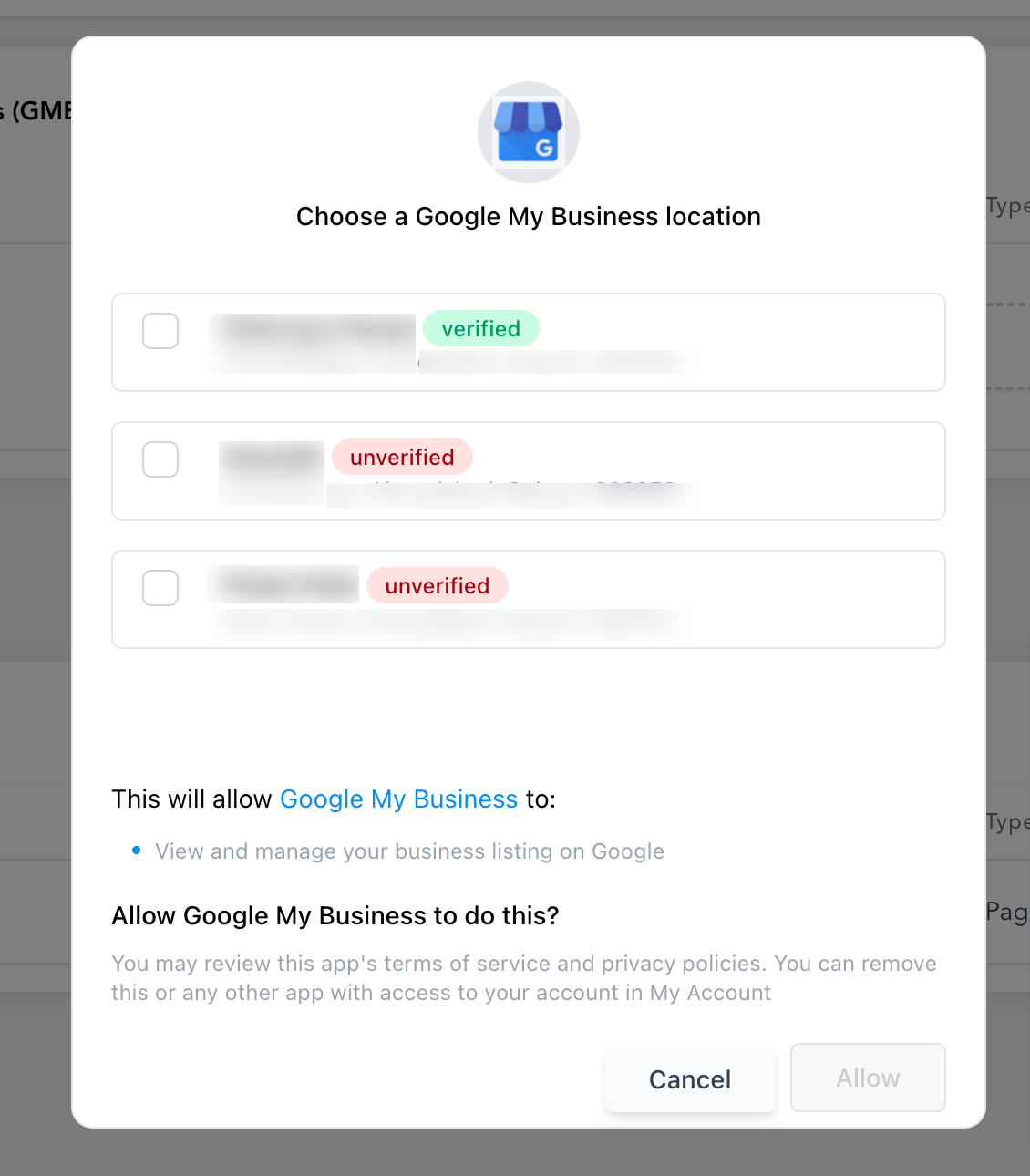
The Google Business Profile connection turns a GBP location into a Social Planner account. After you sign in with the Google account that owns the profile, HighLevel pulls the list of locations you can manage. You then pick the specific location to add.
The linked location appears in the Social Planner accounts list, allowing you to draft, schedule, and publish the supported Google post formats. The same Google authorization can be reused in other HighLevel areas such as Listings and Reputation, reducing repeated sign ins.
Settings for the connection are found inside Social Planner under the gear icon or the Settings tab, where you can add, view, or remove connected socials.
03How businesses use Google business profile connection
- Dental practice. The practice logs into Social Planner, opens the connection window, selects Connect GBP, authorizes their Google account, chooses the clinic location, and clicks Add. The location then shows up as a social account for posting updates about new services.
- Boutique hotel chain. Each hotel manager accesses Social Planner, clicks the gear icon, selects Connect GBP, signs in with the corporate Google account, picks the individual property location, and adds it. The hotel can now schedule local offers through the same planner used for Facebook and Instagram.
- Fitness studio. The studio owner opens Social Planner, uses the + Socials shortcut to open the connection dialog, selects Connect GBP, grants permission using the Google account that controls the studio’s profile, selects the studio location, and confirms the addition. The studio can post class schedules directly to Google.
04Before you start
- You must be able to sign in to the Google account that has access to the desired Google Business Profile location.
05How to set up and use Google business profile connection in HighLevel
Connect a Google Business Profile location to Social Planner
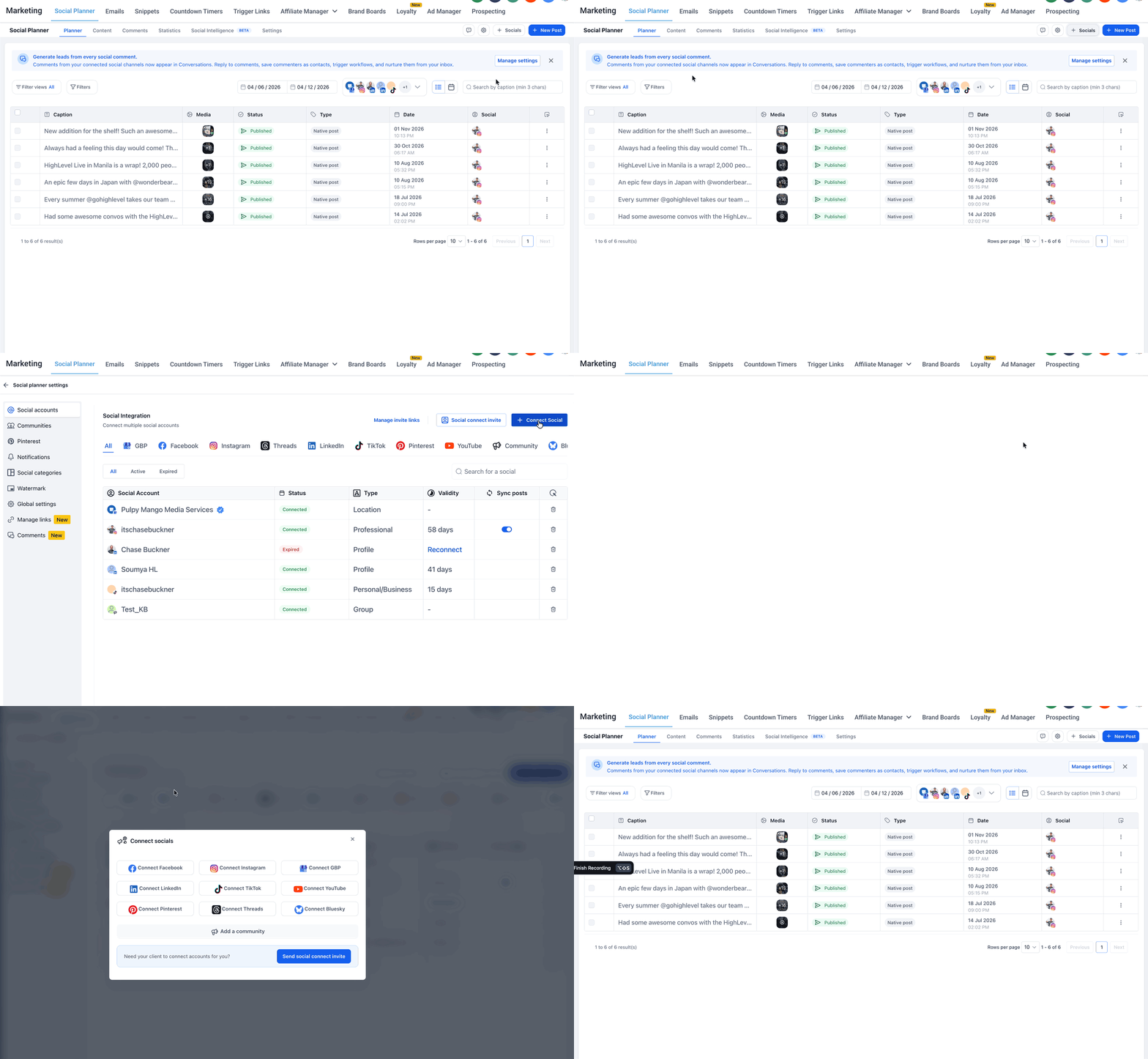
- From your subaccount, navigate to Marketing > Social Planner.
- In the Social Planner view, click the gear icon in the upper right corner.
- Note: You can access the social account connection options in three ways, click + Socials, click the gear icon, or go to the Settings tab and then Social accounts to click + Connect Social.
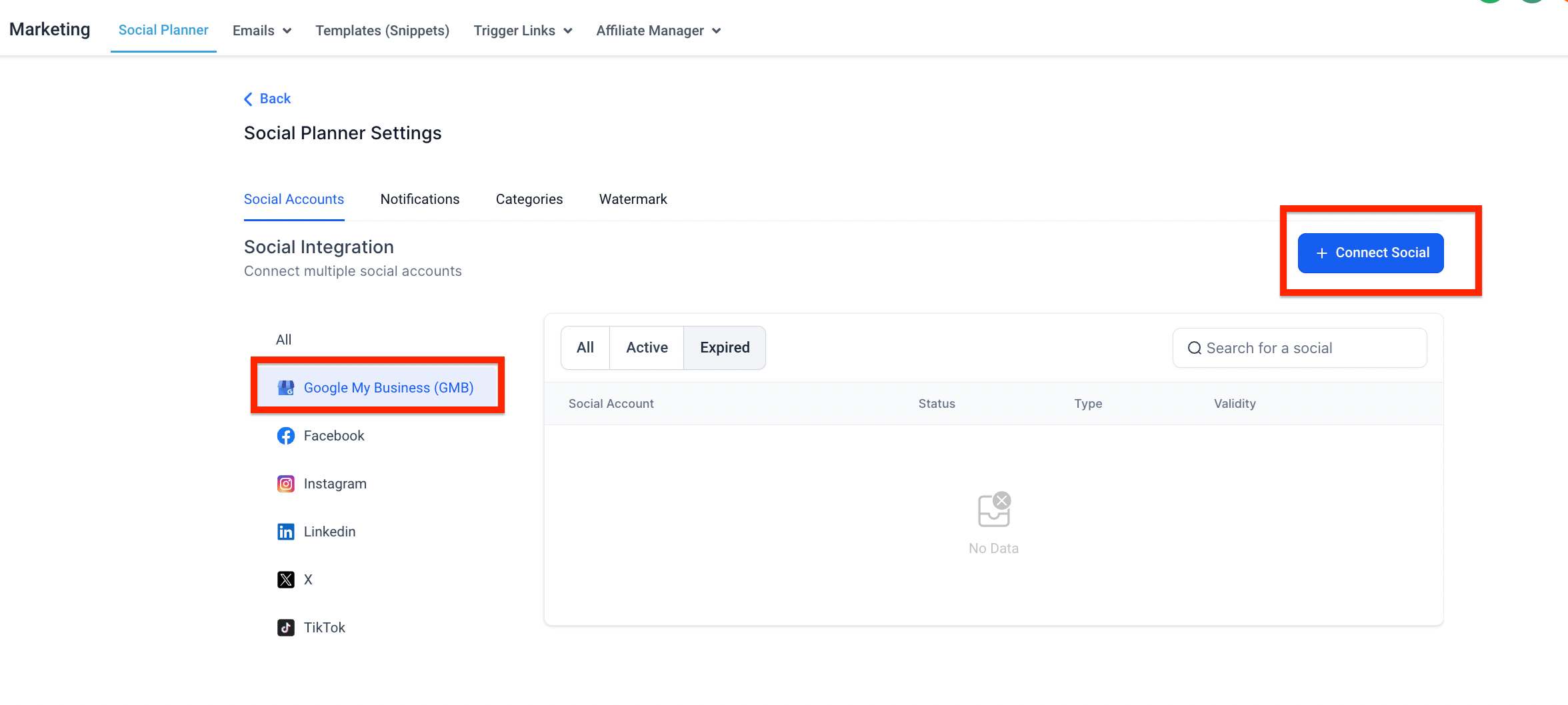
- In the settings panel, go to Social accounts and click + Connect Social (or use + Socials).
- From the list of social options, choose Connect GBP.
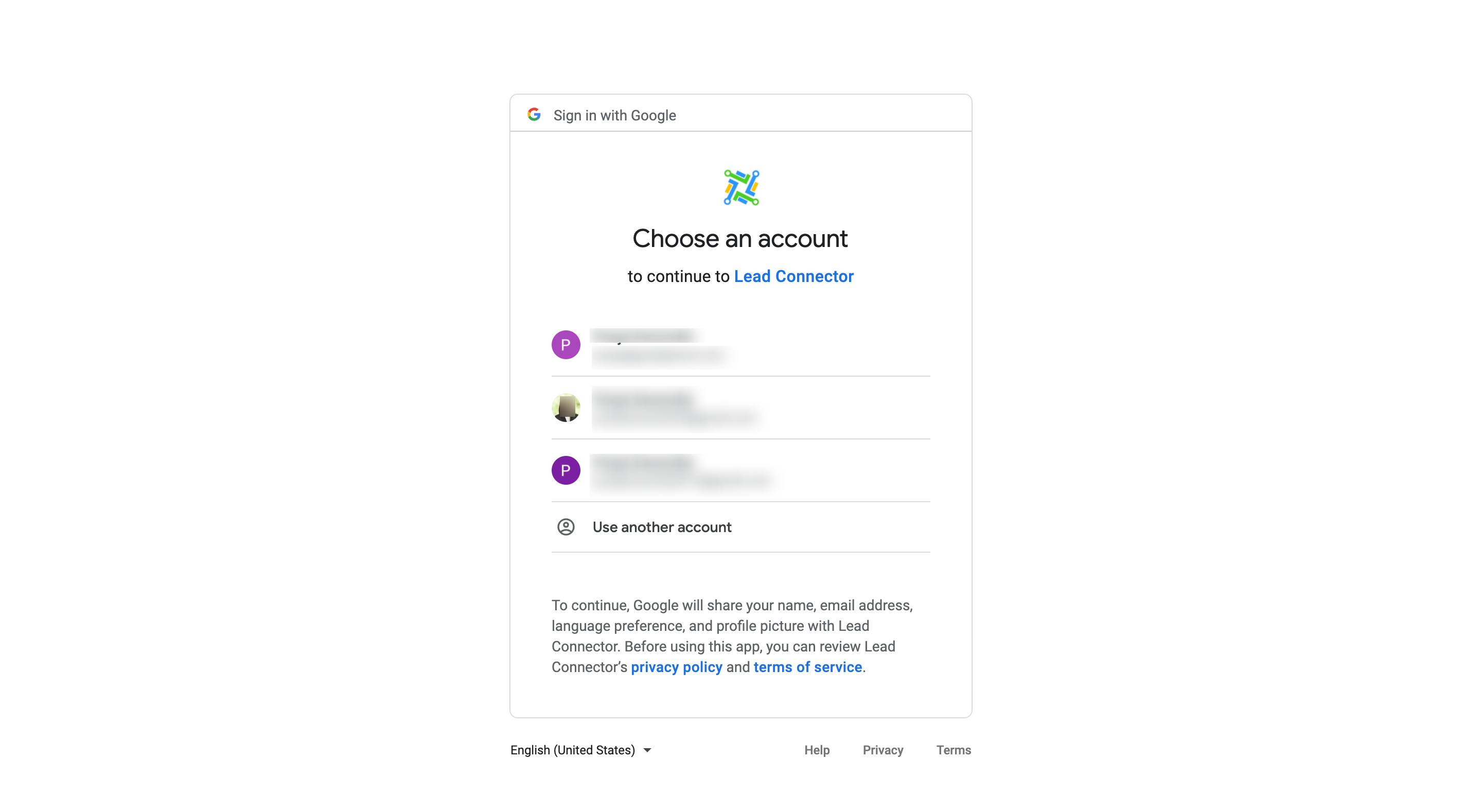
- When prompted, select the Google account that manages the business profile.
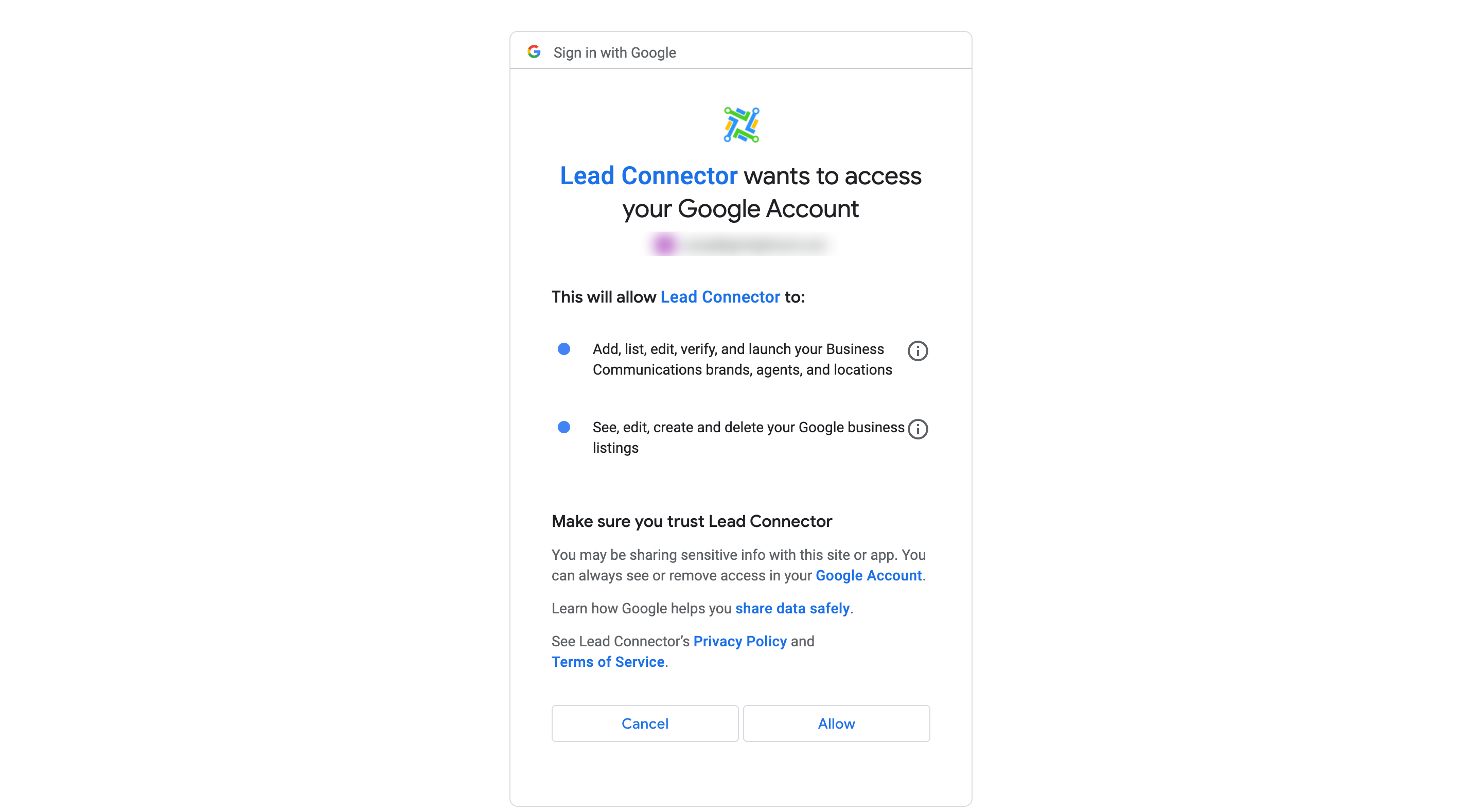
- Complete the Google authorization and grant the requested permissions.
- After authorization, review the list of locations and select the one you want to connect.
- Click Add and verify that the location now appears among your connected social accounts.
06What it looks like in HighLevel
07Settings that matter
- Connect GBP. Starts the Google Business Profile authorization flow and lets you pick which location to add as a social account.
08Things to know before you rely on it
- Only locations that the authorized Google account can access are eligible for connection.
- Some locations may have publishing restrictions; if the Local Post API is unavailable, publishing will fail.
- The guide does not cover Google Business Profile integration for reviews, reputation, or call tracking.
09If something goes wrong
- Google Business Profile location does not appear after authorization.. Confirm you signed in with the correct Google account and that the account has access to the desired location. Review the connection permissions and try again.
10How it connects to the rest of HighLevel
- How to connect Facebook pages in HighLevel Social Planner Facebook connection
- HighLevel Instagram connection: Facebook linked vs direct Instagram connection
- HighLevel pricing and plans Pricing
Michael's take

People often think they need a separate login for each Google location. In reality the same Google account can surface all the locations you have rights to, so you only authorize once and then pick the exact spot you want to post from.
If I were setting this up for a client with several storefronts, I'd link the primary Google account, pull the list of locations, and then add each one to Social Planner. That gives me a single dashboard to schedule posts for every address without juggling separate tools.