
01Who this is for
- Ecommerce store owners, gain visibility into incomplete purchases and retrieve customer data for follow up.
- Digital product sellers, export cart details to track which files customers abandoned.
- Marketing managers, set up automated emails and share recovery links to re engage prospects.
02Abandoned checkouts, explained
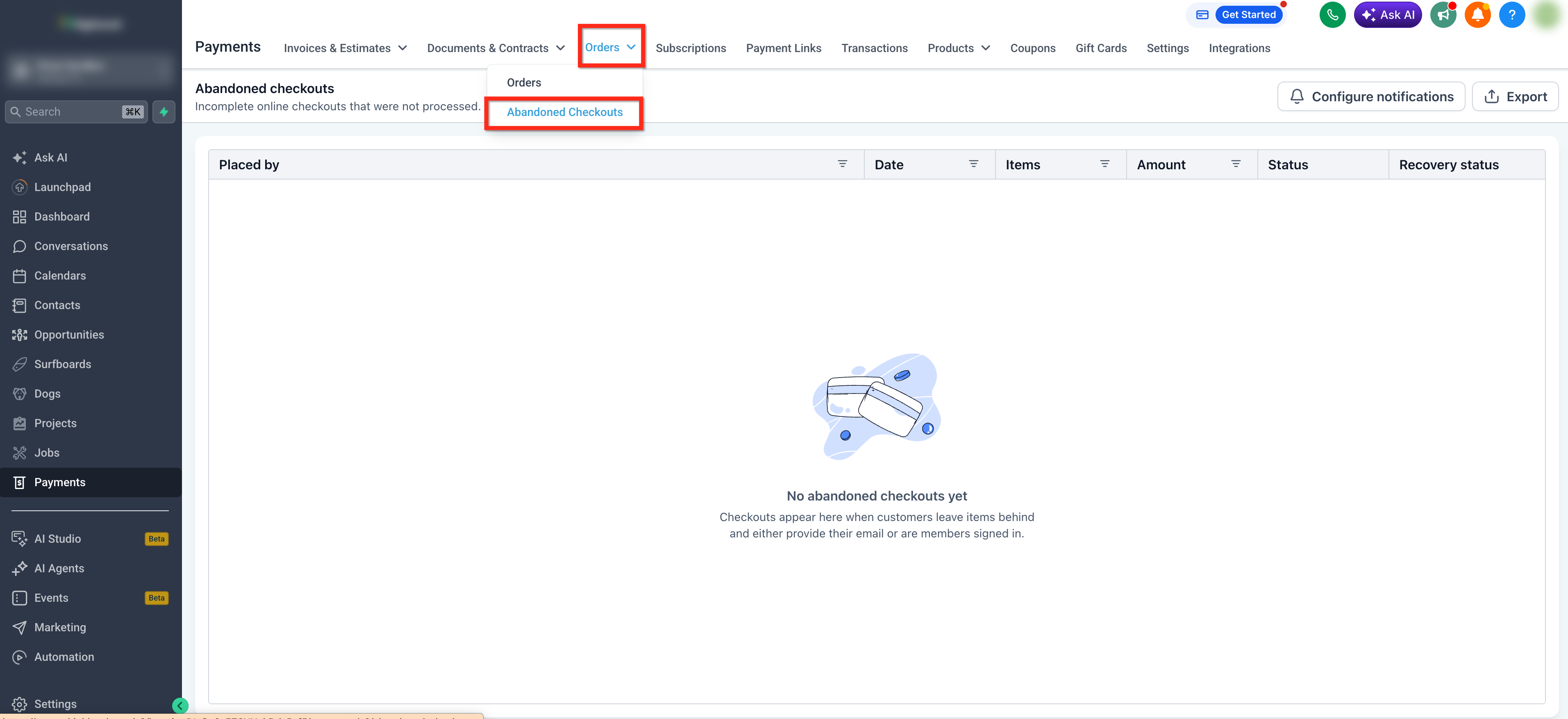
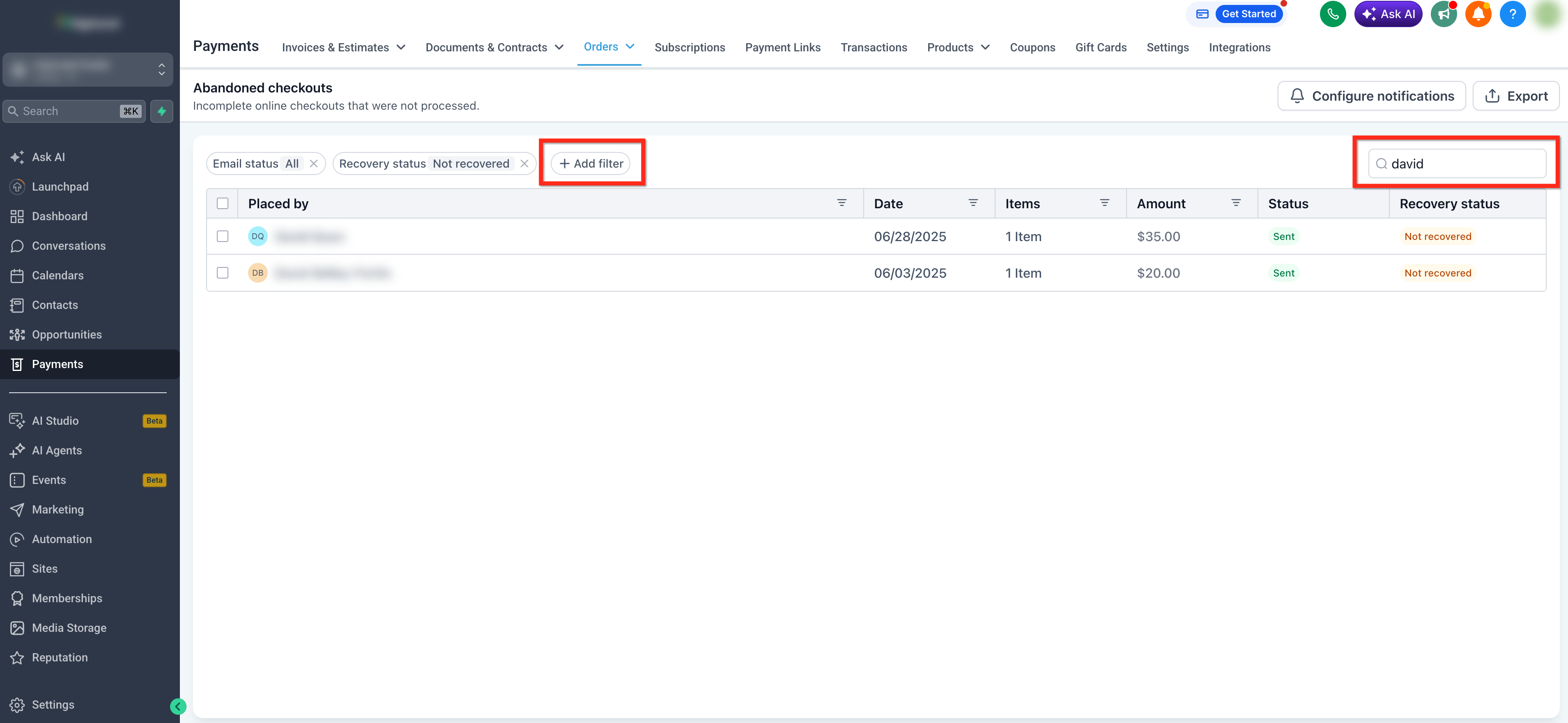
The Abandoned Checkouts page collects every checkout that a visitor started but did not finish. It displays each record in a table where you can search by name or email, apply filters such as email status, recovery status, or date range, and see key details like cart contents and activity logs.
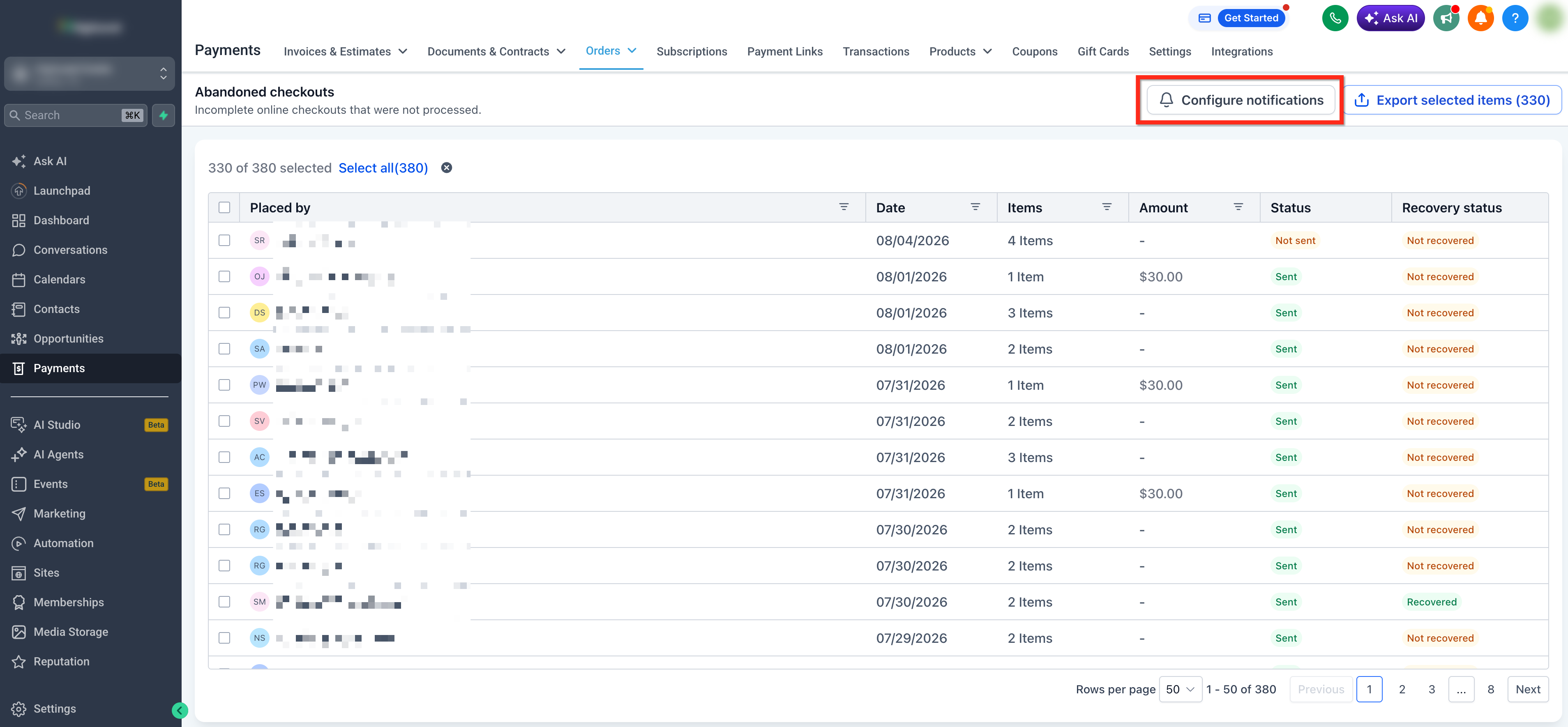
From the same view you can launch the Abandoned Cart Notification Settings to edit the email template, subject line, and timing of automated recovery messages. The page also shows a shareable checkout URL that you can copy and paste into any message to let the customer resume the purchase.
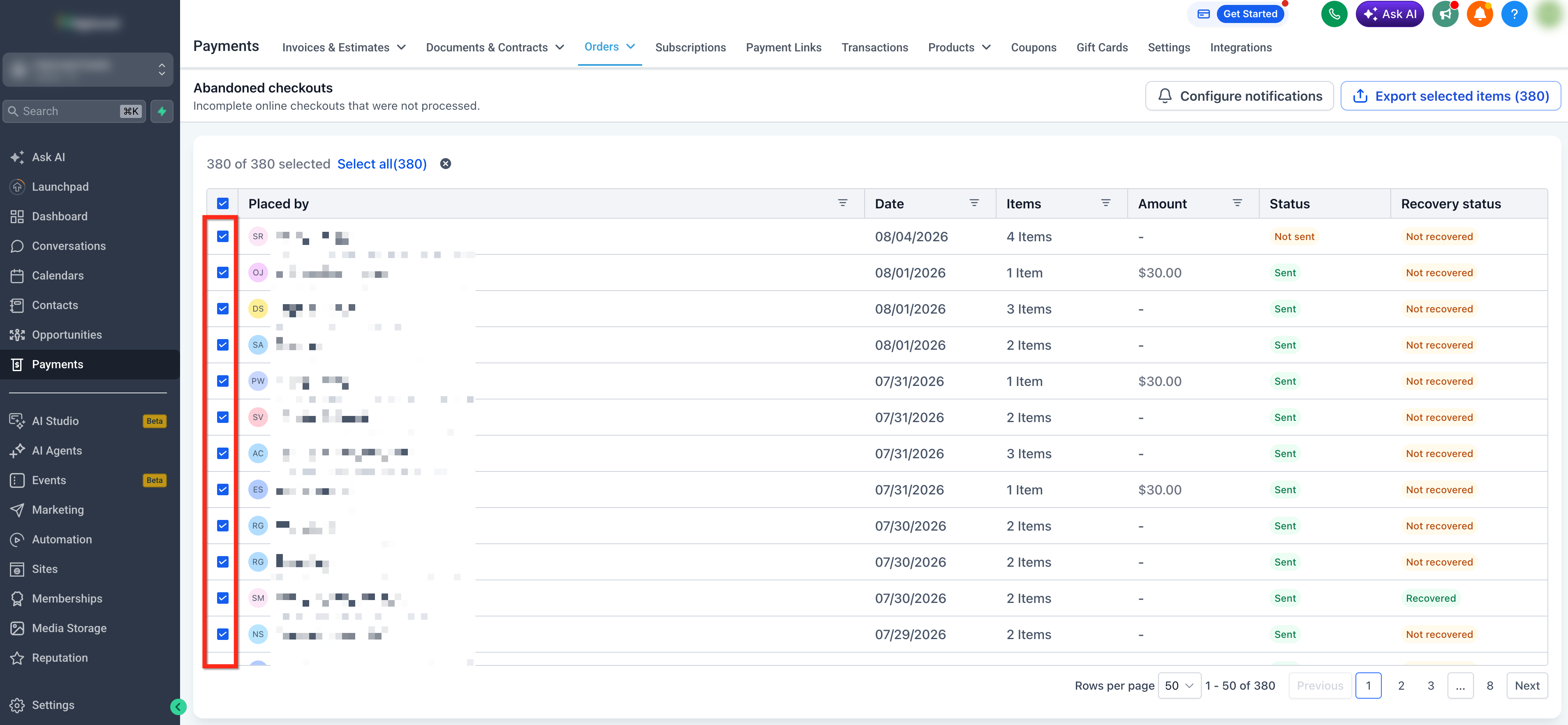
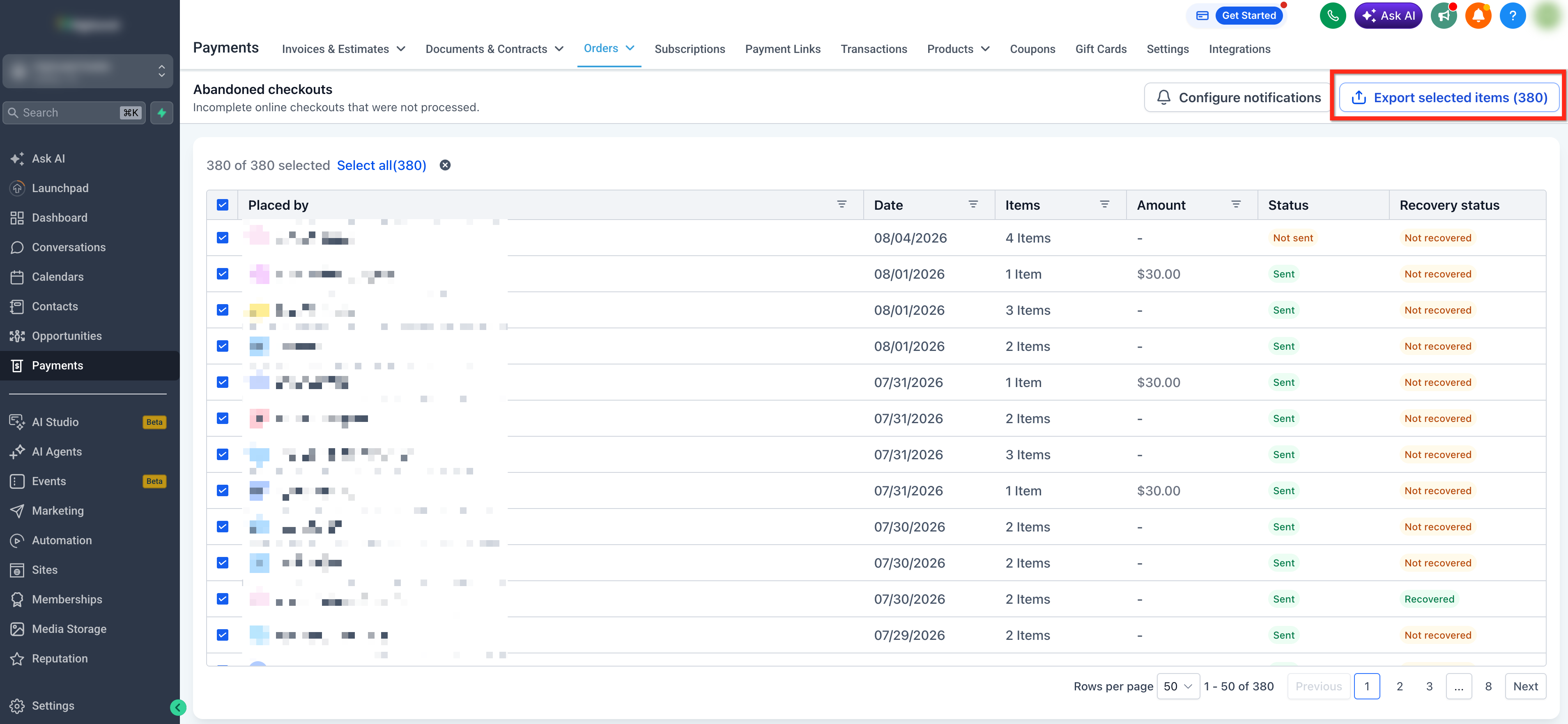
When you need the data outside the platform, select one or more rows and click Export CSV. Exports of five thousand records or fewer download immediately, while larger exports are processed and delivered to your email address.
03How businesses use abandoned checkouts
- Online clothing retailer. The retailer filters abandoned checkouts by date range to see recent drop offs, exports the CSV for analysis, and configures recovery emails to remind shoppers of their saved carts.
- Online course provider. The provider copies the recovery link from an abandoned checkout and sends it via SMS to a student who left mid enrollment, allowing the student to finish the purchase in one click.
- Handmade crafts shop. The shop owner selects multiple abandoned records, exports them to track which craft items are most frequently abandoned, and updates the email template to highlight limited time offers.
04The numbers and rules that matter
- Export CSV includes customer information, cart contents, product details, activity logs, and recovery status.
- If the export contains 5,000 records or fewer, the CSV downloads immediately.
- If the export contains more than 5,000 records, HighLevel processes the export and delivers the CSV file by email.
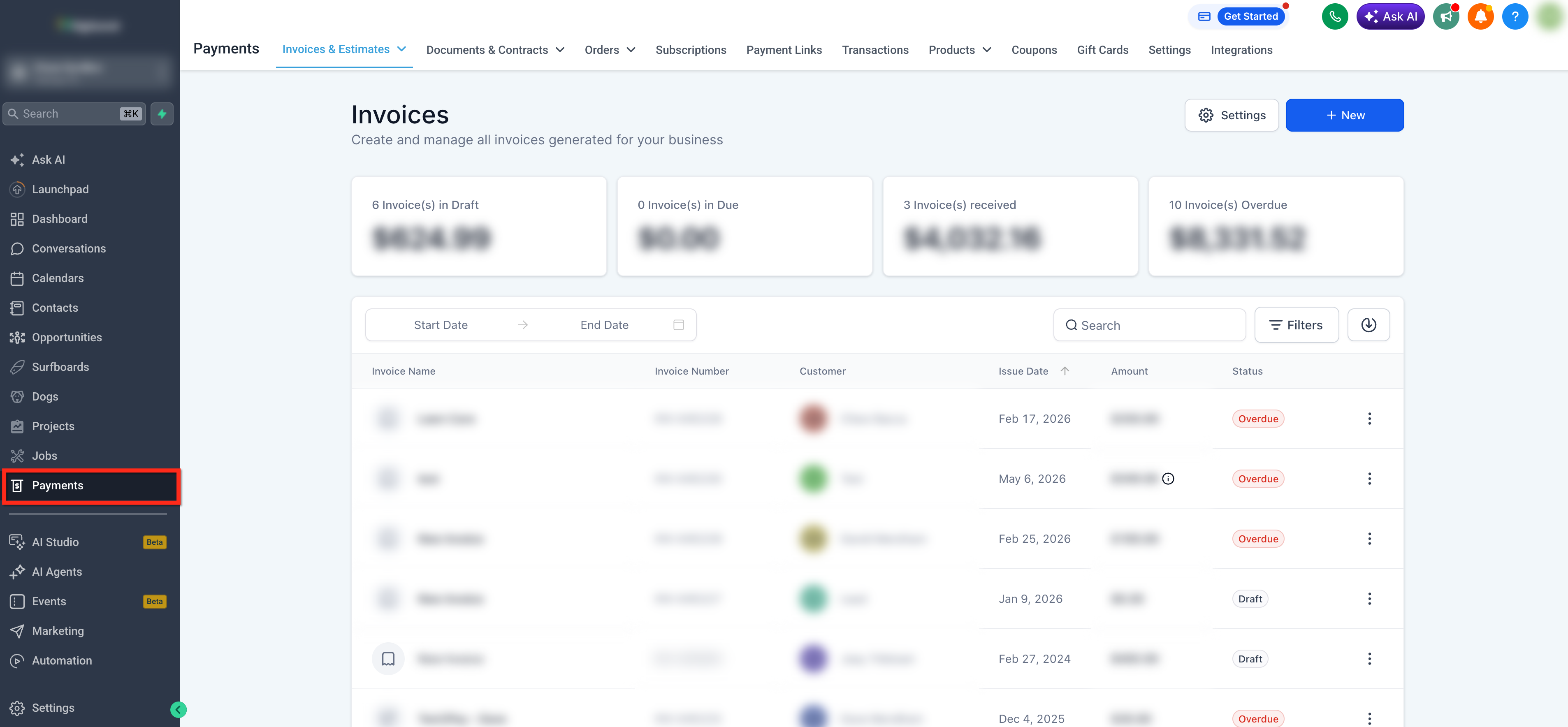
05How to set up and use abandoned checkouts in HighLevel
Configure recovery notifications
- Click the Configure Notifications button on the Abandoned Checkouts page.
- In the Abandoned Cart Notification Settings panel, edit the email template, subject line, and delivery timing.
- Save the changes to activate the automated recovery emails.
Share recovery links
- Open the desired abandoned checkout by clicking the order name.
- Locate the checkout URL near the top of the details view and click the Copy icon.
- Paste the copied link into an email, SMS, or other message to send to the customer.
06What it looks like in HighLevel
07Settings that matter
- Abandoned Cart Notification Settings. Controls the content, subject line, and schedule of automated emails sent to customers with abandoned carts.
08Things to know before you rely on it
- Export CSV works right away only for 5,000 records or fewer; larger exports are processed and sent by email.
- The Export CSV button is disabled until at least one abandoned checkout record is selected.
09If something goes wrong
- Export CSV button is disabled. Select at least one abandoned checkout record in the list.
10How it connects to the rest of HighLevel
- Set up automatic abandoned checkout emails Abandoned checkout emails
- Explore all ecommerce store features Ecommerce store overview
- Learn how to set up an online store in HighLevel Store setup guide
Michael's take

This feels like a small convenience that can become a real shift for any shop that loses customers midcheckout. Turning the abandoned checkout list into a quick export and then a personalized reminder could help recover orders.
A boutique apparel store that sells limited run items would fit well. They could pull a daily CSV of abandoned carts, spot which styles are most often left behind, and send a custom email with a discount link.