
01Who this is for
- Agency admins need to confirm users belong to subaccounts so they can see HighLevel data without loading errors.
- Developers who add custom styling or scripts must verify those changes do not break the loader’s visual states.
02Loading states, explained
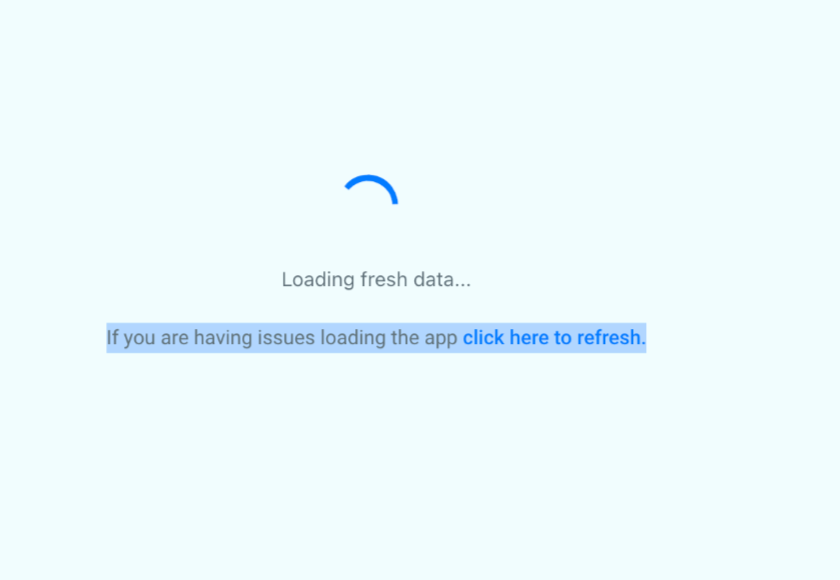
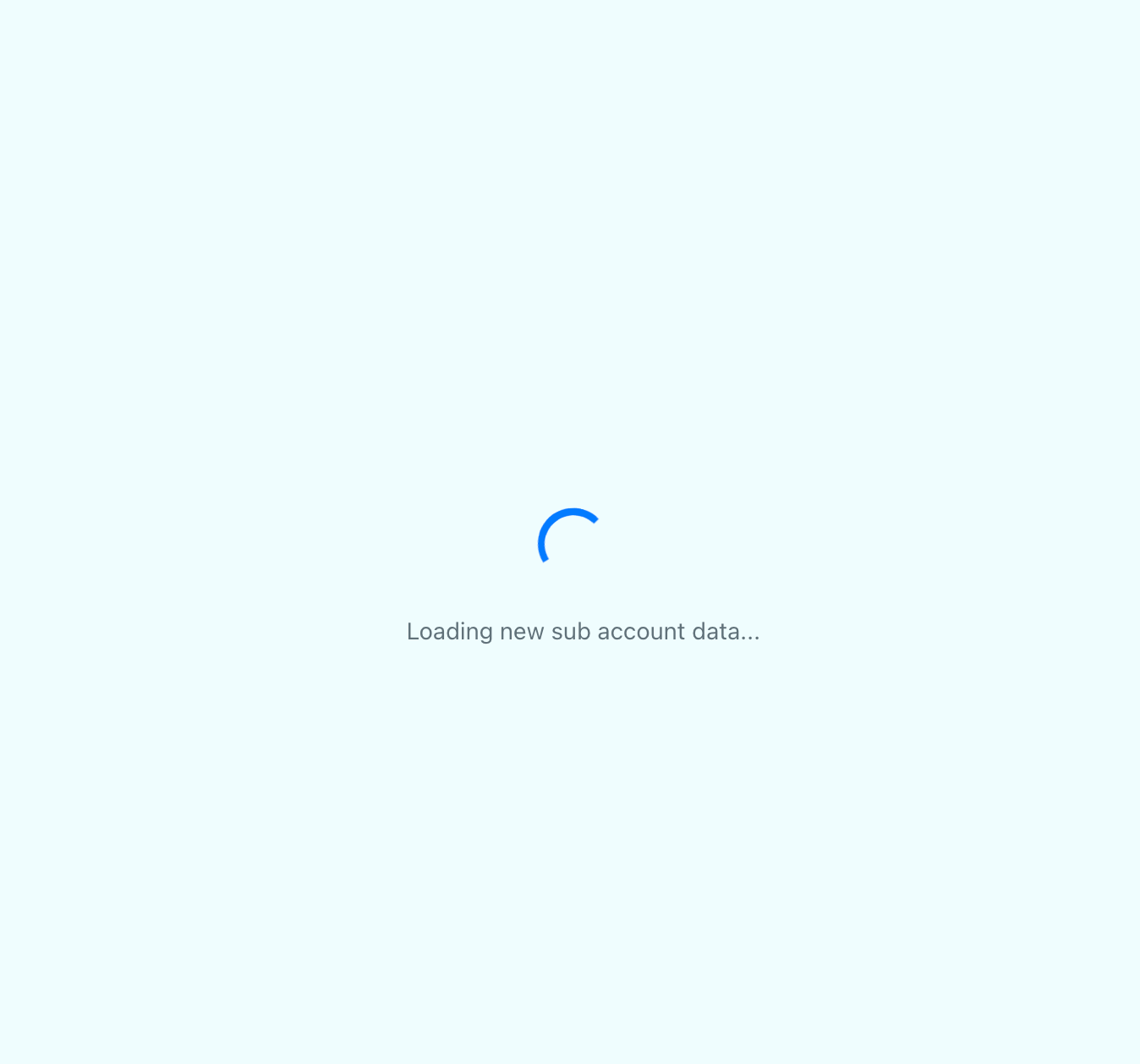
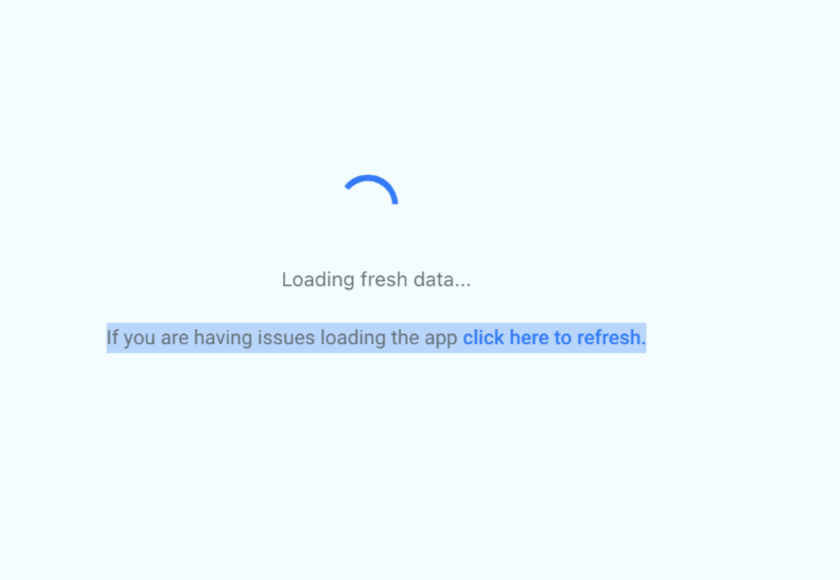
HighLevel displays a spinner whenever HighLevel is preparing data. The first state appears during app initialization, then a second state runs while fresh data loads after user actions. A third state activates when subaccount information is being fetched. If loading exceeds the platform’s time limit, the spinner continues indefinitely and a “Click Here to refresh” link appears.
The refresh link clears the browser cache automatically and records any client side errors for analysis. Custom CSS that overrides loader classes or custom JavaScript that changes its event handlers can prevent the spinner from showing correctly. Adjusting or removing those customizations restores normal loader behavior.
03How businesses use loading states
- Marketing agency. The agency adds each team member to the appropriate client subaccount, ensuring they can open HighLevel without endless loading. When a custom style sheet interferes, the agency revises the CSS to match the new spinner classes.
- Software consultancy. Consultants who embed the platform in their client portals test any JavaScript they add for conflicts with the loader. If the refresh button stops working, they follow the manual troubleshooting steps to clear site data and hard refresh the page.
- Ecommerce store. Store managers monitor the loading spinner when switching between different store locations (subaccounts). If the spinner never stops, they use the refresh prompt to clear cache and avoid disruptions while viewing sales data.
04The numbers and rules that matter
- The old 9 dot loader has been replaced with a modern spinner.
- An infinite loading state appears when loading exceeds roughly 30 seconds.
05Before you start
- The user must be assigned to at least one subaccount by an agency admin.
06How to set up and use loading states in HighLevel
Add user to subaccount
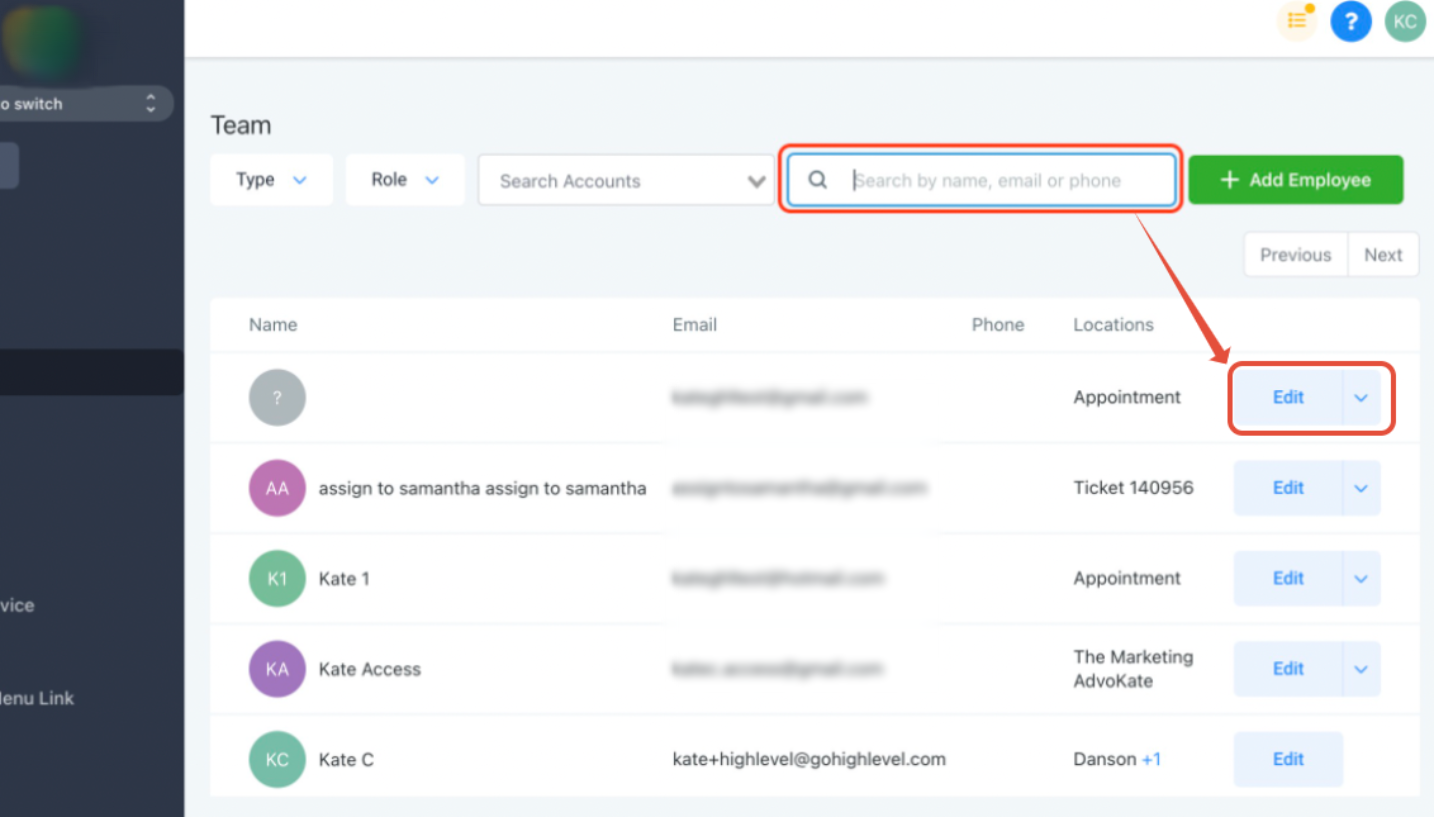
- Navigate to the agency team management page while in the agency view.
- Search for the user by name, email, or phone using the top right search field.
- Select the Edit option for the found user.
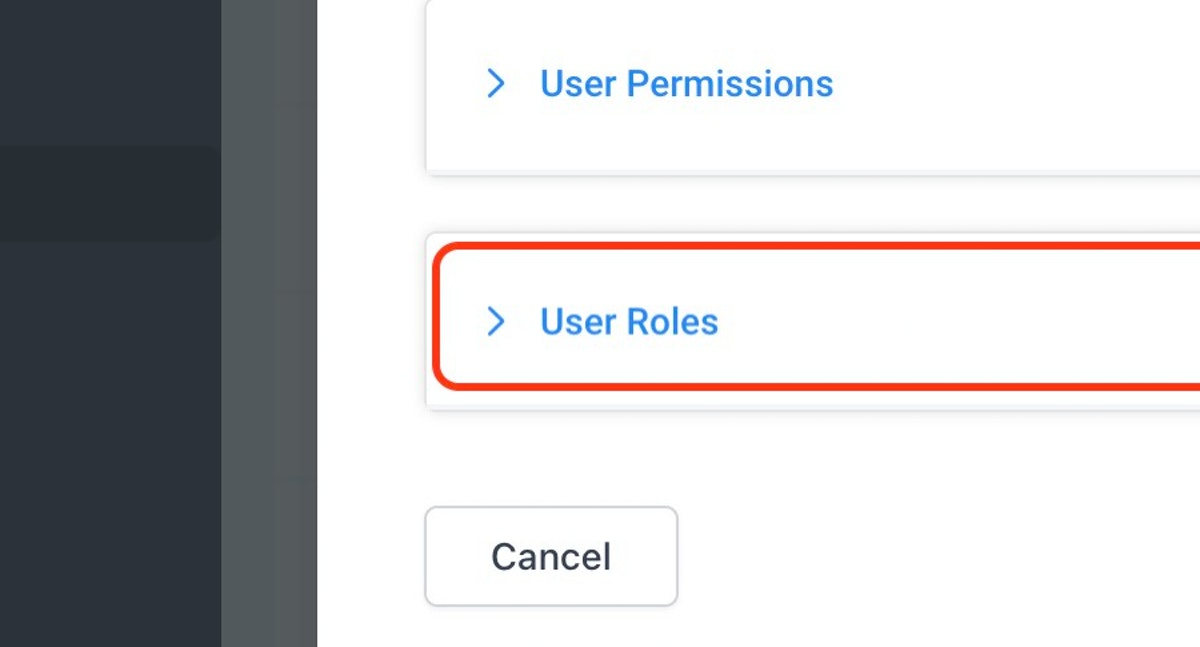
- Open the User Roles section.
- Choose at least one subaccount from the dropdown list.
Manual troubleshooting when refresh button fails
- Right click the page and choose Inspect to open the browser’s developer pane.
- If the pane appears on the left, click the two arrow “more” icon and select the Application tab.
- Within Application, open the Storage area, scroll down, and press the Clear Site Data button.
- Click the lock icon beside the URL, open Cookies, and press Remove for the site’s cookies.
- Click Done to close the developer tools.
- Perform a hard refresh: Command + R on Mac or Ctrl + F5 on PC.
07What it looks like in HighLevel

08Things to know before you rely on it
- If loading exceeds roughly 30 seconds, the spinner enters an infinite loading state and shows a refresh prompt.
- Custom CSS that overrides loader classes may hide or alter the spinner’s appearance.
- Custom JavaScript that changes loader event handlers can stop the refresh button from working.
09If something goes wrong
- Refresh button does not respond. Clear site data and cookies via the browser’s developer tools, then perform a hard refresh of the page.
- Loader does not appear after adding custom CSS or JS. Review and adjust the custom CSS or JavaScript to avoid conflicts with the loader’s styles and event handlers.
10How it connects to the rest of HighLevel
- View and filter contact records CRM list views
- Understand object association limits Association limits
- Explore all CRM capabilities All CRM features
- Check HighLevel pricing and plans Pricing
- Start a 30 day trial of HighLevel 30 day trial
Michael's take

Don't overlook the fact that a misbehaving loader can hide deeper issues. If custom styles or scripts clash with the new spinner, users may think the app is broken when it's just a visual glitch.
The upside is clear: The refresh button not only restarts the page but also wipes the cache for you, cutting down on manual steps.