
01Who this is for
- Founders who need to standardize voice agent behavior across multiple locations can automate configuration via the APIs.
- Operations managers wanting instant access to call transcripts for compliance can pull logs programmatically.
- Product developers building custom voice driven features can embed real time webhook callbacks into their applications.
02Voice AI Public APIs, explained
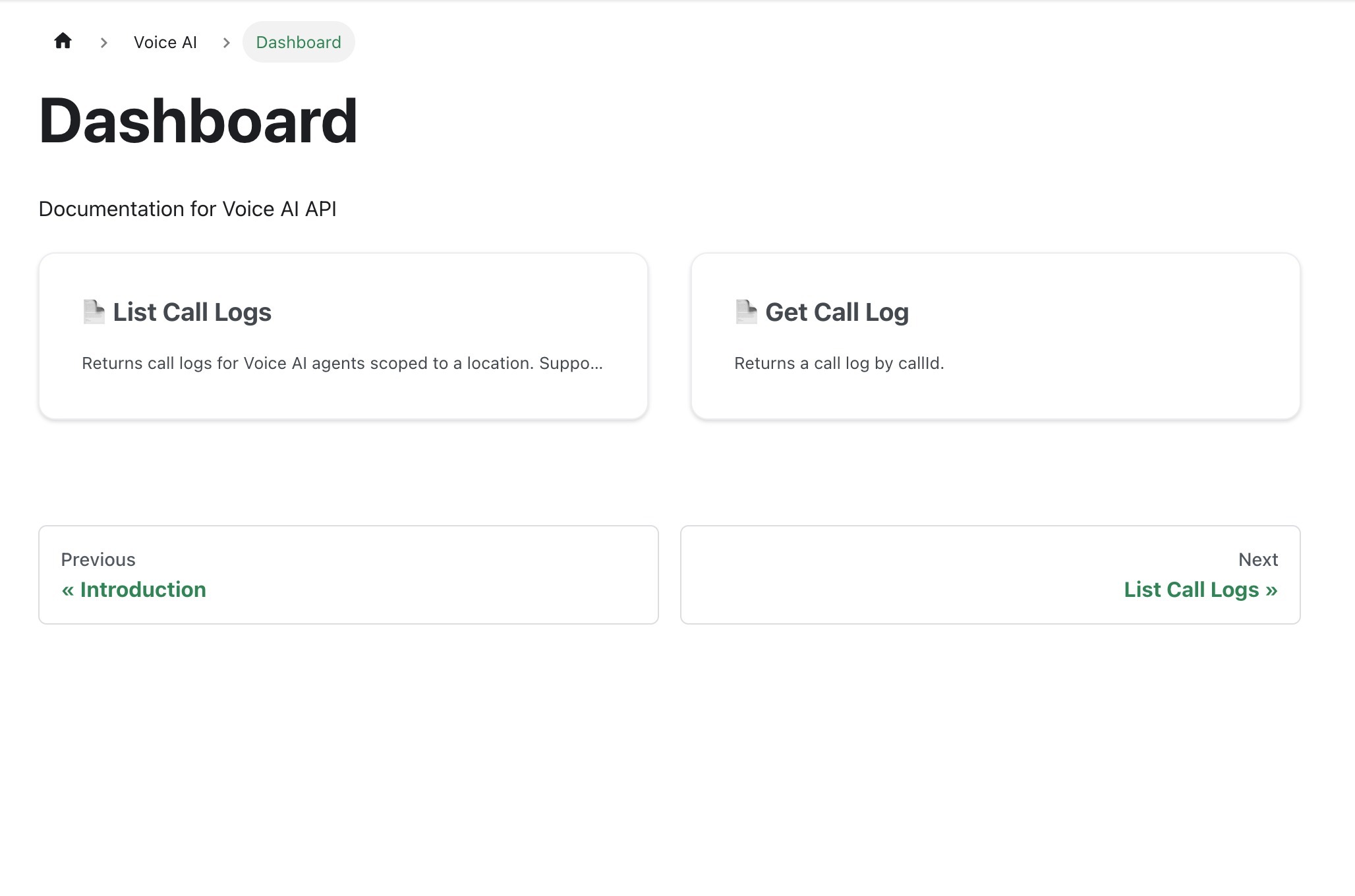
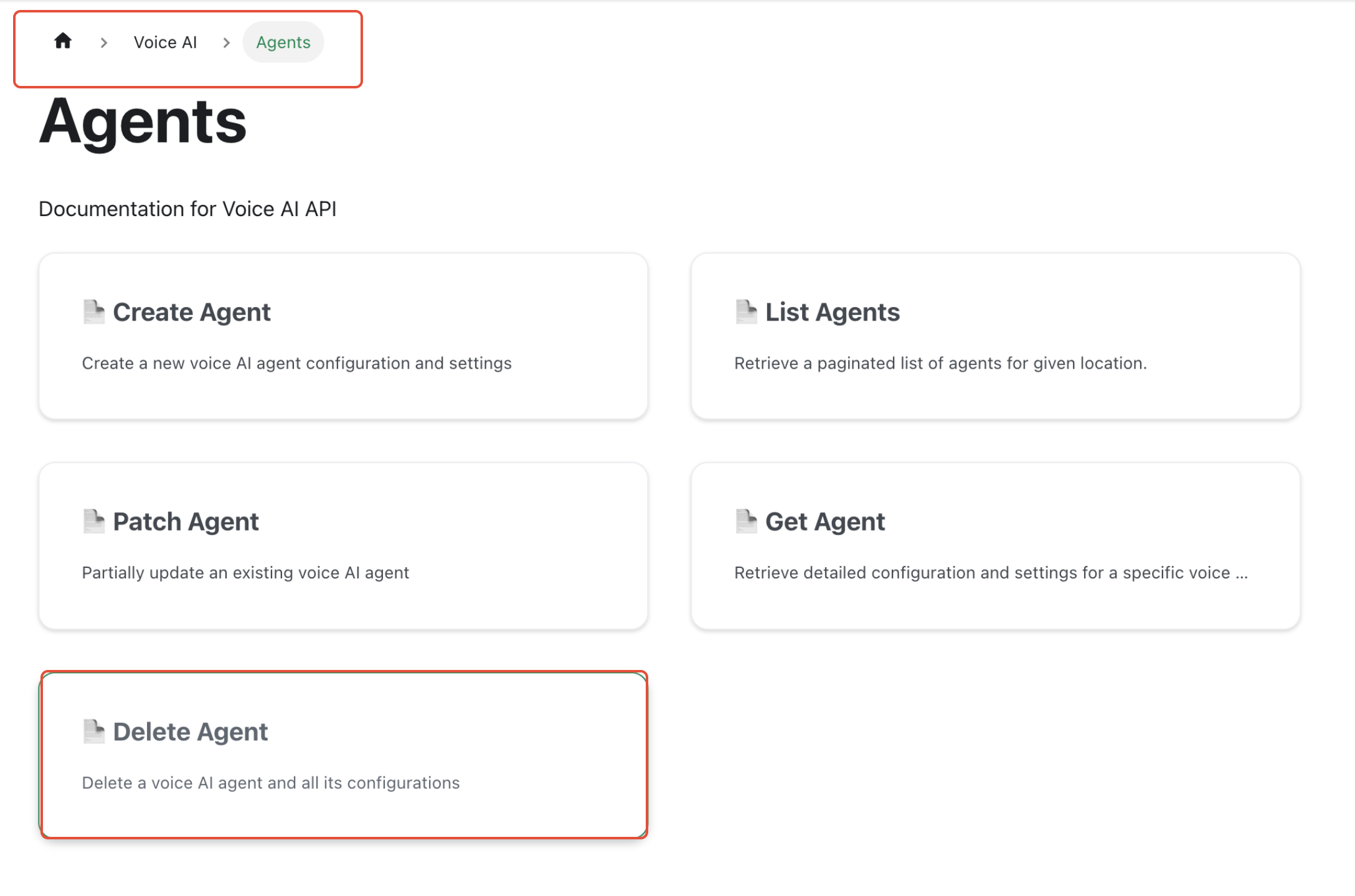
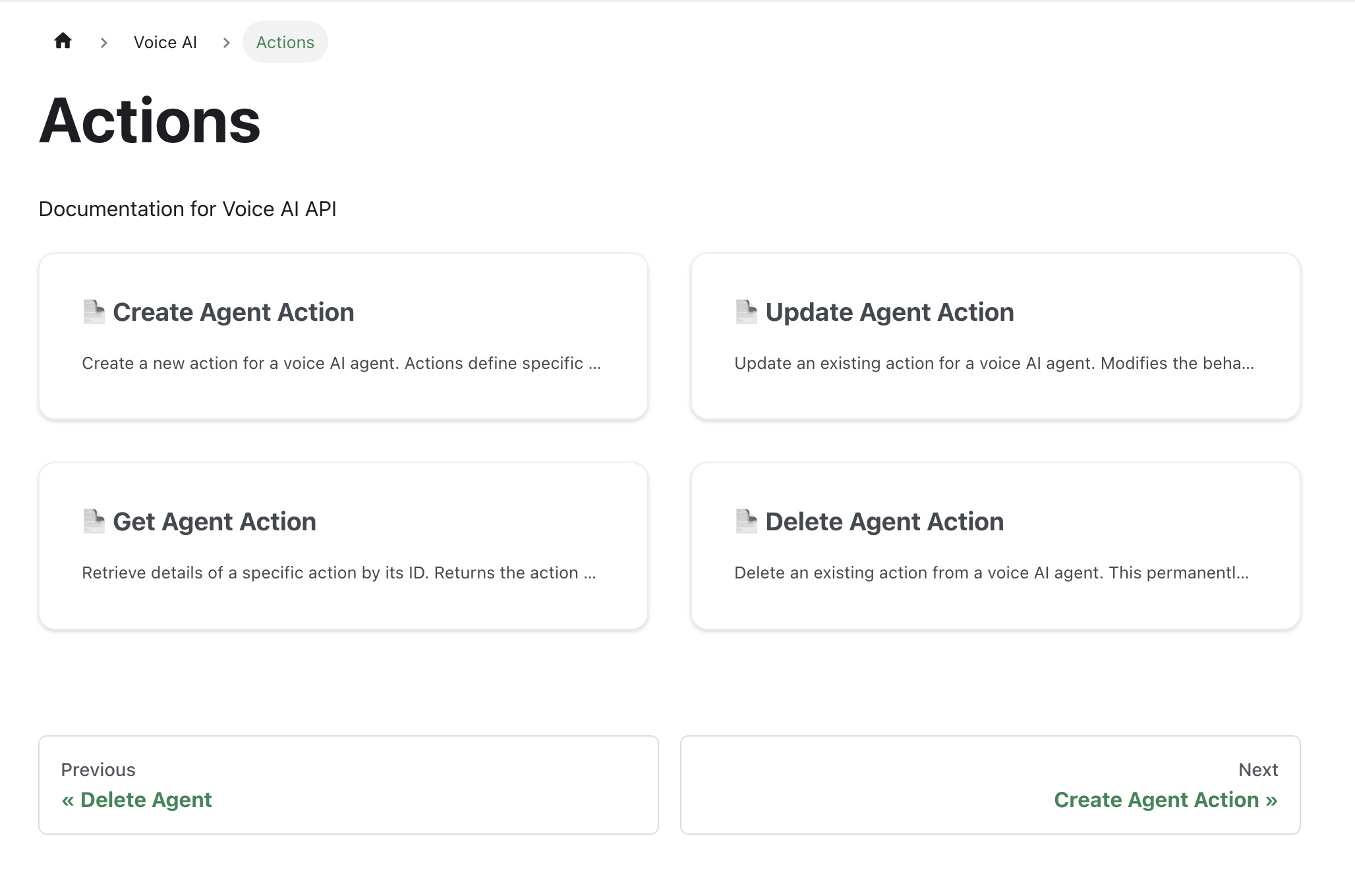
The Voice AI Public APIs are a set of endpoints in the HighLevel platform that let you create, update, list and delete Voice AI agents and their actions. They also expose calls, transcripts and voice catalog data so you can retrieve information outside the standard UI.
When you call an endpoint the platform returns JSON with the requested details. Agents can be configured with actions such as webhooks, and calls can be filtered by agent, contact, type, date range and timezone. The APIs live in the HighLevel developer portal and require authentication the same way other HighLevel APIs do.
03How businesses use Voice AI Public APIs
- Dental practice. Create a Voice AI agent that handles appointment booking calls. Use the Actions API to attach a webhook that records each booking. Pull call logs and transcripts through the Call Log API to review patient inquiries.
- Real estate agency. Set up Voice AI agents to qualify leads over the phone. Retrieve call logs and transcripts via the Call Log API and store them in the agency's lead database for later analysis.
- Ecommerce store. Configure a Voice AI agent that assists customers with order placement. Use the Actions API to trigger a webhook that confirms the order in the store’s order system after the call ends.
04The numbers and rules that matter
- List endpoints use 1 based pagination and support sorting.
05Before you start
- You must have appropriate HighLevel access to manage Voice AI and read call data.
06What it looks like in HighLevel
07Things to know before you rely on it
- Access requirements may evolve; always check the latest API documentation.
- All API calls require appropriate HighLevel permissions.
- List endpoints use 1 based pagination and support sorting and filtering.
08If something goes wrong
- Missing permission to use the Voice AI APIs. Coordinate with your account admin to obtain the required HighLevel access.
09How it connects to the rest of HighLevel
- How to configure inbound call flow for Voice AI Configure inbound call flow
- Understanding HighLevel voice AI agents and their business uses Voice AI agents overview
- HighLevel pricing and plans Pricing
Michael's take

In my experience, the API becomes handy when you need to automate agent configuration or pull call data at scale.
If you only have a few calls per month and lack developer resources, the built in Voice AI UI may be sufficient.