
01Who this is for
- Agency Founders who need a clear, step by step start when launching a new HighLevel account.
- Marketing agency admins who must train new team members on the platform without confusion.
- SaaS entrepreneurs on the $97, $297, or $497 plans who require quick onboarding for their agency dashboard (per HighLevel's help center, checked November 2026).
02Agency LaunchPad, explained
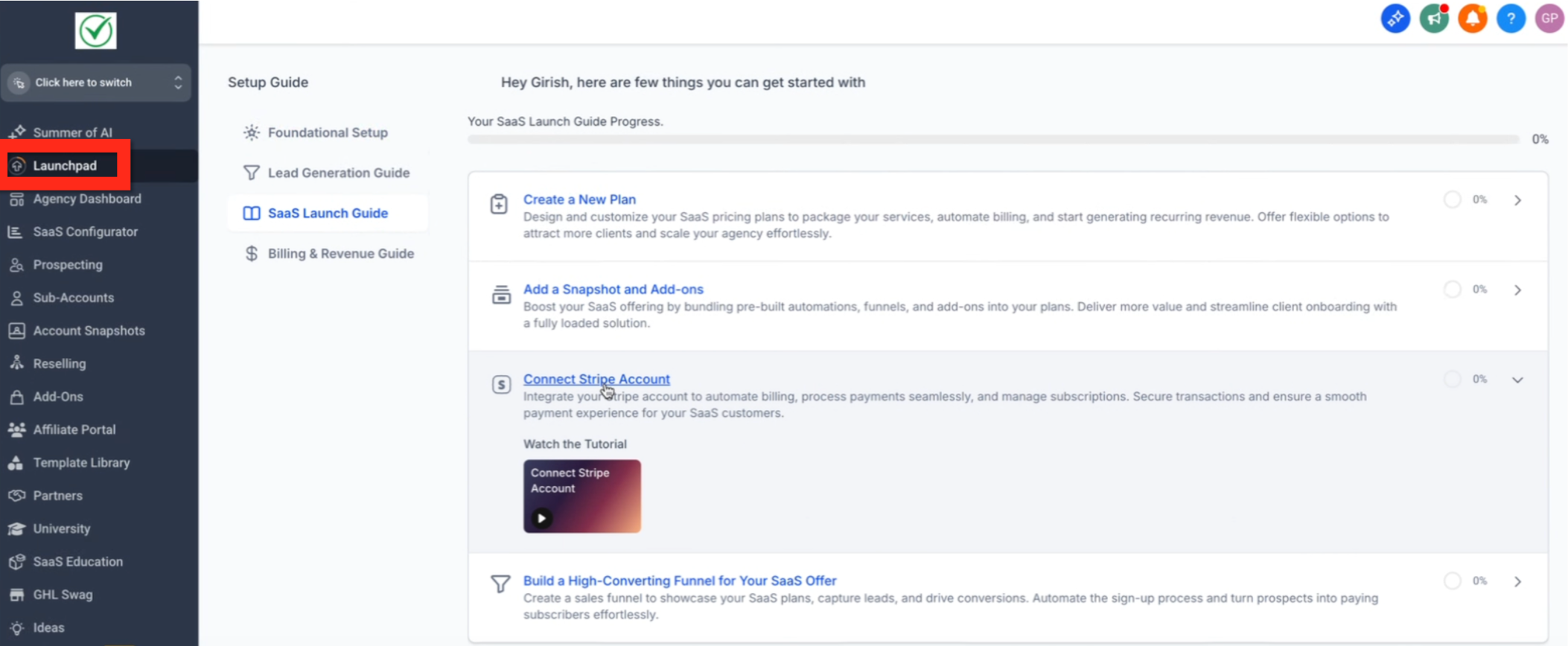
Agency LaunchPad lives inside the Agency View navigation. When an eligible account logs in, the menu shows a LaunchPad entry that opens a panel of guided actions. Each action links to a part of HighLevel, displays a short tutorial video, and lets the user perform the step directly.
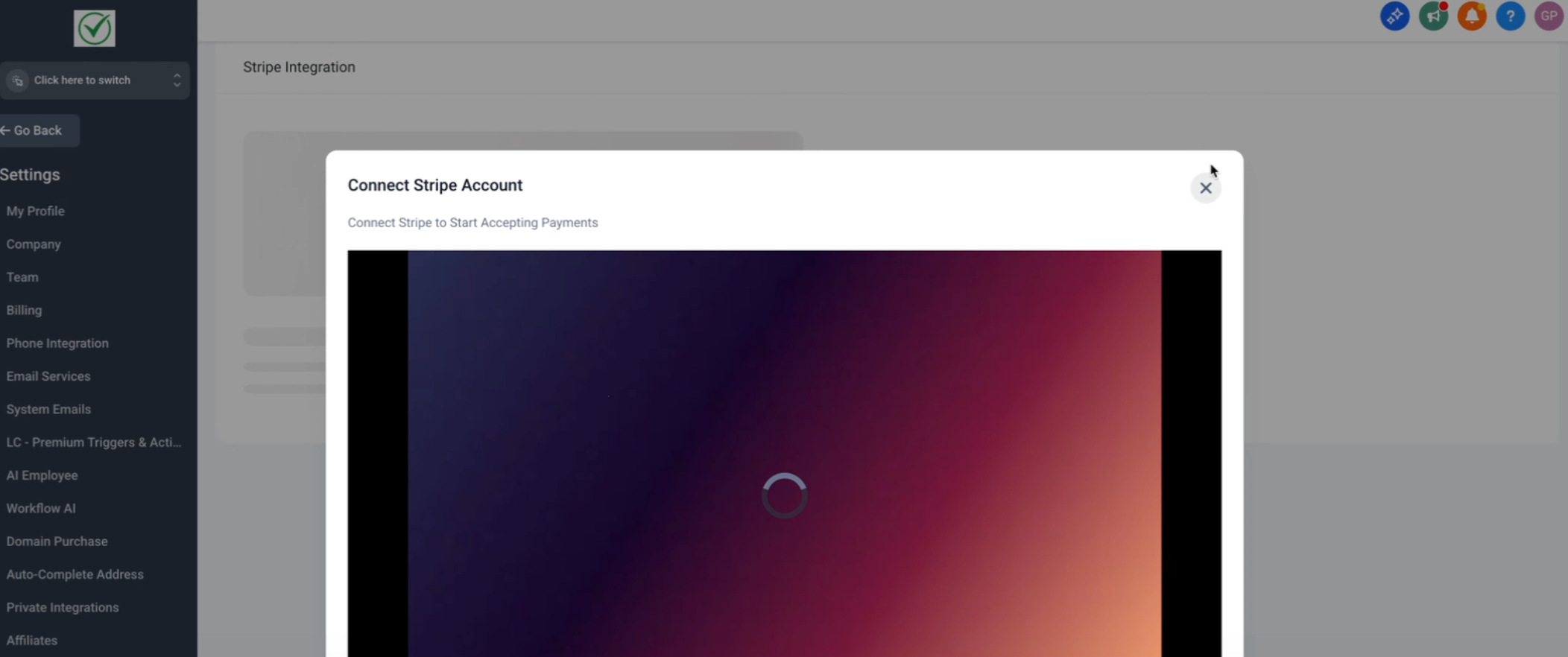
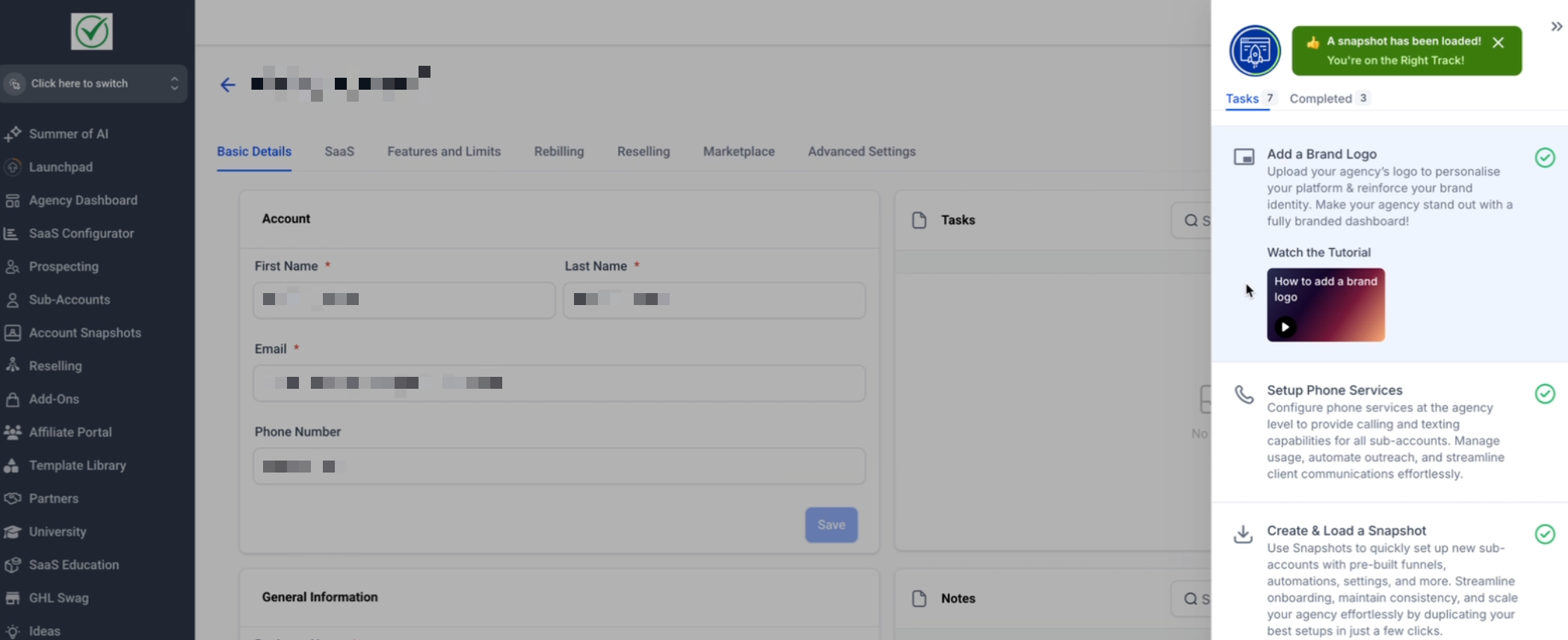
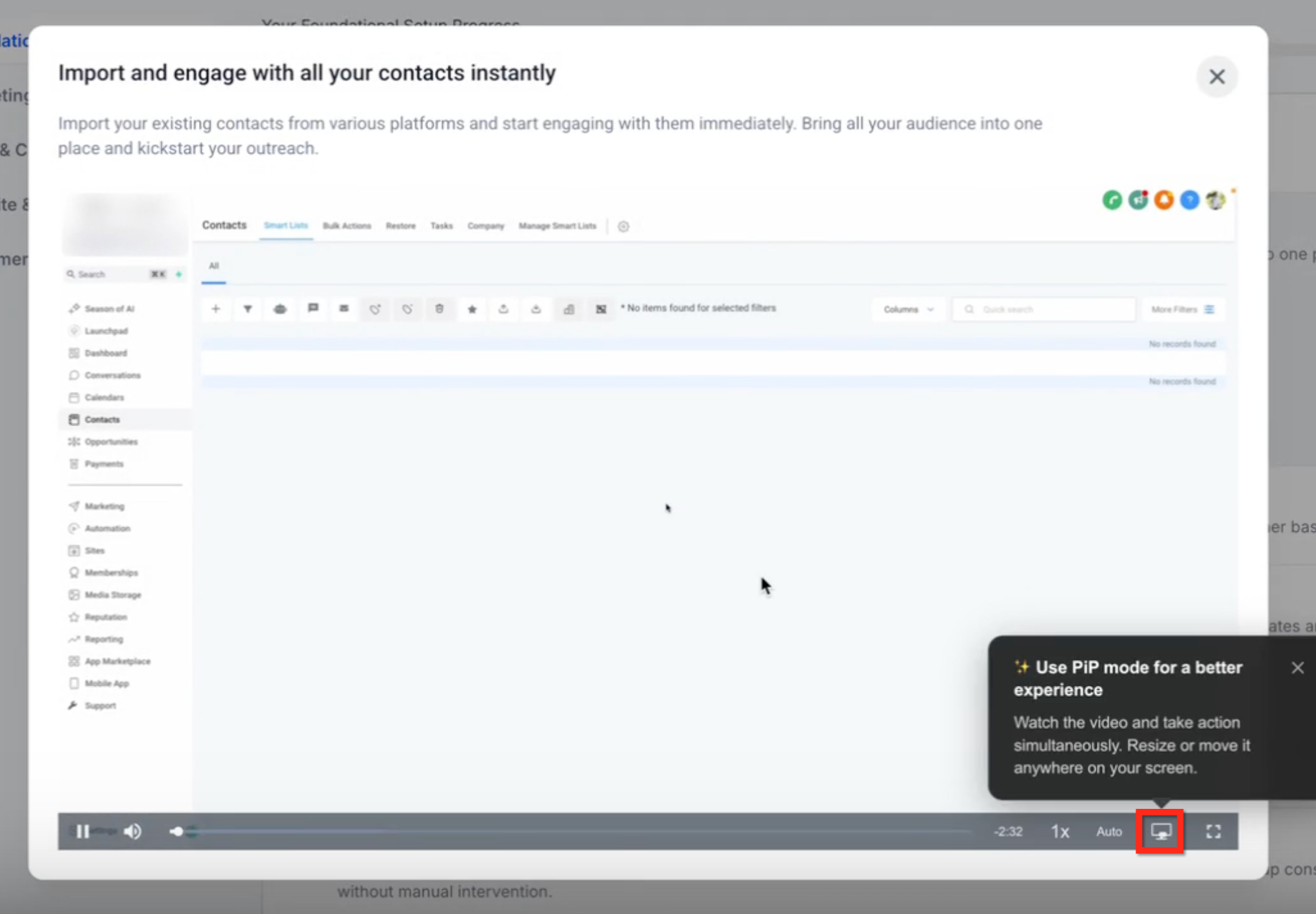
The tool updates in real time, marking actions as completed so users can see their progress. Videos run in picture in picture mode, allowing the user to watch while working in the same browser tab. Accessibility features include screen reader announcements and keyboard only navigation.
Admins can control whether LaunchPad appears for specific roles, subaccounts, or SaaS plans through role permissions. Subaccounts receive their own LaunchPad experience that mirrors the agency version.
03How businesses use Agency LaunchPad
- Digital marketing agency. The agency admin opens LaunchPad, watches the video for setting up a new campaign, follows the on screen prompts to configure the campaign, and then returns to LaunchPad to mark the step complete.
- SaaS startup. The Founder accesses LaunchPad, uses the guided action to connect a domain, watches the tutorial, completes the domain setup in HighLevel, and sees the progress bar advance.
- Freelance web designer. The designer opens LaunchPad, selects the action for creating a client subaccount, follows the video instructions to add the client, and then returns to the dashboard to continue with the next onboarding step.
04The numbers and rules that matter
- Available to agency accounts on the $97, $297, and $497 plans created on or after June 5, 2025 (per HighLevel's help center, checked November 2026).
- Agency accounts created before June 5, 2025 do not have access.
- Accessibility labels, announcements, and alt text are translated across 13 locales.
05Before you start
- The agency account must be on the $97, $297, or $497 plan (per HighLevel's help center, checked November 2026).
- The account must have been created on or after June 5, 2025 (per HighLevel's help center, checked November 2026).
- The user's role must include permission to view LaunchPad.
06How to set up and use Agency LaunchPad in HighLevel
Access agency launchpad
- Log in to your HighLevel agency account.
- In the Agency View, locate LaunchPad in the navigation menu.
- If LaunchPad does not appear, verify that your role includes permission to access it.
- If it is still missing after checking permissions, contact HighLevel Support.
- Confirm the agency account was created on or after June 5, 2025; earlier accounts lack the feature.
- Navigate to LaunchPad; if it is not visible, wait for the rollout or request activation.
- Check that role permissions have not hidden LaunchPad; ask an agency admin if needed.
- Review the guided actions presented in LaunchPad and select one to begin.
07What it looks like in HighLevel
08Settings that matter
- LaunchPad visibility. Controls whether LaunchPad appears for a given role, subaccount, or SaaS plan.
09Things to know before you rely on it
- Only agency accounts on the $97, $297, and $497 plans are eligible (per HighLevel's help center, checked November 2026).
- Eligibility requires the account to have been created on or after June 5, 2025 (per HighLevel's help center, checked November 2026).
- Accounts created before that date do not have access to the new LaunchPad.
- Tutorial videos are only accessible within LaunchPad; there is no separate video library.
- Admins can hide LaunchPad for specific roles, subaccounts, or SaaS plans.
10If something goes wrong
- LaunchPad does not appear in the navigation menu.. Confirm your user role includes permission to view LaunchPad; if it still does not appear, contact HighLevel Support.
11How it connects to the rest of HighLevel
- All Agency View features overview Agency View features
- HighLevel pricing and plans details Pricing
- Start a 30 day HighLevel trial Free trial
Michael's take

Agency LaunchPad feels like a small convenience that can turn a chaotic first day into a smoother start. The video prompts and clear progress bar take the guesswork out of the early setup, which can be a real shift for teams that are new to HighLevel.
A boutique digital marketing agency that just signed up for the $297 plan would find this feature useful. The team can walk through the funnel setup video together, click through the steps, and see the onboarding progress update in real time, keeping everyone aligned.