Home/HighLevel/Compare/HighLevel vs monday.com

Compare · monday.com

GoHighLevel vs monday.com. Client follow up, or work management?

GoHighLevel vs monday.com is less of a contest than it sounds, because the two are built for different jobs. HighLevel is a platform for winning and following up with clients: CRM, texting, calling, email, funnels, booking and AI in one login. monday.com is a work management platform for planning projects and tasks across a team. This page shows what each one does, how each is priced and when monday.com is the better choice.

HighLevel is a platform for winning and following up with clients: CRM, texting, calling, email, funnels, booking and AI in one login. monday.com is a work management platform for planning projects and tasks across a team.

Michael’s pick

Pricing model
$97a month, flat
What is included
Users: Unlimited
Built for: Client follow up and agencies
How you start
30 daysthrough Michael's link

Competitor

Pricing model
$9a seat a month, Basic, annual
What is included
Users: Per seat plans start at 3
Built for: Projects and tasks, across a team
How you start
14 daysof the Pro plan
FeatureHighLevelmonday.com
Two way textingIncludedNot listed
Funnels and websitesIncludedNot listed
Task boardsIncludedIncluded
Timeline and Gantt viewsList and KanbanIncludedStandard and up

monday.com also has a free plan for up to 2 seats. monday.com checked on its site, Nov 11, 2026.

The short answer

Choose GoHighLevel if your main job is winning and following up with clients: CRM, texting, calling, email, funnels, booking and AI in one platform from $97 a month with unlimited users. Choose monday.com if your main job is planning team projects and tasks, priced per seat from $9 a month on annual billing.

Michael is a sponsored HighLevel affiliate. Links to HighLevel use his partner link at no extra cost to you. HighLevel prices and product facts on this page come from HighLevel's own pricing page and help center, checked on the date above.

Side by side

How do GoHighLevel and monday.com compare side by side?

Side by side, the two overlap less than the search suggests. HighLevel is where leads come in and clients get followed up. monday.com is where a team plans and tracks its work. People type go high level vs monday, or GHL vs monday, as if the two were rivals, but they only meet in two places: monday.com sells a CRM product, and HighLevel has a project management feature.

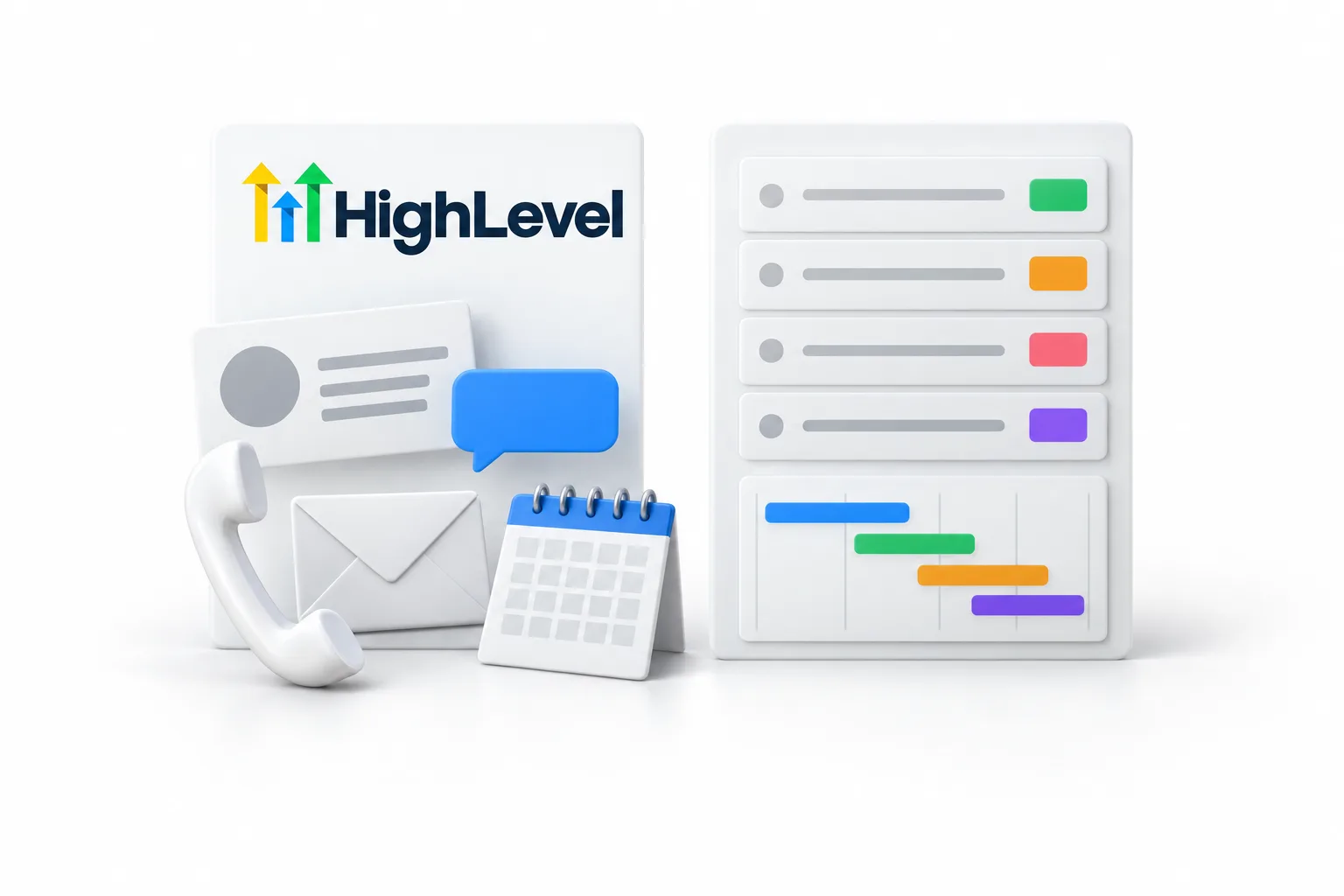
Two white panels side by side. The left panel carries the HighLevel wordmark with a contact card, a blue message bubble, a telephone handset, an envelope and a desk calendar in front of it. The right panel shows a project board with stacked task rows, colored status blocks and a timeline of colored bars
What to compareHighLevelmonday.com
Built forBusinesses, and the agencies that serve them, that want lead capture, client follow up and AI in one platformTeams that plan and track projects and tasks. monday.com calls itself the AI workspace for people and agents
Core featuresCRM and pipelines, two way texting and calling, email, workflows, funnels, websites, forms, calendars, reviews, courses, Conversation AI and Voice AIBoards, docs, dashboards, forms, automations, integrations, timeline and Gantt views, time tracking and AI features
ProductsOne platform on every planSeparate products: work management, CRM, dev, service and campaigns
Pricing structureFlat monthly plan with unlimited users and contacts, plus usage for phone, texts, email and AIPer seat, per product. Plans start from 3 users
Published pricesStarter $97, Unlimited $297, Founder Plan $497 a monthWork management: Basic $9, Standard $12, Pro $19 a seat a month on annual billing. Enterprise is custom
Free planNo free planFree for up to 2 seats
Free trial30 days through Michael's link (the standard public trial is 14 days)14 days of the Pro plan
Texting and callingTwo way texting and calling built in, billed on usageTexting is not listed on its home or pricing pages
Project trackingSpaces, folders, lists and tasks with list and Kanban viewsIts core product, with timeline and Gantt views from Standard and time tracking on Pro
Where it is strongerGetting leads, following up and replacing several marketing tools with onePlanning work across a team, with deeper project views

monday.com facts come from its own home page and pricing page, checked November 11, 2026. HighLevel plan prices match the GoHighLevel pricing hub, verified on HighLevel's pricing page on November 6, 2026. Prices can change, so confirm on each vendor's site before you buy.

Purpose

What is each platform built for?

HighLevel is built to win clients and keep in touch with them. monday.com is built to show who is doing what, and by when.

HighLevel. A lead fills in a form, calls your number or sends a message. HighLevel puts that person in the CRM, replies by text or email, books the appointment and moves the deal through a sales pipeline. Funnels, websites, calendars, reviews and AI agents sit in the same account. Agencies run each client in its own subaccount.

monday.com. Work lives on boards. Each row is an item of work with an owner, a status and a date. Teams view the same work as a timeline, a Gantt chart or a calendar, and build dashboards across boards. monday.com sells this as monday work management, which it describes as being for projects and tasks. It also sells monday CRM for customer facing teams, monday dev for product teams, monday service for IT and support, and monday campaigns for email marketing teams.

If you are choosing a place to manage projects, monday.com is the specialist. If you are choosing a place to capture leads and follow up, HighLevel is the specialist, and it includes two way texting, which monday.com does not list on its home or pricing pages.

Pricing

How does pricing work on GoHighLevel and monday.com?

monday.com charges per seat. HighLevel charges a flat monthly plan price, plus usage for what you send.

monday.com. Work management is free for up to 2 seats. Paid plans are Basic at $9, Standard at $12 and Pro at $19 a seat a month on annual billing, and Enterprise is a custom price. Plans start from 3 users. The plan also sets how much automation you get: Standard lists 250 automation actions a month and Pro lists 25,000. monday CRM is priced separately, at $12, $17 and $28 a seat a month on annual billing for Basic, Standard and Pro.

HighLevel. Starter is $97 a month, Unlimited is $297 and the Founder Plan is $497. Every plan includes unlimited users and unlimited contacts, so adding a teammate does not change the plan price. Phone numbers, texts, calls, email and AI are billed on usage on top. The usage fees page lists the rates.

Take a team of ten. At the listed annual rates, ten seats of work management come to $120 a month on Standard or $190 a month on Pro. HighLevel Starter is $97 a month for the same ten people or for fifty, plus usage. If all you need is task tracking for a small team, monday.com costs less. If you would also pay for a texting tool, a phone system, a funnel builder and a booking tool, add those to the monday.com side before you compare.

Inside HighLevel

Does GoHighLevel have project management?

Yes. HighLevel has its own project management feature, and it is the main reason this comparison comes up. You find it in a subaccount under Contacts, on the Tasks tab, in a panel called Spaces.

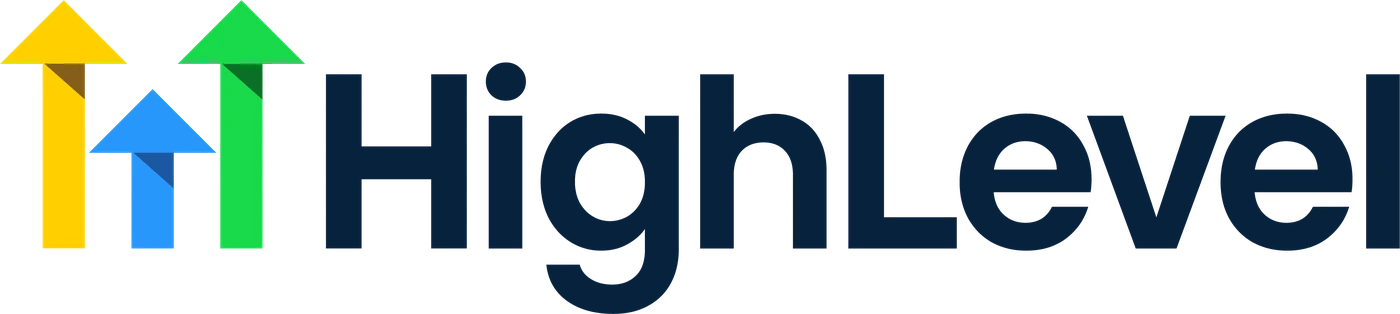
A white filing cabinet engraved Space with an open drawer engraved Folder, a blue file tabbed List standing in the drawer and loose pages headed Tasks in front. A thin blue cord joins one task page to a contact card and a deal card beside the cabinet
  • Spaces, folders, lists and tasks. A space holds folders, a folder holds lists and a list holds tasks. An agency might use one space for delivery, a folder for each client and a list for each project.
  • Statuses and views. Each space has its own statuses, which become the columns in the Kanban view. You can switch to a list view and save filtered views.
  • Task detail. Tasks carry an assignee, due date, priority, custom fields, subtasks and comments with mentions.
  • Linked to the CRM. A task can be linked to the contact and the opportunity it belongs to, so the work shows up on the client's record.
  • Automation. Workflows have three task triggers: Task added, Task completed and Task reminder. A workflow can create the next task when one is completed.

Michael walks through the whole setup in his HighLevel project management video. It pairs well with a client onboarding workflow, which sends the messages around each handoff.

Fit

When is monday.com the better choice?

monday.com is the better choice when planning and tracking work is the main job and client follow up already happens somewhere else. The two lists below give fair reasons to pick each one.

monday.com fits when

The work is the product

  • Your team plans projects with timelines, Gantt charts and time tracking
  • You need a free plan for one or two people
  • You manage internal work, product or IT requests more than client follow up
  • You already have a CRM and a marketing tool you like

HighLevel fits when

Clients are the product

  • You want CRM, texting, calling, email, funnels and booking in one login
  • You want AI answering calls and messages
  • You run an agency with a subaccount for each client
  • You want client tasks to sit on the contact record

If you are not sure HighLevel suits you, who should not use HighLevel lists the cases where it does not. The comparison hub covers other tools, including HighLevel vs HubSpot.

A fair test

How do you test GoHighLevel and monday.com fairly?

Run the same small job in both while the trials are open. A feature table tells you what exists, not how the work feels. monday.com gives you 14 days of its Pro plan. The standard HighLevel trial is 14 days, and through Michael's link you get a 30 day trial.

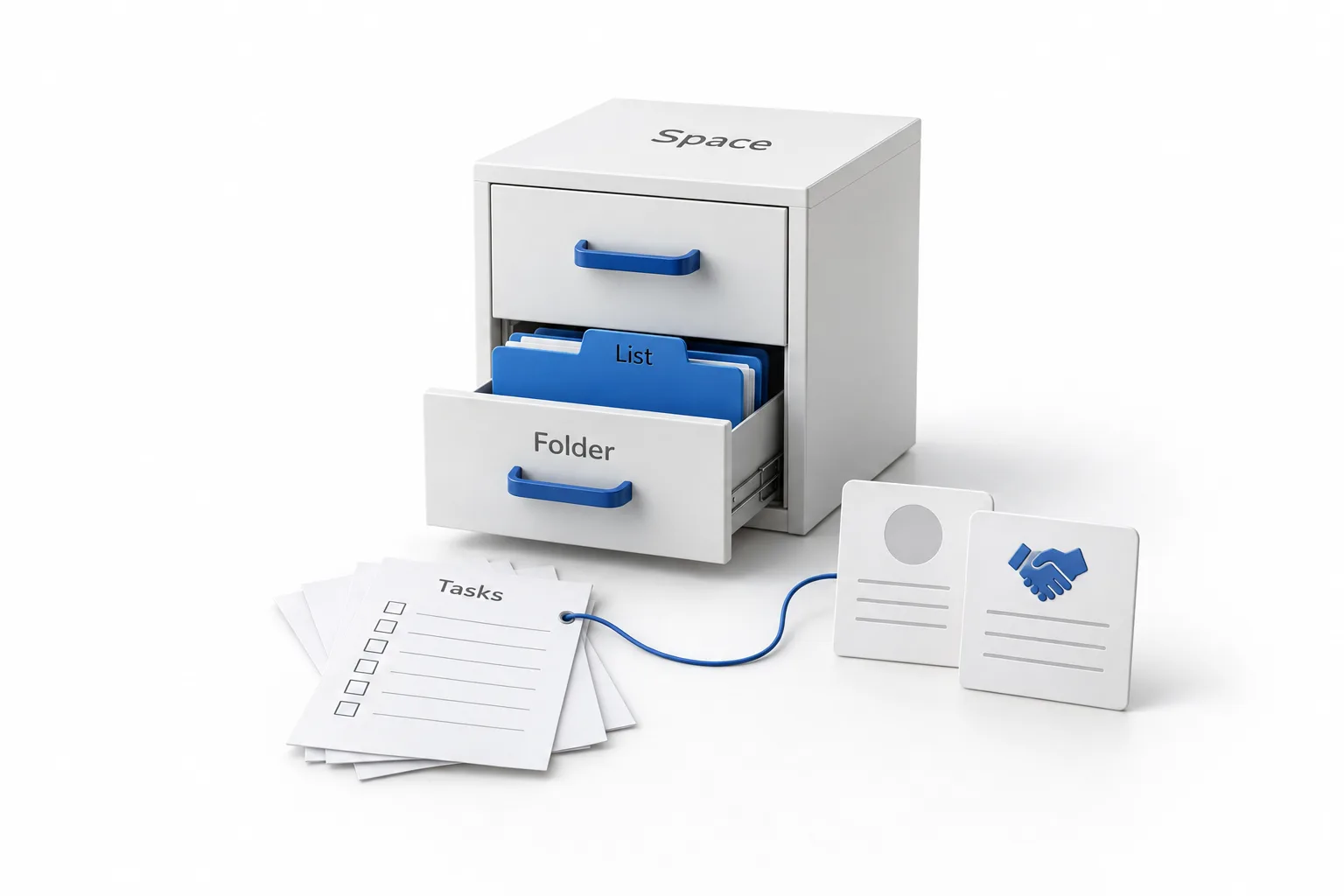
A white signpost with two blank arrows stands between two groups of objects. On the left, a phone with message bubbles, a telephone handset, an envelope, a desk calendar and a blue funnel for client follow up. On the right, a board of colored task cards on an easel, a clipboard checklist and a timeline of colored bars for work management
  1. Start both trials in the same week.
  2. In HighLevel, import ten real contacts by CSV and build one pipeline.
  3. Build one workflow that texts and emails a new lead, then send yourself through it.
  4. Create one space with a folder, a list and five tasks for a real client project. Link one task to a contact.
  5. Build the same project as a board in monday.com with the same five tasks.
  6. Ask the people who will use it every day which one they would open first each morning.

Then compare the full cost. For HighLevel that is the plan plus usage. For monday.com it is the seats on the plan you would really need, plus every other tool you would keep paying for around it.

Together

Can you use monday.com and GoHighLevel together?

Yes. They do different jobs, so they can run next to each other. The rule that keeps it clean is one owner for each record: contacts, conversations and deals in HighLevel, project plans in monday.com. HighLevel connects to other tools through Zapier and webhooks, so a won deal can start the work in your project tool.

If you decide to move client delivery into HighLevel, keep it simple. Contacts come across by CSV import. Plan to rebuild each board by hand as a space with lists and tasks. Start with one active client, run both for a week, then move the rest. The guide to migrating from another CRM covers the contact side.

Using ClickUp instead? Read the HighLevel ClickUp integration guide.

Michael Reimer
Michael's takeFounder of CRM Pros · HighLevel Commander

If your team lives in Gantt charts, a dedicated project tool may still fit better. For client delivery that sits next to the CRM, HighLevel project management is what I would use.

Through my link

Start HighLevel through my link and the CRM Pros team comes with it.

Same HighLevel price. The difference is who is in your corner for the first ninety days.

  • Setup help in your first 7 days
  • Your onboarding call with Michael’s team
  • Three live calls every week: tech, sales and Michael’s own call
  • The private affiliate community
  • Snapshots, templates and email swipes
  • Four apps: Prompt, Demo, A2P and Sales On Demand

The Founder Plan is HighLevel’s top plan at $497 a month. It is the former Agency Pro plan with an exclusive feature set, rebilling with markup and the Founders Club. The full breakdown is here.

The Founder PlanWhat it includes and who it is for
The HighLevel Success Stack by Michael Reimer

Questions

Common questions.

Is GoHighLevel better than monday.com?

It depends on the job. GoHighLevel is the better fit when you need to capture leads and follow up with clients by text, call and email from one platform. monday.com is the better fit when you need to plan projects and tasks across a team. For the wider picture, read the GoHighLevel review.

Is monday.com a CRM?

monday.com is a work platform with several products. One of them is monday CRM, which monday.com describes as built for customer facing teams. Its pricing page lists monday CRM from $12 a seat a month on annual billing. The product most people mean by monday.com is monday work management, which is for projects and tasks.

Does GoHighLevel have project management?

Yes. HighLevel has a project management feature built on spaces, folders, lists and tasks, with statuses, a Kanban view, saved views, subtasks and comments. A task can link to the contact and the deal it belongs to, and workflows can create the next task when one is completed. Teams that plan in Gantt charts may still prefer a dedicated tool.

Is GoHighLevel cheaper than monday.com?

Not always. monday.com charges per seat, from $9 a seat a month on annual billing, so a small team that only tracks tasks usually pays less there. GoHighLevel charges $97, $297 or $497 a month with unlimited users and contacts, plus usage for phone, texts, email and AI. HighLevel can cost less when it replaces several other tools.

Can I use monday.com and GoHighLevel together?

Yes. Keep client communication in HighLevel and project plans in monday.com, and decide which one owns each record so nobody updates the same thing twice. HighLevel connects to other tools through Zapier and webhooks, so a new client or a won deal can start work in your project tool.

Can I try GoHighLevel before I decide?

Yes. The standard HighLevel trial is 14 days, and signing up through Michael's link gives you a 30 day free trial. That is enough time to build one pipeline, one workflow and one project space with your own contacts. The GoHighLevel 30 day trial page explains how it works.

Next step

See it in your own account. Thirty days, every feature.

Start a trial, build the first system and test it before the first invoice. Usage fees for phone, SMS, email and AI can apply during the trial.

HighLevel has three plans at a flat monthly price, each with unlimited users and contacts. See what each one includes and what it costs.

Compare the PlansStarter, Unlimited and Founder
⌃

Site preview

Explore the next page

This destination is reserved in the page inventory and is not built yet.