
Home/HighLevel/Agency/Client reporting
GoHighLevel agency · Reporting
Client reporting for agencies. Five numbers, in plain words.
Clients do not cancel agencies that clearly show results. They cancel the ones that send a confusing report, or none at all. Show the five numbers they care about, explain them in a sentence each and meet monthly.
The short answer
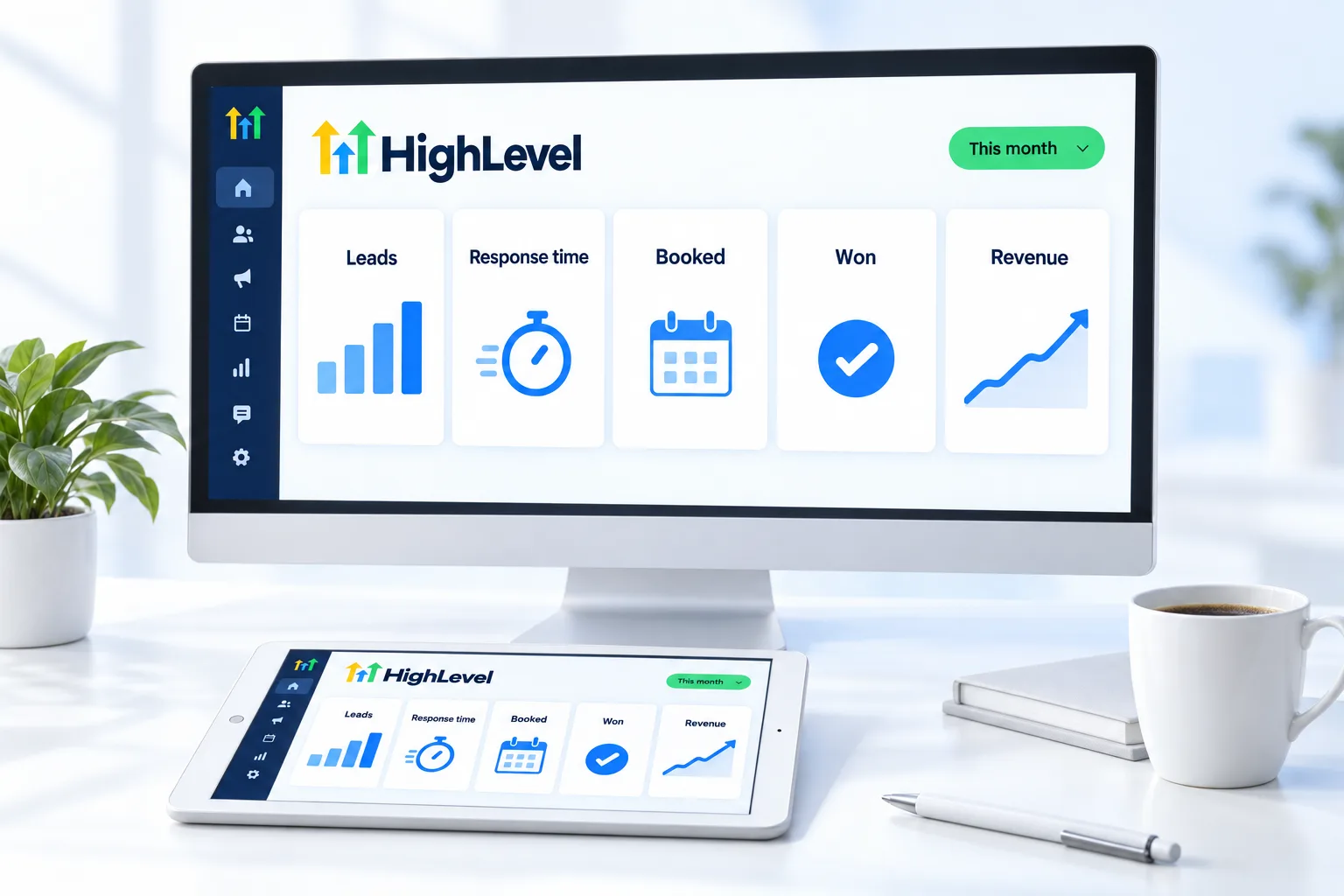
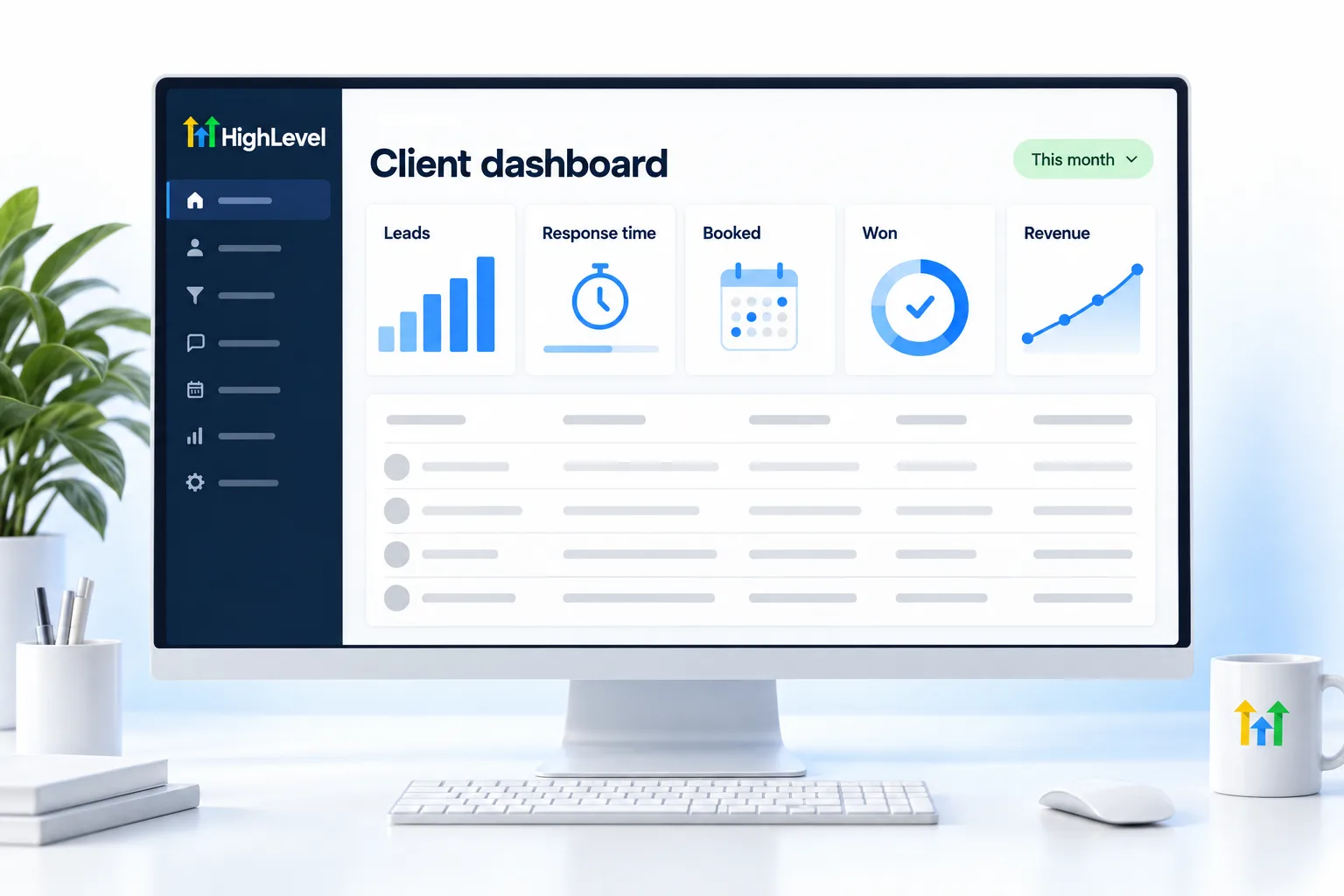
Agency clients should see five numbers: leads, response time, appointments booked and showed, deals won and revenue or value. Explain each in one plain sentence, compare it to last month and agree one action for the month ahead. Build it as a custom dashboard in the client's GoHighLevel subaccount and review it on a monthly call.
Michael is a sponsored HighLevel affiliate. Links to HighLevel use his partner link at no extra cost to you. HighLevel prices and product facts on this page come from HighLevel's own pricing page and help center, checked on the date above.
Numbers
Which five numbers should clients see?
| Number | Question it answers |
|---|---|
| Leads | Is marketing working? |
| Response time | Are we fast enough? |
| Booked and showed | Is follow up working? |
| Deals won | Is sales working? |
| Revenue or value | Is it worth it? |
Build
How do you build the report in HighLevel?
See how to build a client reporting dashboard for the widgets, ad reporting and permissions.
Meeting
How do you run the monthly review?
- Show the five numbers against last month.
- Explain one win and one problem.
- Agree one action for next month.
- Confirm it in writing after the call.
Sources
Where does each number come from in GoHighLevel?
A report is only as good as the data under it, so set the sources up at launch, not at the end of the first month.
| Number | Where it comes from | Set this up first |
|---|---|---|
| Leads | New contacts from forms, calls and chat | A source on every lead |
| Response time | Conversations | All channels connected to the subaccount |
| Booked and showed | Calendars | Appointment statuses kept current |
| Deals won | Opportunities in the pipeline | Stages the client's team actually uses |
| Revenue or value | Opportunity values or payments | A value on every won deal |
Two of these depend on people, not software. Appointments only show as showed if someone marks them. Deals only show as won if someone moves the card. If the client's team will not do that, agree who will, or leave the number off the report. A blank is more honest than a number nobody trusts. Ad results need one more step: connect Google Ads and Facebook reporting in the subaccount, as described on build a client reporting dashboard.
Wording
How do you explain numbers in plain words?
Owners do not read dashboards the way you do. A number in a widget means nothing until someone says what it is, whether it is good and what happens next. Add a short text box beside each number, and write it the way you would say it across a table.
Three rules keep it honest. Compare to last month and to the before number you captured at onboarding, not to an industry average you cannot source. Say when something else changed, such as a seasonal rush or a new hire, so the system does not take credit it has not earned. And never round up. The numbers on the report should match what the client sees if they open the account themselves.
When a number is bad, lead with it. Say what happened, why you think it happened and what you will change. Clients forgive a bad month much faster than a hidden one, and that honesty is a large part of client retention.
Mistakes
Which reporting mistakes lose clients?
- Sending numbers the client did not ask about. Clicks and impressions matter to you. Booked jobs matter to them.
- Sending a dashboard link and nothing else. A link is not a report.
- Skipping the month when results were poor.
- Reporting activity instead of outcomes, such as messages sent instead of appointments booked.
- Building every client's report from scratch. Build one dashboard, then duplicate it to other subaccounts.
The last point is what makes reporting affordable to deliver. Once you have one good dashboard, each new client gets a copy, and the monthly work is reading and explaining, not building. Keep a simple record of what you agreed on each call. After a few months that record becomes the raw material for a case study and the natural opening for the next system on the upsells and expansion page.
To put your own numbers on one screen as well, see how to build a Founder dashboard in HighLevel. Reporting is the step that protects retention in the GoHighLevel agency path. HighLevel Founder Plan explained and the Founder Plan, formerly Agency Pro page explain the plan agencies grow into, and the GoHighLevel 30 day trial through Michael's link lets you build the dashboard before a client sees it.

End every report with one decision. A report without a next step is just a spreadsheet.
Questions
Common questions.
What should agency reports include?
Agency reports should include five numbers: leads, response time, appointments booked and showed, deals won and revenue or value. Explain each in one plain sentence, compare it with last month and agree one action for the month ahead. Leave out anything the client cannot connect to money or customers.
How often should I report?
Monthly, with a short call. A month is long enough for the numbers to mean something and short enough to fix a problem before it grows. Send the report before the call, walk through the five numbers and end with one agreed action. The live dashboard covers anyone who wants to look between calls.
Can clients see a live dashboard?
Yes. Clients can see a live dashboard in their HighLevel subaccount with the right permissions. Build a custom dashboard with the five numbers, give the client a user login and limit what that user can see and change. The monthly call still matters, because a dashboard shows numbers and does not explain them.
What if the numbers are bad?
Say so, explain why and agree a fix. A bad month is easier to accept than a surprise. Show the number, give the most likely cause, name the change you will make and the date you will check it again. Then follow through and report back on that date.
What is the most important number in a client report?
The one closest to money for that client, usually appointments booked or deals won, not clicks or impressions. Ask the owner which number they already watch in their own business and put that one at the top of the report. The other numbers are there to explain why it moved.
Can I reuse one dashboard for every client?
Yes. Dashboards can be duplicated to other subaccounts, so build one and copy it. Keep the same five numbers and the same layout for every client, then adjust the details for their business. A standard report also makes it easier for a VA to prepare each month.
Should I send a report if results were poor?
Yes. Say what happened, why, and what you will change. Skipping a bad month damages trust more than the numbers do. It is better for the client to hear a poor result from you first than to find it themselves.
Next step
See it in your own account. Thirty days, every feature.
Start a trial, build the first system and test it before the first invoice. Usage fees for phone, SMS, email and AI can apply during the trial.
HighLevel has three plans at a flat monthly price, each with unlimited users and contacts. See what each one includes and what it costs.
Compare the PlansStarter, Unlimited and Founder