

In this video Michael Reimer shows agencies how to sell GoHighLevel Restaurants: who to pitch first, a three screen demo, four discovery questions, answers to common objections and the setup order. The pitch is tied to fuller dining rooms, more direct orders and fewer mistakes in a rush. It is for agencies with restaurant clients.
He starts with a Friday night. The phone rings off the hook while the host is seating a party of eight. An online order sits on a tablet nobody heard. Somebody books a table for six that does not exist. Owners do not wake up wanting a floor plan editor. They wake up worried about empty tables and missed orders. So every part of the pitch ties back to one of three things: more covers in the dining room, more orders that come in direct and fewer mistakes when the place is packed.
Which restaurants should you pitch first?
Start with the restaurants already paying you for marketing. You know the owner and you have their trust. Look for the ones with a real dining room and a takeout business, because they use every part of the product. A sit down place that also does pickup is the perfect first client. After that, go to the busy spots where people wait for a table on the weekend. The HighLevel for restaurants guide covers the marketing those clients already buy.
What do you show in the three screen demo?
Three screens and you are done. Do not tour the whole product.
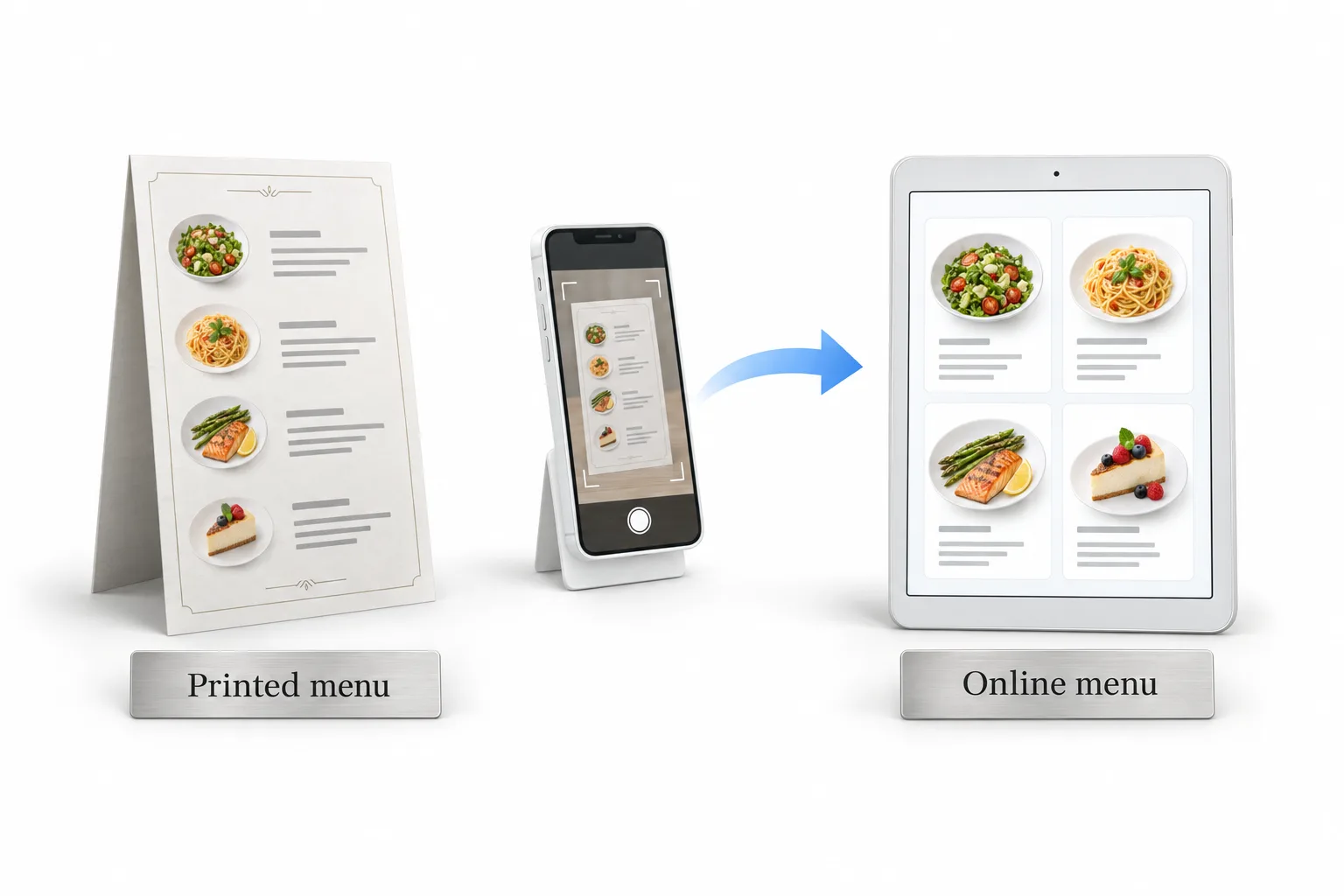
The first is the menu. Before the meeting, take a photo of their printed menu and upload it. Then show them their own dishes already built as categories and items. Michael's line: I took a picture of your menu this morning, and this is your online menu now. He says that one moment usually sells the meeting.
The second is front of house. Show the floor plan with their tables on it, then walk through the table times for each party size. The line: your host never has to guess again, because the system only offers a time when a table fits.
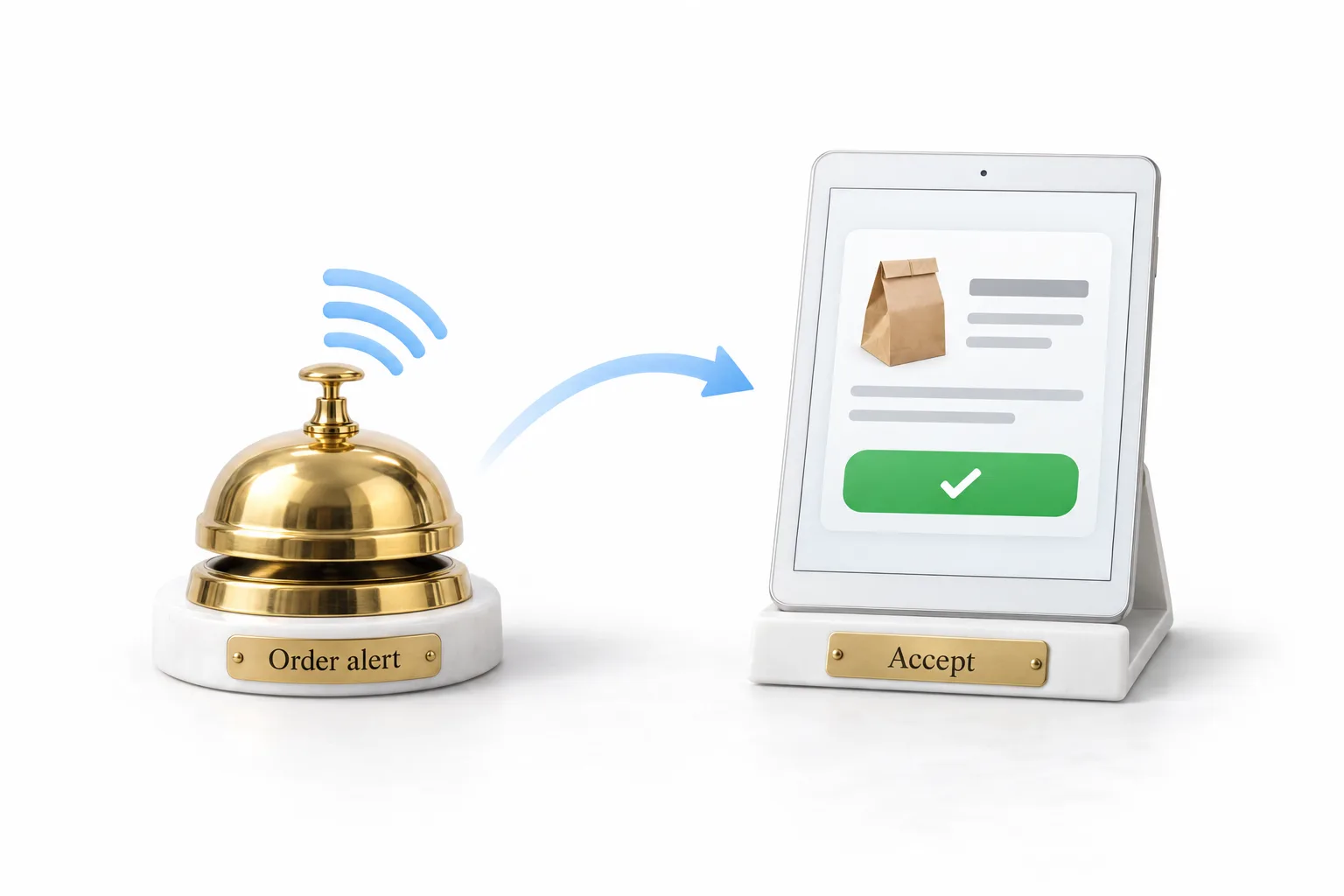
The third is the order alert. Play the pass bell from the internal notifications and let them hear it ring until someone accepts the order. The line: no order sits on a tablet again, because the kitchen hears it until somebody takes it. All three screens are shown in full in the HighLevel Restaurants walkthrough.
What four questions do you ask before you pitch?
Michael uses the same four every time. How do guests book a table with you today? Listen for paper books or a phone nobody answers during the rush. What happens when an online order comes in during your busiest hour? Listen for missed orders or a tablet in the corner. How many people book and never show up? That is where deposits come in. Do you know who your regulars are? Most owners do not.
Let the owner do the talking. Then the pitch is simple. Their menu and their tables live in one place. Guests order direct from the restaurant's own website for pickup or delivery. Reservations get seated on the real floor plan. And all of it sits beside the marketing you already run, so every guest who orders or books becomes a contact you can bring back.
How do you answer a restaurant owner's objections?
We already use a delivery app. Fine, keep it. This gives them their own ordering on their own website, and the restaurant keeps the guest and the relationship.
My staff will not learn another system. Show front of house again. It is one screen with the tables in color, and the order alert rings until someone accepts it. A new server can learn it in one shift.
We tried online ordering and nobody used it. Ask where the link lived. Usually it was buried somewhere nobody looked. This time the menu is on their website and the link goes into every campaign you run for them.
Bigger places add a fourth: we already have a system at the register. Do not fight that battle. Nobody is asking them to rip anything out. Start with what the register does not handle well, reservations on the floor plan first and direct ordering second.
Which screen do you save for the follow up call?
The overview. Once orders come in, it shows net sales before tax and tips, the average order, tips, covers and walk ins. Then it ranks every item from the best seller down to the least sold. Michael says owners love that list, because it tells them what to put in the next campaign and which dish is taking up space on the menu.
One move comes before any of this. When you create the account for a new restaurant client, pick restaurant as the industry right at the start. The industry is chosen when the account is created, so do not build a restaurant on a generic account and try to switch it later.
In what order do you sell and set up a restaurant client?
From the first call to the handover.
- Start with who you know. Begin with restaurants you already serve, especially ones with a dining room and a takeout business.
- Upload their menu first. Before the meeting, photograph the printed menu and upload it so they see their own dishes as categories and items.
- Show three screens only. The menu, front of house with their floor plan, and the order alert that rings until someone accepts the order.
- Ask the four questions. How guests book today, what happens to online orders during the rush, how many guests do not show up, and whether they know their regulars.
- Choose the industry at creation. Pick restaurant when you create the account.
- Follow the checklist. Details and hours, payment provider, menu and modifiers, prep time and pickup, delivery, floor layout, reservation rules and notifications.
- Test before handover. Place one test order and book one test table.
What changes for the agency once the restaurant runs on it?
Michael's view is that this does more than win the client. Once the menu and the tables run in GoHighLevel, the restaurant logs in every shift. The host uses it at the door and the kitchen hears it on every order. That is a different relationship from a monthly marketing report. When you walk an owner through the overview, you are the person who helps them run the restaurant.
His play for the week: pick three restaurants from your list, upload their menus before you call, show the three screens and ask the four questions. Set up one and make it your case study. After the first month, open the overview with that owner and look at the orders, the covers and the best sellers together. For the build itself, the floor plan video goes table by table, and the agency sales process guide covers the steps around the demo.
If selling is the part you want to practice, the training on how to position and sell AI systems covers the conversation. To build a demo restaurant account before your first call, start a GoHighLevel 30 day trial through Michael's link. Agencies selling industry accounts should also read about the Founder Plan.