

In this video Michael Reimer shows agencies how to sell GoHighLevel field services to home service businesses: who to pitch first, a three screen demo, four questions to ask, answers to common objections and the order to deliver the setup. It is for agencies with HVAC, plumbing and similar clients.
His starting point is that a home service owner runs two businesses at the same time. One is getting the phone to ring. The other is getting a tech to the house and getting paid. Most agencies only help with the first, so the owner pays for a second app to run the jobs. When you can run both in one place, you stop being the marketing vendor and become the system the business runs on.
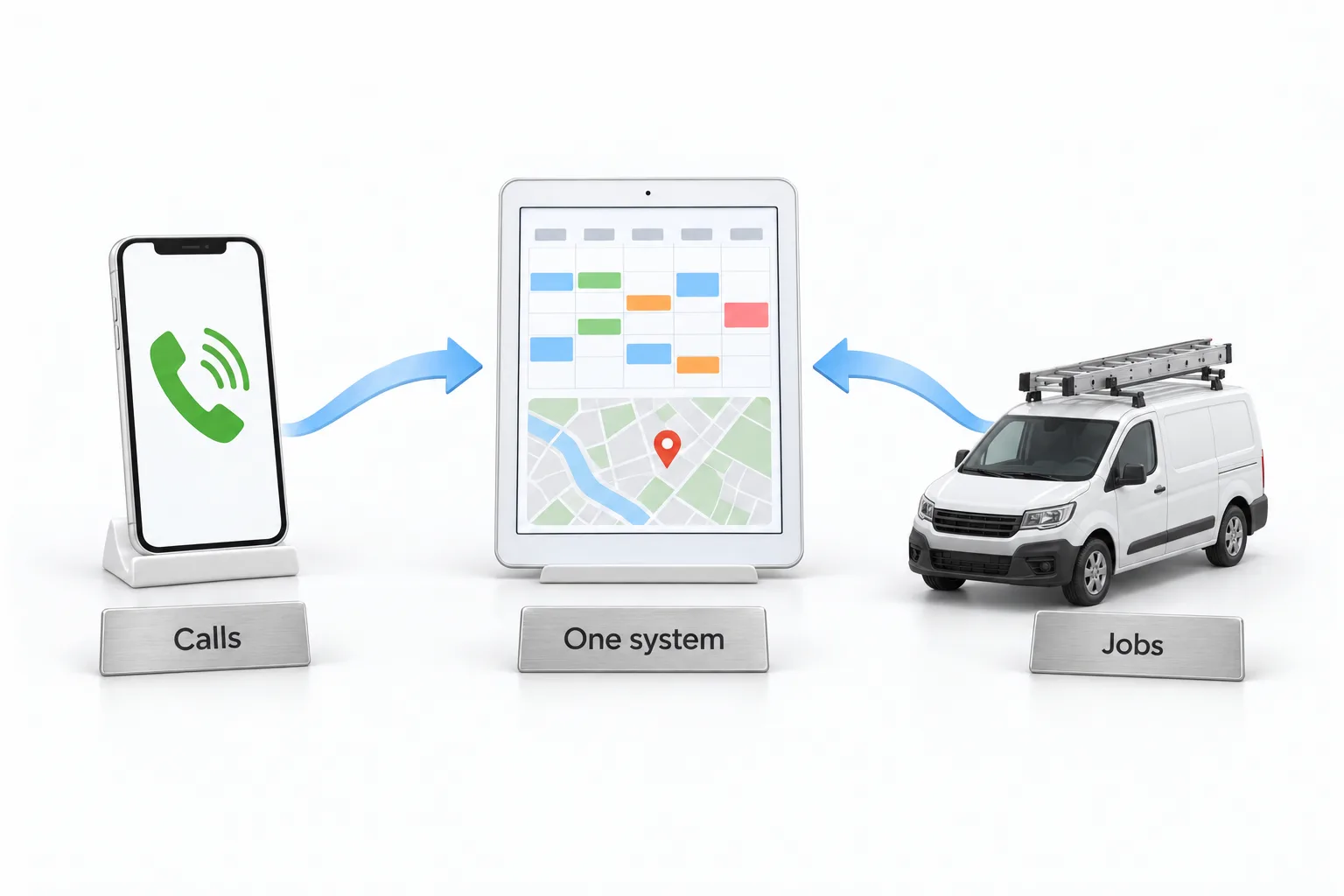
Which home service businesses should you pitch first?
Look for businesses that send people out to an address. Michael lists HVAC and plumbing first, then electricians and garage door companies, then cleaning companies, landscapers and pest control. The best fits have at least two people in the field, book most of their work by phone and have someone in the office trying to keep the schedule straight.
To find them in your own client list, ask which clients complain about missed calls or no shows, and which ones still send you photos of a whiteboard. Those are your first conversations. They already trust you and they already feel the pain. The HighLevel for HVAC companies guide shows what those clients need on the marketing side.
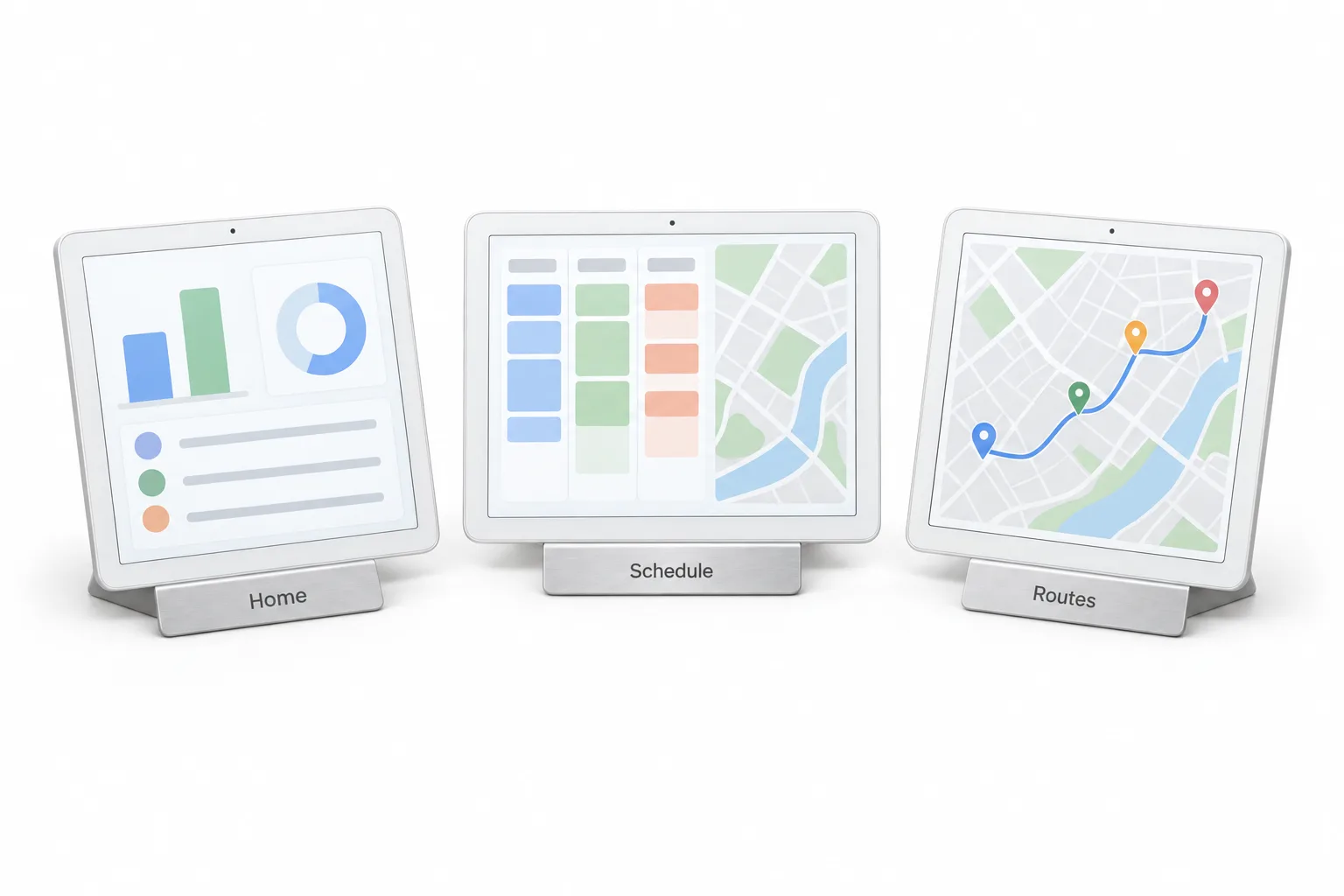
What do you show in the three screen demo?
You do not need an hour. Michael says you need about 10 seconds on each of three screens.
The first is the home screen. Show the money at the top, payments collected and money still waiting to be paid. Then point at the jobs that are finished but not invoiced. His line is simple: this is money you already earned that nobody billed.
The second is the schedule. Every tech gets a column, and the map opens right beside it with every visit in one view. Show the warning that appears when a tech cannot make the next visit in time. Then say that the office is doing this in their head today, and stop talking while they look.
The third is route optimization. Pick one tech and one day and let it build the proposed route from drive times and working hours. Ask how many miles their techs drive in a day and what one more job in that day would mean. He is clear that you do not promise a number. Let them do the math. The dispatch and route optimization video shows that screen in full.
What questions should you ask before you pitch?
Four, and the answers do the selling. How do you schedule your techs today? How does a customer book a job after hours? How do you get paid, and how long does that take? How many finished jobs do you think never got an invoice? Most owners pause on the last one, because they do not know.
Then pitch it in plain words. You can run their booking and their schedule in the same place as their marketing. Customers book online with a deposit. Techs get the day on their phone with directions. The invoice goes out from the same place and the money shows up on one screen. Do not walk through every setting on the first call.
How do you answer the common objections?
The first is that they already use another app. That is fine. The point is one system and not two, and if they already built services in HighLevel calendars, an import brings them over. The second is that the techs will not use it. Show the HighLevel mobile app, where the tech sees the schedule, gets directions and taps On my way so the customer gets a heads up. The third is that it sounds like a lot to set up. Tell them that is your job. They give you staff, service areas, services and prices, and you give them back a working system.
In what order do you deliver the setup?
Follow the setup guide in order. Add the staff first, with hours and services, and set the route start for each tech, because route optimization depends on it. Build the service areas, with a travel fee for the far ones, then the services and their add ons.
Next is how customers come in: a branded booking page, booking rules that match how the shop works, a deposit, and a request form for customers who want to ask first. For coverage after hours he adds the AI receptionist. Then turn on the notifications the owner wants, connect the payment provider and switch it from test to live. Put the mobile app on every tech's phone and sit with one tech for ten minutes. Before handing it over, run one test job from request to invoice, the same path as the request to invoice video.
How do you start selling field services this week?
Michael's play, step by step.
- Find the fit. Look for clients that send people to an address, such as HVAC, plumbing, electrical, cleaning, landscaping and pest control.
- Start with the pain. Begin with clients who complain about missed calls or no shows.
- Demo three screens. Show the home screen, the schedule with the map, and route optimization.
- Ask four questions. How they schedule techs, how customers book after hours, how they get paid and how many finished jobs never got an invoice.
- Deliver in order. Set up staff, route starts, service areas, services, the booking page, deposits, notifications and payments as the setup guide lays them out.
- Train and test. Get the HighLevel mobile app onto every tech phone and run one test job from request to invoice.
- Prove it once. Set up one client first and review the home screen with that owner after the first month.
What changes for the agency once a client runs on field services?
Michael says most agencies miss this part. Once the schedule and the invoices run in GoHighLevel, the client logs in every day, the staff use it in the field and the money shows on the home screen. That is a different relationship from a monthly marketing report.
His play is to pick three home service clients this week, show the three screens and ask the four questions. Set up one of them, then sit down with that owner after the first month and open the home screen together. That conversation becomes the proof for every other home service client on your list. The field services walkthrough is the full tour to learn before the first demo.
Cleaning companies are on Michael's list too. The HighLevel for home cleaning companies guide covers that niche, and the page on an AI receptionist for home cleaning companies covers the phone side. To build a demo account before your first pitch, start a GoHighLevel 30 day trial through Michael's link. For a wider look at the platform, read Michael's GoHighLevel review.