

In this video Michael Reimer walks through GoHighLevel Meeting Room, which runs video calls inside a HighLevel account. He shows the personal room and its permanent link, the host controls, recordings, transcripts and AI summaries, calendar links for every booking and breakout rooms. It is for teams that sell or train on calls.
The problem he describes is familiar. A client books a sales call through HighLevel, and then the call happens somewhere else. Someone pastes a link from a separate video tool into the confirmation. The recording ends up in a different app. The notes live in somebody's head. Nothing from the conversation makes it back into the CRM. With Meeting Room the booking, the call, the recording, the transcript and the summary sit in one place.
Where is Meeting Room in HighLevel, and how do you set up your room?
Open the subaccount, open Creators Hub in the side panel and click Meetings. The first time, you land on a welcome page with a Create Room button. After that you see two tabs, My Room and Meeting Integrations.
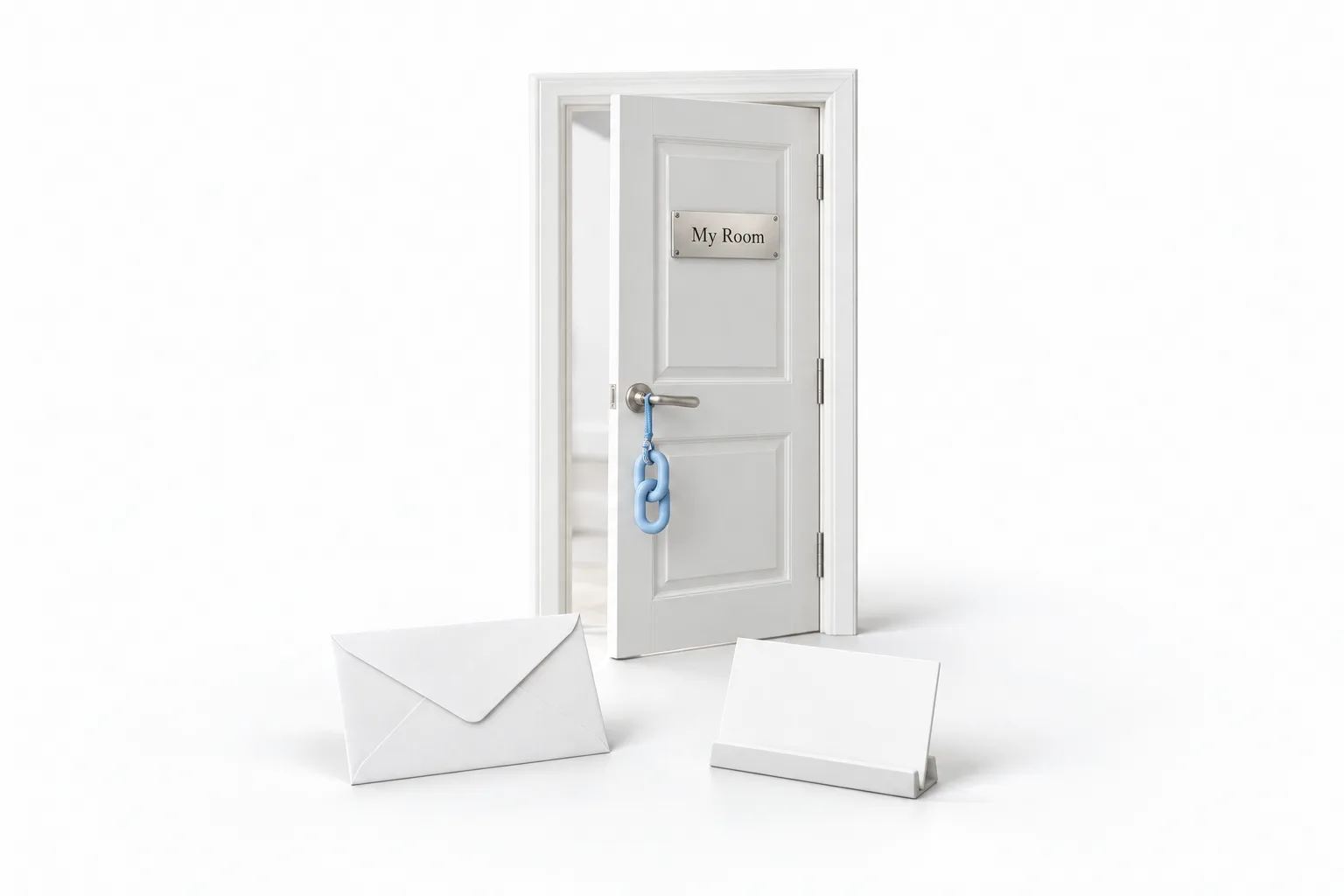
My Room has your profile card and, under it, the room link. The link is permanent and you can reuse it for every call. Copy it into your email signature, put it on your website and save it as a snippet so the team can send it in two clicks. Michael would give each salesperson their own link and keep it the same, so clients bookmark it and nobody hunts for a link five minutes before a call.
Three settings matter most. Passcode means anyone joining needs the code. Waiting Room means people wait until you let them in. Allow Guest Users lets guests join from the link with no account. For a sales room he turns on all three: the prospect gets in with one click and you still control who is on the call. You can also add the room to Google Calendar or Yahoo Calendar from that card. The right side of My Room shows your meetings for the week, plus tabs for recordings and transcripts.
What can the host do during a call?
Start Room opens an instant meeting with no appointment needed. Michael's example is a client who texts with a problem. You send the room link and two minutes later you are both looking at the same screen. The guest opens the link in a browser without a HighLevel login.
The toolbar has the microphone and camera, each with a device switcher, then screen share, reactions, raise hand and live chat. As host you can make someone a cohost, control each person's microphone and camera and decide who may share a screen. His pick: on any call with more than a few people, add a cohost and limit screen sharing to the host and cohosts, so nobody shares the wrong tab.
You can change the layout and use a custom background. He would make one with the agency's colors and logo. Picture in picture shrinks the meeting into a small floating window, which helps when you are building something live while the client watches.
What do you get after the call ends?
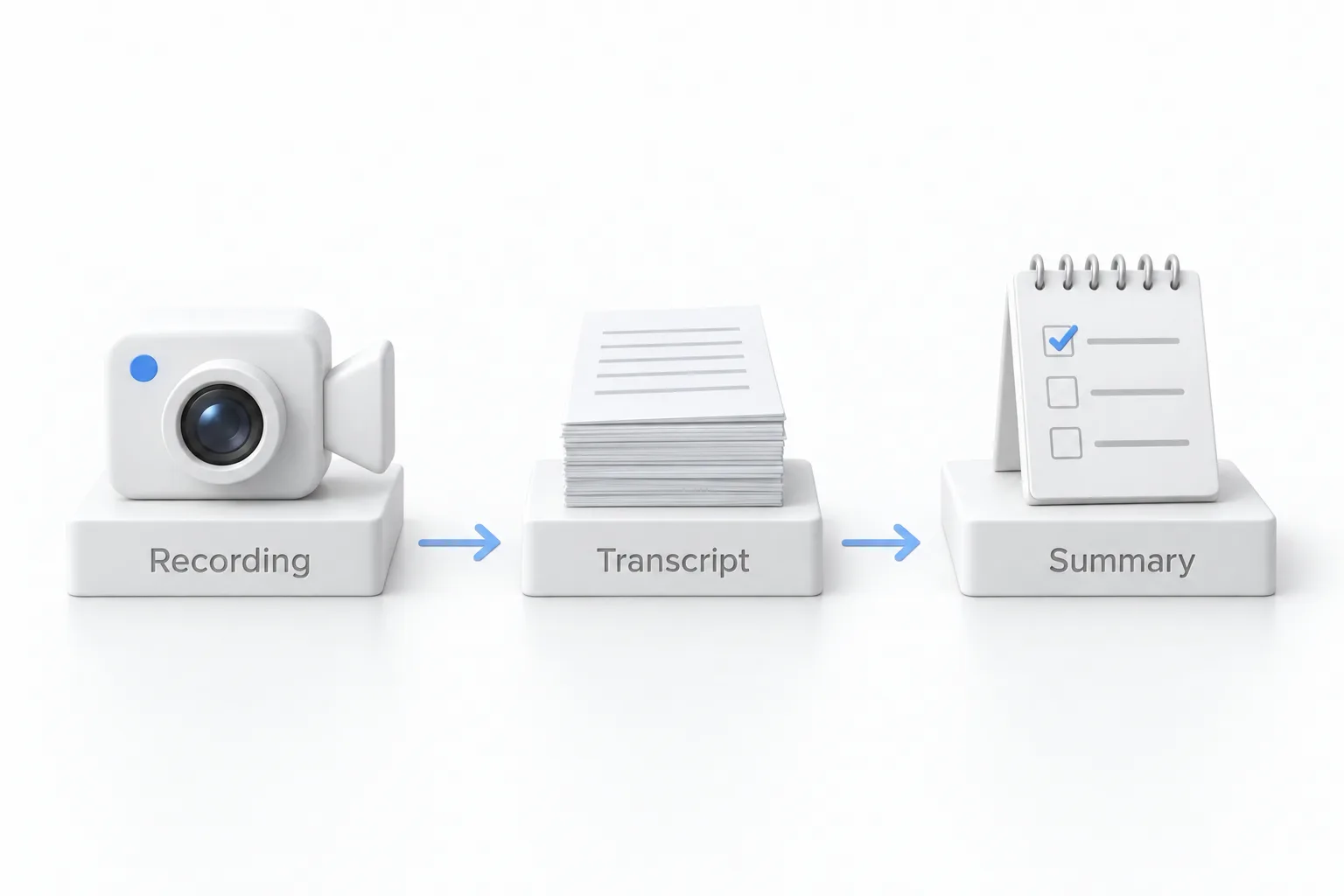
Any call can be recorded. When it ends, it shows in meeting history with up to three things: the recording, the transcript and the participant and meeting details. The transcript is labeled by speaker, so a sales manager can read the call without watching it.
Then you can generate an AI summary from the transcript. It pulls out the key takeaways, the action items and next steps, and the important decisions and outcomes. Michael's routine is simple. After every sales call, generate the summary, copy the action items into a task for the rep and copy the decisions into a note on the contact. The notes end up where the rest of the client record is.
How does every booking get its own meeting link?
This is the setting Michael would change first for every client. Go to Calendars and open settings. Under connections, connect Meeting Room. Then open the calendar you book calls on, go to staff and location, open the location list, pick your meeting room and save.
From then on, every appointment booked on that calendar gets its own unique link, and nobody pastes anything. He would switch every sales and onboarding calendar over, once per calendar. If your calendars are not built yet, start with the booking calendar guide and, for a team, round robin calendars.
How do breakout rooms work in Meeting Room?
Breakout rooms split a group call into smaller groups without anyone leaving. While hosting, click Breakout Rooms in the toolbar. Nothing changes for participants until you open the rooms, so you can set up quietly. You can create up to 100 rooms in one meeting and assign people automatically, manually or by letting participants choose.
After you create the rooms you can rename them and move people around, then click Open All Rooms. As host you can move people between rooms, join any room and broadcast a message to all of them. A session timer sends countdown reminders and returns everyone to the main meeting when time runs out. Recording and live transcription can be turned on room by room. Michael uses breakouts for client trainings and group coaching, with automatic assignment and a timer.
How do you set up Meeting Room for a sales team?
These are Michael's picks from the video, in the order you would apply them.
- Create your room. Open Creators Hub, click Meetings and create your personal room.
- Hand out permanent links. Give each salesperson a permanent room link and add it to email signatures, the website and a snippet.
- Set the sales room. Turn on the passcode, the waiting room and guest access.
- Control larger calls. Add a cohost and limit screen sharing to the host and cohosts.
- Use the summary. After each sales call, generate the AI summary and copy action items into a task.
- Connect the calendars. In calendar settings, connect Meeting Room and set it as the location on each calendar.
- Run breakouts for training. Create breakout rooms, assign people automatically and set a timer.
What changes once calls happen inside GoHighLevel?
The conversation stops leaking out of the CRM. The call and its recording sit beside the booking, and the summary turns an hour into something you can read in two minutes. You see what the client agreed to and what you promised them.
Michael's point for agencies is that clients are paying for a separate video tool right now, with their calls and notes outside the CRM. Bringing the call in means one less app for the client to pay for. Meeting rooms are among the tools Michael lists in the Founder Plan features video, and HighLevel plans compared shows what each plan includes. To sync the meetings with your own calendar, see how to connect Google Calendar.
More walkthroughs like this one are in the video library. To open your own room and record a test call, start a GoHighLevel 30 day trial through Michael's link. Still deciding? Read whether HighLevel is worth it.