
01
Reach
Contacts with a valid mobile number get the first message. Everyone else is cleaned out of the list.
Home/Founders/Tools/Database Reactivation estimator
Tool 04 · Estimator
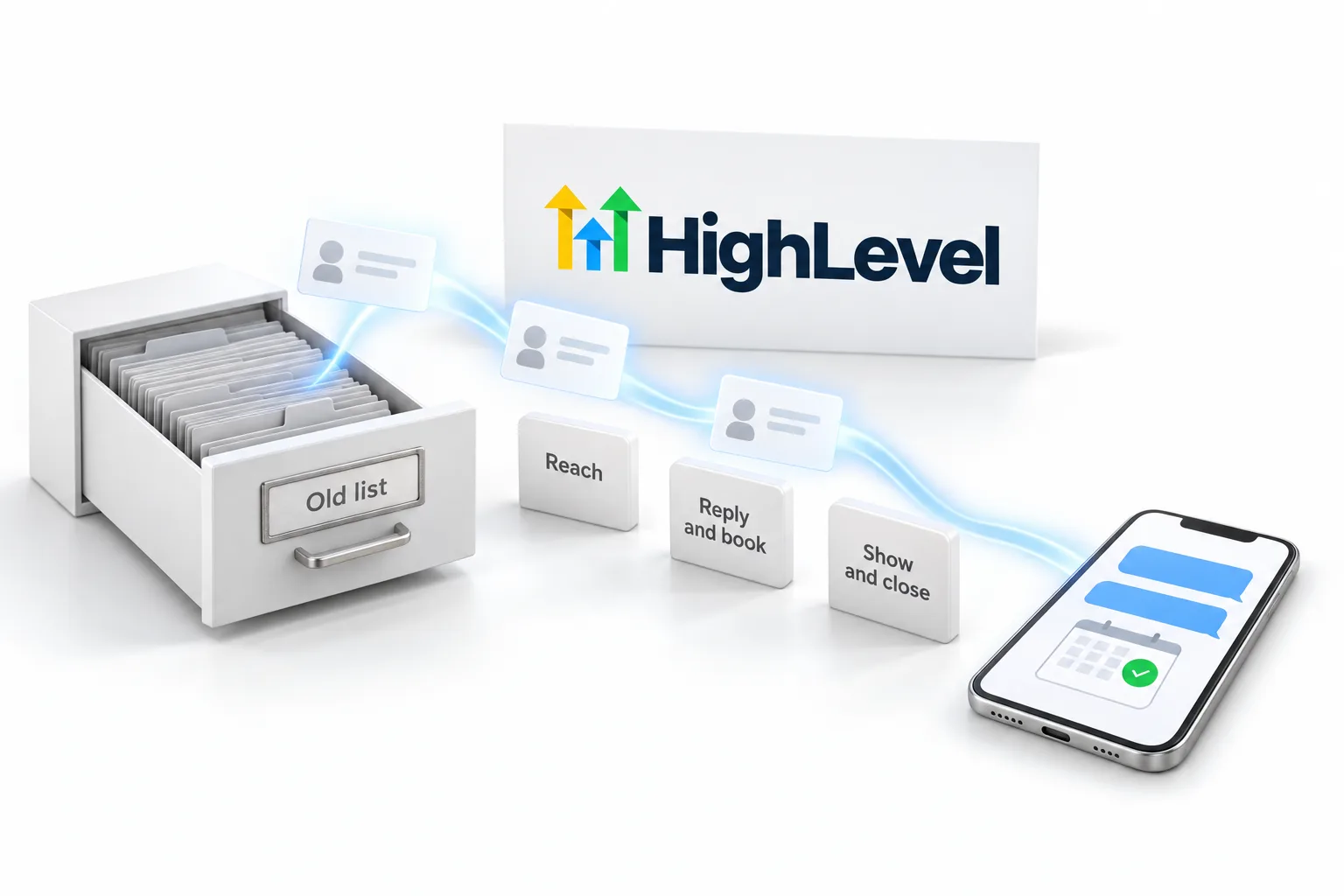
Every business has a list it stopped talking to. A reactivation campaign texts that list, lets AI answer the replies and books the ones who are ready. Enter your list and your rates and see what the campaign could produce.
The short answer
The Database Reactivation estimator multiplies your list size by the share with a valid mobile number, then by your reply, booking, show and close rates and your average sale. It shows what one campaign to old leads and past customers could book. The defaults are modest, and your own rates from a small batch replace them.
Michael is a sponsored HighLevel affiliate. Links to HighLevel use his partner link at no extra cost to you.
The estimator
The defaults are deliberately modest. Old lists vary a lot, and the only rates that matter are the ones your campaign produces.
The list
Old lists lose numbers. Seventy percent is typical for a list a few years old.
The funnel
Replies of any kind, including no.
Conversation AI books the ones who are ready.
The sale
First purchase only. Lifetime value is upside.
Build itThe reactivation guide sets up the list, the first message, Conversation AI on the replies and the booking calendar.
Reactivation GuideStep by step build, with a PDFNothing you enter is stored or sent anywhere. The score is calculated in your browser. Your inputs, your estimate: this is a planning tool, not a projection or a promise of results. Reply and booking rates depend on the age of the list, the offer and the message. Run a small batch first and replace these numbers with your own.
How it works
01
Contacts with a valid mobile number get the first message. Everyone else is cleaned out of the list.
02
Replies become conversations. Conversation AI answers them in minutes and books the ones who are ready.
03
Reminders protect the show rate. Your close rate and average sale turn shows into revenue.

Reactivation is the first system I build for almost every client because the list is already paid for. The money is in the reply, not the blast. If nobody answers the replies in minutes, the campaign fails, and that is exactly what Conversation AI is for.
Run a batch of two hundred before you run two thousand. Read every conversation. Fix the message and the bot. Then open it up. The estimate above is only as good as the rates you prove on that first batch.
More tools
Tool 01
Ten questions that show whether your business is ready for its first AI system and where to start.
Open the tool →Tool 02
Score the five pillars and see which system to build first.
Open the tool →Tool 03
Price a system as recurring revenue and see the margin after platform costs.
Open the tool →The first batch
The estimate is only as good as the rates in it, and the only rates worth trusting are your own. A small first batch gives you those.
Batches matter for two reasons. They protect deliverability, and they give your team or the AI time to answer. A reply that waits until tomorrow is usually lost.
Two things must be in place before the first text. A2P registration if you message US numbers from a local number, and consent from each contact. The full build is in the database reactivation guide. To see what the sends will cost in GoHighLevel, use the SMS cost estimator.
For the campaign itself, read how to run a Database Reactivation campaign in HighLevel. To see HighLevel in your own account, start with the 30 day GoHighLevel trial through Michael's link. Plan prices and usage rates are laid out on the GoHighLevel pricing page. For an honest look at strengths and limits, read the HighLevel review.
Questions
A text message campaign to leads and past customers you stopped talking to, with a reason to reply and AI answering the replies and booking appointments.
They are conservative starting points. Real rates depend on the list, the offer and the message. Prove your own rates on a small batch.
No. Reactivation works on every plan. The Founder Plan includes the most AI usage, which matters when the replies pile up.
Yes. Only message contacts who gave you their number and the right to contact them, follow the rules for your country and give an easy opt out. The guide covers compliance and the Texas SMS rules.
To protect deliverability and to give your team or AI time to reply. A small first batch also gives you real rates for the estimator.
Texts are billed per segment at HighLevel's published rate, plus carrier fees. The SMS cost estimator works out the total for your message and list size.
Next step
The reactivation guide is a branded step by step workbook with the PDF to keep open while you build.