
Home/HighLevel/Integrations/Zoom
Integrations · Zoom
HighLevel Zoom integration. A meeting link on every booking.
With the GoHighLevel Zoom integration connected to your calendars, every booked appointment gets its own Zoom link automatically, added to the confirmation and invite.
The short answer
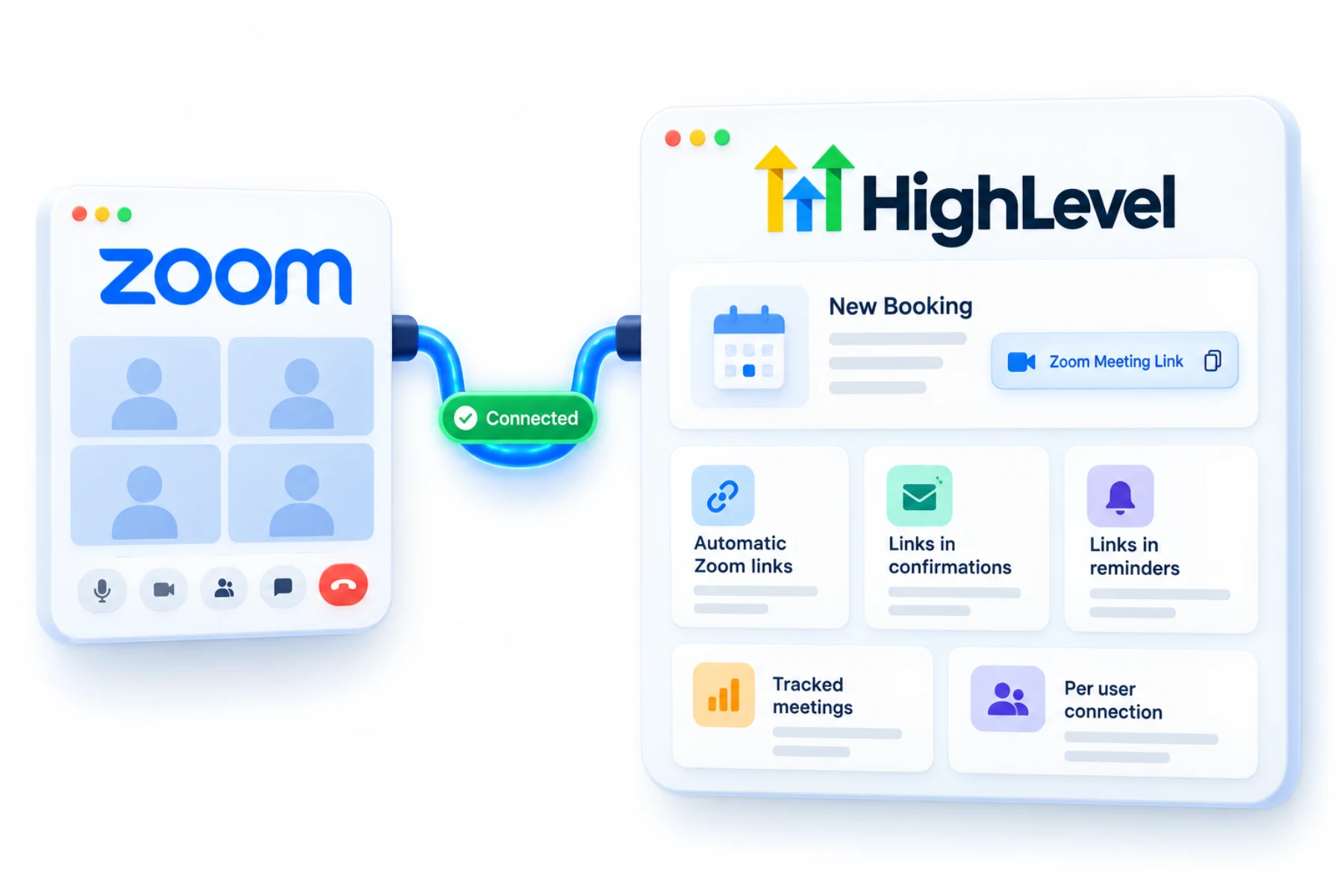
The GoHighLevel Zoom integration connects Zoom to HighLevel so each calendar booking gets a unique Zoom meeting link, added to the invitation and tracked in the platform. Each user connects their own Zoom account, then selects Zoom as the meeting location on their calendars.
Michael is a sponsored HighLevel affiliate. Links to HighLevel use his partner link at no extra cost to you. HighLevel prices and product facts on this page come from HighLevel's own pricing page and help center, checked on the date above.
Connect
How do you connect Zoom to HighLevel?
Zoom connects per user, not per company. Each person who takes meetings signs in to their own Zoom account from HighLevel, and each user can connect one Zoom account. A free Zoom account works. HighLevel, which many people still call GoHighLevel, offers the integration on all plans.
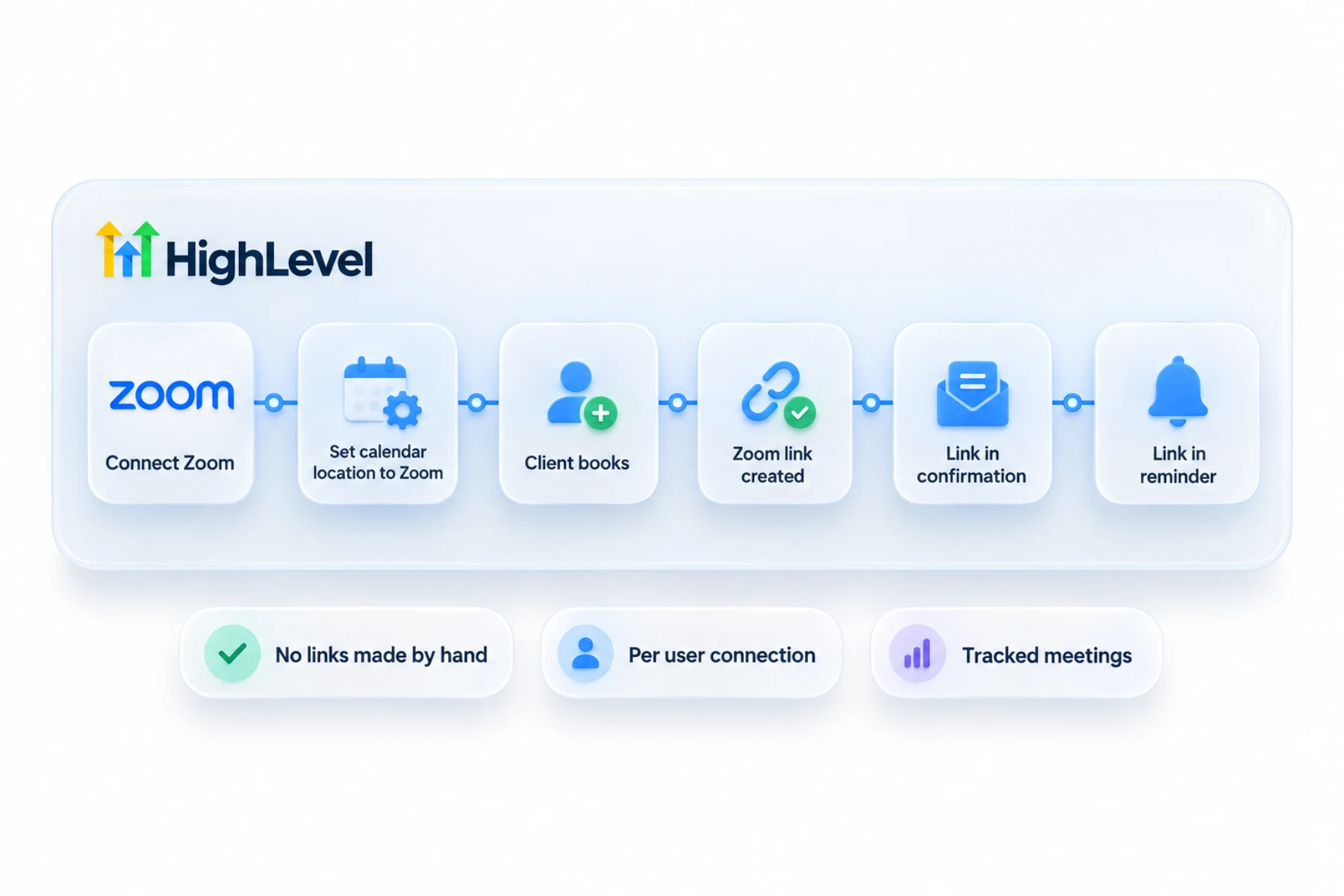
- Go to Calendars, then Calendar Settings, and open the Connections tab.
- Open the Video Conferencing tab and click Add New.
- Click Connect next to Zoom, sign in and authorize access.
- In the calendar's settings, set the meeting location to Zoom.
- Book a test appointment and check the link in the confirmation.
Uses
What can you do with Zoom and HighLevel?
After that, the link takes care of itself. A booking on a calendar with Zoom as the meeting location gets its own meeting link. To put that link in your messages, use the appointment location merge field in the confirmation and reminder templates. If the link is missing from a message, those are the two things to check: the meeting location and the merge field.
- Automatic Zoom links on bookings
- Links in confirmation and reminder messages
- Tracked meetings in the platform
Data
What does the connection create and track?
There is no contact data to sync here. Zoom's job is to create a meeting for each appointment. Unique links are generated for personal, round robin, service and collective calendars.
If Zoom gets disconnected and you reconnect it, HighLevel generates links for upcoming appointments that were booked during the gap and have none. So a short outage does not leave you with a week of meetings and no rooms.
Limits
What are the limits to know about?
Zoom is tied to the user profile, so different calendars cannot use different Zoom accounts for the same person. Only one video platform can be active per user profile or calendar at a time. You can connect Zoom and another video tool, but only one is in use.
Free Zoom accounts work, though paid Zoom plans may allow longer meetings. Check your Zoom plan's limits before you book long sessions.
In practice
How does a team use it day to day?
Take a sales team sharing a round robin calendar. Each rep connects their own Zoom once. A prospect books a demo, the appointment goes to an available rep and the meeting is created in that rep's Zoom. The confirmation carries the link. A reminder workflow sends it again an hour before, which is when people go looking for it.
The calendar build is in the booking calendar guide and reminders are in build an appointment reminder workflow. If the placeholder prints blank, see fix merge fields not showing. Each rep also needs their own calendar connected, as in connect Google Calendar.
Check
How do you check it is working?
Open My Profile, then Calendar Settings, then Video Conferencing. A connected Zoom account appears there. Then book a test appointment on the calendar as a customer would and open the confirmation. You should see a meeting link that is different from the one on your last test. To switch accounts, click Disconnect next to Zoom in the same place and connect the other one. Do this test for every person who takes meetings, since each connection is personal.
To test the Zoom connection in your own account, use the 30 day trial through Michael's link. GoHighLevel pricing lists what each plan costs, and if you are still comparing tools, the best HighLevel alternatives page is a fair place to start.

Put the meeting link in the reminder an hour before. That is when people look for it.
Questions
Common questions.
Does HighLevel integrate with Zoom?
Yes, for calendar bookings. Each user connects their own Zoom account from Calendars, Calendar Settings, Connections, then sets the calendar's meeting location to Zoom. Every booking on that calendar then gets its own Zoom meeting link. HighLevel offers the integration on all plans, and a free Zoom account works.
Does every booking get a new link?
Yes, a unique link per booking. Unique links are generated for personal, round robin, service and collective calendars. If Zoom gets disconnected and you reconnect it, HighLevel generates links for upcoming appointments that were booked during the gap and have none.
Does each user connect Zoom?
Yes. Zoom connects per user, not per company. Each person who takes meetings signs in to their own Zoom account from HighLevel, and each user can connect one Zoom account. Zoom is tied to the user profile, so different calendars cannot use different Zoom accounts for the same person.
Can reminders include the link?
Yes. Use the appointment location merge field in the confirmation and reminder templates, and the Zoom link is added to those messages. If the link is missing from a message, check two things: the calendar's meeting location is set to Zoom, and the template includes that merge field.
Do I need a paid Zoom account?
No. A free Zoom account works, though paid plans may allow longer meetings. Check your Zoom plan's limits before you book long sessions. HighLevel offers the Zoom integration on all plans, and each user who takes meetings connects their own Zoom account, free or paid.
Why is the Zoom link missing from my confirmation?
Check that the calendar's meeting location is set to Zoom and that the template includes the appointment location merge field. A booking only gets a link when the calendar uses Zoom as its meeting location. If the placeholder prints blank, the fix merge fields not showing guide on this site covers it.
Can I use Zoom and Google Meet together?
Both can be connected, but only one video platform can be active per user profile or calendar at a time. You can connect Zoom and another video tool, but only one is in use. Zoom is tied to the user profile, so set the one you want as the meeting location.
Next step
See it in your own account. Thirty days, every feature.
Start a trial, build the first system and test it before the first invoice. Usage fees for phone, SMS, email and AI can apply during the trial.
HighLevel has three plans at a flat monthly price, each with unlimited users and contacts. See what each one includes and what it costs.
Compare the PlansStarter, Unlimited and Founder