
Home/HighLevel/Integrations/Calendly
Integrations · Calendly
HighLevel Calendly integration. Keep Calendly, automate in HighLevel.
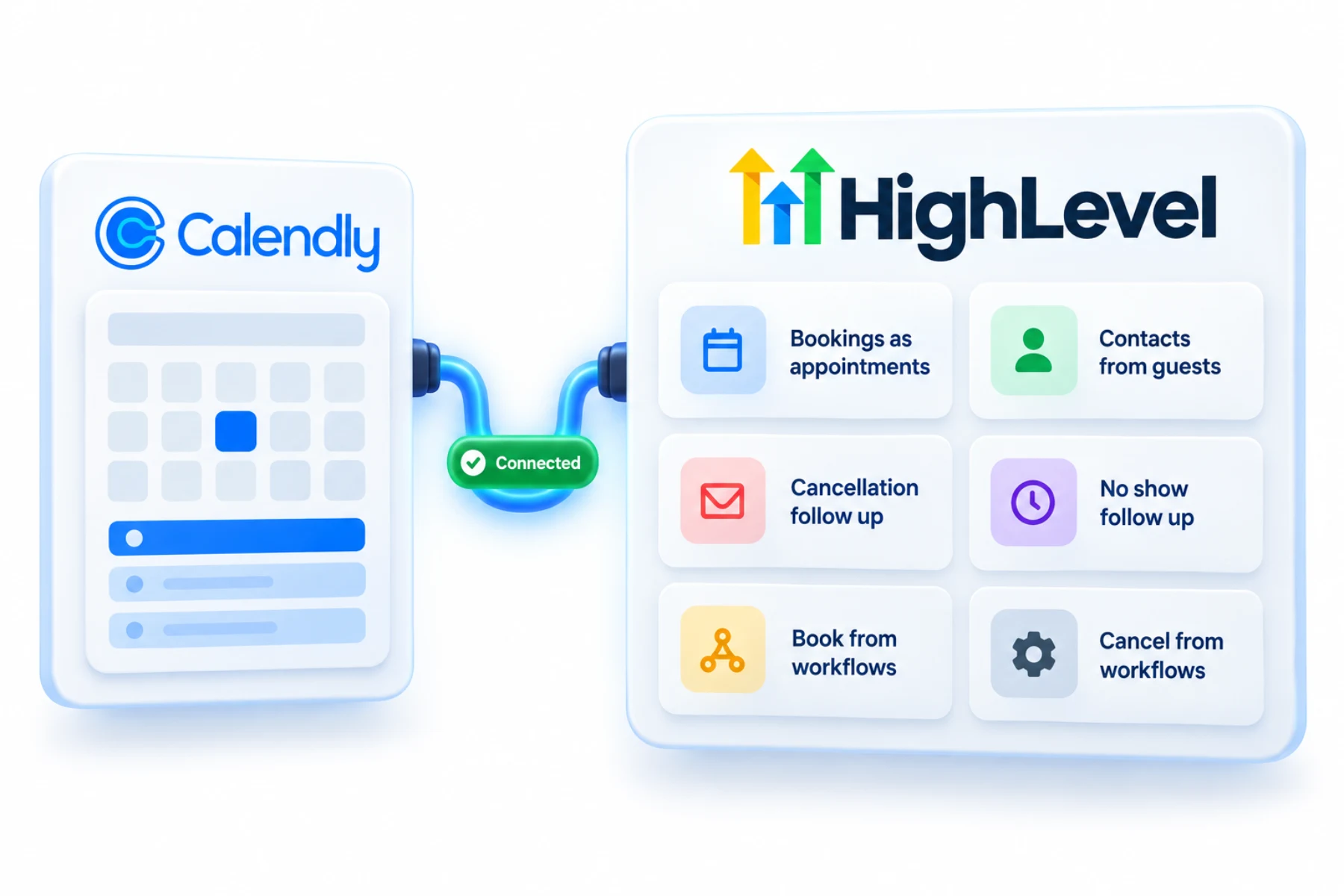
If your team is attached to Calendly, you can keep it. The GoHighLevel Calendly integration imports bookings as appointments, creates contacts and runs workflows on bookings, cancellations and no shows.
The short answer
The GoHighLevel Calendly integration imports bookings from selected Calendly calendars into HighLevel as appointments, creates contacts from guest details and enables workflow triggers for bookings, cancellations, no shows and routing forms. Workflows can also create, find, book or cancel Calendly events.
Michael is a sponsored HighLevel affiliate. Links to HighLevel use his partner link at no extra cost to you. HighLevel prices and product facts on this page come from HighLevel's own pricing page and help center, checked on the date above.
Connect
How do you connect Calendly to HighLevel?
You need a Calendly Standard, Teams or Enterprise plan. The Free and Essentials plans are not supported. Each user connects their own Calendly account, one per subaccount, and your event types should collect the guest's name and email. Many people still know the platform as GoHighLevel, and the steps are the same.
- Go to Calendars, open Calendar Settings, then the Connections tab.
- Click Add New, find Calendly in the list and click Connect.
- Log in to Calendly and grant access.
- Select the Calendly calendars to sync. Only events from these become appointments.
- If your Calendly form has a phone field, choose which phone value to sync, or choose not to sync it.
- Check the consent box and click Save.
- Book a test meeting in Calendly and check it appears in HighLevel.
Uses
What can you do with Calendly and HighLevel?
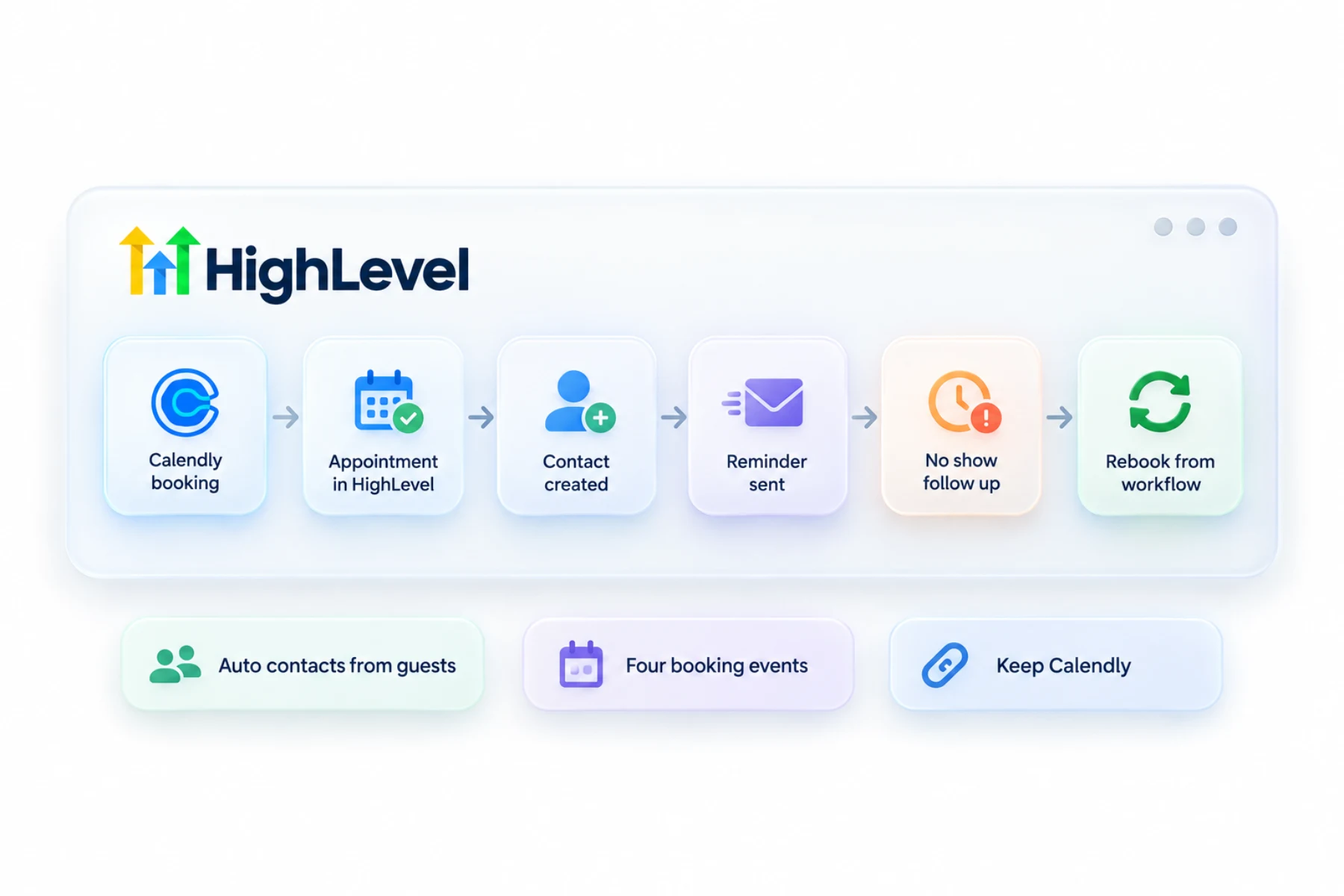
Once bookings arrive as appointments, the rest of HighLevel can act on them. Each new booking with a guest creates a contact from the name and email, or adds the appointment to the contact if they already exist. From there a workflow can confirm, remind and follow up.
There is also a set of Calendly workflow triggers and actions. Triggers cover a new invitee, a canceled invitee, a no show and a new routing form submission. Actions can book a meeting for an invitee, find an event, cancel an event or mark a no show. These are premium workflow features, so they use premium credits each time they run.
- Calendly bookings as HighLevel appointments
- Contacts created from guests
- Follow up on cancellations and no shows
- Book or cancel Calendly events from workflows
Data
What syncs and what does not?
The calendar sync runs one way, from Calendly into HighLevel. Events you create in HighLevel do not appear in Calendly. What comes across is the event date and time, the guest's name and email, the appointment title, the calendar it belongs to and a source marked as Calendly. A phone number can sync too, from the meeting location or a form field you choose.
When you first connect, HighLevel imports upcoming events and events from the past 180 days. Workflows only fire for future events, not for the past ones imported at setup.
Some things stay behind. Attachments and notes do not sync. You cannot edit or reschedule a synced event inside HighLevel, so make the change in Calendly. HighLevel's help center also says cancellations and reschedules are not reflected by the calendar sync itself, which is one reason the workflow triggers for canceled invitees matter.
Limits
What are the limits to know about?
A reschedule has no event of its own. Calendly sends a canceled event for the old slot and a created event for the new one, so both triggers fire. Plan your workflows around that, or a rescheduled guest gets a cancellation message.
On shared Calendly calendars, such as team or round robin events, the appointment is assigned to one of the connected team users at random. And if you connect during a Calendly trial, the integration stops working when the trial ends unless you move to a supported plan.
In practice
When does keeping Calendly make sense?
Keep it when your team already has links in email signatures, on websites and in proposals, and nobody wants to change them this month. Connect Calendly, let bookings land in HighLevel and move the follow up there: reminders, no show recovery and review requests. Your booking pages stay the same and your follow up improves.
Later, if you want one system, HighLevel has its own calendars. Team events become round robin calendars, and the booking calendar guide covers the build. The full move is in switch from Calendly. For reminder timing, see build an appointment reminder workflow.
To test the Calendly connection in your own account, use the 30 day trial through Michael's link. GoHighLevel pricing lists what each plan costs, and HighLevel plans compared shows which one fits.
Still deciding? Read six Calendly alternatives compared.

Keep Calendly if your team loves it. Move the follow up into HighLevel.
Questions
Common questions.
Does HighLevel integrate with Calendly?
Yes. HighLevel, also called GoHighLevel, has a Calendly integration that imports bookings from the Calendly calendars you select as appointments, creates contacts from guest details and gives workflows triggers for new bookings, cancellations, no shows and routing form submissions. The calendar sync runs one way, from Calendly into HighLevel.
Does it create contacts?
Yes. Each new Calendly booking with a guest creates a contact in HighLevel from the guest's name and email, or adds the appointment to the contact if they already exist. A phone number can sync too, from the meeting location or a form field you choose during setup.
Can workflows book Calendly events?
Yes. Calendly workflow actions can book a meeting for an invitee, find an event, cancel an event or mark a no show. Triggers cover a new invitee, a canceled invitee, a no show and a new routing form submission. These are premium workflow features, so they use premium credits each time they run.
Should I switch to HighLevel calendars instead?
It is optional. Keep Calendly when your links are already in email signatures, websites and proposals, and move the follow up into HighLevel. If you later want one system, HighLevel has its own calendars, including round robin calendars for team events, and the switch from Calendly guide covers the full move.
Which Calendly plans work with HighLevel?
Calendly Standard, Teams and Enterprise plans work with HighLevel. The Free and Essentials plans are not supported. If you connect during a Calendly trial, the integration stops working when the trial ends unless you move to a supported plan. Each user connects their own Calendly account, one per subaccount.
Is the Calendly sync two way?
No. The calendar sync runs one way, from Calendly into HighLevel, so events you create in HighLevel do not appear in Calendly. You cannot edit or reschedule a synced event inside HighLevel. Make the change in Calendly. Attachments and notes do not sync either.
Are old Calendly bookings imported?
Yes. When you first connect, HighLevel imports upcoming events and events from the past 180 days from the Calendly calendars you selected. Workflows only fire for future events, so the past bookings imported at setup do not trigger your confirmation or reminder automations.
Next step
See it in your own account. Thirty days, every feature.
Start a trial, build the first system and test it before the first invoice. Usage fees for phone, SMS, email and AI can apply during the trial.
HighLevel has three plans at a flat monthly price, each with unlimited users and contacts. See what each one includes and what it costs.
Compare the PlansStarter, Unlimited and Founder