
Home/HighLevel/Industries/Remodelers and Contractors
Industries · Remodelers and Contractors
HighLevel for remodelers and contractors. From site visit to five star review.
Remodeling projects are big decisions with long follow up. GoHighLevel for remodelers and contractors books site visits, tracks every estimate, updates clients during the project and asks for the review at the end.
The short answer
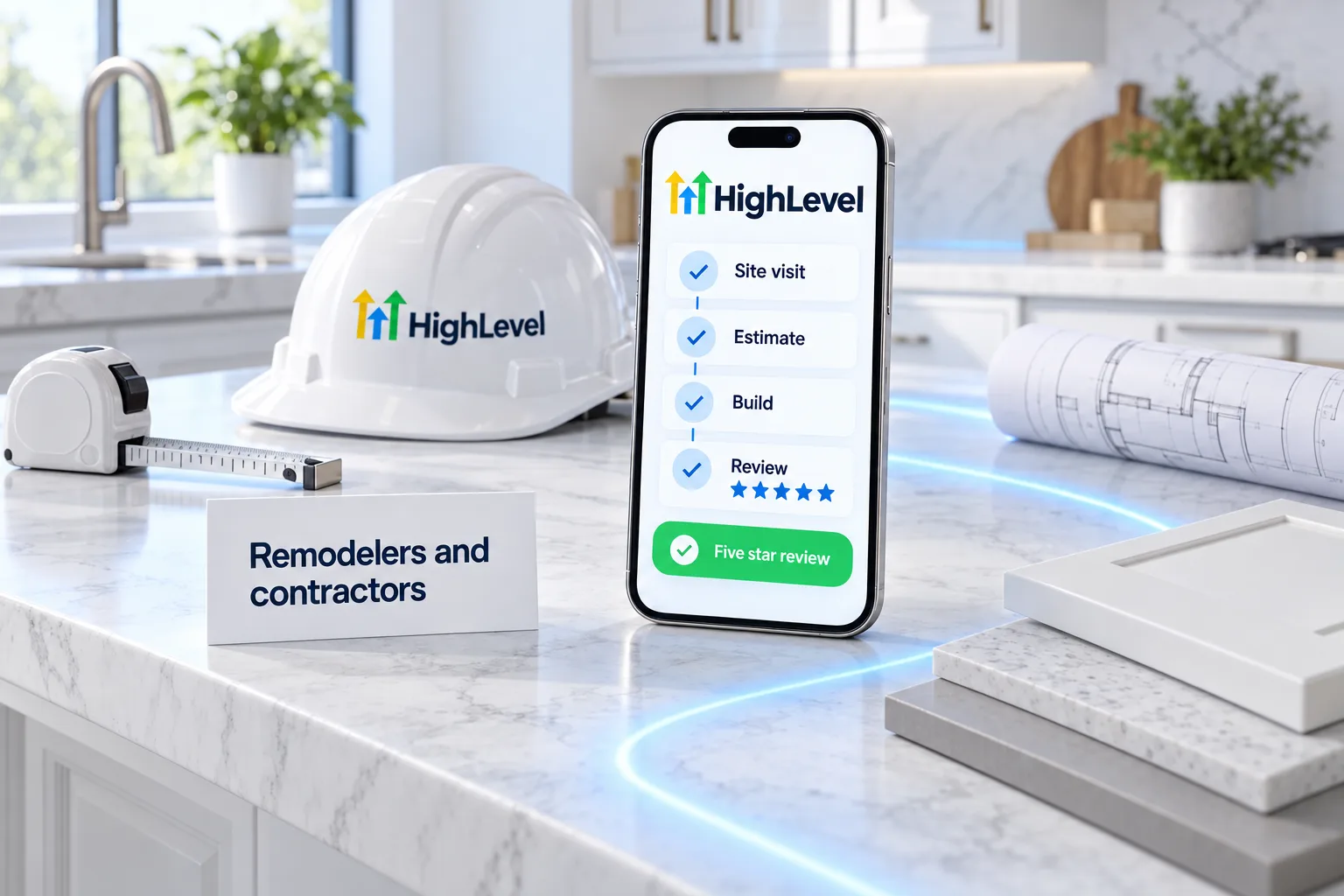
GoHighLevel for remodelers and contractors is one platform to book site visits, follow up estimates and keep clients updated. The systems that usually fit first are AI receptionist, sales pipeline, client portal, plus estimates and invoices and review requests. Plans start at $97 a month plus usage.
Michael is a sponsored HighLevel affiliate. Links to HighLevel use his partner link at no extra cost to you. HighLevel prices and product facts on this page come from HighLevel's own pricing page and help center, checked on the date above.
The leak
Where remodelers and contractors lose business.
Remodeling leads come from referrals, Google searches, website project forms, yard signs and ads with project photos. Each one is a large decision, so a lead can take weeks from first call to signed contract and months from contract to final payment.
- Leads not called back
- Estimates without follow up
- Clients calling for project updates
- Payments chased
- Few reviews and photos
Systems
Systems that fit.
AI receptionist
Voice AI answers every call, books and sends a summary.
How to set it upSales pipeline
Every quote or deal tracked to won or lost.
How to set it upClient portal
Documents, bookings and updates in one login.
How to set it upEstimates and invoices
Quote, invoice and take payment in one place.
How to set it upReview requests
Asks every happy customer for a Google review.
How to set it upLead nurture
Follows up by text and email until the lead replies.
How to set it upHere is how each of the six works day to day for remodelers and contractors.
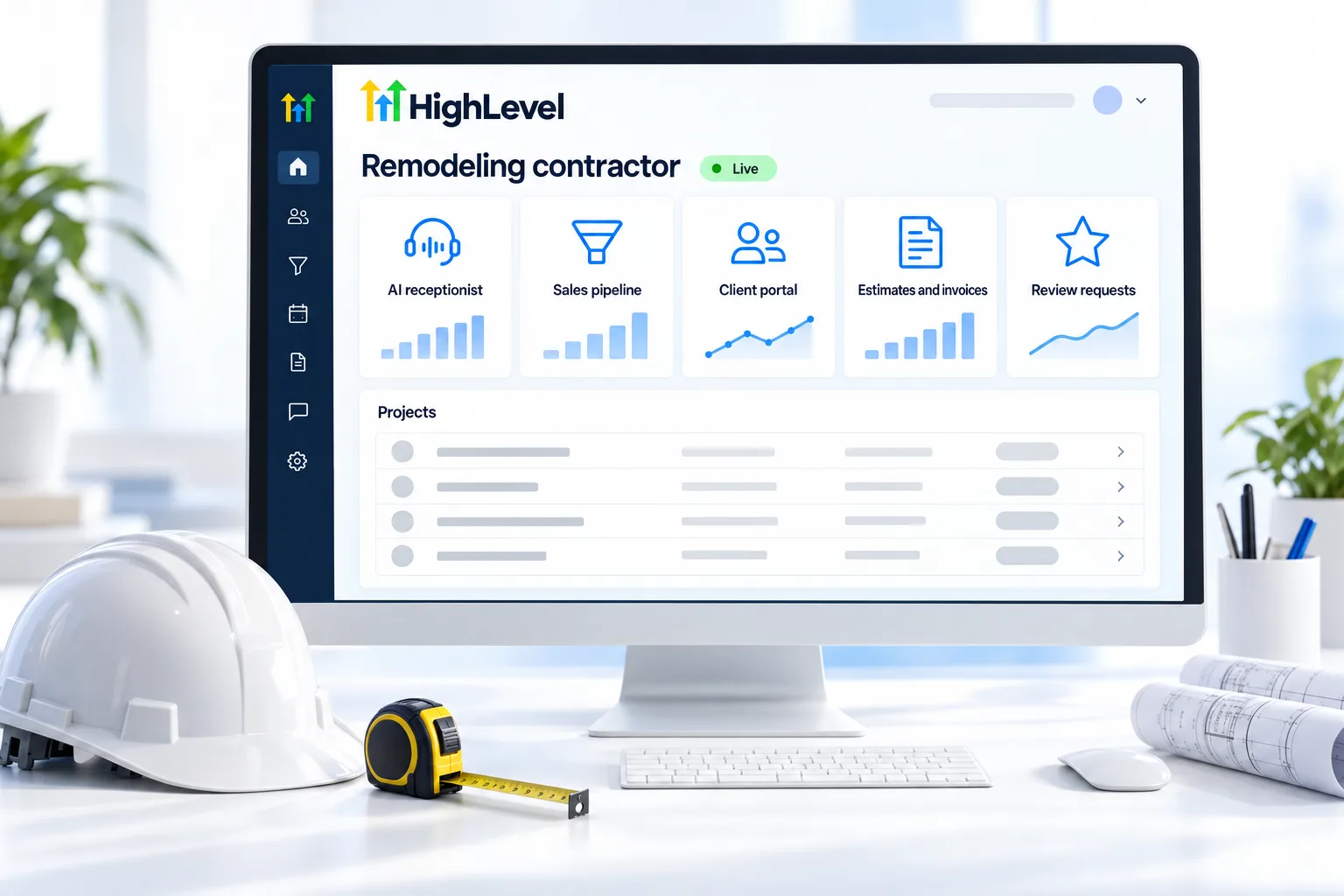
AI receptionist. Voice AI picks up when your team cannot. It answers common questions from your knowledge base, books onto your calendar and hands over when a caller asks for a person. It is billed by the minute on top of the plan, so read AI usage costs first.
Sales pipeline. Each quote or deal is an opportunity that moves through stages you name. Open the board and you can see what is waiting on you and what is waiting on the customer.
Client portal. Clients log in to one branded place for documents, service booking and updates, instead of digging through email threads. It runs on your own domain.
Estimates and invoices. Connect a payment provider such as Stripe, then send estimates and invoices by email or text from Payments. Automated invoice reminders and recurring invoices do the chasing for you.
Review requests. Once you connect Google Business Profile, a workflow sends the review request when the appointment is marked showed or the invoice is paid. You see every request and its status under Reputation.
Lead nurture. A workflow alternates texts and emails over about two weeks and stops the moment the lead replies or books. Longer follow up is the same idea with longer waits.
First 30 days
A simple rollout.
- Week 1: connect your phone number, Google Business Profile and calendar; start A2P registration.
- Week 1: turn on AI receptionist.
- Week 2: add sales pipeline and client portal.
- Week 3: import past customers and launch estimates and invoices.
- Week 4: review the dashboard and fix what is not working.
What to set up first. Start with AI receptionist. Go to AI Agents, then Voice AI, and click Create Agent. Choose Flow Builder and pick the template closest to your calls. Rewrite the instructions with your hours, services and booking rules, assign a phone number, test it with real calls and publish.
Start A2P 10DLC registration on day one. Texting US numbers from a local number depends on it, and it goes through carrier review. While you wait, import your contacts as a CSV with consent details mapped. The first 30 days guide walks through the order.
Compliance
Know the rules.
More on answering calls with AI: AI receptionist for remodelers and contractors.
Contractor licensing, deposit limits and contract rules vary by state. Have your contracts and payment terms reviewed locally. This is not legal advice.
Day to day
What does a typical week look like for remodelers and contractors?
Once the systems are live, most of the week runs without anyone opening a settings page. This is roughly how it goes.
Monday. New inquiries were answered by Voice AI, and site visits are on the calendar with reminders.
Midweek. Each estimate sent becomes an opportunity in the pipeline, with a stage and an owner.
Thursday. Open estimates get a follow up. Active clients see documents and updates in the portal instead of calling the office.
Friday. Progress invoices go out by email or text. Completed projects trigger a review request.
Worked example
How does HighLevel for remodelers and contractors work in practice?
Picture a kitchen and bath remodeler with two crews. A homeowner fills in the project form on the website. A text goes out right away and offers times for a site visit. After the visit, the estimate is sent and the opportunity moves to the estimate stage. Follow up runs until the homeowner decides. Once the job starts, the client logs in to the portal for documents and updates.
Fit
When does HighLevel fit remodelers and contractors, and when does it not?
HighLevel fits a remodeler with long sales cycles, several open estimates at a time and clients who want regular updates.
It is not construction project management or estimating software. Takeoffs, schedules, change orders and job costing stay in the tools built for them.
Budget for usage on top of the plan. Phone numbers, texts, calls, email and AI are billed separately through a wallet. The usage fees page lists every rate.
Before you commit, read the honest HighLevel review, check current GoHighLevel pricing and use the 30 day trial through Michael's link to build the first system for remodelers and contractors before the first invoice. To see what each tier includes, read HighLevel plans compared.
If you already run jobs in a field service tool, keep it for dispatch and connect HighLevel for the front end. The HighLevel vs Jobber and HighLevel vs Housecall Pro pages explain the split.
Three mistakes to avoid:
Estimates with no next step. Every open one needs an owner and a date.
Updates only when the client calls. Send them on a set day.
No photos requested with the review. Ask for both at the end of the job.
Comparing tools before you commit? Read the best CRM for contractors. Building new homes? Read GoHighLevel for home builders.

Send a short project update every Friday. Happy clients become referrals.
Through my link
Start HighLevel through my link and the CRM Pros team comes with it.
Same HighLevel price. The difference is who is in your corner for the first ninety days.
- Setup help in your first 7 days
- Your onboarding call with Michael’s team
- Three live calls every week: tech, sales and Michael’s own call
- The private affiliate community
- Snapshots, templates and email swipes
- Four apps: Prompt, Demo, A2P and Sales On Demand
The Founder Plan is HighLevel’s top plan at $497 a month. It is the former Agency Pro plan with an exclusive feature set, rebilling with markup and the Founders Club. The full breakdown is here.
The Founder PlanWhat it includes and who it is for
Questions
Common questions.
Is HighLevel good for remodelers and contractors?
Yes, especially for estimate follow up and project updates. The systems that usually fit first are AI receptionist, sales pipeline and client portal, and the rollout on this page gets them working in about 30 days. Plans start at $97 a month, plus usage for calls, texts, email and AI.
What should remodelers and contractors set up first?
AI receptionist, then sales pipeline. Start A2P 10DLC registration on day one as well, because texting US numbers from a local number depends on it and it goes through carrier review. Add the other systems in weeks two and three, following the rollout on this page.
How much does HighLevel cost?
Starter is $97 a month, Unlimited $297 and the Founder Plan $497, plus usage such as calls and texts. A single business usually fits Starter, which includes unlimited contacts and unlimited users. Usage is billed separately through a wallet. Through Michael's link you get a 30 day trial to test it first.
Can I get help setting it up?
Yes. Signing up through Michael's link includes setup help in your first 7 days, an onboarding call, then three live calls every week: a tech call, a sales call and Michael’s own strategy call. You also get the private affiliate community, snapshots, templates and email swipes. The HighLevel price stays the same.
Can clients see project updates in HighLevel?
Yes. The client portal gives each client one branded login for shared documents, booking and updates. You can also send updates by text and email from the same contact record, so the client hears from you at each stage of the project without calling to ask.
Does HighLevel replace construction management software?
No. HighLevel handles leads, estimate follow up, client communication, invoices and reviews. Schedules and job costing stay in construction software. The two run side by side: construction software runs the job and HighLevel handles the conversations before, during and after it.
Is there a free trial of HighLevel for remodelers and contractors?
Yes. HighLevel's standard free trial is 14 days. Through Michael's link the trial is 30 days, which gives you time to build the first system and test it with real customers. Usage fees for phone, SMS, email and AI can apply during the trial.
Which HighLevel plan do remodelers and contractors need?
A single business usually fits the Starter plan at $97 a month, which includes unlimited contacts and unlimited users. Calls, texts, email and AI are billed on usage on top of the plan. Through Michael's link you can test the plan on a 30 day trial first.
Next step
See it in your own account. Thirty days, every feature.
Start a trial, build the first system and test it before the first invoice. Usage fees for phone, SMS, email and AI can apply during the trial.
HighLevel has three plans at a flat monthly price, each with unlimited users and contacts. See what each one includes and what it costs.
Compare the PlansStarter, Unlimited and Founder