
01WP Admin button, explained
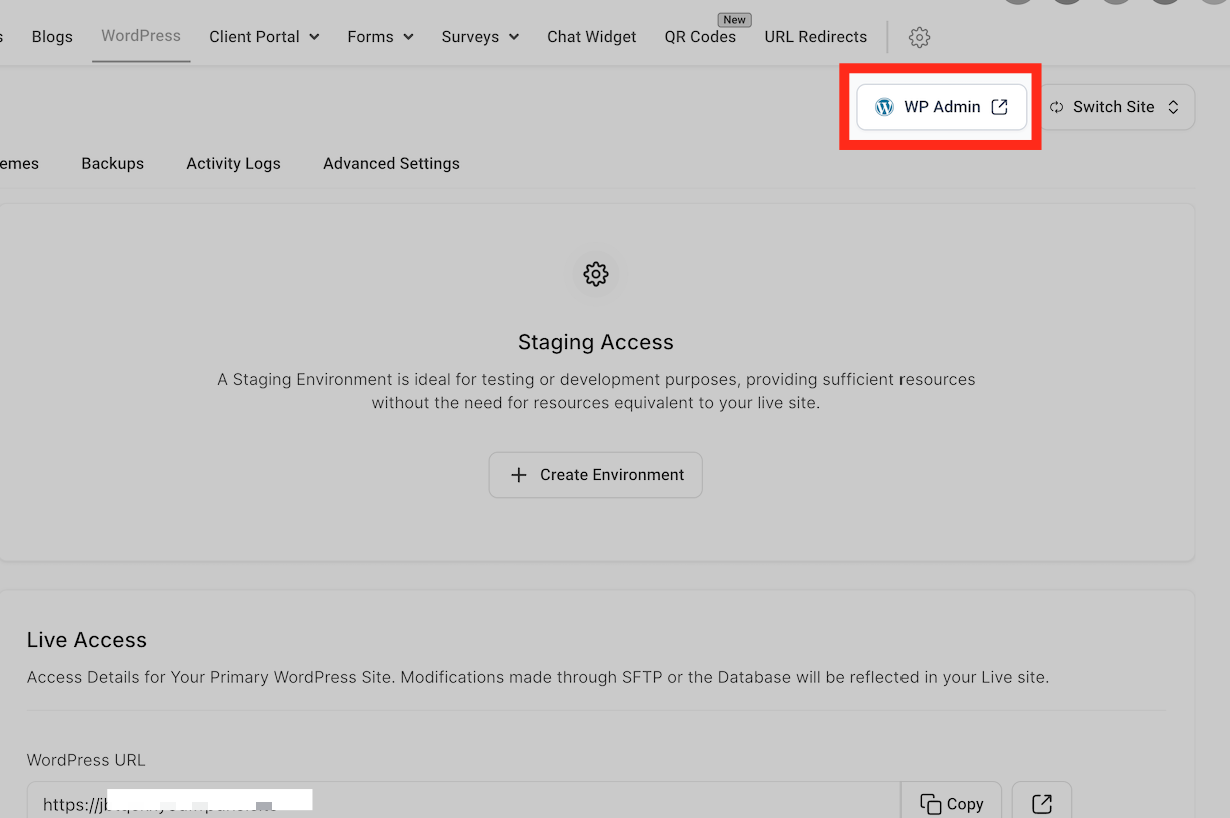
The WP Admin button appears next to each site in the WordPress dashboard inside HighLevel.
The button uses Single Sign On and works without any extra plugins, providing a fast and secure way to log in.
02How businesses use WP Admin button
- Agency client management. An agency that handles many client sites can open each client’s WordPress admin with a single click, without remembering passwords.
- Site owner convenience. A site owner can log into their own WordPress admin fast from HighLevel, without needing to type their WordPress credentials.
03Before you start
- Be logged into HighLevel.
- Open the WordPress dashboard in HighLevel.
04How to set up and use WP Admin button in HighLevel
One click WP admin login
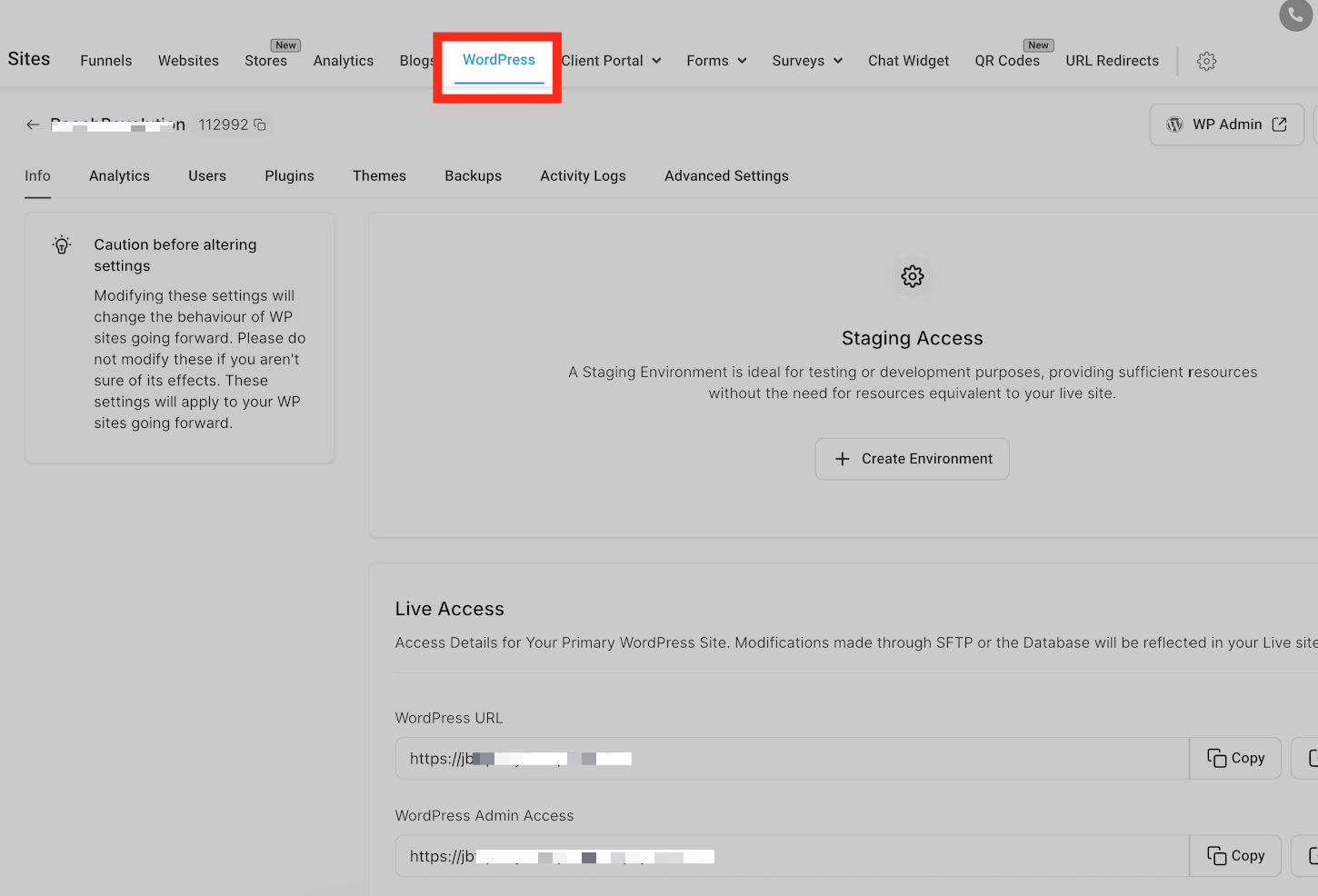
- Log into HighLevel and open the WordPress dashboard.
- Find the “WP Admin” button next to each site.
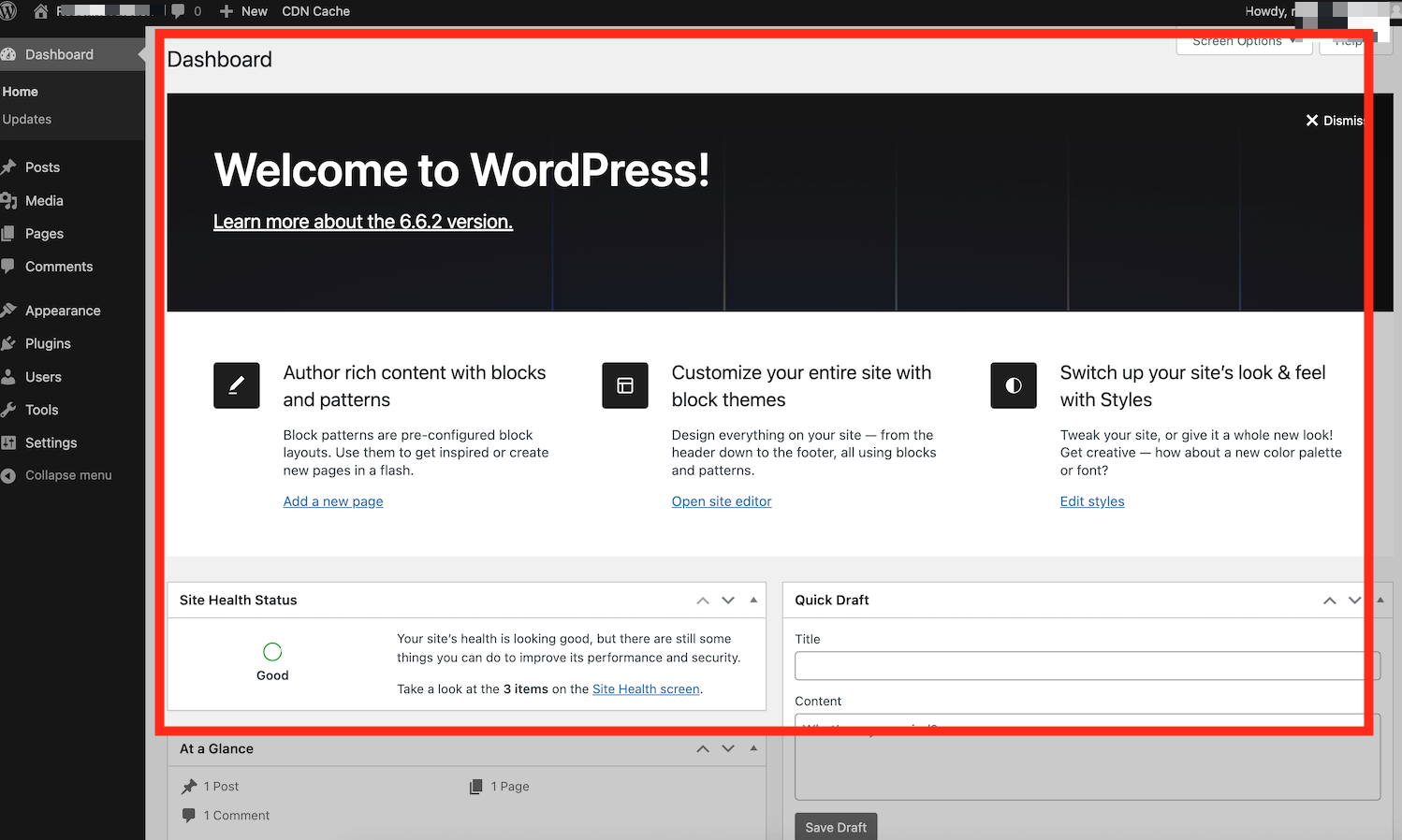
- Press the button to go straight to WP Admin.
05What it looks like in HighLevel
Michael's take

Michael ReimerFounder of CRM Pros, HighLevel Commander and Certified Admin
The WP Admin button feels like a small convenience that quickly becomes a real shift for anyone juggling several WordPress sites. One click and you’re in the admin area, no passwords floating around.
Imagine a web design agency that services dozens of clients. Instead of logging into each client’s WordPress manually, the team can hop straight into each admin panel from HighLevel.
Get More InformationOpens on HighLevelPublished November 2, 2026 · Updated November 3, 2026