
01Who this is for
- Marketing managers who need accurate server side event data for Facebook ads, because the pixel captures conversions beyond browser limitations.
- Agency owners handling multiple client funnels, as the process works per subaccount and keeps each client’s data isolated.
02Funnel event pixel, explained
The feature lets a HighLevel funnel push event information to Facebook through the Conversions API. First, a Meta Pixel (or Dataset) is created in Facebook Business Manager. After the pixel code is placed in the funnel’s header, HighLevel can send events from the server.
The workflow resides under Automation > Workflows. It triggers on actions such as form submissions or booked appointments, calls the Facebook Conversion API action, and includes the required Access Token and Pixel ID. When published, each qualifying event is sent to Facebook in real time.
03How businesses use the funnel event pixel
- Ecommerce store. Create a Meta Pixel, paste the code into the store’s funnel header, and configure a workflow that fires on order form submissions. The workflow sends purchase events to Facebook for better ad optimization.
- Coaching business. Add the pixel to the landing page funnel, then set up a workflow that triggers when a prospect books a discovery call. The conversion data is sent to Facebook, allowing retargeting of qualified leads.
- Dental practice. Install the pixel in the patient intake funnel and build a workflow that activates on form submissions for new patient appointments. The practice can track these conversions in Facebook ads without relying on browser cookies.
04Before you start
- Ensure the Facebook Business Manager account is linked to the correct ad account and has required access to the Facebook page.
- Confirm the funnel domain passes the eligibility check in Facebook Events Manager.
05How to set up and use the funnel event pixel in HighLevel
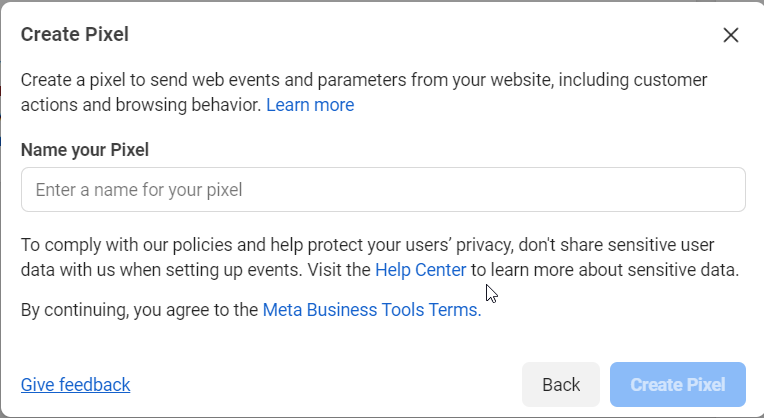
Create a Meta Pixel/Dataset
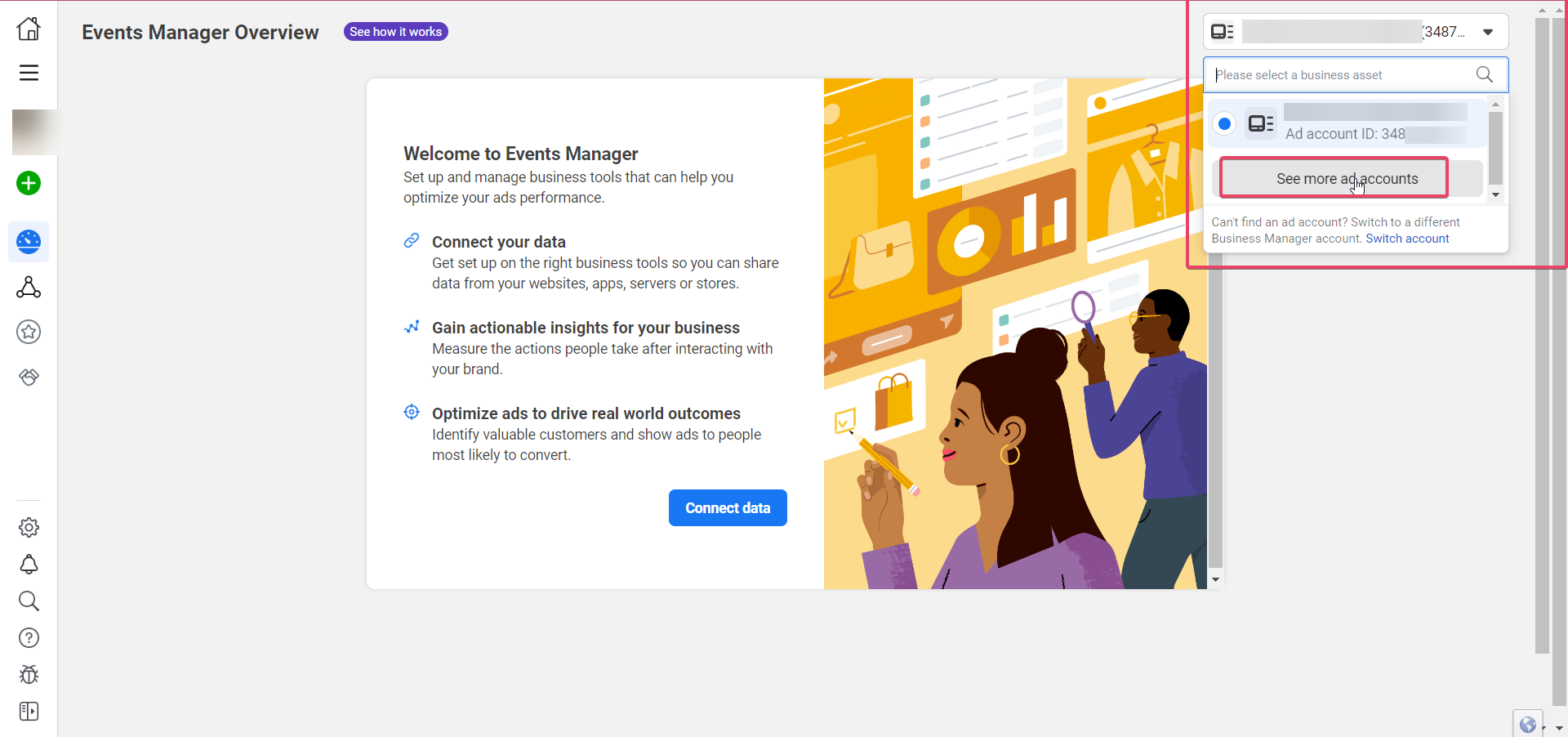
- Open Facebook Business Manager and navigate to Events Manager.
- Verify you are connected to the proper ad account and have page access.
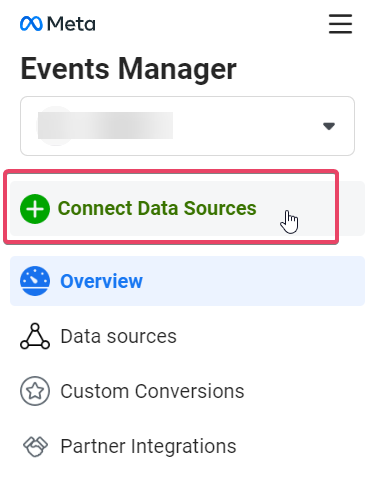
- Select Connect Data Sources from the left menu.
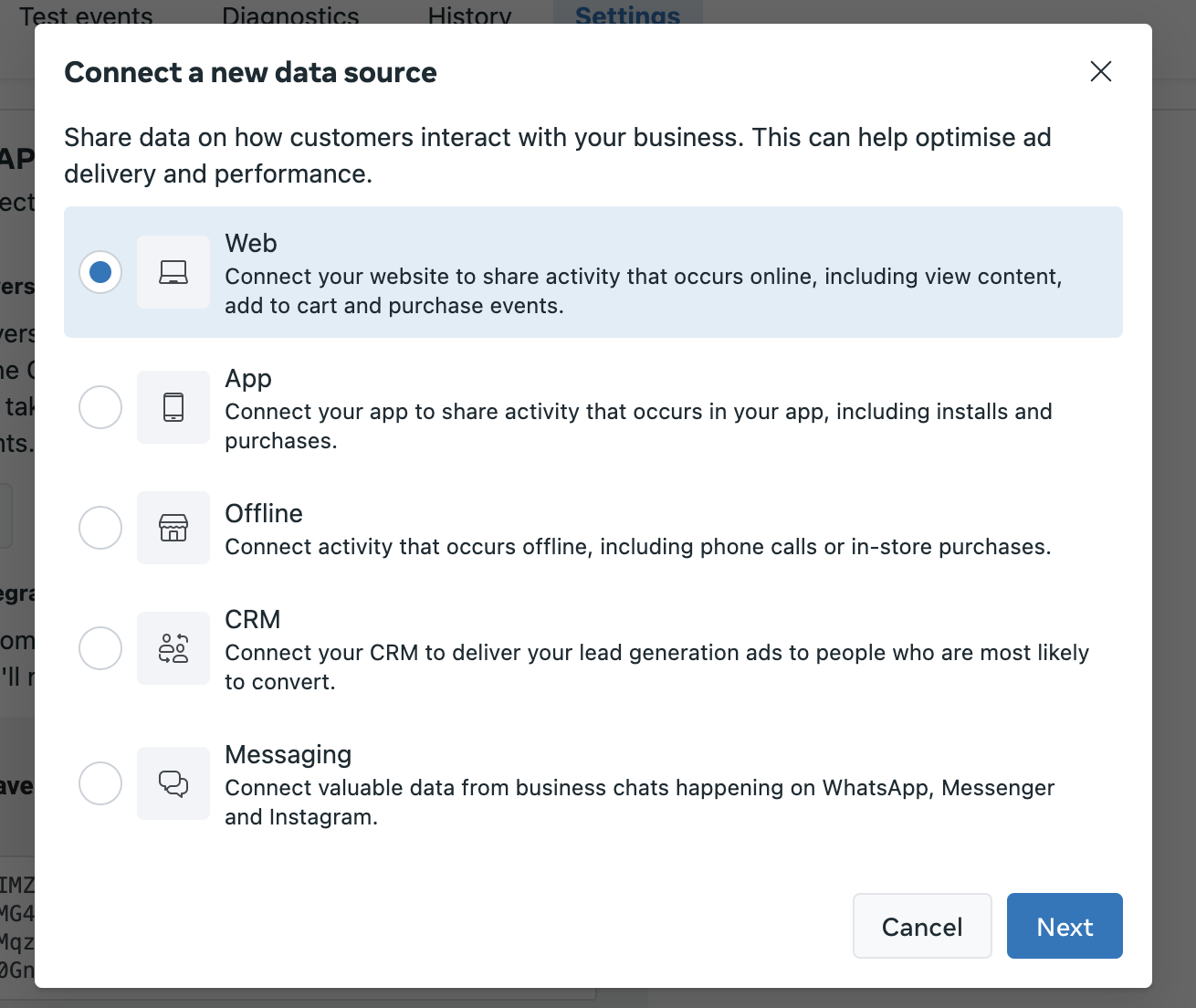
- Choose Web as the data source and click Next.
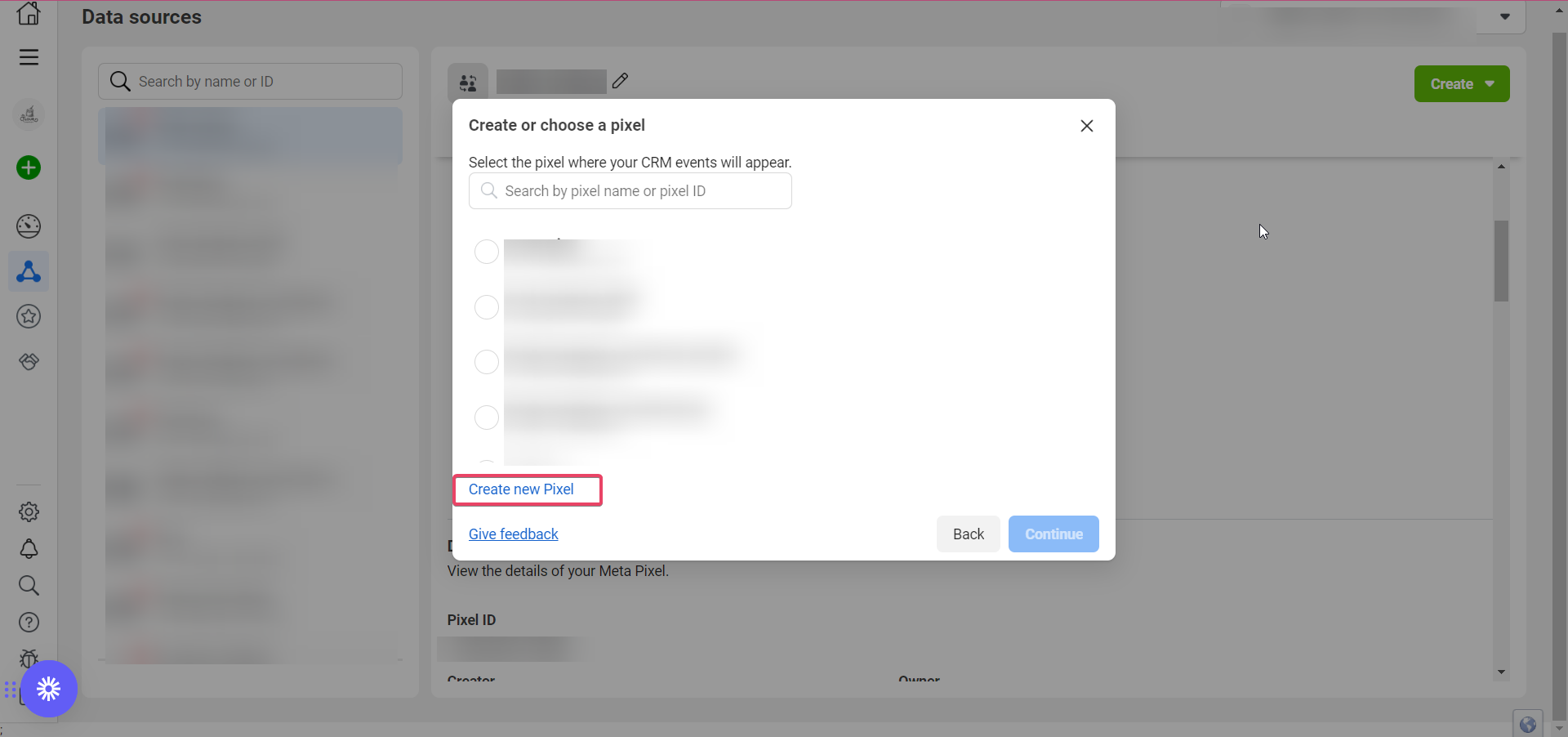
- Create a new pixel or pick an existing one, then continue.
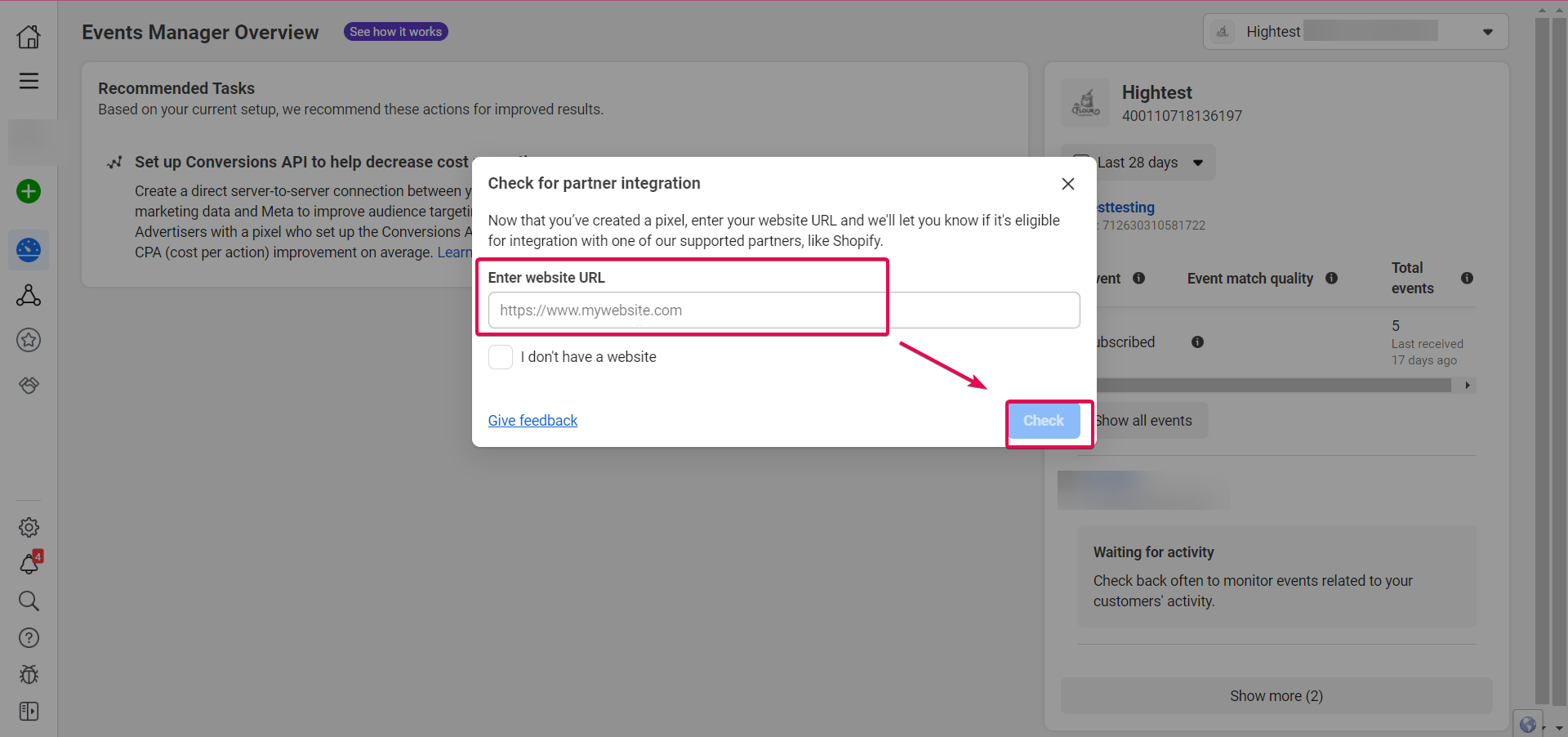
- Enter the funnel’s domain, run the eligibility check, and proceed when the green check appears.
- Select the option “Meta Pixel and Conversions API” and view the instructions.
- Follow the instruction flow: choose industry, select events, enable required parameters, finish setup, and copy the pixel code.
Apply pixel code to your funnel/website
- Keep the Facebook tab open and sign into your HighLevel account.
- Open the subaccount that will use the pixel.
- Go to Sites > Funnels (or Websites) and edit the desired funnel.
- In the funnel builder, click the code icon and paste the pixel code into the Header Tracking field, then save.
- To apply globally, open funnel or website settings, paste the code into the Head tracking code section, and save.
Create a Meta Conversions API workflow
- Navigate to Automation > Workflows and click Create Workflow.
- Add a new workflow trigger such as Form Submitted, Customer Booked Appointment, Survey Submitted, or Order Form Submission.
- Optionally add a filter to target a specific form, calendar, survey, or order form.
- Add the first action, search for Facebook Conversion API, and select it.
- Give the action a name if desired and choose Funnel Event as the Event Type.
- Generate an Access Token in Facebook Events Manager, copy it, and paste it into the Access Token field of the action.
- Copy the Dataset ID (Pixel ID) from Facebook, paste it into the Pixel ID field, then save and publish the workflow.
06What it looks like in HighLevel
07Settings that matter
- Access Token. The credential that authorizes the workflow to send events to Facebook through the Conversions API.
- Pixel ID. The identifier (Dataset ID) of the Meta Pixel that receives the server side events.
- Custom Mapping. A toggle that, when enabled, lets you map custom fields such as FBCLID or Facebook Lead ID to the conversion payload.
08Things to know before you rely on it
- The domain entered during pixel creation must pass Facebook’s eligibility check; otherwise the setup cannot continue.
- Custom mapping is disabled by default and must be turned on manually to use custom fields.
09How it connects to the rest of HighLevel
- Facebook lead ads integration and troubleshooting guide Lead Ads guide
- HighLevel guide to Facebook conversion leads integration Conversion leads guide
- How to add Facebook Conversion API actions in HighLevel workflows API actions in workflows
Michael's take

Michael ReimerFounder of CRM Pros, HighLevel Commander and Certified Admin
Then I paste the pixel code into the header.
Get More InformationOpens on HighLevelPublished November 2, 2026 · Updated November 17, 2026