Home/HighLevel/Features/Agency View/Grading sheet and sidebar in HighLevel marketing reports

Agency, Settings and Integrations

Grading sheet and sidebar in HighLevel marketing reports

In short

Grading sheet and sidebar in HighLevel let agencies quickly gauge marketing performance, summarising scores across all sections, and effortlessly jump between report sections, eliminating excessive scrolling. Visual score indicators highlight section scores, making it simpler for prospects to understand the audit results, and the enhanced clarity can improve engagement and drive conversions.

AreaAgency View · Marketing Audit Reports
Used forPerformance snapshot, Report navigation
Guide typeOverview
Last updatedNovember 3, 2026

01Grading sheet and sidebar, explained

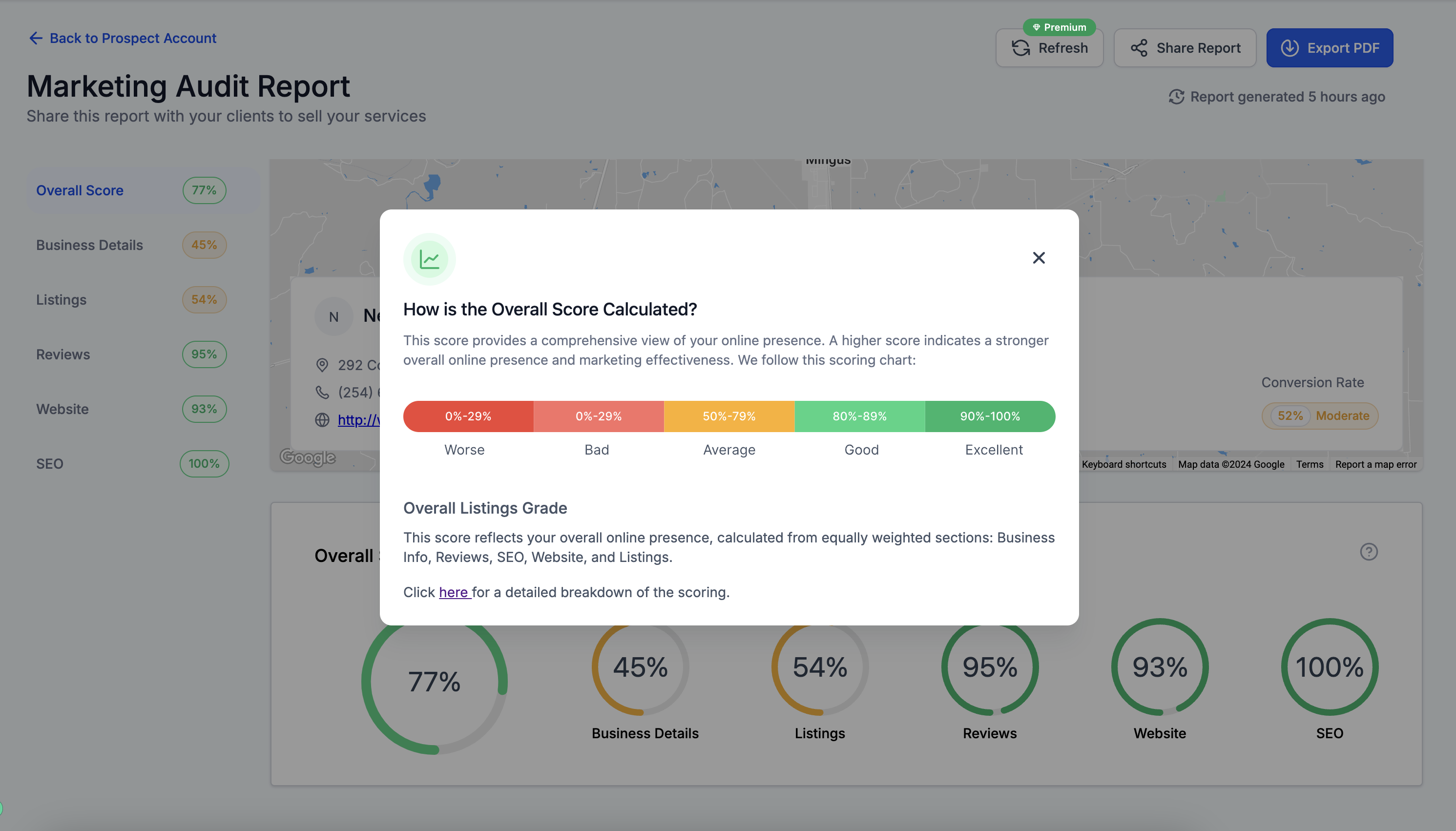
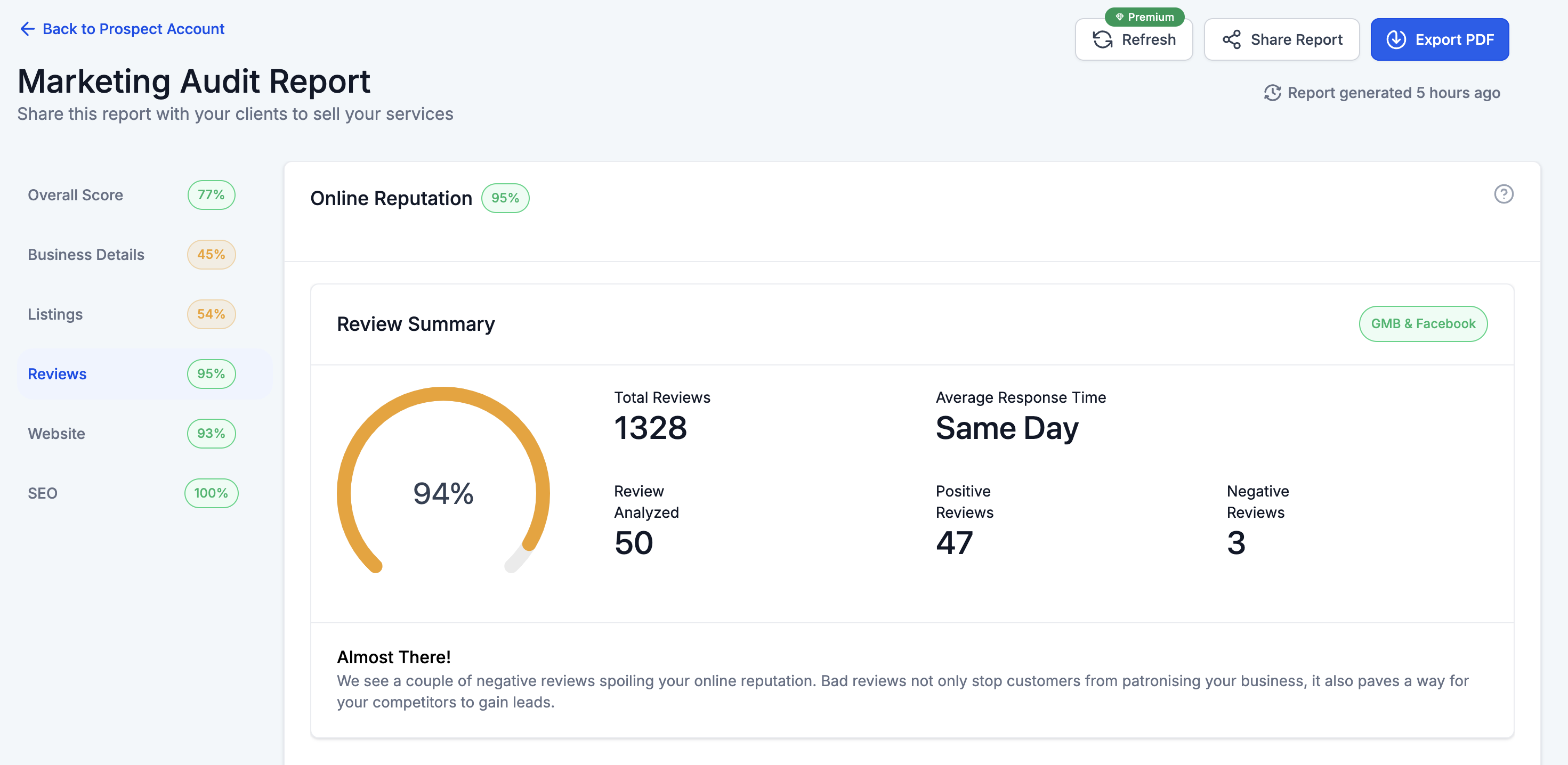
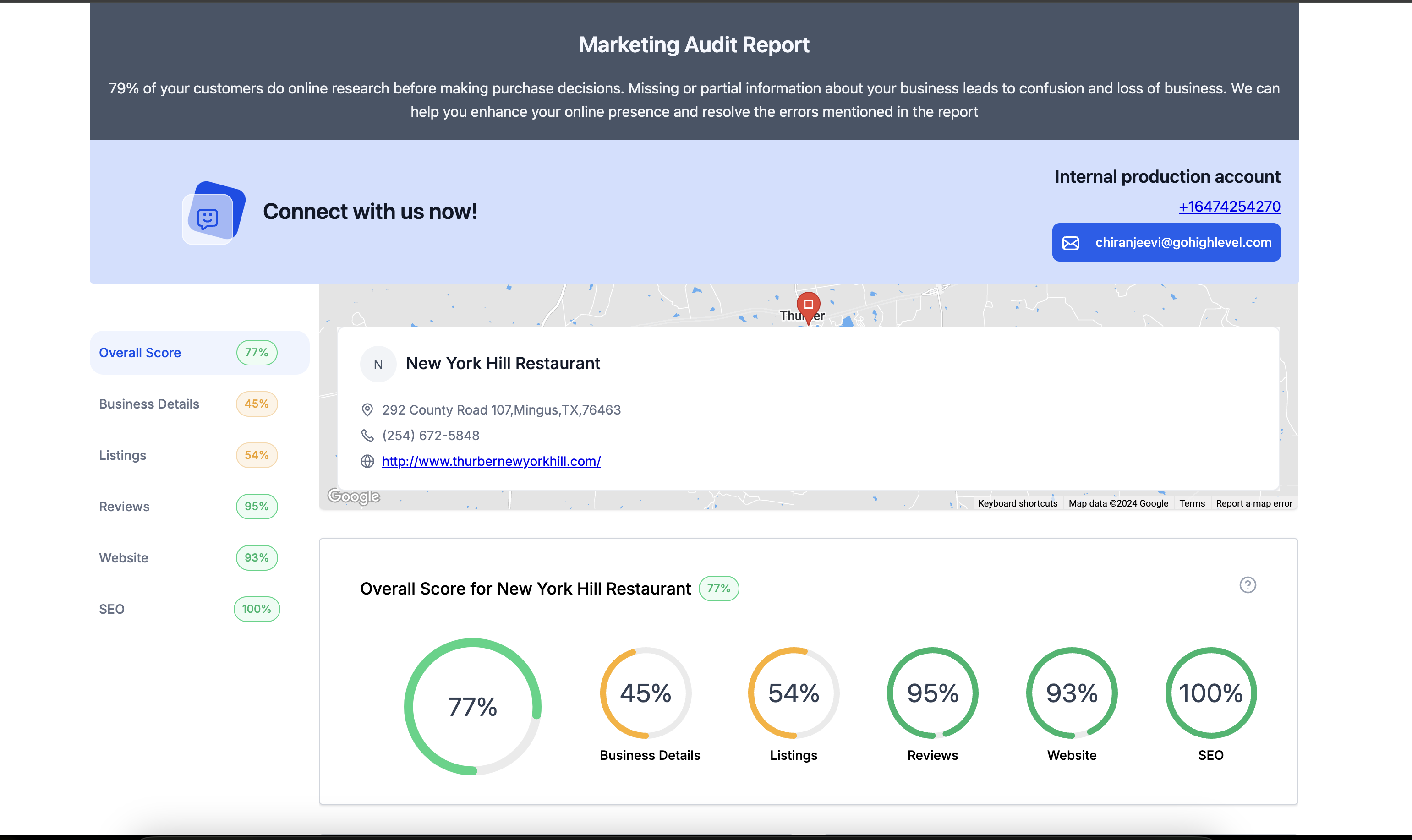
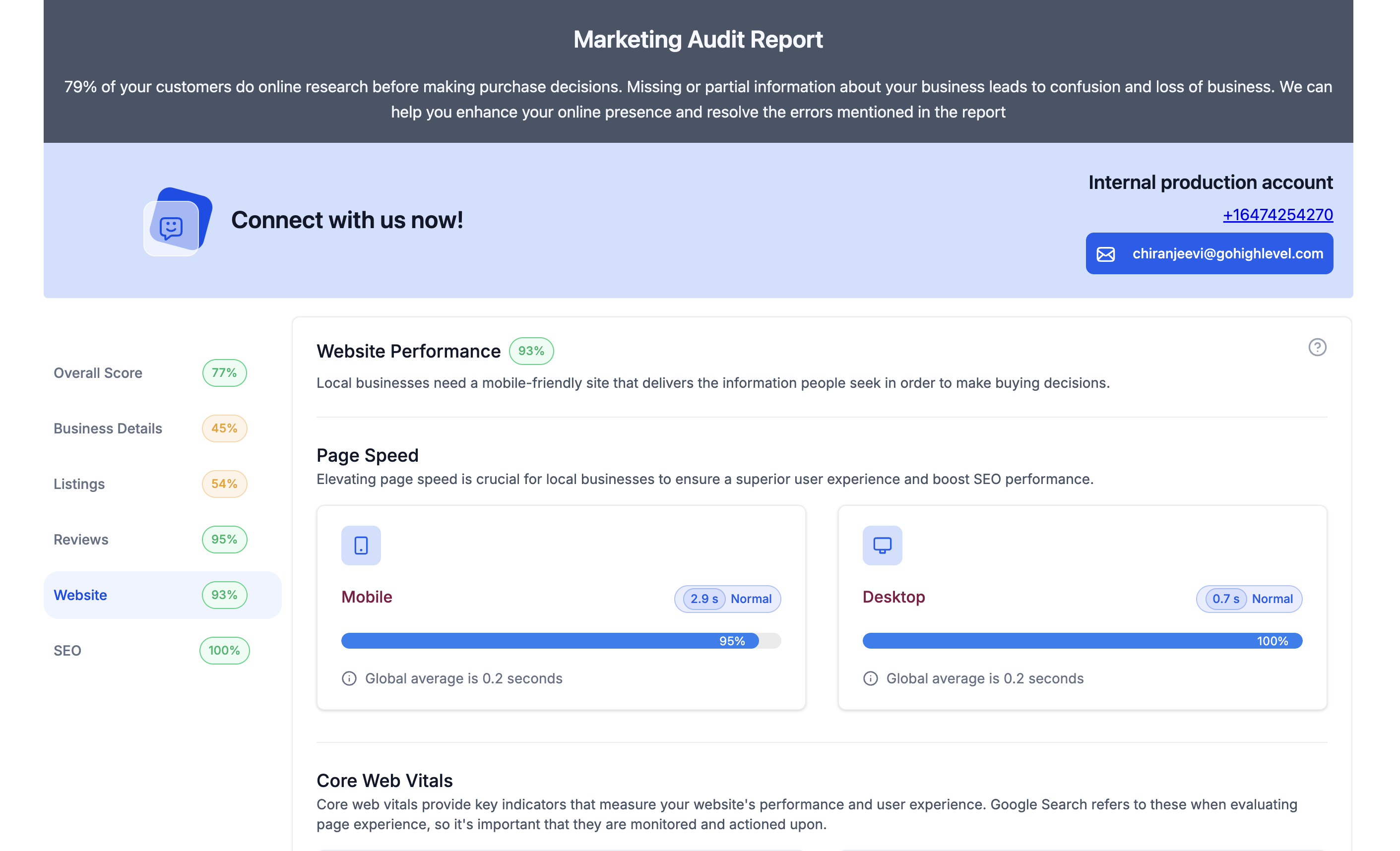
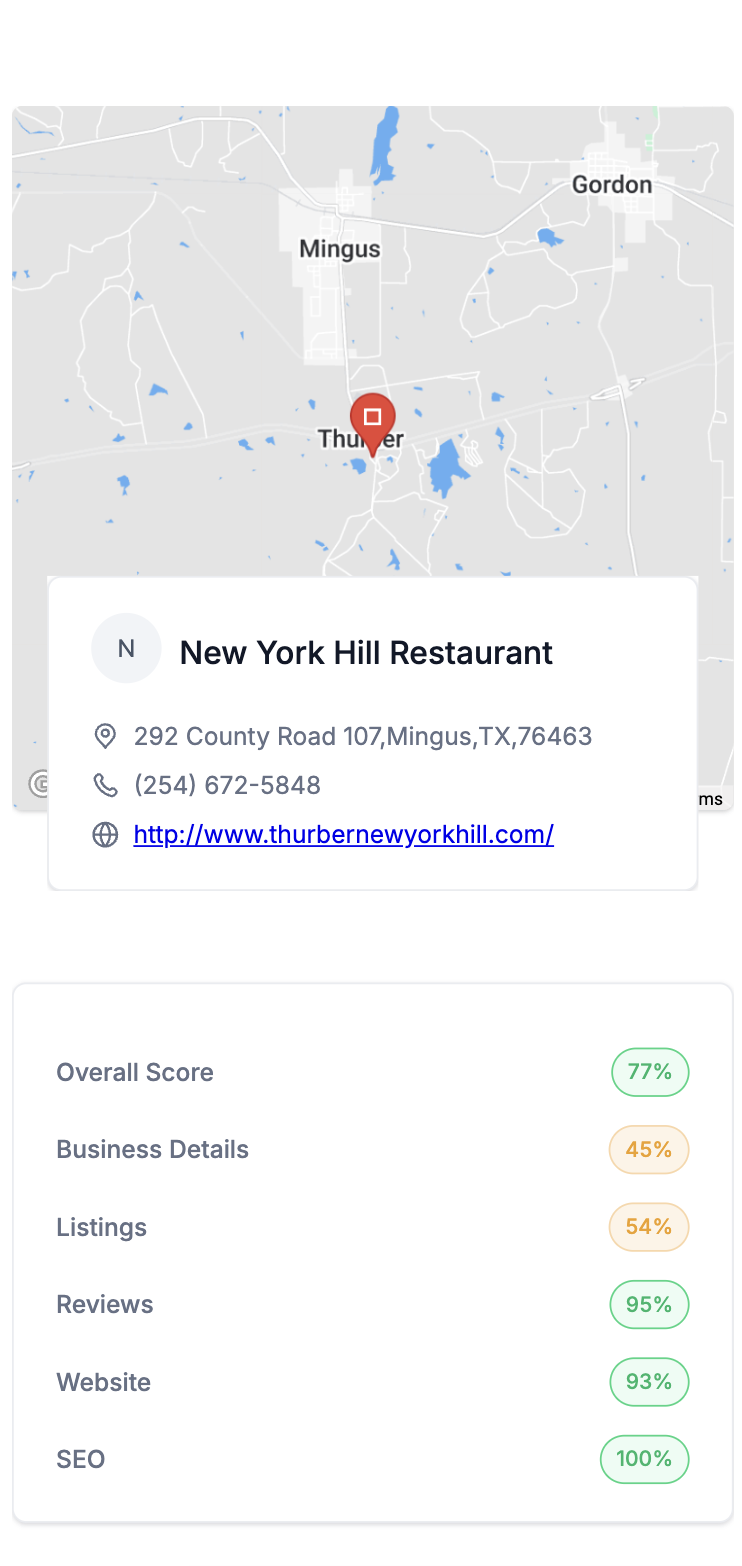
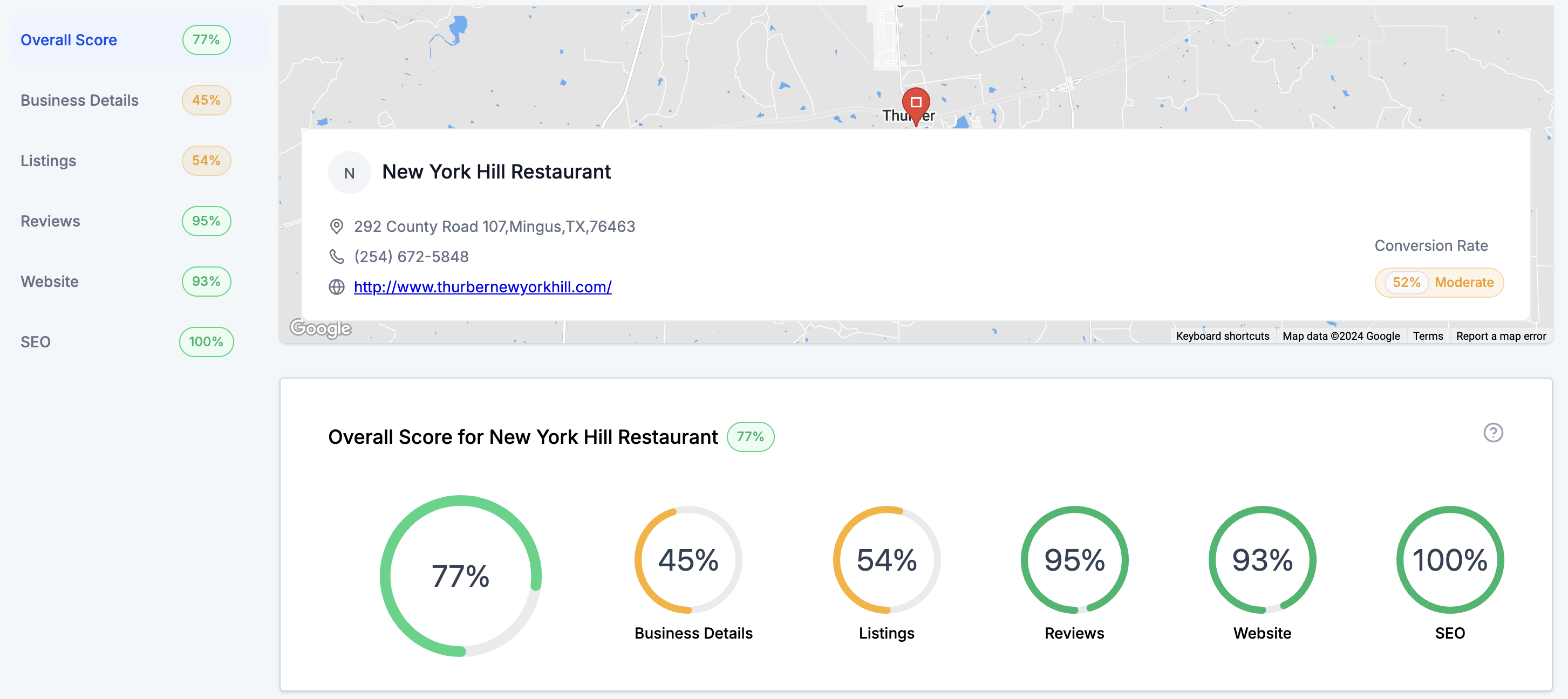
The grading sheet provides an instant overview of marketing performance. It summarizes scores across all sections so agencies can spot strengths and weaknesses at a glance.

The sidebar offers intuitive navigation. Users can click to move between report sections, avoiding excessive scrolling and reducing the chance of missing important information.

02How businesses use grading sheet and sidebar

  • Performance snapshot. Agencies view the grading sheet to quickly assess and compare how different marketing sections performed. This speeds up analysis and decision making.
  • Report navigation. The sidebar lets users jump directly to any report section. This saves time and improves productivity when reviewing audit results.

03What it looks like in HighLevel
Get More InformationOpens on HighLevelPublished November 2, 2026 · Updated November 3, 2026

Common questions

Common questions about grading sheet and sidebar.

What does the grading sheet show in a HighLevel marketing audit report?

It summarizes scores across all sections, giving a quick view of performance and highlighting strengths or weaknesses at a glance.

How does the sidebar navigation improve the audit report experience?

The sidebar lets users jump between sections, eliminating excessive scrolling.

Who benefits most from the grading sheet and sidebar features?

Agencies and prospects benefit by gaining faster insights and smoother navigation.

Next step

Pick the features that matter. Then get the plan that unlocks them.

Explore the features you want, start with the five at the top, and upgrade through my link when you are ready. The bonuses and the team come with it.

The features directory explains every HighLevel feature in plain English. Browse it to see what the platform can do.

Back to the FeaturesSee the full details
⌃

Site preview

Explore the next page

This destination is reserved in the page inventory and is not built yet.