
Home/HighLevel/Agency/Tools and stack
Agency · Stack
Agency software stack. Fewer tools, less overlap.
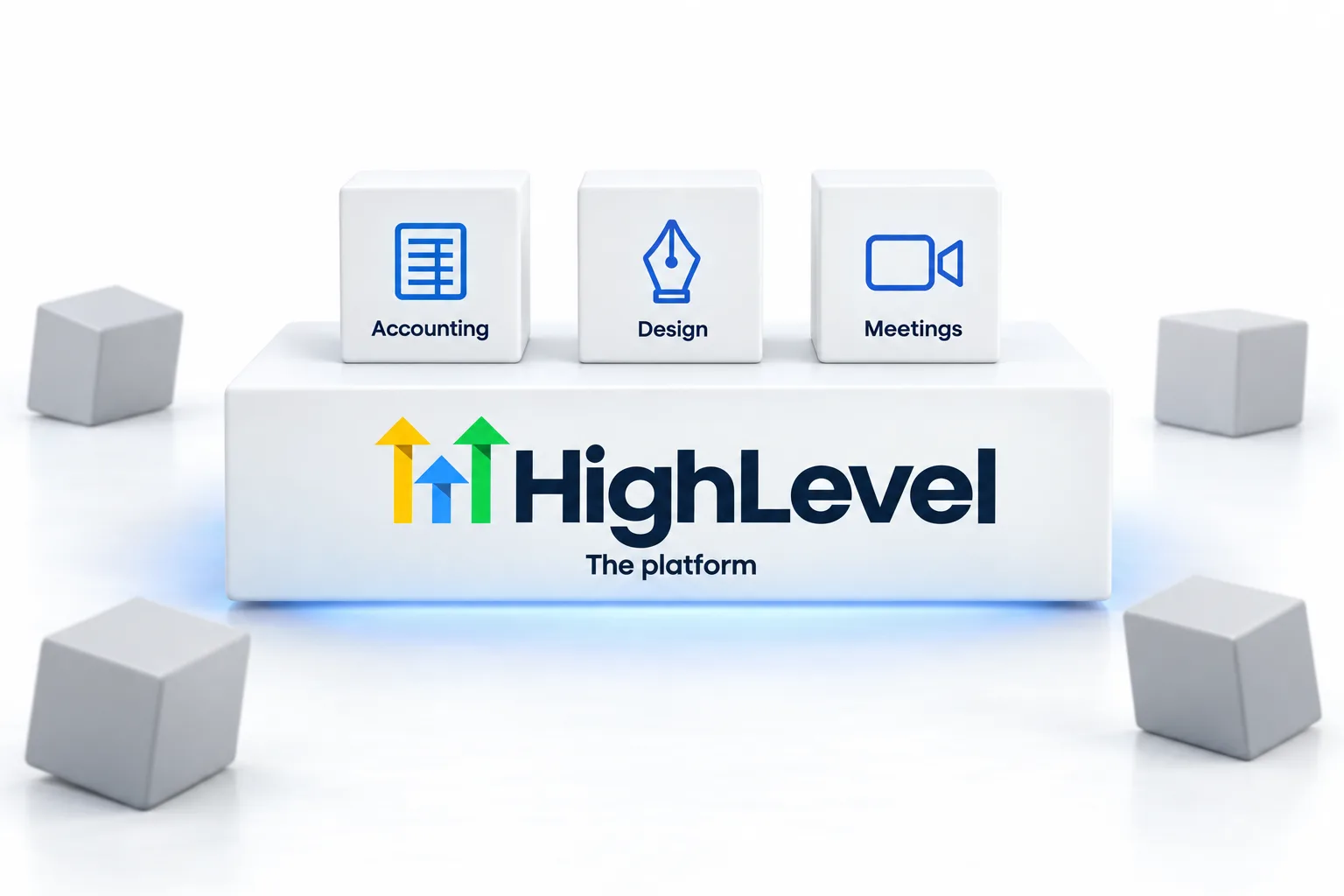
GoHighLevel covers most of what an agency needs to deliver client work. The extras most agencies add are for accounting, design, video and internal communication. The goal is a small stack where nothing overlaps.
The short answer
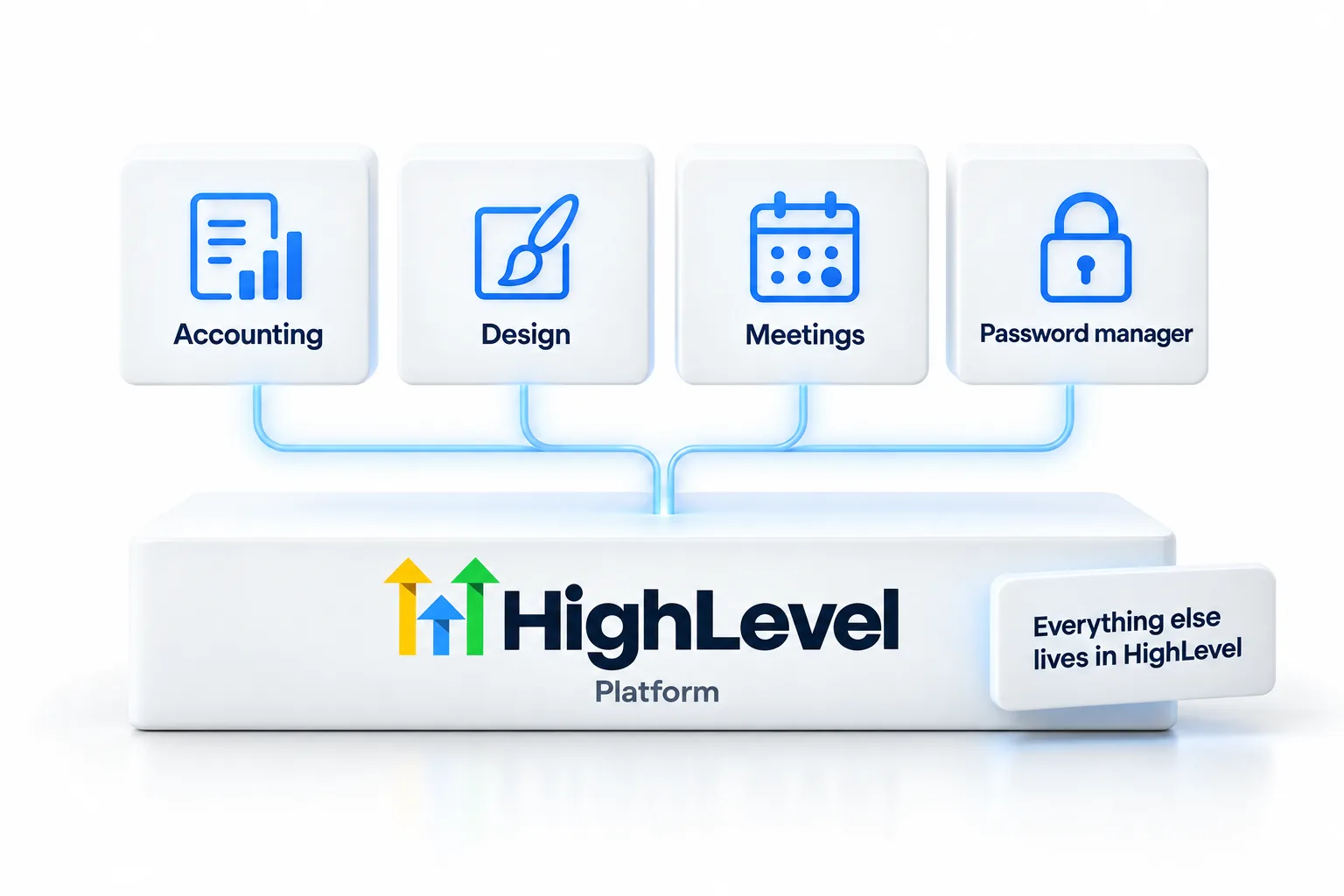
Many agencies that build on HighLevel use it for CRM, phone, texting, email, funnels, booking, reviews, courses, AI and client billing, then add a few other tool types such as accounting, design, screen recording and video, password management and team chat. Before adding any tool, check whether HighLevel already does the job.
Michael is a sponsored HighLevel affiliate. Links to HighLevel use his partner link at no extra cost to you. HighLevel prices and product facts on this page come from HighLevel's own pricing page and help center, checked on the date above.
Covered
What does HighLevel already cover?
- CRM, pipelines and contacts
- Phone, texting, email and chat
- Funnels, websites, forms and booking
- Reviews and reputation
- Courses, communities and client portal
- AI agents, AI Studio and Managed Agents
- Invoices, payments and rebilling
- Project and task management
Added
Which tools do agencies commonly add?
| Tool type | Why |
|---|---|
| Accounting | Books, taxes and payroll |
| Design | Graphics and brand assets |
| Screen recording | SOPs and client updates |
| Password manager | Safe access sharing |
| Team chat | Internal communication |
Decide
How do you decide whether you need another tool?
Tool sprawl rarely happens in one decision. It happens one free trial at a time. A scheduling tool here, a form builder there, a separate email platform because a tutorial recommended it. A year later you are paying for several products that overlap with what your GoHighLevel plan already includes.
Before you add anything, run it through four questions.
- Does HighLevel already do this job well enough for my clients? Check the features list first.
- If it does not, is there a native integration that does?
- Will this tool hold client data, and if so, who has access to it?
- If I stopped paying for it in six months, what would break?
The fourth question matters most for delivery. Anything that sits between a lead and a booked appointment should live in as few systems as possible, because every handoff between tools is a place for a lead to get lost. Internal tools, such as accounting or design, carry much less risk.
Overlap
Which separate tools can HighLevel usually replace?
This is where agencies most often pay twice. The table shows common categories and what HighLevel includes. It is not a claim that the built in version beats every specialist product. It is a prompt to check before you renew.
| Category | In HighLevel | Keep a separate tool when |
|---|---|---|
| Scheduling | Calendars and booking pages | You need something the calendars do not offer |
| Forms and surveys | Form and survey builders | A client insists on their existing form tool |
| Email marketing | Email campaigns and workflows | You have a large existing program you cannot move yet |
| Funnels and websites | Funnel and website builders, AI Studio | The site is a complex custom build |
| Reputation | Review requests and replies | You need review sites HighLevel does not connect to |
| Project management | Project and task management | Your team already runs well on another tool |
| Invoicing | Invoices, payment plans and recurring billing | Your accountant requires a specific system |
The honest limitation is depth. A specialist tool will often go further in its one area. For most small business clients, a connected system that does these jobs well beats a pile of tools that do not talk to each other. The all in one CRM page makes that case in more detail, and the true cost of ownership page helps you compare what you pay now.
Connect
How do you connect the tools you keep?
Some tools will stay, and that is fine. The goal is that data moves between them without anyone copying and pasting.
Start with what is native. HighLevel connects directly to services such as Stripe, Google Business Profile and Google Calendar. Next, look at webhooks, which let a workflow send data out or receive it. Use a connector such as Zapier for what is left, and keep those automations few and documented, because they are the first thing to break when a tool changes.
Finally, write your stack down. One page listing each tool, what it is for, who owns the login and what it costs each month. Review it every quarter. It takes a few minutes and it is the simplest way to catch a subscription nobody uses. For AI specific tools, the AI agency stack page goes deeper.
Before you buy a scheduling tool, read whether GoHighLevel has a calendar booking tool, since booking is built in. If you also promote the platform, GoHighLevel affiliate tools and assets lists what HighLevel provides. The GoHighLevel agency path shows where the stack fits in the wider build.
The plan you choose changes what the core platform covers. HighLevel Founder Plan explained and the Founder Plan, formerly Agency Pro page explain the top plan, and the GoHighLevel 30 day trial through Michael's link lets you check each feature before you pay for a separate tool.
Tools only help when the process is written down, so pair the stack with agency SOPs, and read hiring your first VA before you add software to solve a staffing problem.
Looking at add on tools? Read what HL Pro Tools is and whether you need it.

Every tool you add is another login, another bill and another place for things to break. Add slowly.
Questions
Common questions.
What software does an agency need?
An agency needs a core platform such as HighLevel for CRM, phone, texting, email, funnels, booking and client billing, plus a few extras: accounting software, a design tool, screen recording, a password manager and team chat. Keep the list short. Every extra tool is another login, another bill and another place for data to drift.
Does HighLevel replace project management tools?
For many agencies, yes. HighLevel includes project and task management, so client work, tasks and conversations can sit in one place. If your team already depends on a separate project tool with features you use every day, keep it for now and review the choice once you have tried the built in version.
Should I use Zapier?
Only for gaps. Check HighLevel's native integrations first, then webhooks, and use a connector such as Zapier for whatever is left. Each connector step is another thing that can fail and another cost, so the fewer you rely on, the easier the stack is to maintain.
How do I avoid overlap?
Check what HighLevel already does before buying anything. List each job a new tool would do, then look for that feature in your account. Review your subscriptions every quarter and cancel anything two tools both cover. Overlap usually creeps in one small purchase at a time.
Do I need a separate email marketing tool with HighLevel?
Usually not. HighLevel includes email campaigns and workflows. Keep a separate tool only if you have a program you cannot move yet. Running two email systems splits your contact data and makes it harder to see what each contact received.
How many tools should a new agency have?
As few as possible. One core platform plus accounting, design, screen recording, a password manager and team chat covers most needs. Add another tool only when a real problem keeps repeating and nothing you already pay for can solve it.
How do I connect HighLevel to other software?
Use native integrations first, then webhooks, then a connector such as Zapier for anything left over. Native integrations are the simplest to maintain. Webhooks send data to another system when something happens in a workflow. A connector is the last resort, because it adds a cost and another point of failure.
What tools does an AI agency need?
An AI agency needs one core platform that runs the AI agents, CRM, phone, texting, booking and client billing, which is what HighLevel covers. Around it, add accounting software, a design tool, screen recording for training and demos, a password manager and team chat. Check what the platform already does before paying for anything else.
Next step
See it in your own account. Thirty days, every feature.
Start a trial, build the first system and test it before the first invoice. Usage fees for phone, SMS, email and AI can apply during the trial.
HighLevel has three plans at a flat monthly price, each with unlimited users and contacts. See what each one includes and what it costs.
Compare the PlansStarter, Unlimited and Founder