
Home/Affiliates/Tools and assets
Affiliates · Tools
HighLevel affiliate tools and assets. What you can use from day one.
The GoHighLevel affiliate tools are a portal, training and ready made assets that HighLevel gives every affiliate. Every HighLevel account also has access to the Marketing Agency Snapshot with a starter affiliate nurture campaign. Signing up through my link adds the CRM Pros extras.
The short answer
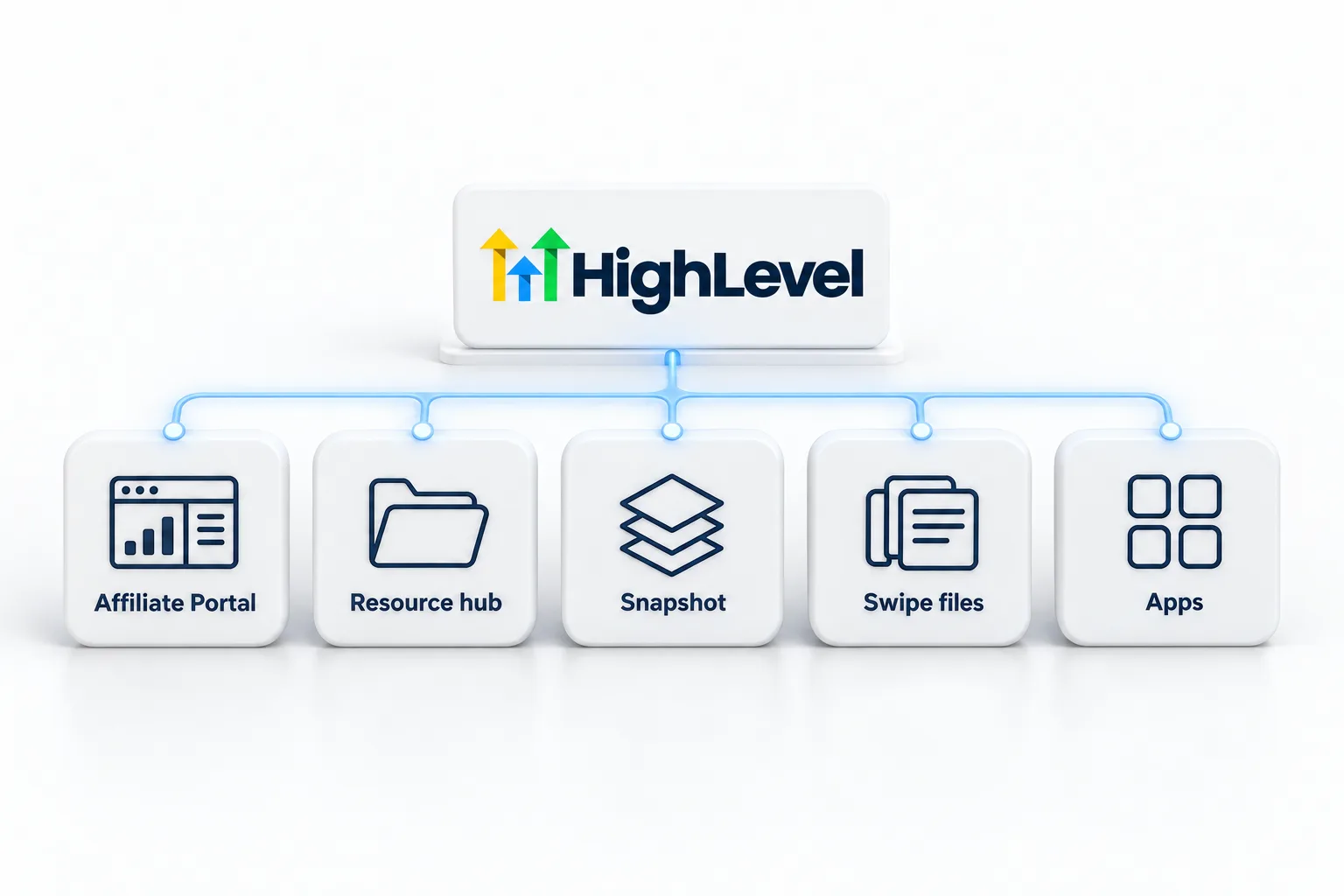
HighLevel affiliates can use the Affiliate Portal for links and reporting, HighLevel's affiliate training, and the Marketing Agency Snapshot, which includes a starter Potential Affiliate Nurture email campaign. Signing up through Michael's link adds snapshots, templates, email swipes and four apps: Prompt, Demo, A2P and Sales On Demand.
Michael is a sponsored HighLevel affiliate. Links to HighLevel use his partner link at no extra cost to you. HighLevel prices and product facts on this page come from HighLevel's own pricing page and help center, checked on the date above.
From HighLevel
Which tools does HighLevel give affiliates?
| Tool | Use |
|---|---|
| Affiliate Portal | Links, referrals, rewards and payouts |
| Affiliate training | Welcome course, weekly Q&A and monthly hangouts |
| Marketing Agency Snapshot | A starter Potential Affiliate Nurture campaign |
| Smart lists | Choose who in your network to invite |
Use the nurture
How do you set up the starter nurture?
- Create a subaccount using the Marketing Agency Snapshot.
- Go to Marketing, Email, Campaigns and open Potential Affiliate Nurture.
- Rewrite the copy in your own voice with clear disclosure.
- Activate the campaign.
- In Contacts, Smart Lists, select contacts who asked or would want to know, then click Add To Campaign.
CRM Pros extras
What comes with my link?
- Snapshots, templates and email swipes
- Prompt, Demo, A2P and Sales On Demand apps
- One onboarding call, then three live calls every week
- The private affiliate community
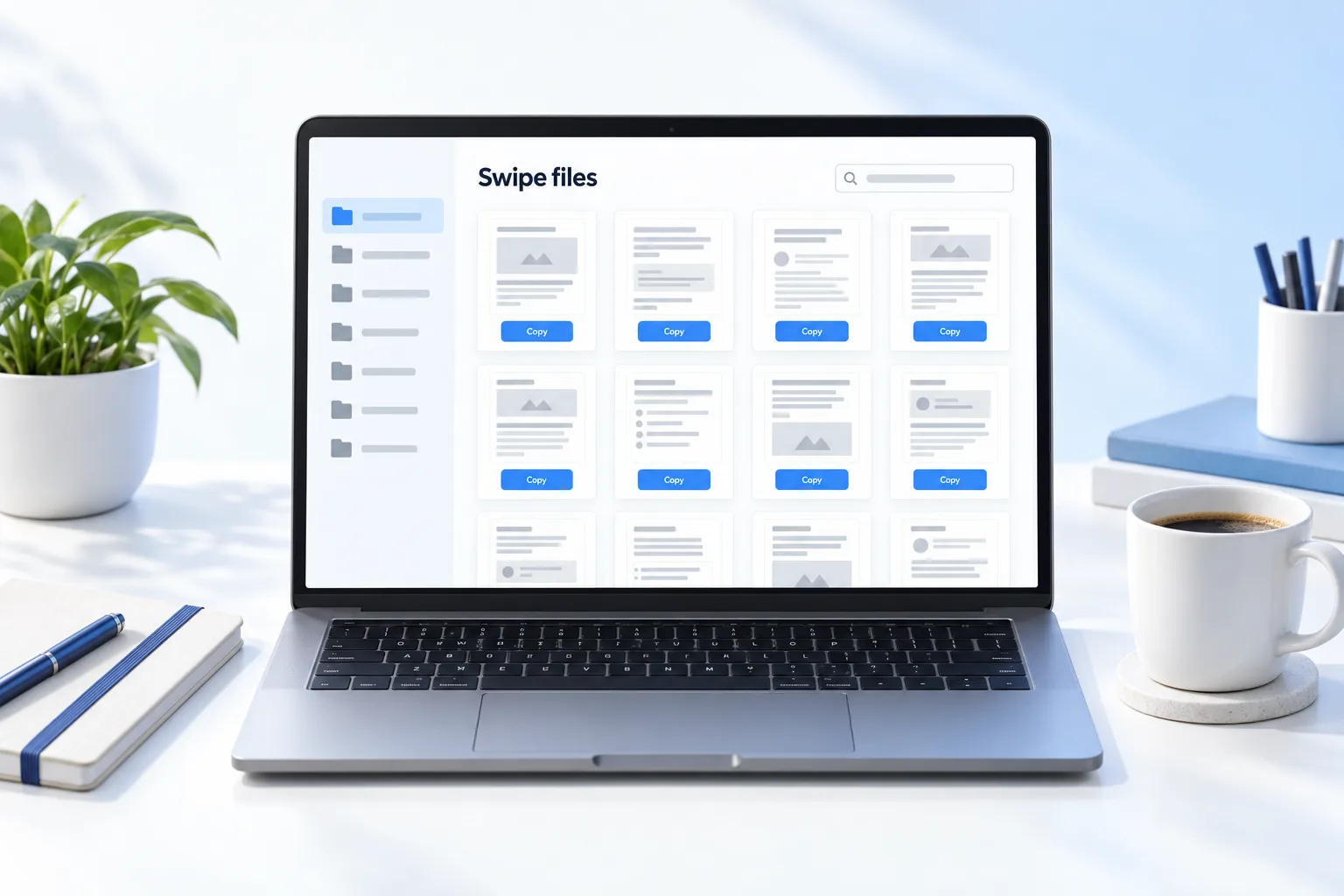
These extras come with the GoHighLevel 30 day trial when you start through my link. The platform has its own tools worth showing in your content too, such as the HighLevel calendar booking tool. Before you recommend any AI app to your audience, run it through how to vet AI tools. If you plan to resell the software, read what a HighLevel Founder is.
The portal
What is inside the Affiliate Portal?
| Area | What it is for |
|---|---|
| Dashboard | Your main link, plus the policy and compliance materials |
| Referrals | Everyone who came through your link, sorted by stage |
| Rewards | Commissions you have earned |
| Payment Details | Tipalti setup, payment method and tax forms |
| Sub Affiliates | How the affiliates you recruited are performing |
Two link tools sit in the portal as well. Customize Token changes the ending of your link, and SubIDs create tagged variations so you can see which channel sends clicks. Both are covered on affiliate tracking and links. The portal is the same one people look for as the GoHighLevel affiliate portal.
Training
What training does HighLevel run for affiliates?
| Session | How often | What it is |
|---|---|---|
| Affiliate Welcome Course | On demand | Getting started as a HighLevel affiliate |
| Daily Q&A | Every weekday | Product features, common problems and troubleshooting |
| Affiliate Department Q&A | Weekly, on Tuesdays | Questions for HighLevel's affiliate team |
| Monthly Affiliate Hangout | Monthly | Milestones, tips from affiliates and program news |
HighLevel posts times on its events calendar and announces the hangout in its affiliate Facebook group. Past hangouts are kept in a YouTube playlist. Schedules move, so check the calendar instead of relying on a time someone quoted you.
Good use
How do you use ready made assets well?
A swipe file is a starting point. Copy sent word for word reads like everyone else's, and it carries someone else's claims under your name.
- Rewrite every email in your own voice and add your disclosure.
- Check each price and feature against the HighLevel pricing page before sending.
- Send only to people who agreed to hear from you.
- Remove anything that sounds like a promise of income. The affiliate compliance rules explain why.
- Pair the asset with something you made, such as a short walkthrough of one build.
The CRM Pros extras are described in full on the CRM Pros affiliate community. If you are still deciding how to promote, start with how to promote HighLevel honestly.

Rewrite every swipe in your own words. People can tell when copy is borrowed.
Questions
Common questions.
What tools do HighLevel affiliates get?
HighLevel affiliates get the Affiliate Portal for links, referrals, rewards and payouts, plus HighLevel's affiliate training: a Welcome Course, weekly Q&A sessions and a monthly Affiliate Hangout. Every HighLevel account can also use the Marketing Agency Snapshot, which includes a starter Potential Affiliate Nurture email campaign.
Is there an email sequence I can use?
Yes. The Marketing Agency Snapshot includes a starter campaign called Potential Affiliate Nurture. Create a subaccount with the snapshot, open the campaign under Marketing, Email, Campaigns, rewrite the copy in your own voice with a clear disclosure, then activate it and add the contacts who would want to know.
What extra comes through Michael's link?
Signing up through Michael's link adds the CRM Pros extras: snapshots, templates and email swipes, four apps (Prompt, Demo, A2P and Sales On Demand), three live calls every week and the private affiliate community. You pay HighLevel's normal price, and Michael earns a commission as a sponsored affiliate.
Can I email my whole list?
No. Send only to contacts who agreed to hear from you, with a clear disclosure in the email. In the starter nurture, use Smart Lists to select the contacts who asked or would want to know. Rewrite every email in your own voice and remove anything that sounds like a promise of income.
Where is the affiliate training schedule?
On HighLevel's events calendar. HighLevel posts session times there, and the monthly Affiliate Hangout is also announced in its affiliate Facebook group. Past hangouts are kept in a YouTube playlist. Schedules move, so check the calendar instead of relying on a time someone quoted you.
What does the Sub Affiliates tab show?
The Sub Affiliates tab shows how the affiliates you recruited are performing. Their sales count toward your Tier 2 commission, which is 5% monthly recurring on paying customers they bring in. It sits in the Affiliate Portal alongside the Dashboard, Referrals, Rewards and Payment Details.
Can I use HighLevel's logo in my content?
Use only the marks HighLevel provides, unmodified, and follow the branding guidelines from portal onboarding. The affiliate agreement gives affiliates a limited license to use those marks and lets HighLevel withdraw it. Do not alter the logo or build a name that could be mistaken for HighLevel's.
Next step
See it in your own account. Thirty days, every feature.
Start a trial, build the first system and test it before the first invoice. Usage fees for phone, SMS, email and AI can apply during the trial.
HighLevel has three plans at a flat monthly price, each with unlimited users and contacts. See what each one includes and what it costs.
Compare the PlansStarter, Unlimited and Founder