
Home/White label CRM/SaaS Mode
White label CRM · SaaS Mode
GoHighLevel SaaS Mode. Sell the platform as your own software.
On the Founder Plan, an agency can sell HighLevel under its own brand, with its own plans, prices and billing. Here is what SaaS Mode is, which plan includes it and how it differs from white label branding.
The short answer
GoHighLevel SaaS Mode lets an agency sell HighLevel as its own software. You build subscription plans in the SaaS Configurator, clients pay through your checkout and a subaccount is created automatically after each purchase. Usage can be rebilled with your markup. SaaS Mode needs the Founder Plan at $497 a month.
Michael is a sponsored HighLevel affiliate. Links to HighLevel use his partner link at no extra cost to you. HighLevel prices and product facts on this page come from HighLevel's own pricing page and help center, checked on the date above.
Definition
What is GoHighLevel SaaS Mode?
SaaS Mode is the HighLevel feature that lets an agency sell the platform as its own software. You stop including the platform inside a retainer and start selling it as a product, with a plan name, a price and a checkout of your own.
HighLevel's help center describes the SaaS Configurator as the built in tool for packaging platform access into recurring subscription plans. Your client buys a plan, pays you and gets an account under your brand.
The feature goes by three names. HighLevel's help center calls it SaaS Mode. The Founder Plan feature list calls it sellable software mode. This site also calls it white label mode. All three mean the same feature. People also search for it as go high level SaaS and GHL SaaS mode.
Plans
Which plan includes SaaS Mode?
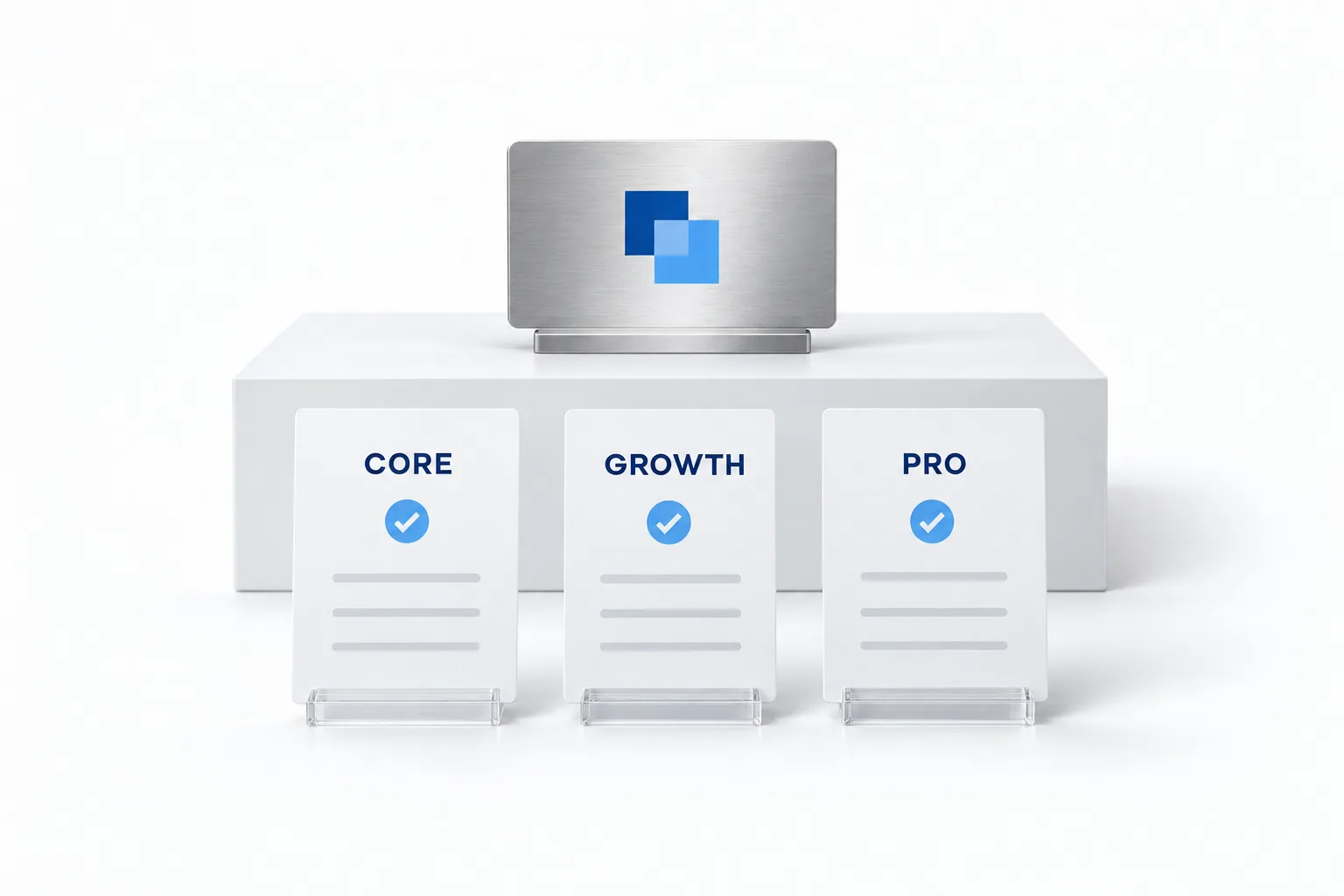
SaaS Mode is included on the Founder Plan at $497 a month, or $4,970 a year. It is not on Starter or Unlimited. The Founder Plan is the new name for the $497 plan that used to be called Agency Pro, so older guides that say Agency Pro or the SaaS plan mean this one.
| Starter | Unlimited | Founder Plan | |
|---|---|---|---|
| Monthly price | $97 | $297 | $497 |
| Branded desktop app | No | Yes | Yes |
| SaaS Mode, your own plans and prices | No | No | Yes |
| Usage rebilling | No | Phone and email, no markup | Phone, email, AI and more, with markup |
Source: HighLevel pricing plans page and help center, checked November 11, 2026.
The full plan breakdown is on the GoHighLevel pricing page. The Founder Plan page covers who the plan suits and what else it includes. What the wider white label setup costs, add ons included, is on white label CRM pricing.
What you get
What does SaaS Mode let an agency do?
SaaS Mode lets an agency build its own software plans, sell them through its own checkout and have each new account created automatically. Everything runs from the SaaS Configurator in the agency view. HighLevel's getting started article for the configurator lists what a plan can carry.
- Your own plans and prices. Monthly pricing, annual pricing or both. Plans sit in categories that define the upgrade and downgrade paths.
- Features for each plan. You choose which product features a plan unlocks. A plan needs at least one feature selected before you can save it.
- A snapshot for each plan. Attach a snapshot and every new account on that plan arrives already built.
- Trials and credits. Set the trial length and how complimentary credits behave.
- Add ons and Marketplace apps. Offer optional paid extras and bundle eligible apps into a plan.
- Usage rebilling. Charge phone, email and AI usage to the client with your markup.
- Automatic subaccount creation. After a successful checkout the subaccount is created or linked to the customer, and the snapshot is applied.
- Two ways to sell. Put the plan on a funnel order form, or share a direct checkout link with the Copy Sale Link button.
- Special prices. Give one client a different price without changing the public plan price.
Compare
How is SaaS Mode different from white label branding?
White label branding changes what the client sees. SaaS Mode changes what the client buys. Branding puts your logo, colors and domain on the app. SaaS Mode adds plans, prices, checkout and billing, so the software itself becomes the product.
| White label branding | SaaS Mode | |
|---|---|---|
| Client sees your brand | Yes | Yes |
| You set software plans and prices | No | Yes |
| How the client pays for software | Inside your retainer | Directly, by plan |
| New accounts | You create each subaccount | Created automatically after checkout |
| Usage rebilling | Phone and email, at cost | With your markup |
| Plan needed | Unlimited, $297 a month | Founder Plan, $497 a month |
Branding comes first either way. A client who buys your software should log in at your domain from day one. GoHighLevel white label explained covers the domain, the logo and the mobile app, and white label branding vs reselling helps you decide which level your agency needs right now.
The flow
How does a sale work in SaaS Mode?
Once a plan is live, a sale runs from checkout to a ready account without manual work. This is the path a new client takes.
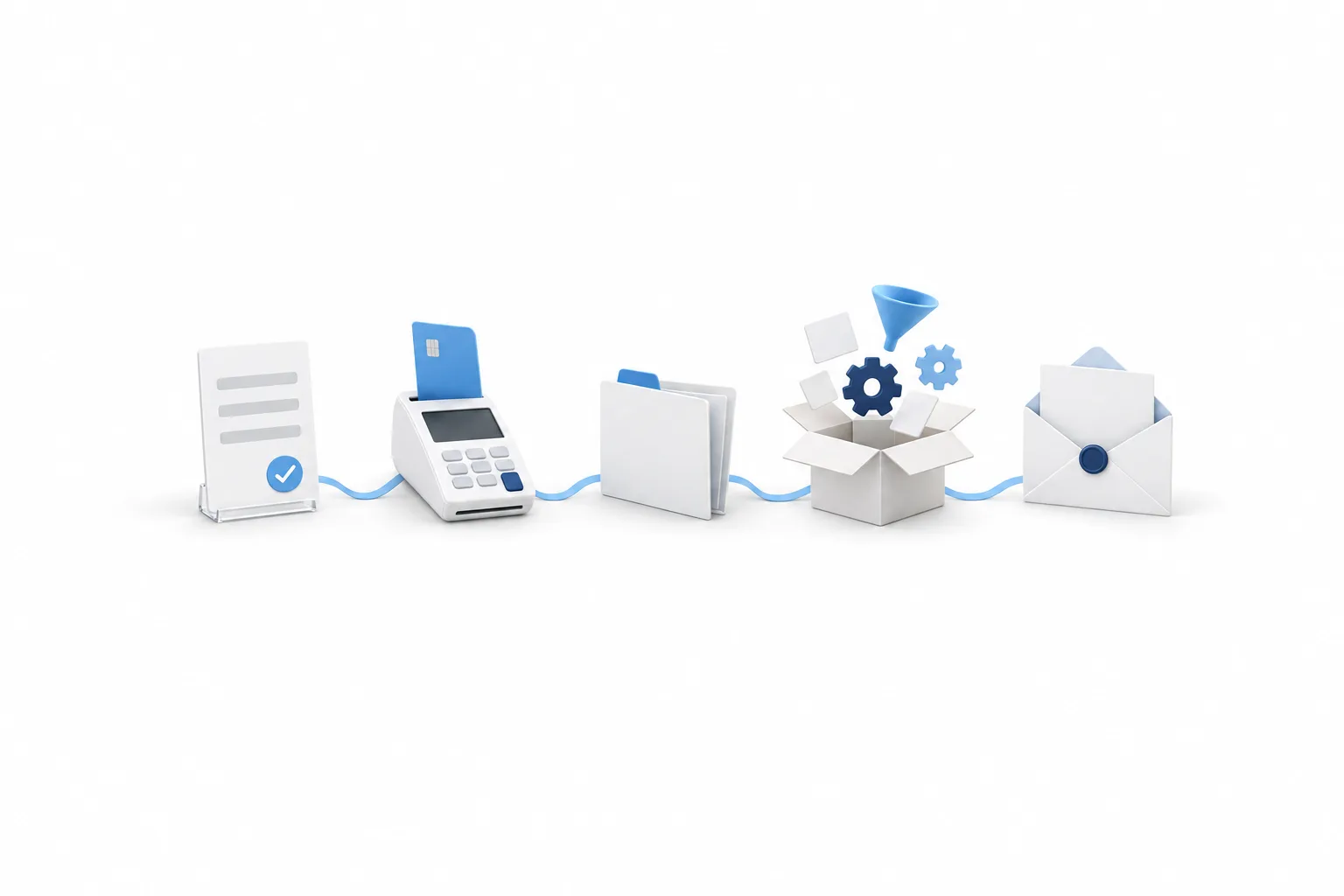
- The client picks a plan. They land on your funnel order form or open the sale link you sent.
- They pay. The payment goes through the payment provider you connected.
- The subaccount appears. HighLevel creates the subaccount, or links an existing one to the customer.
- The snapshot loads. The funnels, workflows and settings in the snapshot attached to that plan are applied.
- The welcome email goes out. New users in the subaccount get it. The default subject is Activate your account, and you can replace the email with your own.
Set up
How do you set up SaaS Mode in HighLevel?
You set up SaaS Mode in eight steps: confirm the plan, brand the app, connect payments, build your plans, then test with a real purchase. The order follows HighLevel's own guides. Plan the offer on paper first: two or three plans, each with a name, a price and a list of what it includes.
- Confirm the Founder Plan. SaaS Mode is not included on Starter or Unlimited.
- Finish your branding. Set up your white label domain, logo and colors first, so clients log in under your brand.
- Connect your payment provider. For SaaS V1, connect Stripe in the agency settings. For SaaS V2, choose an agency subaccount in the SaaS Configurator and confirm it has a payment provider connected.
- Create a plan category. In the configurator's advanced settings, add a category, name it and pick the currency. Keep every plan in a category in the same currency.
- Create your plans. Set the price, the features, the snapshot, the trial and the usage billing for each one.
- Choose how you sell. Add the plan to a funnel order form, or copy the sale link.
- Move existing clients. Turn SaaS on for a subaccount you already manage from its Manage Client page, and pick the plan. Do not send existing clients through checkout, because a purchase creates a new subaccount.
- Buy your own plan. Use a real card. Purchases in test mode do not create subaccounts.
HighLevel has two billing setups, SaaS V1 and SaaS V2. An agency can run both, but each subaccount uses only one.
| SaaS V1 | SaaS V2 | |
|---|---|---|
| System of record | Stripe | An agency subaccount |
| Payment providers | Stripe | Stripe, NMI, Authorize.net and Square |
Source: HighLevel help center, SaaS Mode FAQs and Getting Started with the SaaS Configurator, checked November 11, 2026.
For the screens, follow how to set up white label mode. Usage and markup have their own guide in how to set up rebilling. You can open the configurator and look around in your own account during the GoHighLevel 30 day trial through Michael's link.
Honest view
What should you know before you switch SaaS Mode on?
Know five limits before you switch SaaS Mode on. Each one comes from HighLevel's help center, and each one is easier to plan for than to undo.
- Disabling SaaS is final for that wallet. When SaaS is disabled on a subaccount, the subscription is cancelled and the wallet is permanently deleted. The agency gets the wallet balance by email and handles any refund manually.
- Currency is hard to change later. Once a plan has sale links or active subscriptions, its currency cannot be changed.
- A subaccount uses one billing setup. It runs on SaaS V1 or SaaS V2, not both at once.
- Clients need a card on file. When you convert existing subaccounts in bulk, the ones without a card are locked until the client adds one.
- Email verification is required. New SaaS subaccounts have to verify by email. Only phone verification can be switched off.
You also take on the work of a software vendor. Plans, failed payments, refunds and support questions are yours. If you serve a couple of clients on retainer, branding on Unlimited is enough for now, and you can upgrade later without rebuilding.
New to the idea? Read what white label SaaS is and how it works.

Price your plans on the value of the system you deliver, not on HighLevel's cost. The snapshot is what the client is really buying, so build that first and put the plan around it. Then buy your own plan with a real card before a client does.
Questions
Common questions.
What is SaaS Mode in GoHighLevel?
SaaS Mode in GoHighLevel lets an agency sell the platform to clients as its own software. You package access into subscription plans in the SaaS Configurator, clients pay through your checkout and a subaccount is created automatically after each purchase. It is part of the Founder Plan.
Which plan includes SaaS Mode?
The Founder Plan, formerly called Agency Pro, includes SaaS Mode. Starter and Unlimited do not. Unlimited covers the branded desktop app and rebilling phone and email at cost, but not selling your own plans or adding a markup on usage.
What does GoHighLevel SaaS Mode cost?
SaaS Mode comes with the Founder Plan at $497 a month or $4,970 a year. Phone, SMS, email and AI usage is billed on top of the plan, and in SaaS Mode you can rebill that usage to clients with your markup. The white label mobile app is a separate add on.
What is the difference between SaaS V1 and SaaS V2?
In SaaS V1, Stripe is the system of record and you connect Stripe at the agency level. In SaaS V2, an agency subaccount is the system of record, and it supports Stripe, NMI, Authorize.net and Square. A subaccount uses only one of the two at a time.
Can I use my own Stripe account in SaaS Mode?
Yes. In SaaS V1 you connect your own Stripe account to the agency, and client payments for your plans go there. SaaS V2 runs through an agency subaccount instead and supports Stripe, NMI, Authorize.net and Square as payment providers.
Why are subaccounts not created after a SaaS purchase?
HighLevel's SaaS Mode FAQ gives two causes. On a funnel, the product has to be tagged as an agency plan. Purchases made in test mode also do not create subaccounts. Check both, then run a real purchase with your own card.
Why did a SaaS purchase create a duplicate subaccount?
Every purchase through Stripe, a funnel or a sale link creates a new subaccount automatically. For a client who already has a subaccount, add the SaaS subscription from that subaccount's Manage Client page instead of sending them through checkout.
What happens when SaaS is disabled on a subaccount?
The subscription is cancelled and the wallet for that subaccount is permanently deleted. The agency receives the wallet balance by email and handles any refund manually. Treat it as a final step, and check the balance before you switch it off.
Next step
See it in your own account. Thirty days, every feature.
Start a 30 day trial through Michael's link, build the first system and test it before the first invoice. Usage fees for phone, SMS, email and AI can apply during the trial.
HighLevel has three plans at a flat monthly price, each with unlimited users and contacts. See what each one includes and what it costs.
Compare the PlansStarter, Unlimited and Founder