

In this video Michael Reimer looks at the new wave of personal AI agents and argues that no single one does everything, so people who use them daily run a small AI agent stack. He shows a safe way to start with one task, then a three part service for local owners, with HighLevel on the business side.
He starts with the noise. In the video he lists five agents, from Meta, OpenAI, Anthropic, xAI and a startup, all competing to run your day. If that feels like too much, his message is that you are not behind. You do not have a system yet. He treats that as good news for agencies, because the owners stuck at this point will pay somebody to sort it out for them.
Who is each personal AI agent built for?
Michael separates these agents from chatbots first. You do not only type into them. They are built to do the work, like booking the trip or answering the email while you do something else.
Then he sorts them by who they are pitched at, as he describes them in the video. Two sit in a personal assistant lane. One is pitched for everyday life: saving money, health, smarter shopping, even relationships. He calls it probably the easiest place to start, because it suggests ways to use it right away. The other is for the tedious things, like the email you keep avoiding, a reservation or travel plans.
The other side of the room feels more like a coworker. Two agents get described as a colleague, and one of those even as a chief of staff. For technical work, one is the pick for debugging and problem solving. The fifth, he says, was built for professionals and small business owners with more on their plates than they can track. It is the one that gets recommended first to someone launching a business or running a side project.
Is there one best AI agent to pick?
Michael's answer is no. None of them wins on its own, and there is no single agent that does everything right now. The people who use these every day run a stack. Some have one agent do the work and a second one critique it, so more mistakes get caught before anything goes out.
He adds the practical limits. Some agents are free and others need a subscription. A few are not open to everyone yet, and some have limits outside the US. A bit of trial and error is part of the process.

What is a safe first task to give an AI agent?
If you feel buried, Michael's starting point is small. Pick one annoying, repeated task you keep putting off and give it to one agent this week. It has to be something online. A long email you do not want to write or a flight you keep forgetting to book is a good first job.
Be specific when you hand it over. Give the agent a clear goal, the context and the tools it needs to finish. His example: do not say handle my email. Say answer the three supplier emails in my inbox about Friday's delivery, using my calendar to confirm the time.
Then decide what you are comfortable sharing. These agents get better the more they know about you, but your inbox and your calendar are one thing. Your card or your bank account is something else entirely. He also points to the companies' own policies, which explain how the agents run and how you control what they remember. Read those before you connect anything. The site's article on using AI agents safely goes further on guardrails.
What service can an agency build around this?
Michael says each new launch makes the average business owner feel more behind, not less. Owners do not want five agents. They want somebody they trust to pick one and set it up so it stays away from data it should not touch. He calls that a service problem, not a tech problem. Every new agent makes the owner's choice harder, so the person who can make that choice for them gets more valuable.
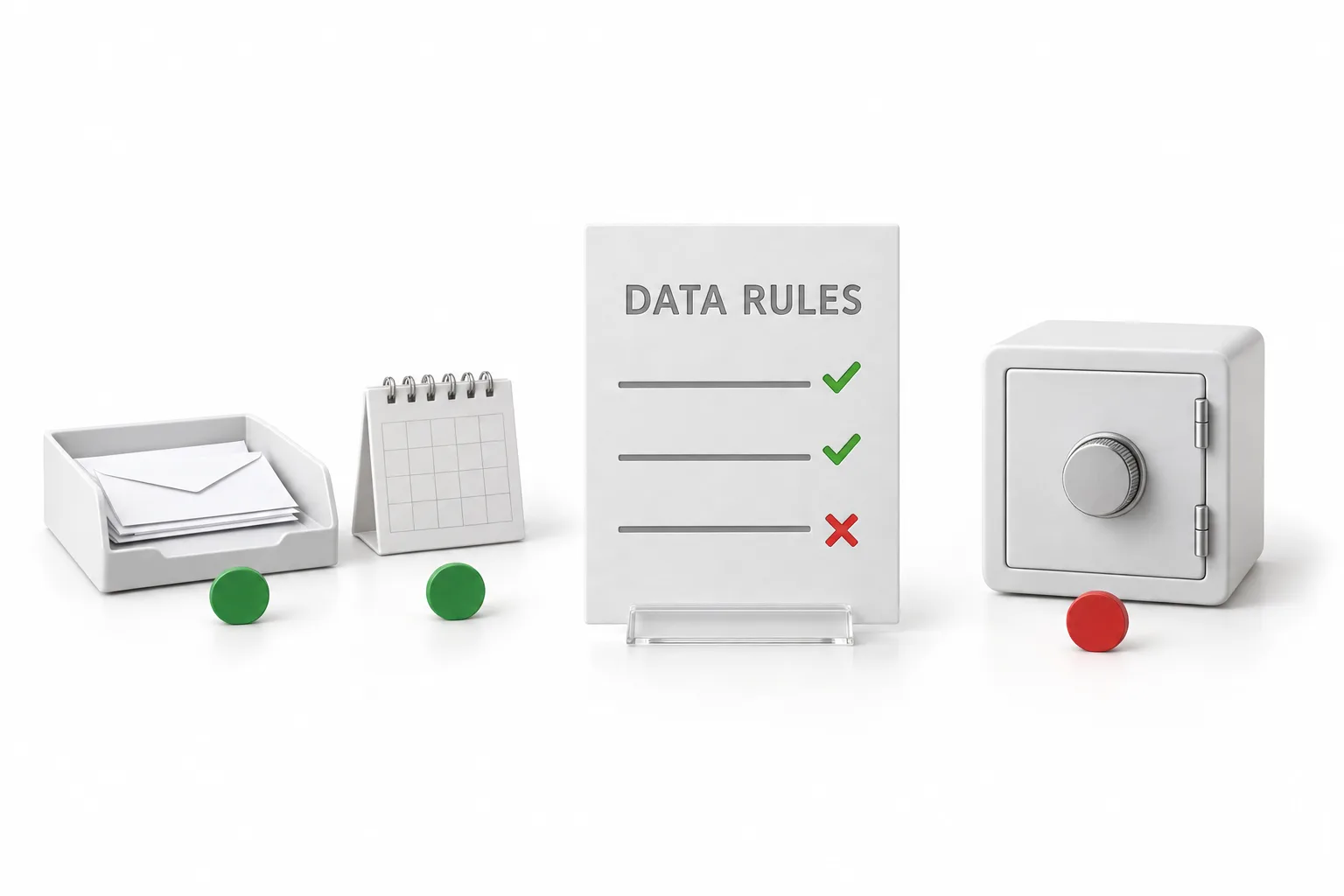
He lays out one offer with three parts. First, a one hour AI stack session. You watch how the owner works, then pick one agent for their own day and one that runs inside their business. Second, you set up their first annoying task together and write a simple data rule card that says what each agent can touch. The owner leaves with a win they trust. Third, you stay on as their guide and add one new job to the stack every month.
His example is a gym owner who keeps saying she has no time to figure out AI. In one session, her inbox chores go to one personal agent. Ask AI goes on her phone, so she can text it for today's trial signups.
Where does HighLevel fit in an AI agent stack?
On the business side. Michael's reasoning is that the owner's leads, calendar and pipeline already live in HighLevel, or GoHighLevel as it is often searched. Ask AI works inside all of that, so the owner can ask it for today's appointments or a summary of new leads, and can call or text it from a phone. His video on setting up Ask AI phone dispatch shows that part.
Conversation AI answers the leads and Voice AI picks up the phone. So you are not adding a sixth agent to the owner's life. You are putting the business agent where the business already runs. The guide to HighLevel AI agents and the Conversation AI guide cover those pieces in detail.
How do you start with one agent and one task?
The first four steps are for your own work. The last two are the service for an owner.
- Pick one task. Choose an annoying, repeated online task you keep putting off and give it to one agent this week.
- Be specific. Give the agent a clear goal, the context and the tools it needs, not a vague request like handle my email.
- Set the limits. Decide what each agent can access. An inbox and a calendar are very different from a card or a bank account.
- Read the policies. Check how each company says its agent runs and what it remembers before you connect anything.
- Run a stack session. For a local owner, spend one hour picking one personal agent and one business agent, set up the first task together and write a simple data rule card.
- Stay on as the guide. Add one new job to the stack each month.
What changes when an owner runs a small stack?
The feeling of being behind goes away first. Michael says the owners who win are not the ones who try every new agent the day it drops. They pick a small stack, give it one real job and build from there.
The owner also knows what each agent can touch, because the data rule card says so.
Michael's view on the agency side is plain: the agency that becomes the AI guide for local owners wins this cycle. For the limits side of that conversation, see what AI can do and what it should not.
Agencies building this service can start with choosing your niche. If you already serve local owners, see the local SEO agency guide. To see HighLevel in your own account, start with the 30 day GoHighLevel trial through Michael's link. Want the full picture first? The HighLevel review covers what works and what does not.