
Home/HighLevel/Integrations/Salesforce
Integrations · Salesforce
Does GoHighLevel integrate with Salesforce? Yes, through four routes.
GoHighLevel and Salesforce can pass leads, contacts and deal updates to each other. There is no built in connector to switch on, so you choose a route: Zapier, webhooks, the API, or a CSV import when you only need to move data once.
The short answer
GoHighLevel does integrate with Salesforce, but not through a built in connector. Salesforce is not one of the tools HighLevel connects to natively. The working routes are Zapier, where HighLevel appears as LeadConnector, webhooks in both directions, and the HighLevel API with a private integration token. A one time move uses CSV export and import.
Michael is a sponsored HighLevel affiliate. Links to HighLevel use his partner link at no extra cost to you. HighLevel prices and product facts on this page come from HighLevel's own pricing page and help center, checked on the date above.
Routes
How does GoHighLevel connect to Salesforce?
Through an outside route, not a switch inside the account. Salesforce is not on the list of tools HighLevel connects to natively, so this page does not describe a native sync. HighLevel does publish a Salesforce migration guide, but that moves records once by CSV export and import.
What does work is the same set of routes that connect HighLevel to any tool without built in support. The HighLevel integrations hub lists the tools that do connect natively.
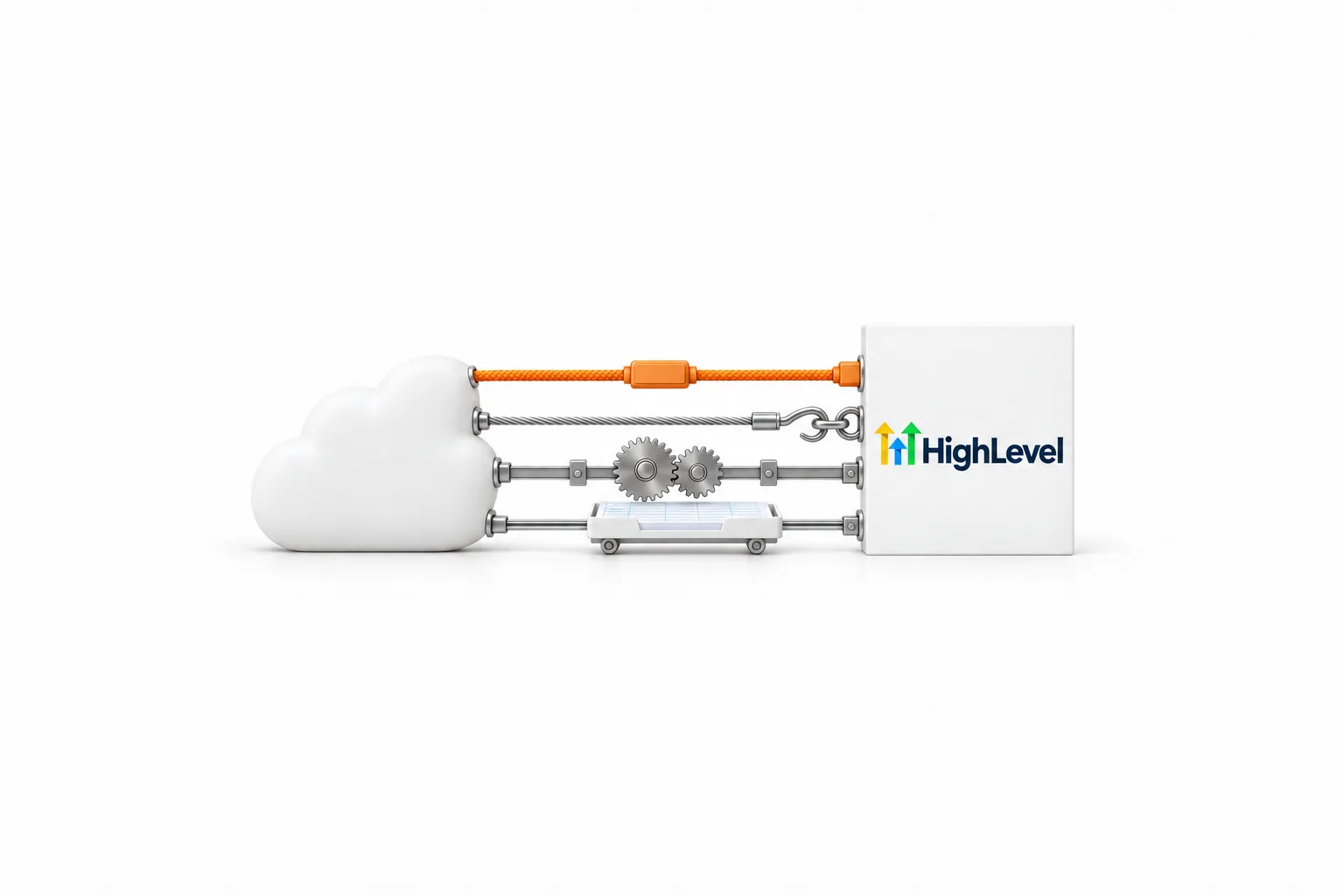
| Route | Direction | Best for | What to know |
|---|---|---|---|
| Native connector | None | Not available | Salesforce is not on HighLevel's list of native integrations |
| App Marketplace | Depends on the app | A ready made app, if one is listed | Search for Salesforce and read the listing before you install |
| Zapier | Both ways, one Zap for each | No code connections | HighLevel appears as LeadConnector. Zapier is a separate subscription |
| Webhooks | Both ways | Real time events without a middle tool | Premium workflow features in HighLevel. Needs setup on the Salesforce side |
| API | Both ways | Lookups and custom logic | Needs a private integration token and someone who can build against it |
| CSV import | Salesforce to HighLevel, once | Moving records over | Not a live connection |
Zapier details checked against the Zapier app directory on November 11, 2026.
Make and similar automation tools do the same job as Zapier here. If that is the tool you already use, see HighLevel and Make.
Connect
How do you set up Salesforce with HighLevel in Zapier?
Build a Zap with Salesforce as the trigger app and LeadConnector as the action app. Zapier is the quickest route for most teams because nobody writes code. Look for LeadConnector, not HighLevel, when you choose the app. That is the name HighLevel uses inside Zapier. The Zapier app directory lists LeadConnector and Salesforce as a pair, with ready made templates. Zapier marks those templates Premium, so check which Zapier plan you need. The steps below send new Salesforce leads into HighLevel.
- In Zapier, click Create, then Zaps.
- Choose Salesforce as the trigger app, pick an event such as New Lead and sign in to Salesforce when Zapier asks.
- Choose LeadConnector as the action app and pick an action that adds or updates a contact.
- Sign in with your HighLevel credentials and select the subaccount.
- Map the Salesforce fields to HighLevel contact fields, starting with name, email and phone.
- Test with one real record, confirm the contact appears in HighLevel, then publish the Zap.
To send data the other way, build a second Zap. Choose LeadConnector as the trigger app with an event such as Pipeline Stage Changed, then choose Salesforce as the action app and update the matching record. The GoHighLevel Zapier integration page covers the LeadConnector app in more detail.
Direct
Can you connect Salesforce and HighLevel without Zapier?
Yes, with webhooks and the API. A webhook is a URL that receives data the moment something happens. HighLevel can receive one to start a workflow and send one from a workflow. The full walk through is in how to use webhooks in GoHighLevel. The short version for Salesforce looks like this.
- In HighLevel, create a workflow and choose Inbound Webhook as the trigger.
- Copy the unique webhook URL HighLevel generates.
- Have your Salesforce admin set Salesforce to POST JSON to that URL when a record is created or changed.
- Send a test request, return to HighLevel to see the sample payload, then map the incoming fields to contact fields.
- To send data out, add the Custom Webhook action to a HighLevel workflow and enter the destination URL, the method, any authorization and the fields to send.
How Salesforce sends or receives that request is set up inside Salesforce, so follow Salesforce's own documentation for that half. When a webhook is not enough, for example when you need to look up a record first, a developer can call the HighLevel API. That needs a private integration token with only the scopes the job requires.
Data
What data moves between Salesforce and HighLevel?
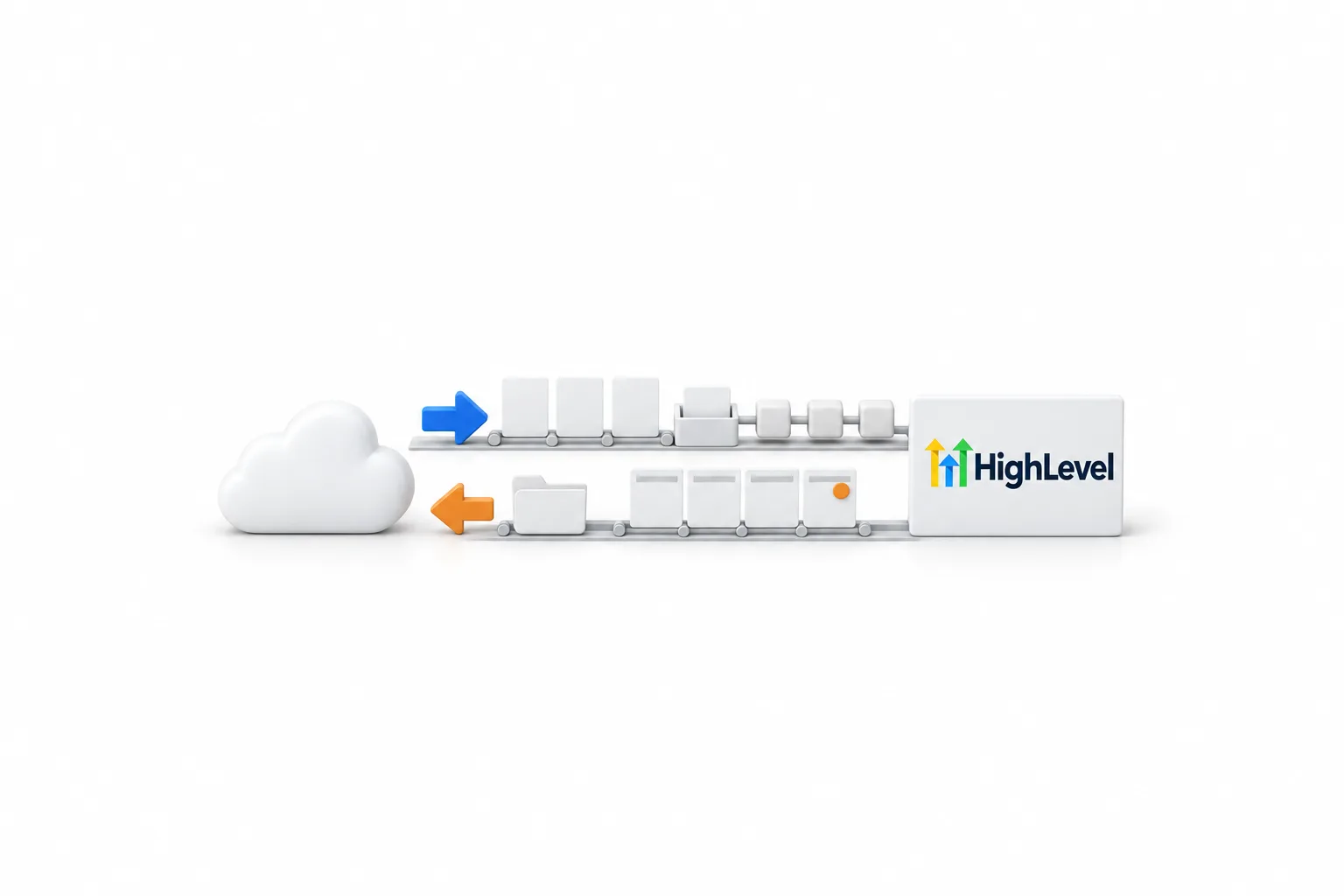
Only what you send. None of these routes keeps two databases matched in the background. Each Zap or webhook carries one kind of event in one direction, with the fields you mapped. The table shows what the Zapier app directory listed on November 11, 2026. Zapier maintains that list, so confirm it there before you plan around it.
| Direction | What starts it | What it can do |
|---|---|---|
| Salesforce to HighLevel | A new lead, a new contact, or a new or updated record in Salesforce | Add or update a contact, add or update an opportunity, add a task, or add the contact to a workflow in HighLevel |
| HighLevel to Salesforce | A pipeline stage change in HighLevel | Create or update a lead, a contact or another record in Salesforce |
| Webhooks, either way | Any event that starts a HighLevel workflow, or any request Salesforce sends | Carry the fields you choose to the other system |
Salesforce and HighLevel name things differently. Salesforce leads and contacts both become contacts in HighLevel. Accounts map to companies. Opportunities map to opportunities inside a pipeline. If you track anything non standard in Salesforce, create the matching custom fields in HighLevel first, or there is nowhere for that data to land.
Limits
What are the limits to know about?
The main limit is that this is event passing, not a true sync. Change a phone number in one system and nothing updates the other unless you built an automation for that exact change.
- Each direction is its own Zap or webhook, so two way flow means at least two automations.
- Each LeadConnector connection in Zapier is tied to one HighLevel subaccount.
- Zapier is a separate subscription and it counts tasks, so a busy connection has a running cost.
- Inbound Webhook and Custom Webhook are premium workflow features in HighLevel and can carry a small charge per execution.
- Two CRMs means two versions of every contact. Name one as the owner of each field.
Duplicates are the classic problem. If contacts arrive twice, two automations are usually doing the same job. Fix duplicate contacts appearing covers the cleanup. None of this changes what you pay HighLevel for the plan itself. GoHighLevel pricing lists each plan and the usage that is billed on top.
Troubleshooting
What should you check when Salesforce and HighLevel stop syncing?
Start where the data stops. Work through these in order.
- In Zapier, open the Zap history. Look for errors, or a Zap that has been switched off.
- Reconnect LeadConnector or Salesforce in Zapier if a login or permission changed on either side.
- Confirm the Zap points at the right HighLevel subaccount.
- For webhooks, check that the HighLevel workflow is published, then read the workflow history for errors.
- If the shape of the data changed, send a new test request and map the fields again. HighLevel can only map fields it has seen.
- For the API, check that the private integration token still exists and still has the scopes the job needs.
- Check that no field was renamed, removed or made required in either system.
Decide
Should you integrate Salesforce with HighLevel or switch?
Integrate when each system has a clear job. A common split is Salesforce as the sales record and HighLevel for texting, calling, booking, funnels and follow up. Leads captured in HighLevel pass to Salesforce, and stage changes pass back so follow up stops when a deal closes.
Switch when you are paying for both and using a small part of one. GoHighLevel vs Salesforce compares the two fairly, and how to switch from Salesforce to HighLevel walks through the export, the import and what you rebuild by hand. That guide has you run both systems side by side for a week before you cancel Salesforce, which is also a sensible way to test an integration.
You can test every route on this page in your own account. The standard HighLevel trial is 14 days. The 30 day trial through Michael's link gives you enough time to build one connection and watch it run with real leads.
Leaving Salesforce? Read Salesforce alternatives compared.

Decide which system owns the contact before you connect anything. The connection is the easy part. Two CRMs that both think they are in charge is the hard part.
Questions
Common questions.
Does GoHighLevel integrate with Salesforce?
Yes, but not through a built in connector. GoHighLevel connects to Salesforce through Zapier, where HighLevel appears as the LeadConnector app, through webhooks in both directions, or through the HighLevel API with a private integration token. Salesforce is not one of the tools HighLevel connects to natively.
Is there a native HighLevel Salesforce integration?
No. Salesforce is not on HighLevel's list of native integrations. HighLevel does publish a Salesforce migration guide, but that moves data once by CSV export and import. Search the HighLevel App Marketplace for Salesforce before you build, since developers add apps there, and read the listing to see what it moves.
How do I connect Salesforce to HighLevel with Zapier?
Create a Zap with Salesforce as the trigger app and LeadConnector as the action app. Pick a Salesforce event such as New Lead, pick a LeadConnector action that adds or updates a contact, sign in with your HighLevel login and select the subaccount. Map the fields, test with one real record, then publish.
Can HighLevel and Salesforce sync both ways?
Data can move both ways, but it is not a background sync. Each Zap or webhook carries one kind of event in one direction with the fields you mapped. Leads flowing into HighLevel and deal updates flowing back to Salesforce are two separate automations. Name one system as the owner of each field so they do not overwrite each other.
Can I move Salesforce data into HighLevel without an integration?
Yes. HighLevel publishes a Salesforce to HighLevel migration guide. You export contacts, accounts, leads and opportunities from Salesforce as CSV files, then import them in HighLevel and map each column. Automations, forms and documents are rebuilt by hand. That is a one time move, not a live connection.
Why did my Salesforce and HighLevel connection stop syncing?
Start where the data stops. In Zapier, open the Zap history and look for errors or a Zap that is switched off. For webhooks, check that the HighLevel workflow is published and read its history. For the API, check that the private integration token still exists and has the right scopes. Then confirm no field was renamed on either side.
Does connecting Salesforce to HighLevel cost extra?
It can. Zapier is a separate subscription and it counts tasks. In HighLevel, Inbound Webhook and Custom Webhook are premium workflow features and can carry a small charge per execution. The HighLevel plan price does not change. Check your Salesforce edition too, since outside tools reach Salesforce through its API.
Next step
See it in your own account. Thirty days, every feature.
Start a trial, build the first system and test it before the first invoice. Usage fees for phone, SMS, email and AI can apply during the trial.
HighLevel has three plans at a flat monthly price, each with unlimited users and contacts. See what each one includes and what it costs.
Compare the PlansStarter, Unlimited and Founder