
HighLevel features · IVR phone menu
GoHighLevel IVR. A press one phone menu, built in a workflow.
People ask whether GoHighLevel has an IVR before they pay for a separate phone system. It does. This page explains how the phone menu is built, what each IVR step does, how business hours and voicemail work, what it costs and when Voice AI is the better way to answer the phone.
The short answer
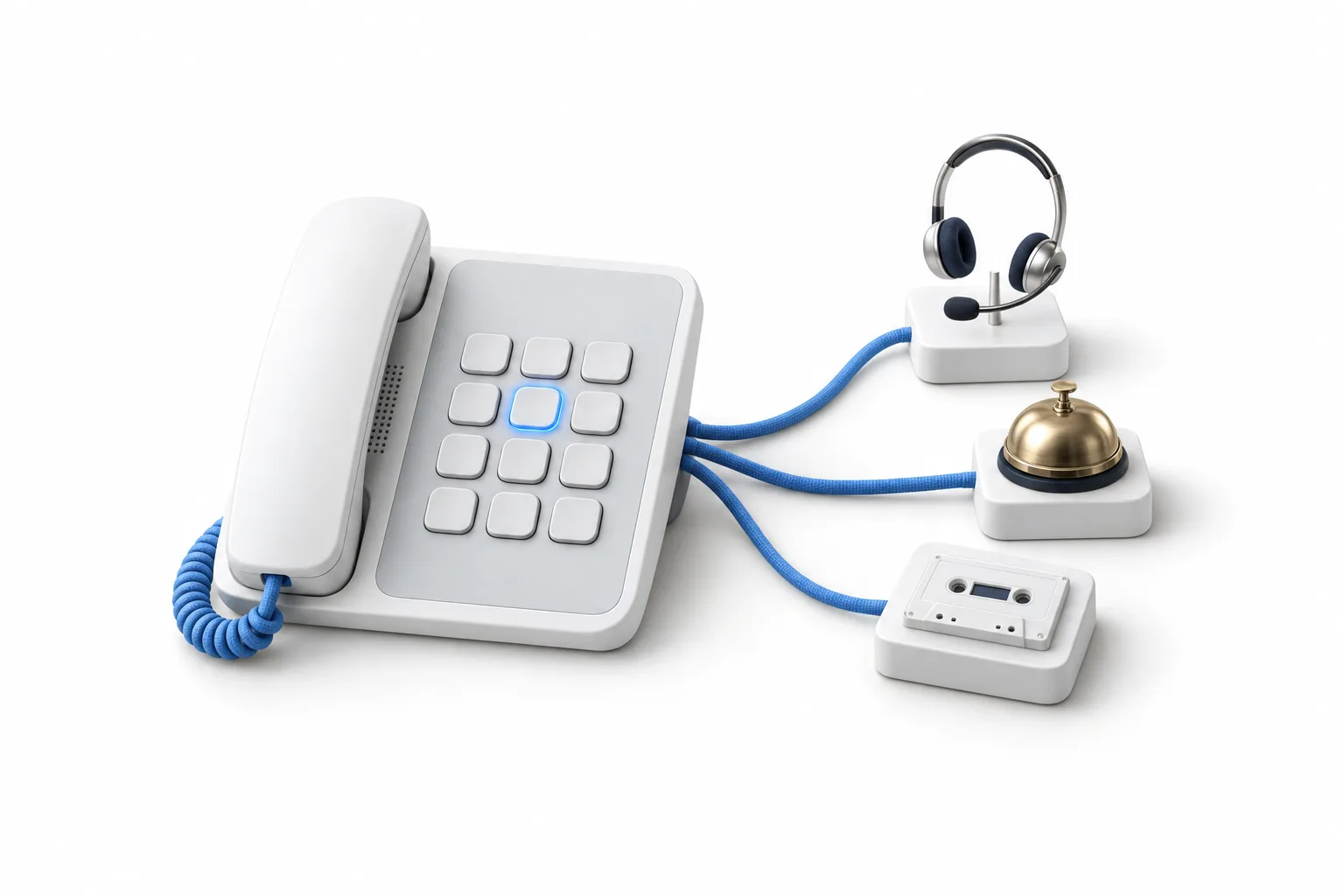
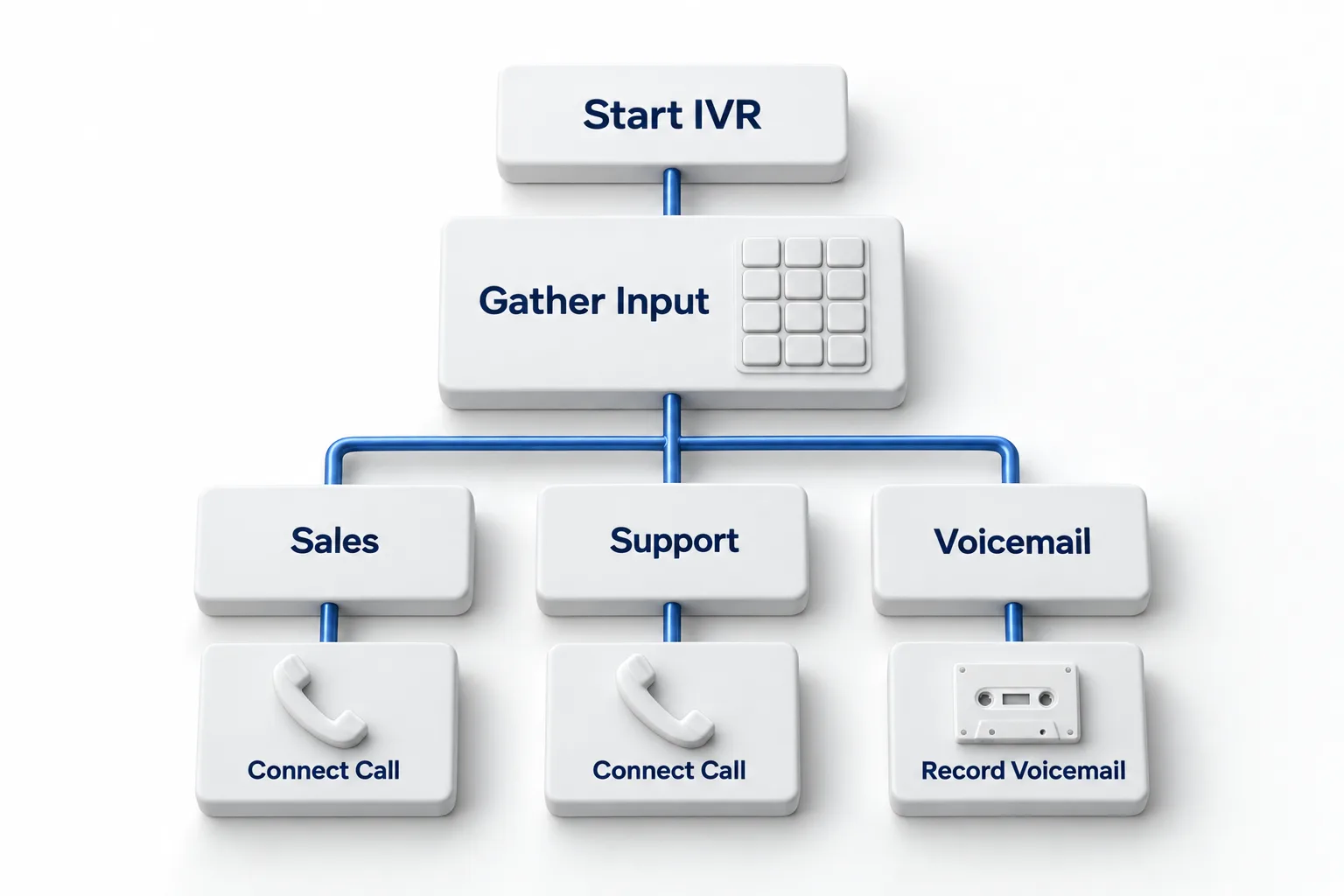
Yes. GoHighLevel has an IVR phone menu, and you build it as a workflow. The Start IVR trigger fires when a call reaches your number. IVR actions then play a greeting, gather a key press, connect the caller to a person, record a voicemail or end the call. It runs on LC Phone, the HighLevel phone system.
Michael is a sponsored HighLevel affiliate. Links to HighLevel use his partner link at no extra cost to you. HighLevel prices and product facts on this page come from HighLevel's own pricing page and help center, checked on the date above.
The feature
Does GoHighLevel have an IVR phone menu?
Yes. HighLevel, which many people still call GoHighLevel or GHL, includes interactive voice response (IVR). You will not find it as a screen in the phone settings. An IVR is a workflow that begins with the Start IVR trigger and uses a set of IVR actions. HighLevel offers a ready made IVR recipe if you do not want to start from a blank workflow.
Check the phone system first. The help center says the trigger needs an active LC Phone plan in the subaccount, and the number has to be set up under LC Phone. If you do not have a number yet, set up LC Phone before you build the menu. There is also a limit of one menu per number: a phone number mapped to one IVR workflow cannot be mapped to another.
The IVR is one of several phone tools on the HighLevel features list. It handles calls coming in. For calls going out, see the GoHighLevel power dialer.
Building blocks
What do the IVR trigger and actions do?
A HighLevel IVR is made of one trigger and five actions. You can mix them with ordinary workflow steps such as adding a tag or sending a text.
| Step | What it does | Settings worth knowing |
|---|---|---|
| Start IVR trigger | Starts the workflow when a call reaches the number you choose | One IVR workflow per phone number |
| Gather Input on Call | Says or plays the menu and waits for a key press | One branch per key, a None branch for any other key, a wait of 5 to 30 seconds |
| Say/Play Message | Reads text aloud or plays an audio file | Text to speech is US English with a male or female voice. A .wav file is recommended for audio |
| Connect Call | Rings users, a custom number or several numbers | Up to 10 numbers. Ring timeout from 1 to 600 seconds, 10 by default. Optional call recording and voicemail detection |
| Record Voicemail | Takes a message from the caller | Optional beep and spoken instructions. Stops after 5 seconds of silence by default |
| End Call | Hangs up, with an optional closing message | Disconnects right away unless you add a message |
Source: Interactive Voice Response (IVR) Guide, Triggers and Actions, HighLevel help center, checked November 2026.
Hours
How does a GoHighLevel IVR handle business hours?
The IVR does not have an hours setting of its own. Hours come from the people it rings. Each user can turn on Only ring during working hours under Settings, My Profile, in the Inbound call routing card, and pick a call routing schedule. An admin can set it for a team member under My Staff. The setting is off by default.
Once it is on, the help center describes two outcomes inside an IVR. If a Connect Call step rings several people, the ones outside their schedule are skipped and the others still ring. If the only recipient is outside their schedule, nobody is connected and the call flow continues.
Working hours routing does not create a separate after hours destination. Build one yourself: place a short Say/Play Message and Record Voicemail after Connect Call, so a caller who reaches nobody can still leave a message. To close for a holiday, add that date to the schedule with no available hours.
Voicemail
What happens when nobody answers?
The call moves to whatever you placed after Connect Call. Most menus put Record Voicemail there. You can play a beep and add spoken instructions before the recording, and the help center says the recordings appear in the Conversations tab.
If a caller hangs up in the middle of the menu, the IVR steps that remain are skipped. Ordinary workflow steps still run. Pair the menu with missed call text back so a caller who gives up still hears from you.
Connect Call rings for 10 seconds by default. Raise the timeout if your team needs longer to pick up.
AI call routing
IVR menu or Voice AI: which should answer first?
Let the menu answer first when callers already know which department they want and a person will pick up. Let Voice AI answer first when most callers have a question, want an appointment or call when nobody is at the desk. An IVR asks the caller to press a key and sends the call to a person. HighLevel Voice AI speaks with the caller, answers questions from a knowledge base, books on your calendars and transfers to a person when needed. That is AI call routing, covered in the GoHighLevel Voice AI guide.
| Question | IVR menu | Voice AI |
|---|---|---|
| How the caller chooses | Presses a key | Says what they need |
| Answers questions | No. It plays the messages you wrote | Yes, from a knowledge base |
| Books appointments | No. It connects the caller to a person | Yes, on your calendars |
| Hours | Follows each user's working hours setting | Working hours set on the agent in the Deploy tab |
| Cost on top of phone charges | No IVR fee listed in the help center articles | Pay per use or an AI Employee plan |
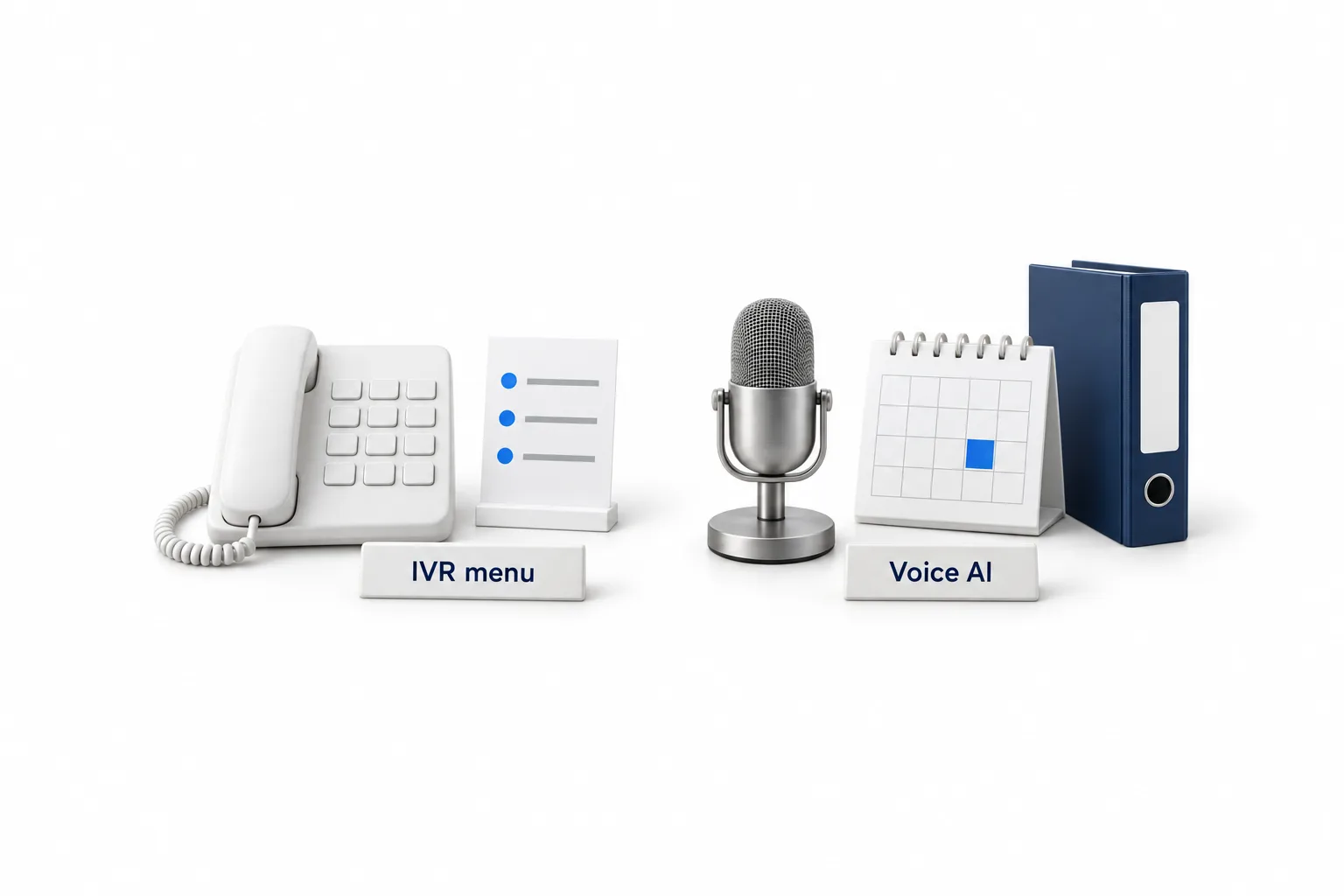
You cannot have both answer the same number first. HighLevel's routing order checks an IVR or workflow on a number before a Voice AI agent set to answer calls directly. Decide which one owns each number, then test it from your own phone. AI receptionist setup walks through the routing choices.
Cost and limits
What does a GoHighLevel IVR cost, and what are the limits?
HighLevel's help center articles on IVR list no separate fee for the menu itself. You pay for the phone number and the call minutes as usage on top of your plan. At HighLevel's US rates, an inbound call answered in the app runs about $0.01165 a minute, and a call forwarded to a US number runs about $0.02 a minute because both legs are billed. The help center notes that voicemail detection on Connect Call can add charges. Full rates are in SMS and call pricing, and plan prices are on the GoHighLevel pricing page.
- One menu per number. A number can belong to one IVR workflow at a time.
- US English text to speech. For any other language, record the audio and use Play Message.
- Transfers. Blind and warm transfers are not supported when an IVR call is routed to the web app.
- Texting is separate. If the same number will text US contacts, it still needs A2P 10DLC registration.
If you run ads, set up call tracking so you know which source made the phone ring. You can build and test all of this during a 30 day trial through Michael's link.

Keep the menu short and always end with a person or a voicemail. If most of your callers have a question, let Voice AI answer and keep the menu for the lines where callers already know who they want.
Questions
Common questions.
Does GoHighLevel have an IVR?
Yes. GoHighLevel has an IVR that you build as a workflow. The workflow starts with the Start IVR trigger on one of your phone numbers and uses IVR actions to play a greeting, gather a key press, connect the call, record a voicemail or end the call. It needs an LC Phone plan, and each number can run one IVR workflow.
How do I set up an IVR in GoHighLevel?
Create a workflow in Automation, from the IVR recipe or from scratch. Add the Start IVR trigger and choose the phone number. Add Gather Input on Call with your menu message and one branch per key. Put a Connect Call step in each branch, add a voicemail fallback, publish, then call the number to test.
Can a GoHighLevel IVR route calls by business hours?
Partly. The IVR has no hours setting of its own. Each user can turn on Only ring during working hours in their profile, and the IVR then skips that person outside their schedule. If they were the only recipient in a Connect Call step, nobody is connected and the call flow continues, so place a voicemail step after it.
Is Voice AI better than an IVR menu?
It depends on the call. An IVR menu is predictable and suits callers who already know which department they want. Voice AI talks with the caller, answers questions from a knowledge base and books appointments, so it suits businesses where most callers have a question or want a time on the calendar.
Next step
See it in your own account. Thirty days, every feature.
Start a trial, build the first system and test it before the first invoice. Usage fees for phone, SMS, email and AI can apply during the trial.
HighLevel has three plans at a flat monthly price, each with unlimited users and contacts. See what each one includes and what it costs.
Compare the PlansStarter, Unlimited and Founder