
Home/HighLevel/Features/Power dialer
HighLevel features · Power dialer
GoHighLevel power dialer. What it does, and what calls cost.
People ask whether GoHighLevel has a dialer before they pay for a separate one. It does. This page explains the two calling tools inside HighLevel, where each one sits in the account, how to set up a call queue, what every minute costs and when an outside dialer is still worth adding.
The short answer
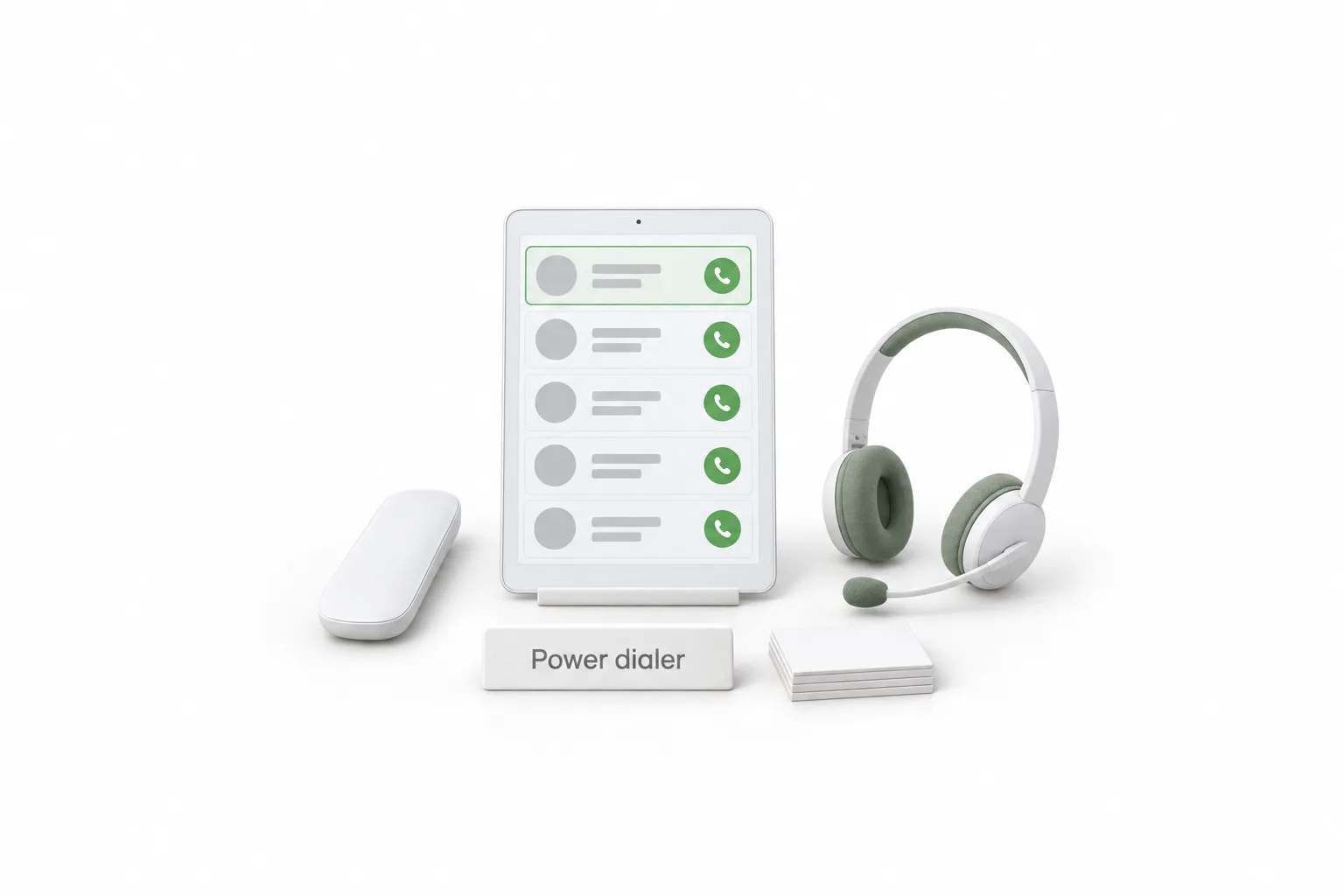
Yes. GoHighLevel has a built in dialer. The web dialer opens from the phone icon in the top navigation, and the power dialer is a call queue under Conversations, Manual Actions that a workflow fills for your team. Calls run on the HighLevel phone system at about $0.0166 a minute outbound in the US and Canada.
Michael is a sponsored HighLevel affiliate. Links to HighLevel use his partner link at no extra cost to you. HighLevel prices and product facts on this page come from HighLevel's own pricing page and help center, checked on the date above.
The two tools
Does GoHighLevel have a power dialer?
Yes. HighLevel, which many people still call GoHighLevel or GHL, has two calling tools that both get called the dialer. They do different jobs.
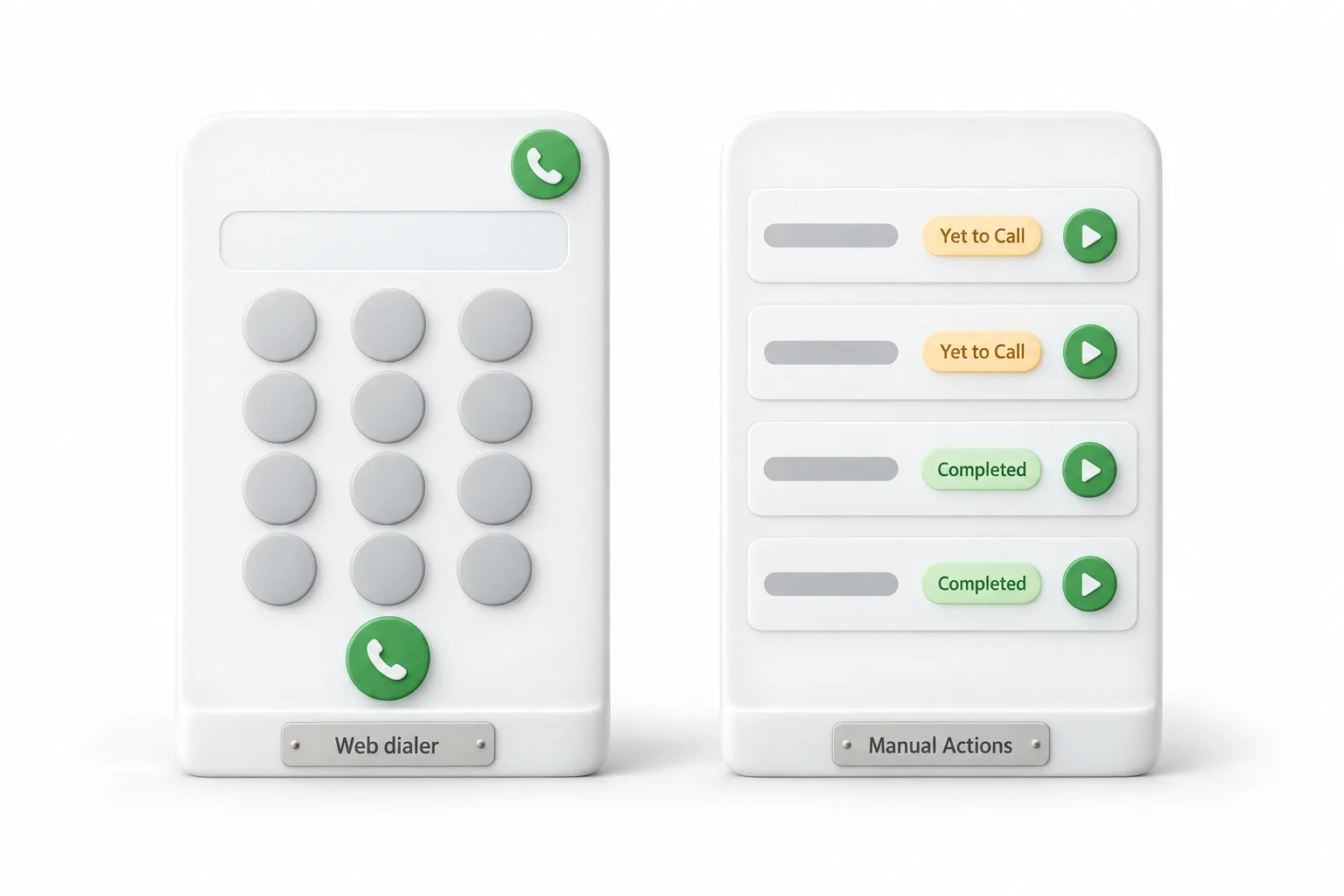
The first is the web dialer. It is a softphone in your browser for single calls. The second is the call queue that HighLevel's help center refers to as the Power Dialer. A workflow drops contacts into the queue, and a person on your team calls through the list and logs each outcome.
| Point | Web dialer | Power dialer queue |
|---|---|---|
| Where it sits | Green phone icon in the top navigation | Conversations, Manual Actions tab |
| Best for | A single call to a contact or a typed number | Working through a list of calls in one sitting |
| How calls get there | You choose the contact | A workflow adds each contact with the Manual Call action |
| After the call | A call disposition on the post call screen | Call notes and results logged on the contact record |
Source: HighLevel help center articles on the web dialer, Manual Call and call dispositions, checked November 2026.
Both run on the phone system inside your subaccount. The rest of the platform is on the HighLevel features page.
On a call
What does the GoHighLevel dialer do on a call?
On a call, the GoHighLevel dialer lets you mute, hold, send keypad tones, read a script, transfer the caller and log the outcome. HighLevel's help center lists these parts of the web dialer.
- Three ways to start. Type a number on the keypad, search your contacts, or pick from recent calls.
- A Calling From menu. Choose which of your numbers the contact sees, if your user permissions allow it.
- Mute, hold and keypad. The keypad sends tones for phone menus.
- Call scripts. A script you set up ahead of time can show on screen while you talk.
- Warm and blind transfer. Call & Hold lets you speak to a teammate first. Transfer & End hands the caller over and drops you from the call.
- Call dispositions. After a supported call, pick an outcome such as Follow Up or Not Interested. Admins create up to 10 per subaccount under Settings, Phone System, Voice, Call Dispositions.
Dispositions are where the dialer connects to automation. A workflow that starts with the Call Details trigger can filter on the disposition and then send a text, create a task, move an opportunity or put the contact back in the call queue.
Every call is logged on the contact record. To see which ad or page produced each inbound call, add a number pool with the call tracking setup guide.
Setup
Where is the power dialer, and how do you set it up?
The power dialer queue is under Conversations, in the Manual Actions tab. It stays empty until a workflow sends contacts to it, so setup is mostly one workflow.
- Buy a phone number under Settings, Phone System, and set where inbound calls should ring.
- Open Automation, Workflows and create a workflow with a trigger, such as a tag added or a form submitted.
- Add the Manual Call action, name it, and assign the call to a specific user or use round robin assignment.
- Publish the workflow. Each contact that reaches the action lands in Conversations, Manual Actions.
- Open the Manual Actions tab and click Let's Start to begin calling through the queue.
- Pick a call disposition on the post call screen. Call notes and results are logged on the contact record.
Because the queue is a workflow step, you can put a text before the call and an email after it in the same workflow. If you have not bought a number yet, start with how to set up LC Phone.
Cost
What does calling cost in GoHighLevel?
Outbound calls cost about $0.0166 a minute and inbound calls about $0.01165 a minute in the US and Canada, billed as usage on top of your plan. HighLevel's phone pricing guide lists no separate charge for the dialer. These are the rates for LC Phone, HighLevel's own phone system, as shown on the SMS and call pricing page.
| Item | Rate |
|---|---|
| Outbound call to the US or Canada | About $0.0166 a minute |
| Inbound call answered in the app | About $0.01165 a minute |
| Local phone number | $1.15 a month |
| Call recording | $0.0025 a minute, plus $0.0005 a minute a month for storage |
Calls are billed in full minutes, and partial minutes round up. Source: Phone System Pricing and Billing Guide, HighLevel help center, checked November 2026.
Take one hundred outbound calls that each bill two minutes. That is 200 minutes. At $0.0166 a minute that is about $3.32, before recording. Short calls still bill a full minute, so quick no answers add up.
Plan prices are separate from usage. The GoHighLevel pricing page lists each plan, and you can place real calls from your own account during a 30 day trial through Michael's link. Usage fees still apply during a trial.
Compare
Should you use the built in dialer or add an outside dialer?
Start with the built in dialer, and add an outside dialer only if your team needs to dial several lines at once. HighLevel's help center describes a team member starting each call task from the queue. It does not describe dialing several lines at once.
| Point | Built in HighLevel dialer | Outside dialer connected to HighLevel |
|---|---|---|
| Cost | Phone usage only, at the rates above | A separate subscription, priced by that vendor |
| Contact data | Calls, notes and dispositions land on the contact record | Depends on what the integration syncs back |
| Dialing style | A person starts each call from the queue | Varies by product. Check its own documentation |
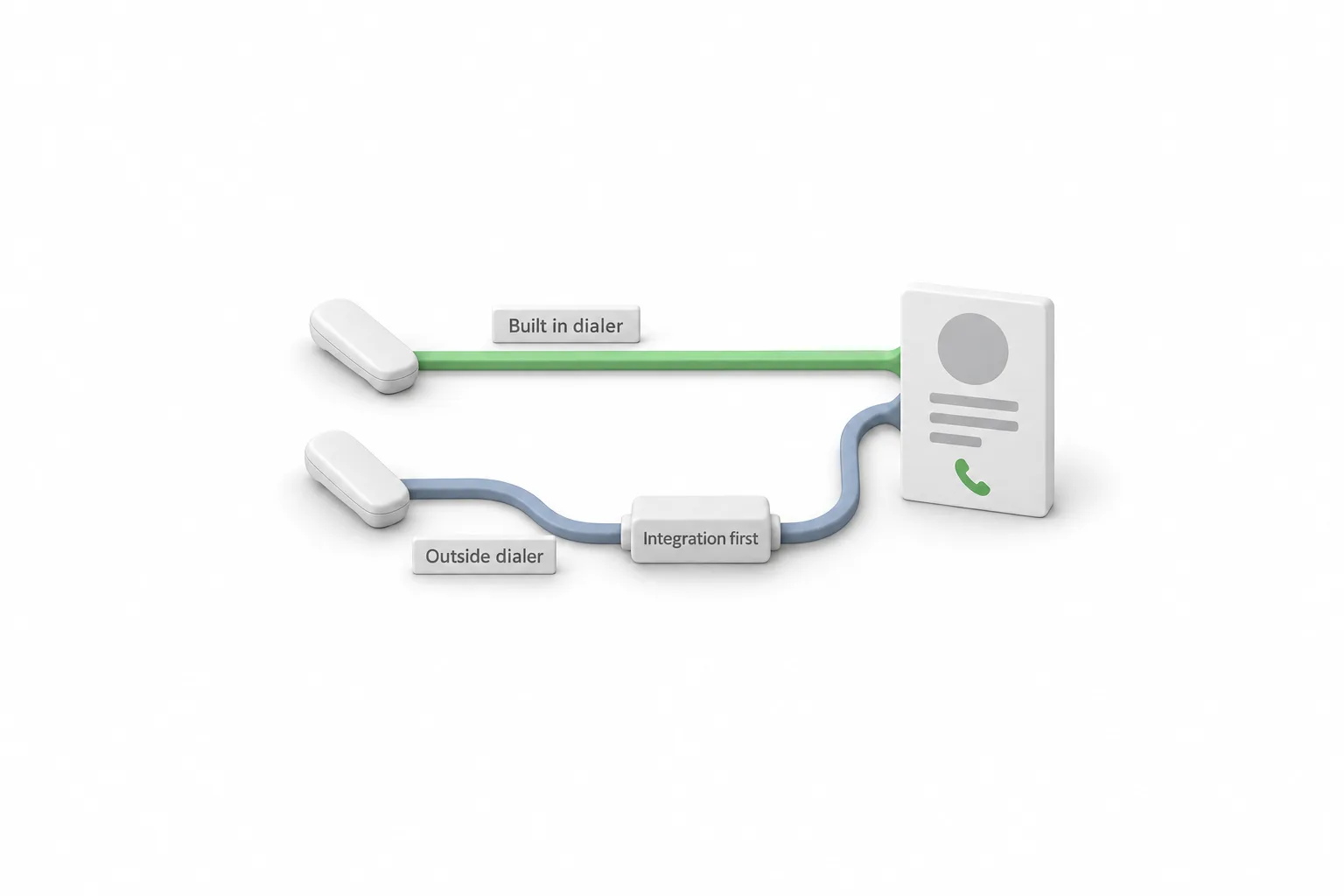
For a small team that calls new leads and follows up with customers, the built in tools usually cover it. If dialing speed turns out to be the limit, a dedicated dialer connected to HighLevel is the next step.
A related choice is the phone carrier underneath. HighLevel can run calls on LC Phone or on a Twilio account you connect, and the LC Phone and Twilio comparison explains when each one fits.
AI
Is the GoHighLevel power dialer an AI dialer?
No. The power dialer is for people. A team member starts each session and talks on each call. An AI dialer usually means software that places the call and holds the conversation itself. In HighLevel that product is Voice AI.
Voice AI can place outbound calls from a workflow. HighLevel limits those calls to between 8 AM and 8 PM in the contact's time zone and to 5,000 a day for each location, and the business is responsible for each contact's consent. The GoHighLevel Voice AI guide covers how it works and what it costs.
Compliance
What compliance basics apply to outbound calls?
Consent, do not call requests, calling hours and recording rules all apply to outbound calls, and the dialer does not check them for you. This is general information, not legal advice.
- Consent and do not call requests. Keep a record of how each contact gave you their number, and honor every request to stop. LC Phone has opt out and DND handling built in.
- Calling rules where your contacts live. In the US, federal and state telemarketing rules cover consent, do not call lists and calling hours. Check the rules for your industry and states before you load a list.
- Recording. Recording laws differ by state and country, and some states require everyone on the call to agree. Tell callers at the start when a call is recorded. See can HighLevel record calls.
- Texting after the call. A follow up text to a US mobile number from a local number needs A2P 10DLC registration first. The steps are in how to register for A2P 10DLC.

Use the dialer you already have before you pay for another one. For most small teams the win is a clean call list and follow up that happens right after the call.
Questions
Common questions.
Does GoHighLevel have a power dialer?
Yes. GoHighLevel has a power dialer built into the Conversations area. A workflow adds contacts to a call queue under Conversations, Manual Actions, and a team member starts each call from that queue. A web dialer in the top navigation handles single calls.
Where is the dialer in GoHighLevel?
The web dialer opens from the green phone icon in the top navigation on most pages. The power dialer queue is under Conversations, in the Manual Actions tab. Contacts appear in that queue when a workflow reaches a Manual Call action.
Does the GoHighLevel power dialer call automatically?
No. A person starts the queue and handles each call. The Manual Call workflow action only creates a call task for a team member. If you want calls placed without a person, that is Voice AI, which has its own safeguards and consent requirements.
How much do calls cost in GoHighLevel?
On the HighLevel phone system in the US and Canada, outbound calls cost about $0.0166 a minute and inbound calls about $0.01165 a minute, billed in full minutes. A local number is $1.15 a month. These are usage charges on top of your plan.
Can I track call outcomes in the GoHighLevel dialer?
Yes. Admins can create up to 10 custom call dispositions per subaccount under Settings, Phone System, Voice, Call Dispositions. A team member picks one after a call, and a workflow can act on it through the Call Details trigger.
Do I need Twilio to use the GoHighLevel dialer?
No. The dialer works on LC Phone, the phone system built into HighLevel, with no Twilio account. An agency with an existing Twilio account can connect that instead.
Next step
See it in your own account. Thirty days, every feature.
Start a trial, build the first system and test it before the first invoice. Usage fees for phone, SMS, email and AI can apply during the trial.
HighLevel has three plans at a flat monthly price, each with unlimited users and contacts. See what each one includes and what it costs.
Compare the PlansStarter, Unlimited and Founder