
01Who this is for
- Administrators who need to integrate an external email server with HighLevel.
- Marketers who want to control sender addresses and daily sending limits.
02SMTP providers, explained
The SMTP integration feature lets you add external email servers to the platform. After you save the server name, port, username and password, HighLevel routes outgoing mail through that server. The sender address shown in the email must match the address used for the SMTP credentials, otherwise delivery will fail.
When a message is sent, HighLevel records that it was sent and later updates the record if the recipient opens, clicks, or the mail bounces. Because the provider does not report a delivery event, the platform marks an email as delivered only after an open is detected. All of these options are located under Email Services > SMTP services in the account settings.
03How businesses use SMTP providers
- Digital marketing agency. An agency adds a client’s Amazon SES credentials in the SMTP tab, ensures the client’s verified sender address matches, and then runs campaigns. The agency can observe sent, open, click, and bounce metrics for each email.
- Consulting firm. The firm configures Outlook/Microsoft 365 SMTP authentication, disables two step verification, and enables SMTP authentication as required. After testing the connection, the firm sends client updates using their corporate email domain.
- Ecommerce retailer. The retailer sets up a custom SMTP provider, verifies that the sender email matches the provider’s address, and checks daily sending limits to stay within the provider’s quota while monitoring basic email events.
04The numbers and rules that matter
- Gmail limits approximately 100, 150 emails per day when connected via a remote client.
- Amazon SES uses port 465.
- Outlook / Microsoft 365 requires SMTP Authentication to be explicitly enabled.
05Before you start
- Read the SMTP advisory that recommends using the native Google or Outlook integrations before opting for SMTP.
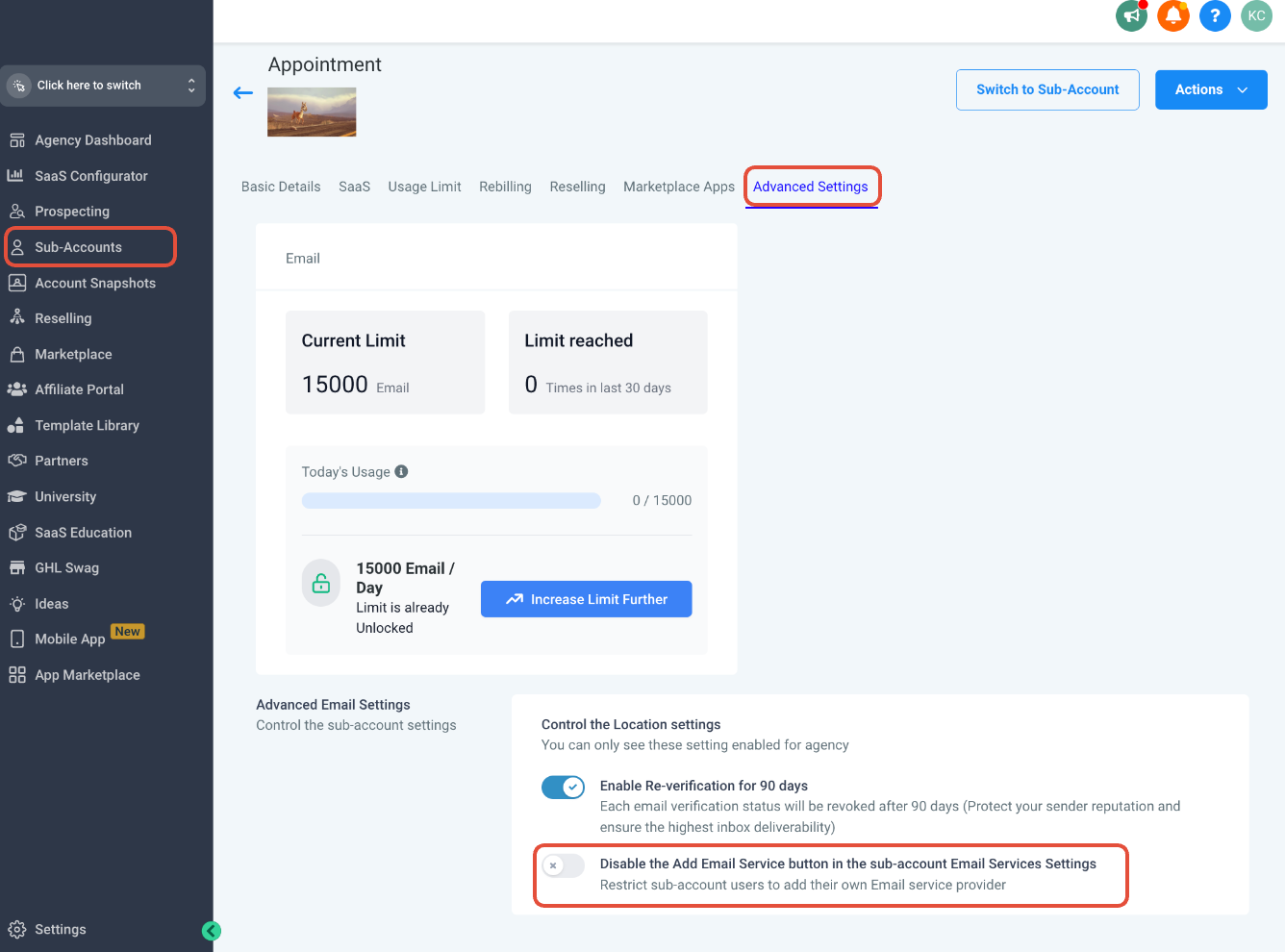
- Disable Email Re Billing while you change the default email service.
- Gather the SMTP server hostname, port, username and password from your provider.
- Support for SMTP is provided on a best effort basis.
06How to set up and use SMTP providers in HighLevel
Configure Amazon SES as the SMTP provider
- Enter the Amazon SES server name shown on the SMTP Settings page.
- Set the connection to use port 465.
- Provide the IAM user name and password that you generated for SES.
- Supply the root user email address associated with your AWS account.
Configure Outlook / Microsoft 365 SMTP
- Confirm that two step verification is turned off for the account.
- Enable SMTP Authentication for the mailbox via the Microsoft guide.
- If authentication still fails, contact Outlook support for assistance.
07What it looks like in HighLevel
08Settings that matter
- Email Re, Billing. Controls whether the platform automatically charges for email usage while you modify the default service.
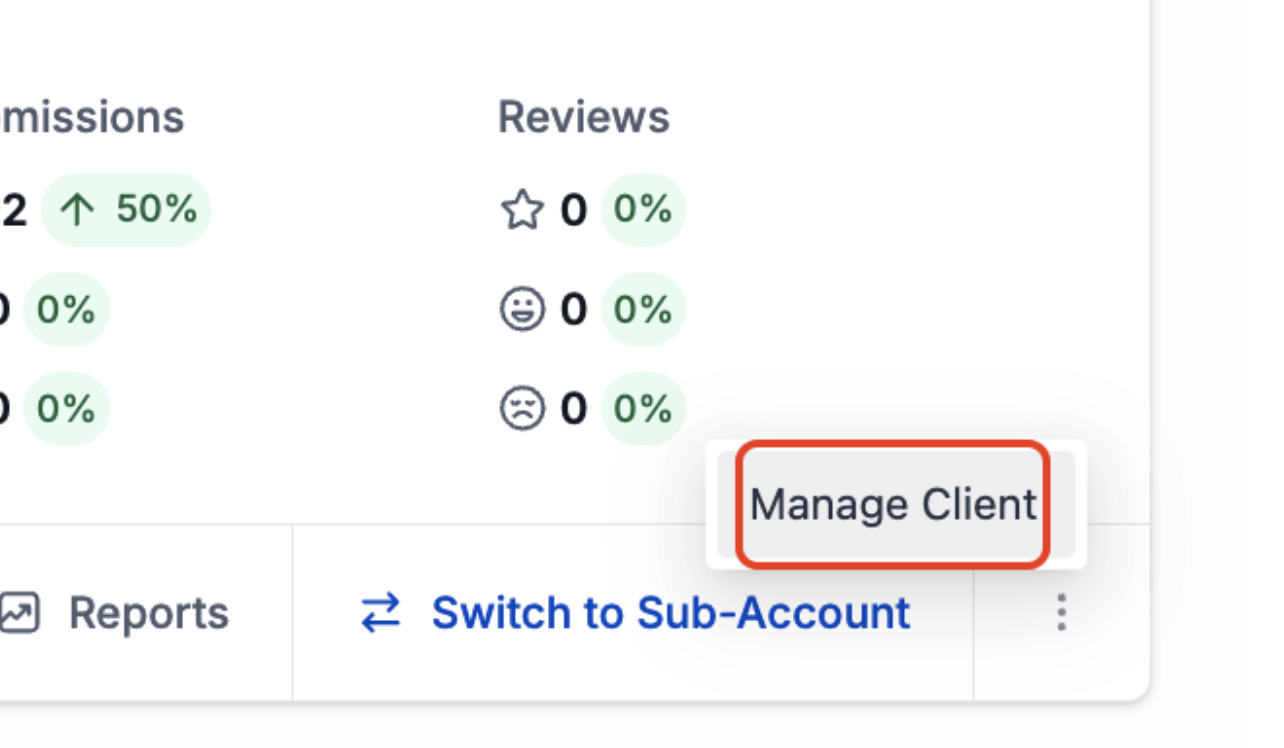
- Disable the Add Email Service button in the sub, account Email Services Settings. When turned on, it hides the option to add a new SMTP provider for that subaccount.
09Things to know before you rely on it
- Your SMTP host may set a daily cap on the number of messages; for example Gmail allows roughly 100 to 150 emails per day when accessed via a remote client.
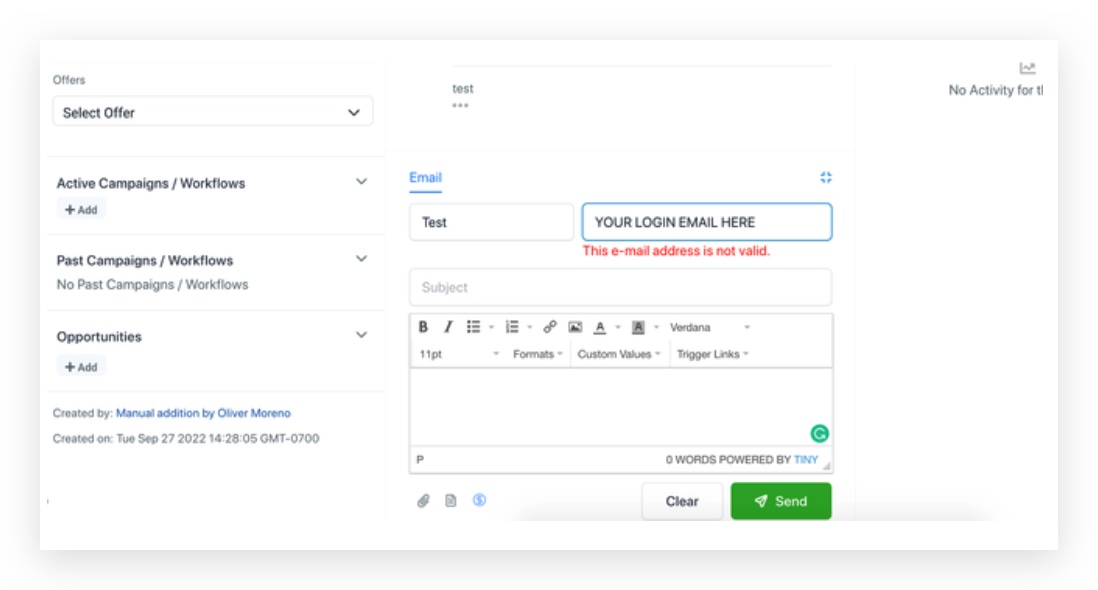
- The sender address used in an email must be the same address that is verified with the SMTP provider; otherwise the mail will not be delivered.
- Only the events sent, open, click and bounce are captured; a delivered event is not provided, so HighLevel flags delivery after an open occurs.
- A subaccount can store multiple SMTP providers, but the same credentials or the same email address cannot be added more than once.
10If something goes wrong
- Email Re Billing remains enabled while changing the default provider. Turn off Email Re Billing before updating the SMTP configuration.
- SMTP credentials are rejected. Validate the username and password with the GMass SMTP Test tool at gmass.co/smtp test.
11How it connects to the rest of HighLevel
- How to add SendGrid as your SMTP provider SendGrid SMTP guide
- Using Zoho as your SMTP Provider Zoho SMTP guide
- Understanding SMTP email mismatches in HighLevel SMTP mismatches article
Michael's take

If I were setting up SMTP, I’d first verify that the sender address matches the integrated account, then test the credentials with the GMass SMTP Test tool. After that I’d send a single test email, watch for the open event, and confirm the status updates before scaling the volume.