
Home/AI receptionist/Smith.ai alternatives
AI receptionist · Alternatives
Smith.ai alternatives. How to compare fairly.
Smith.ai is a well known option. If you are looking at Smith AI alternatives, the right fit depends on what you need answered, by whom and where the call data should live.
The short answer
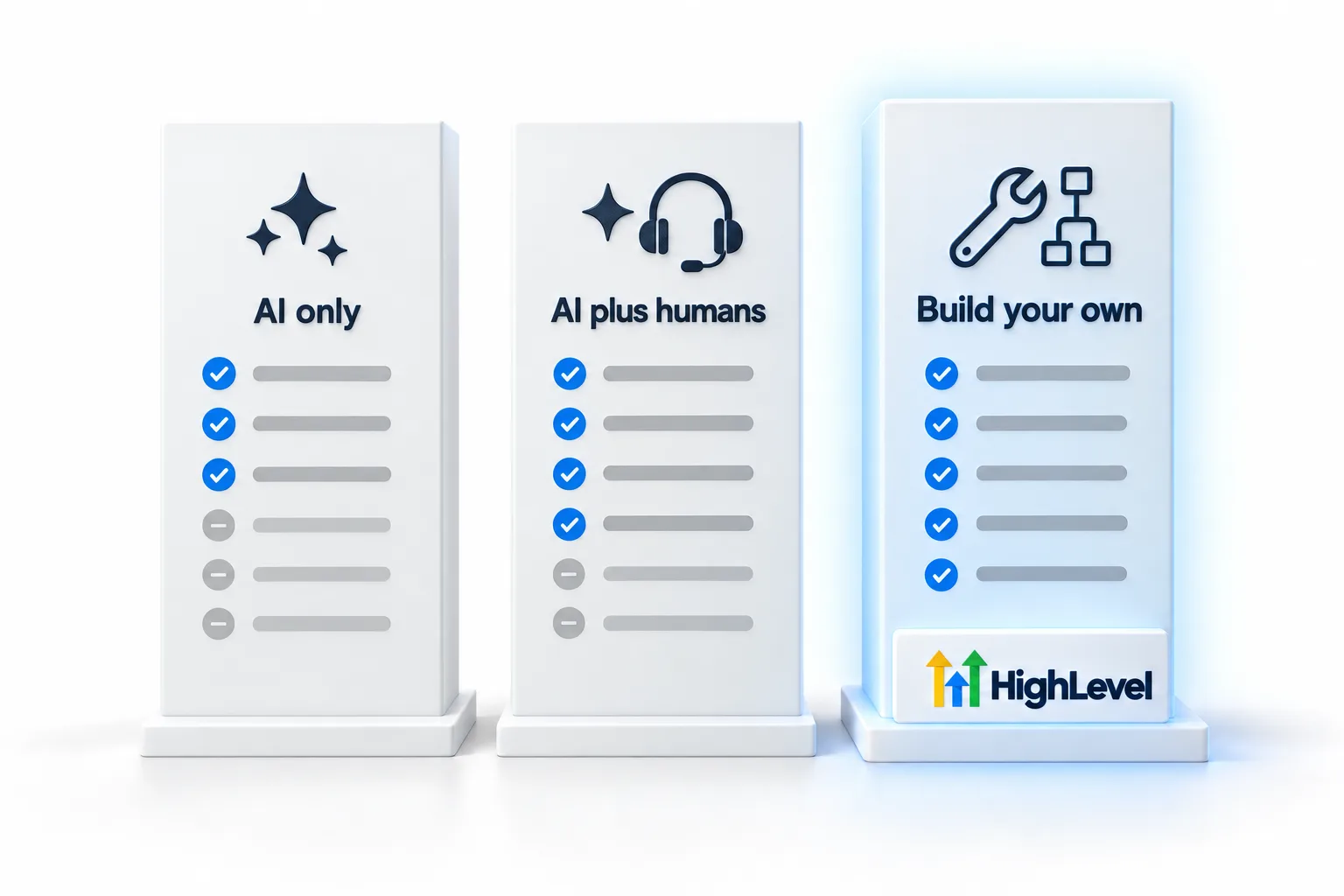
Smith.ai offers an AI receptionist backed by live human agents, plus human only plans. Alternatives fall into three groups: other managed answering services, AI only receptionist tools, and building your own AI receptionist inside a CRM such as HighLevel Voice AI. Compare on who answers, booking, integrations and total monthly cost.
Michael is a sponsored HighLevel affiliate. Links to HighLevel use his partner link at no extra cost to you. HighLevel prices and product facts on this page come from HighLevel's own pricing page and help center, checked on the date above.
Three options
The three types.
| Type | Who answers | Good fit when |
|---|---|---|
| Managed service with AI and humans | AI first, humans when needed | You want a person available for complex calls |
| AI only receptionist tool | AI only | Calls are routine and you want the lowest effort |
| Build your own in a CRM | Your AI agent, your rules | You want calls, contacts and follow up in one place |
Compare
Six questions.
- Who answers when the AI cannot help?
- Can it book directly into your calendar?
- Where do recordings and contacts end up?
- What does it cost per month at your call volume?
- How long does setup take?
- Can you change the script yourself?
Build your own
The HighLevel option.
HighLevel Voice AI answers calls, books into HighLevel calendars and saves every call to the contact record, so follow up workflows run from the same place. It suits businesses and agencies that want to own the setup.
Working through it
How do you answer the six questions for your business?
The six questions only help if you answer them with your own calls in front of you. Pull a month of call notes or messages first.
- Who answers when the AI cannot help. Count how many of last month's calls needed a person. If it is most of them, weight this question heavily.
- Booking. Ask each option whether it books on the calendar you already use, during the call, without a link.
- Where the data ends up. Recordings, transcripts and contacts should land where your follow up runs, or someone will copy them by hand.
- Monthly cost at your volume. Price each option with your own call minutes, and include phone charges.
- Setup time. A managed service does more of the setup for you. A build of your own takes longer and gives you more control.
- Changing the script. Ask who edits the instructions when your hours or prices change, and how long it takes.
The build
What does building your own in HighLevel involve?
Building your own in GoHighLevel means you do the work a managed service would do for you. In order:
- Create a Voice AI agent and write its prompt and welcome message.
- Attach a knowledge base with your hours, services, areas and policies.
- Add an Appointment Booking action tied to your calendar.
- Test with a Web Call, then a Phone Call.
- Deploy it to a number and set the Working Hours.
- Point the number's Call Forwarding at Voice AI.
- Read the calls each week and tune.
The honest tradeoff: there are no live agents behind it. When the AI cannot help, the call transfers to your own team, so you need someone to take those calls. The Voice AI build guide shows the full build, and AI receptionist cost has the pricing.
Fit
When does a managed service fit better?
Choose a service with live agents if a meaningful share of your callers need a person and you have nobody to transfer them to. Choose it if you do not want to write or maintain a knowledge base. And choose it if your intake has rules that call for a human on every call.
Build your own if your calls are mostly routine, you want the booking, the contact and the follow up in one system, and someone on your team will review calls. Agencies often build their own for a second reason: they can deploy the same agent to many clients. That is covered on white label AI receptionist.
Mistakes
What mistakes do people make when they compare?
- Comparing list prices without their own call volume.
- Switching the main line on day one. Run the new option on after hours calls first.
- Judging by a demo call instead of their own real calls.
- Ignoring where the call data lives after the call.
For a broader view of the category, see best AI receptionist software and AI receptionist vs answering service. Start through Michael's link and the HighLevel trial runs 30 days instead of the standard 14.
What that trial includes is on the GoHighLevel 30 day trial page. For platform level comparisons, Michael's blog post on GoHighLevel alternatives goes wider. If you are weighing other platforms, the best HighLevel alternatives page compares them. The AI receptionist setup guide walks through the build step by step. What the AI side costs each month is laid out in the HighLevel AI plans overview.
More comparisons in this series: Goodcall alternatives, Rosie AI alternatives, Ruby Receptionist alternatives and My AI Front Desk alternatives.

If a human needs to handle some calls, choose a service with humans. If not, building it yourself keeps everything in one place.
Questions
Common questions.
What does Smith.ai offer?
An AI receptionist backed by live agents, plus human only plans, according to a published August 2026 review.
Can I build my own AI receptionist?
Yes, for example with HighLevel Voice AI.
What should I compare?
Who answers, booking, integrations, data and total monthly cost.
Does HighLevel Voice AI include live human agents?
No. It is an AI agent you set up. It can transfer calls to your own team, so plan who takes those calls.
How do I compare cost fairly?
Use your own monthly call minutes and price each option at that volume, including phone charges.
Can I test an alternative before switching?
Yes. Run the new option on after hours calls first and listen to those calls before you move your main line.
How long is the HighLevel free trial?
HighLevel's standard trial is 14 days. Through Michael's link it is 30 days. Usage fees for phone, SMS, email and AI can apply during the trial.
Next step
See it in your own account. Thirty days, every feature.
Start a trial, build the first system and test it before the first invoice. Usage fees for phone, SMS, email and AI can apply during the trial.
HighLevel has three plans at a flat monthly price, each with unlimited users and contacts. See what each one includes and what it costs.
Compare the PlansStarter, Unlimited and Founder