
Brand
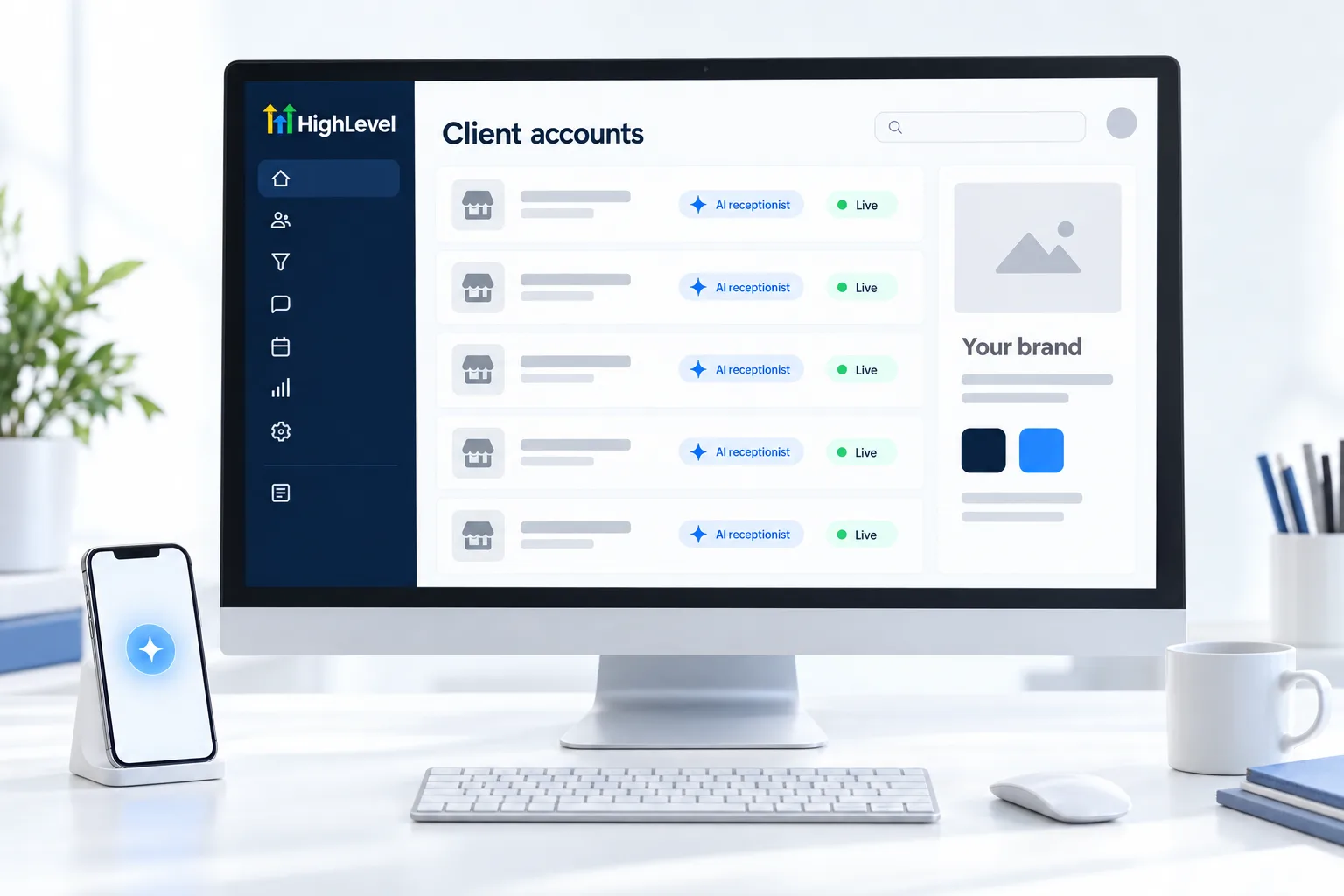
White label desktop app
Clients log in at your domain with your logo. Included on Unlimited ($297) and the Founder Plan ($497).
Home/AI receptionist/White label for agencies
AI receptionist · For agencies
For agencies, the AI receptionist is one of the easiest AI systems to sell, because every local business understands a missed call. On GoHighLevel, you build it once, deploy it to each client under your brand and bill for it monthly. Here is how the pieces fit.
The short answer
To sell a white label AI receptionist on HighLevel, build a Voice AI agent in one subaccount, save it in a snapshot, deploy it to each client's subaccount and customize the knowledge base, greeting and calendar per client, then bill each client monthly under your own brand. Rebilling AI usage with your own markup requires the Founder Plan.
Michael is a sponsored HighLevel affiliate. Links to HighLevel use his partner link at no extra cost to you. HighLevel prices and product facts on this page come from HighLevel's own pricing page and help center, checked on the date above.
The pieces
Brand
Clients log in at your domain with your logo. Included on Unlimited ($297) and the Founder Plan ($497).
Deploy
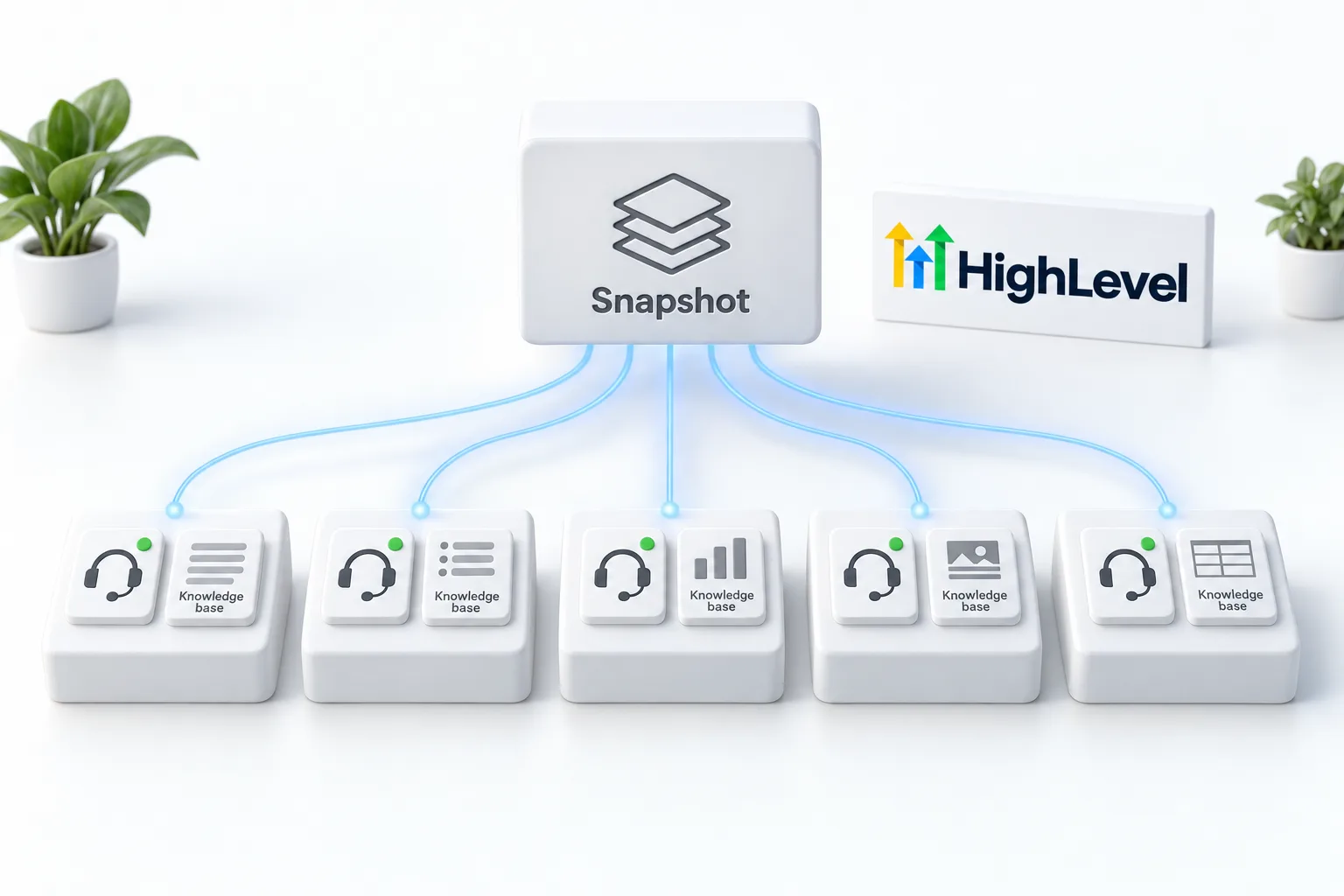
Voice AI agents can be included in snapshots and cloned to subaccounts, so one build becomes many.
Price
Growth at $50 or Unlimited at $97 per subaccount, the cost base you price on top of.
Profit
On the Founder Plan, rebill AI and phone usage to each client at your price. The Founder Plan also opens the $20 AI Employee Starter plan to client subaccounts.
Delivery
Pricing it
Most agencies sell the AI receptionist as a setup fee plus a monthly fee that covers the AI plan, phone usage, monitoring and tuning. Set your price on the value of recovered calls for that client, not on your cost. The AI agency pricing calculator helps you model it.
Per client
The point of one build is that most of it carries over. The prompt structure, the booking action, the follow up workflows and the confirmation texts travel in the snapshot. What you change for each client is the part callers hear and the part that touches their phone line.
That last one is not optional. Assigning the number on the Deploy tab is only half of the routing. The steps are in the Voice AI build guide, and create a snapshot covers the packaging.
Worked example
Take a dental practice that signs up. You load the snapshot into their subaccount. You sit with the office manager and fill in the knowledge base from their real answers, not from their website. You point the booking action at their new patient calendar and set the transfer number to the front desk. You set a Custom Schedule so the agent answers after closing and at lunch.
Then you test. A Web Call for the answers. A Phone Call for the transfer. A call to the live number inside and outside the schedule. In the first two weeks you read the calls with the client and fix what comes up. Only then do you widen the hours. This is an illustration of the process, not a client story. The same pattern is on AI receptionist for dentists.
Mistakes
For the business side, read AI receptionist agency and set up rebilling. The rebilling glossary entry explains the term. Start through Michael's link and the HighLevel trial runs 30 days instead of the standard 14.
What that trial includes is on the GoHighLevel 30 day trial page. For the platform side of branding, see can I white label HighLevel. The GoHighLevel white label guide on the blog covers the branding options in more depth. The AI receptionist setup guide walks through the build step by step. What the AI side costs each month is laid out in the HighLevel AI plans overview.
For the platform under it, read what to check in a white label AI platform.

If you are starting an AI agency, sell this first. The demo is one phone call, the value is obvious and it renews every month.
Put it on the Founder Plan from the start. Rebilling AI with your markup is what turns it from a service into a product.
Through my link
Same HighLevel price. The difference is who is in your corner for the first ninety days.
The Founder Plan is HighLevel’s top plan at $497 a month. It is the former Agency Pro plan with an exclusive feature set, rebilling with markup and the Founders Club. The full breakdown is here.
The Founder PlanWhat it includes and who it is for
Questions
Yes. The white label desktop app on Unlimited and the Founder Plan puts your brand on the client experience.
Yes. Voice AI agents can be included in snapshots and cloned to subaccounts.
The $497 Founder Plan.
Price on the value of recovered calls for each client, usually a setup fee plus a monthly fee.
The knowledge base, the Welcome Message, the calendar, the transfer number, the Working Hours and the phone number, including the Call Forwarding setting on that number.
Run a Web Call test and a Phone Call test, then call the live number inside and outside Working Hours and check that the booking lands on the right calendar.
HighLevel's standard trial is 14 days. Through Michael's link it is 30 days. Usage fees for phone, SMS, email and AI can apply during the trial.
Next step
Start a trial, build the first system and test it before the first invoice. Usage fees for phone, SMS, email and AI can apply during the trial.
HighLevel has three plans at a flat monthly price, each with unlimited users and contacts. See what each one includes and what it costs.
Compare the PlansStarter, Unlimited and Founder