
Home/AI receptionist/AI phone answering service
AI receptionist · Answering service
The AI phone answering service. Answered, booked and logged.
An AI phone answering service, often just called an AI answering service, does what a traditional answering service does, picking up when you cannot, and adds what most of them do not: booking straight onto your calendar, answering from your own business information and logging every call in your CRM. Here is how it works and what it costs on HighLevel.
The short answer
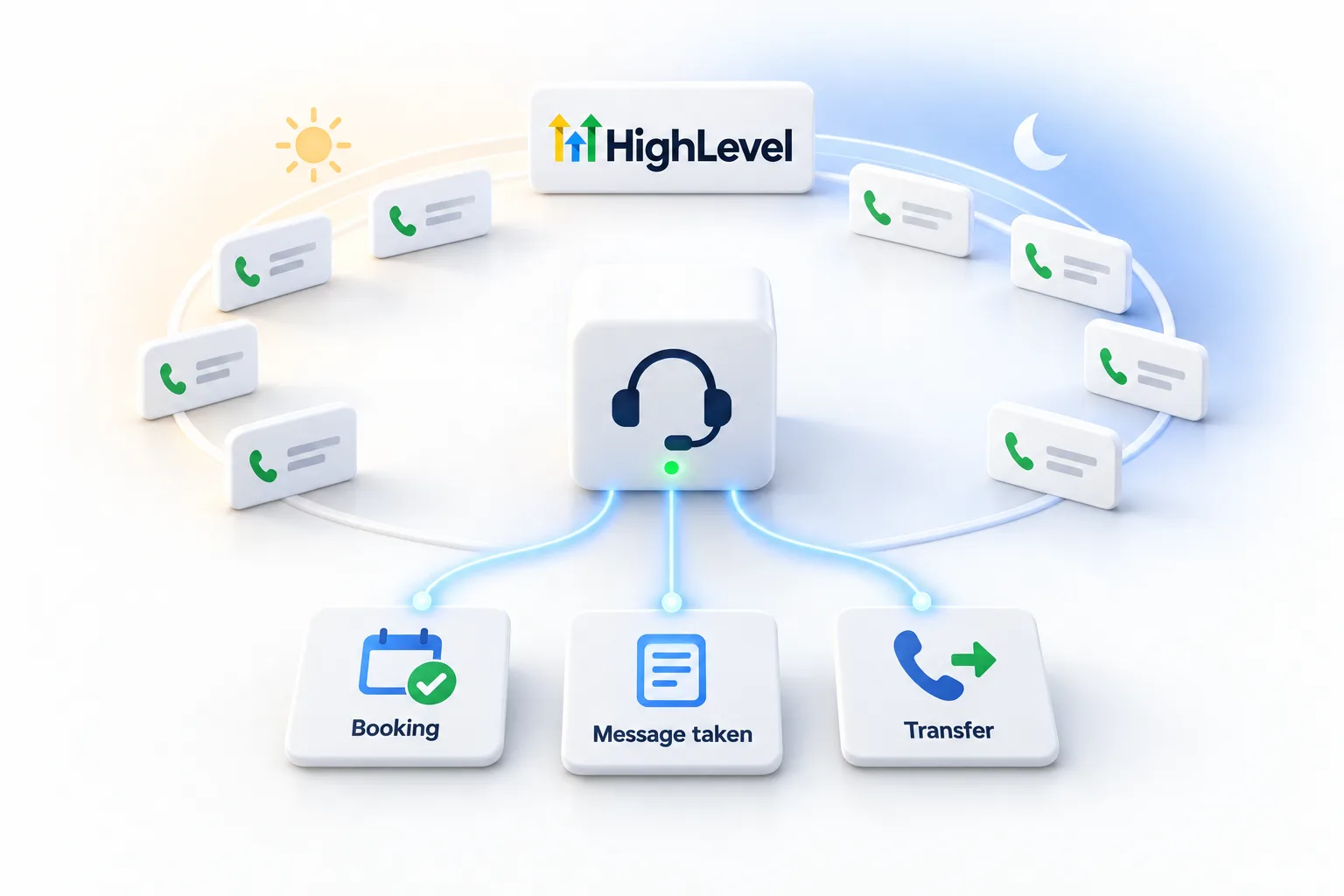
An AI phone answering service uses a voice AI agent to answer your business calls around the clock, answer common questions, book appointments, take details and transfer urgent calls, and on HighLevel it runs as a Voice AI agent priced by plan rather than by the call. AI Employee Growth at $50 a month includes 100 minutes and Unlimited at $97 makes minutes unlimited under fair use, plus phone charges.
Michael is a sponsored HighLevel affiliate. Links to HighLevel use his partner link at no extra cost to you. HighLevel prices and product facts on this page come from HighLevel's own pricing page and help center, checked on the date above.
What you get
Answering service features, plus booking.
- Answers in your business name, any hour you choose
- Answers questions from your knowledge base
- Books, reschedules and confirms appointments on your calendar
- Takes caller details for anything it cannot resolve
- Transfers urgent calls to your on call number
- Sends a confirmation text and updates the contact in your CRM
- Saves a transcript and summary of every call
Pricing
Priced by plan, not by the call.
| Model | How it is billed | Watch for |
|---|---|---|
| Traditional answering service | Per minute or per call, often with monthly minimums | Overage on busy months |
| HighLevel AI Employee Growth | $50 a month, 100 Voice AI minutes | Pay per use after the allowance if extra usage is on |
| HighLevel AI Employee Unlimited | $97 a month, unlimited under fair use | Phone minutes still billed |
HighLevel rates from AI Product Pricing, November 2026. Traditional service pricing varies by provider.
Getting started
Live in a day.
- List the ten reasons people call you.
- Write the knowledge base around them.
- Create the Voice AI agent and connect your calendar.
- Point after hours calls at the agent.
- Listen to the first week of calls and tune.
The AI receptionist guide covers the bigger picture, and the GoHighLevel AI pricing overview explains each AI plan. You can build and test the agent during the GoHighLevel 30 day trial through Michael's link. If calls ring and the agent stays silent, fix Voice AI not answering calls has the checklist.
Worked example
How does an AI answering service handle a real call?
Picture a caller who rings a service business after closing. The agent answers in the business name and says it is a virtual assistant. The caller asks whether you cover her town, and the agent checks the service area in the knowledge base. She wants a visit, so the agent offers open times from your calendar, takes her name and number and confirms the booking. If she had described an emergency, the agent would have transferred her to your on call number.
Nothing waits for the morning. The booking is on the calendar, and the transcript and summary are saved with the call. This is a written illustration, not a recording. The AI receptionist call examples page has five more.
Steps
How do you set up AI phone answering in HighLevel?
In HighLevel, which many people still call GoHighLevel, the answering service is a Voice AI agent. The build runs in this order.
- Go to AI Agents, then Voice AI, and create a custom agent. Give it a name, a voice and a welcome message.
- Write the prompt: its role, what to collect and what it may do.
- Attach a knowledge base on the Agent Goals tab and describe when the agent should use it.
- Add an Appointment Booking action and pick the calendar.
- Test with a Web Call from your browser, then with a Phone Call.
- On the Deploy tab, pick the number, the Call Routing mode and the Working Hours.
- In Settings, Phone System, open the number and set Call Forwarding to Voice AI.
The last step is the one people miss. Assigning the number on the Deploy tab is not enough on its own. The Voice AI build guide shows every screen, and AI receptionist setup covers the planning.
Fit
When is a live answering service still the better choice?
Keep a live service when callers need a person every time, when calls are sensitive by nature, or when you cannot yet put your process into clear rules. An AI agent follows instructions. It does not improvise well on calls nobody planned for.
You can also run both. Set the agent to a Custom Schedule so it covers the hours your service does not, or set Call Routing to Use as Backup so it takes only the calls your primary path misses. The full comparison is on AI receptionist vs answering service, and the line by line pricing is on AI receptionist cost.
Three mistakes come up often. People put the business hours in the prompt instead of the Deploy tab. They go live without a Phone Call test, so the first transfer fails in front of a customer. And they never listen to the first week of calls. Start through Michael's link and the HighLevel trial runs 30 days instead of the standard 14.
Only need cover when you are closed? Read after hours answering service options.

If you pay an answering service today, pull last month's messages and count how many were booking requests. That number is what AI does better.
Questions
Common questions.
What is an AI phone answering service?
An AI phone answering service is a voice AI agent that answers your business calls around the clock, answers common questions from your knowledge base, books appointments on your calendar, takes caller details and transfers urgent calls. On HighLevel it runs as a Voice AI agent, priced by plan, not by the call.
How much does it cost?
On HighLevel, AI Employee Growth is $50 a month with 100 Voice AI minutes, and Unlimited is $97 a month under fair use, per subaccount. Phone charges are separate and apply to every call, and your HighLevel plan sits underneath. Traditional answering services usually bill per minute or per call.
Is it available 24/7?
Yes. The agent can answer any hour you choose. Set Working Hours to All Hours for around the clock coverage, or to a Custom Schedule with the days and times you pick. A Custom Schedule can cover only nights and weekends if your team answers during the day.
Can it replace my answering service?
For routine calls and bookings, yes. Keep a live service if callers need a person every time, if calls are sensitive by nature, or if you cannot yet put your process into clear rules. You can also run both, with the agent covering the hours your service does not.
Can an AI answering service transfer a call to a person?
Yes. Add a call transfer to the agent and write the rule for when to use it, such as an emergency or a caller who asks for a person. Test it with a Phone Call test before launch, because transfers do not run in a Web Call test.
Can it work as a backup to my team?
Yes. On the agent's Deploy tab, set Call Routing to Use as Backup, and the agent handles calls when the primary call path does not answer. Your team still answers first. The other mode, Answer Calls Directly, means the agent picks up incoming calls itself.
How long is the HighLevel free trial?
HighLevel's standard trial is 14 days. Through Michael's link it is 30 days. Usage fees for phone, SMS, email and AI can apply during the trial. That gives you 30 days to build the agent, load the knowledge base and test real calls before the first invoice.
Next step
See it in your own account. Thirty days, every feature.
Start a trial, build the first system and test it before the first invoice. Usage fees for phone, SMS, email and AI can apply during the trial.
HighLevel has three plans at a flat monthly price, each with unlimited users and contacts. See what each one includes and what it costs.
Compare the PlansStarter, Unlimited and Founder