
Always
AI answers every call
Assign the number to the agent with no call forwarding. Not your default subaccount number.
Home/AI receptionist/AI phone receptionist
AI receptionist · Phone
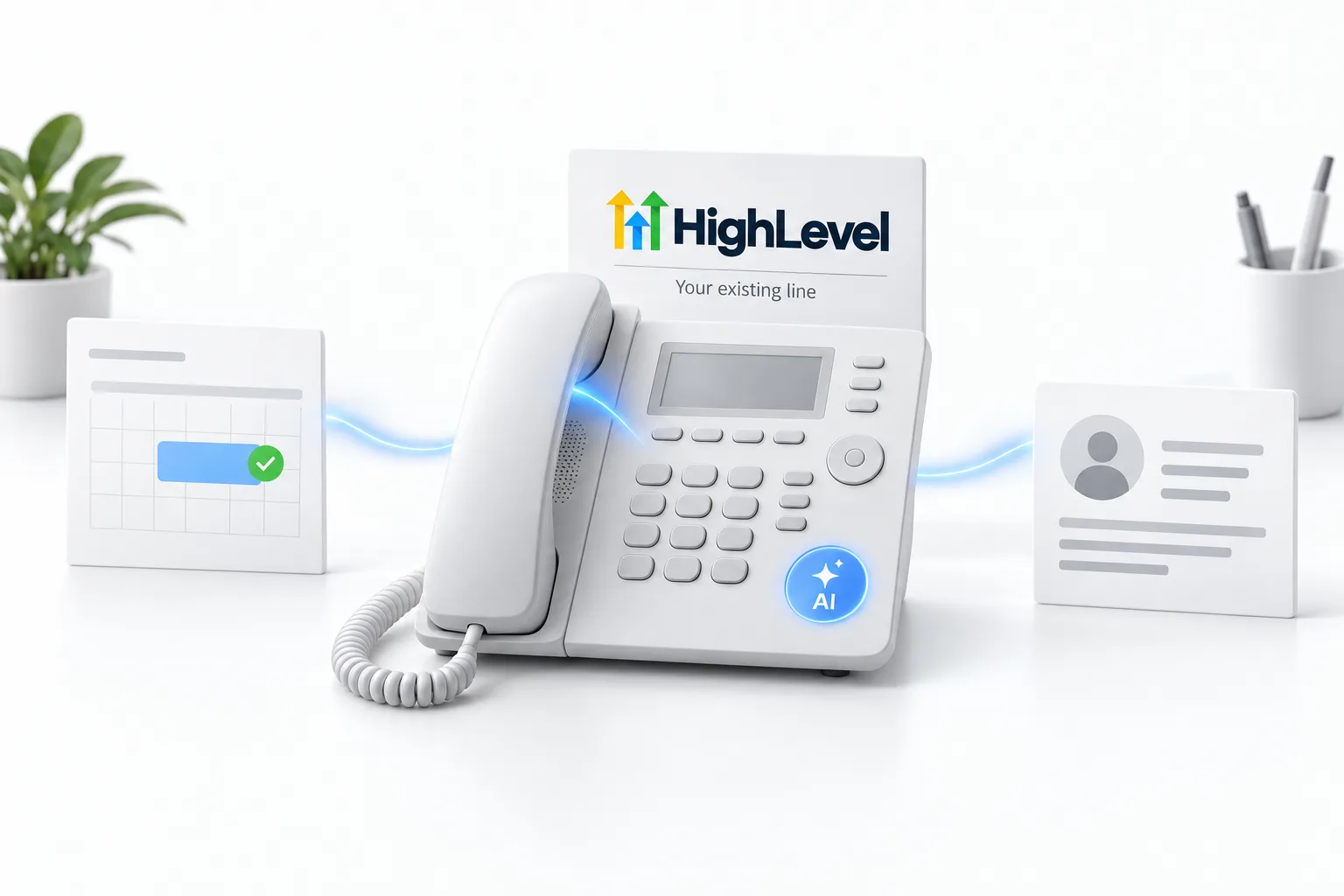
An AI phone receptionist sits on your business phone number and answers the way a trained front desk would. On HighLevel, it is a Voice AI agent connected to your number, your calendar and your CRM. Here is what it takes to put one on your line.
The short answer
An AI phone receptionist answers calls to your business number in natural conversation, answers questions, books appointments, transfers calls and logs every call, and on HighLevel you connect a Voice AI agent to a HighLevel phone system or Twilio number and choose when it answers: always, after hours or as overflow.
Michael is a sponsored HighLevel affiliate. Links to HighLevel use his partner link at no extra cost to you. HighLevel prices and product facts on this page come from HighLevel's own pricing page and help center, checked on the date above.
Routing
Always
Assign the number to the agent with no call forwarding. Not your default subaccount number.
After hours
Set custom working hours on the agent.
Overflow
Ring your team first; after the inbound timeout, the AI answers.
Your number
HighLevel's Voice AI runs on numbers in HighLevel's phone system or Twilio. If your number lives elsewhere, you can usually port it into HighLevel's phone system, or forward it to a HighLevel number while you decide. Plan any port during a quiet period so calls are not interrupted.
HighLevel's own phone system is called LC Phone, and the glossary entry explains how it works. For the full build, follow the AI receptionist setup guide for GoHighLevel, and check the GoHighLevel AI pricing overview for what each AI plan includes. You can test all of it during the GoHighLevel 30 day trial through Michael's link. The AI receptionist guide and the AI phone answering service page cover the wider picture.
Setup
The Voice AI build guide covers each step with screenshots.
Routing in practice
HighLevel gives each Voice AI agent two settings on its Deploy tab that decide when it answers. Call Routing has two modes. Answer Calls Directly means the agent picks up incoming calls itself. Use as Backup means it handles calls when the primary call path does not answer. Working Hours is either All Hours or a Custom Schedule with days and times, and a Custom Schedule can run past midnight.
If you are unsure, start with the lowest risk mix: Use as Backup during the day and a Custom Schedule that covers nights and weekends. Your team still answers first. Working Hours are set per agent, so two agents can keep two different schedules. The setting is explained in can Voice AI answer only after hours.
The common failure
This is the problem people hit most. The number is assigned on the Deploy tab, a test call rings, and the agent never answers. The prompt is rarely the cause. Check these in order.
Fix Voice AI not answering calls walks through each check.
Testing
Test calls are kept out of the dashboard analytics, so test as much as you like. If you do not have a number yet, set up LC Phone first, or read how Twilio connects to HighLevel. Start through Michael's link and the HighLevel trial runs 30 days instead of the standard 14.

Start with overflow routing. Your team still answers first, and the AI catches everything they miss. It is the lowest risk way to put AI on your main line.
Questions
It is a voice AI agent on your business number that answers calls in natural conversation, answers questions, books appointments, transfers calls and logs every call. On HighLevel you connect a Voice AI agent to a HighLevel phone system or Twilio number and choose when it answers: always, after hours or as overflow.
Usually yes. HighLevel's Voice AI runs on numbers in HighLevel's phone system or Twilio. If your number lives elsewhere, you can usually port it into HighLevel's phone system, or forward it to a HighLevel number while you decide. Plan any port during a quiet period so calls are not interrupted.
Yes. Set Working Hours on the agent's Deploy tab to a Custom Schedule with the days and times you want, and it can run past midnight. Working Hours are set per agent, so test one call inside the schedule and one outside before you go live.
HighLevel Voice AI supports HighLevel phone system numbers and Twilio numbers. If your business number lives with another carrier, you can usually port it into HighLevel's phone system or forward it to a HighLevel number. Assign the number to the agent on the Deploy tab.
Usually routing, not the prompt. Check that the number's Call Forwarding is set to Voice AI under Settings, Phone System, Manage Numbers. Check that the Timeout is between 0 and 3 seconds when the agent answers directly. Then check that the call came in during the agent's Working Hours.
Yes. A Web Call test runs in your browser, so you can ask a knowledge base question and ask to book without a number. Run a Phone Call test before launch, because transfers do not run in a Web Call. Test calls are kept out of the dashboard analytics.
Yes. Working Hours are set per agent on the Deploy tab, so two agents can keep different hours. Each one can use All Hours or its own Custom Schedule with days and times. Call Routing is also set per agent, as Answer Calls Directly or Use as Backup.
HighLevel's standard trial is 14 days. Through Michael's link it is 30 days. Usage fees for phone, SMS, email and AI can apply during the trial. That gives you 30 days to build the agent, load the knowledge base and test real calls before the first invoice.
Next step
Start a trial, build the first system and test it before the first invoice. Usage fees for phone, SMS, email and AI can apply during the trial.
HighLevel has three plans at a flat monthly price, each with unlimited users and contacts. See what each one includes and what it costs.
Compare the PlansStarter, Unlimited and Founder