

In this video Michael Reimer explains why A2P registrations get rejected: the legal name, the address, the website and the answers do not line up. He shows how his app, A2P On Demand, prepares a compliance website and every answer for the HighLevel Trust Center, and how agencies can sell texting that works.
He opens with the compliance website for his own company and one detail about it. Nobody on his team wrote a word of it. Then he pictures the result an agency is really selling: a client on a Monday morning whose reminders go out on time and whose review requests land, with nobody texting a screenshot of a red error. In his words, that quiet Monday is the whole product.
Why do A2P registrations get rejected?
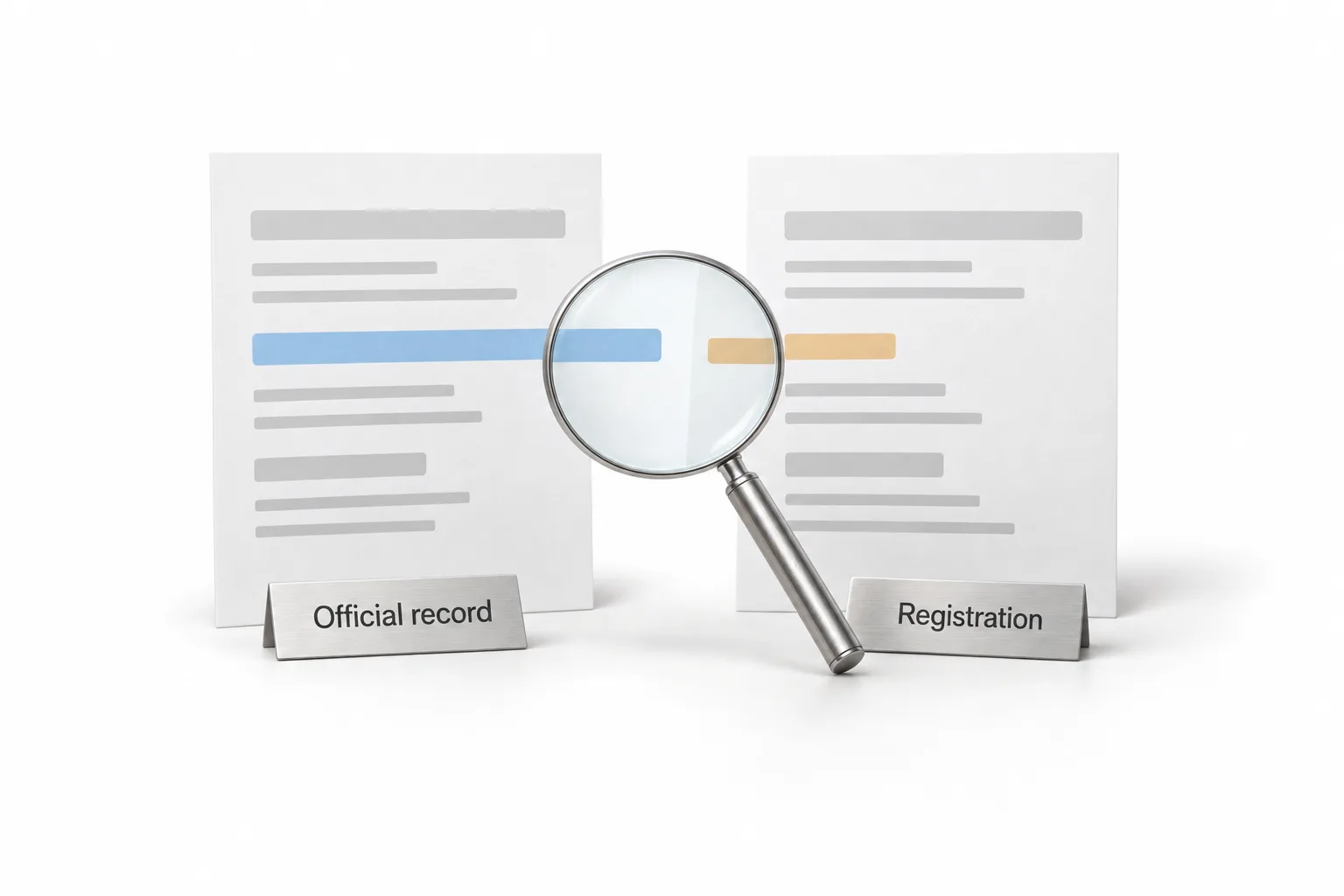
Michael's answer is that the form was never the hard part. Registrations get rejected when the details do not line up. A legal name that is off by one word will do it. So will an address that does not match what is on file.
He is fair about the manual route. You can register by hand in the Trust Center. HighLevel walks you through every field, and it can even read your IRS letter. But filling in a field was never what got anyone rejected. Rejections come from the website and from the answers a reviewer has to believe. He quotes HighLevel's own help center on this: completion and compliance are different.
One of his examples makes it concrete. A dental office already got rejected because its website said coming soon. The troubleshooting guide for a rejected A2P registration walks through the same kind of mismatch.
Who gets blamed when a client's texts stop sending?
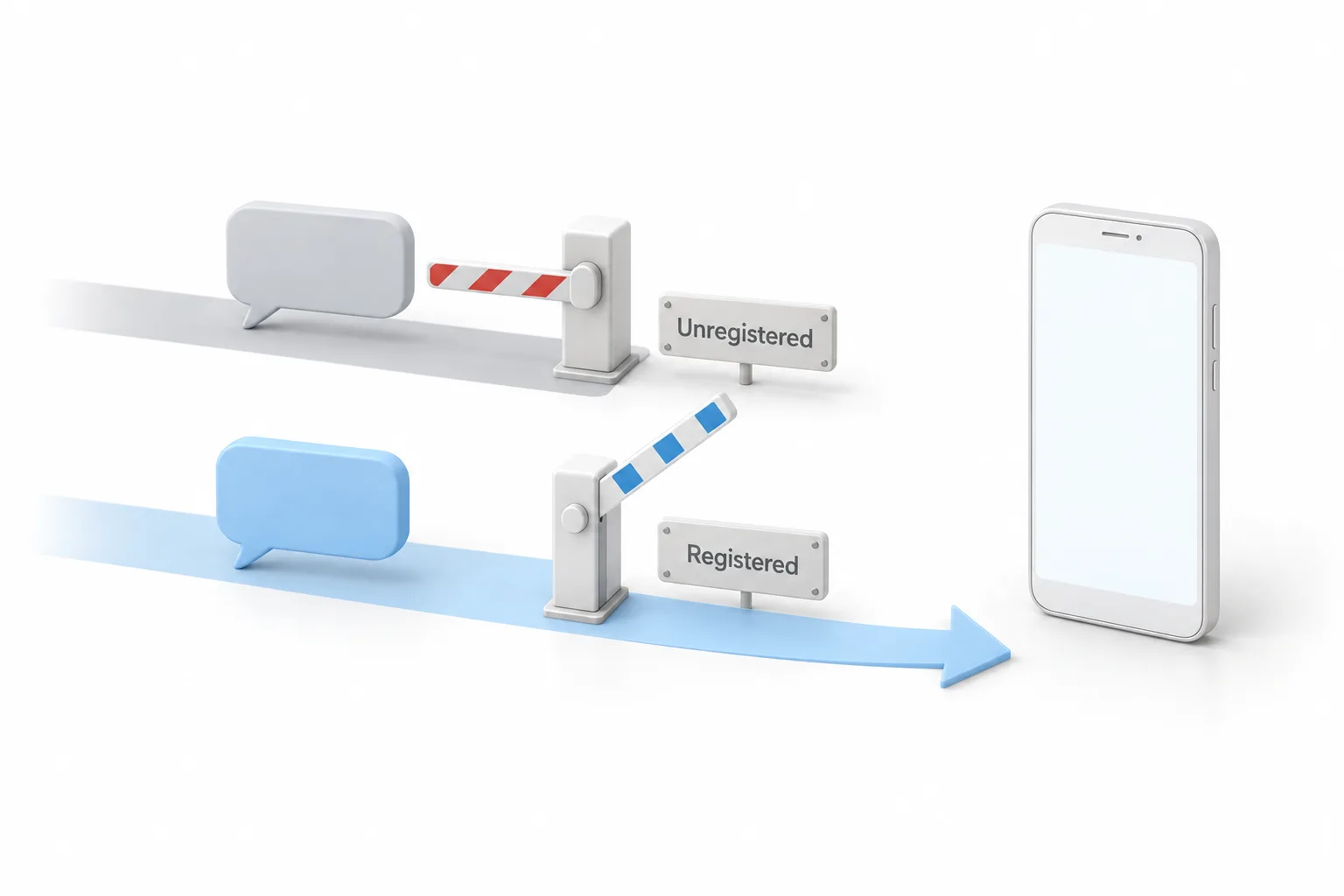
The agency does. Michael points out that a client does not care about carrier paperwork at all. They care that the appointment reminder reaches their customer. Business texts from a number that is not registered get blocked. When that happens, the client does not blame the carriers. They blame the person who set it up.
Every reminder, every review request and every follow up an agency sells runs on texting. If texting is not approved, none of it lands.
What does A2P On Demand build from the client's details?
You enter the client's details once. Click submit a client and add your own name and email. Pick the country where the business is registered. Drop in the client's EIN and click look up and verify. The app checks the IRS record and the legal business name fills in on its own, so it cannot drift from what the IRS has on file. You type the street address and pick it from a drop down list that verifies it.
Then you add the support email, the business phone and the niche, and generate the business description with AI. Michael says to give it one read and fix anything that is not true about the business. You generate a logo or upload the client's own, pick the hosting domain, tick the box that confirms the client meets the texting requirements and launch the package.
The app builds the website, the privacy policy and the terms of service. A note tells you not to change anything, because everything in there already matches. Its opt in form has two separate boxes, one for reminders and one for promotions, and neither is checked. The privacy policy and the terms sit in the footer.
The kit is the other half. Every answer the carriers read has its own copy button. With the Trust Center open in another tab, you copy the use case description, the sample messages, the opt in details and the website links, paste each one and submit. Michael goes screen by screen in the A2P On Demand walkthrough video.
What does the app not do?
Michael is direct about the limits. The app does not press submit for you, because the registration still lives in your Trust Center. It cannot make the carriers move faster than the carriers move. He notes that HighLevel says carrier systems can still take several business days after approval.
The opt in only counts if the client really collects consent that way. You tick that box on the client's behalf, so he says to submit only real businesses that are doing it right. The kit also warns that HighLevel's own check can flag a compliant opt in. If you see that, read the site yourself and carry on with the submission.
Two smaller warnings come with the setup. Keep the website live the whole time the registration is under review, because a reviewer who clicks the link and gets an error cannot check the business. And use a representative email you can open, since HighLevel sends a one time code there during registration.
What do you do if a campaign is rejected anyway?
Every kit you have built stays in the app's results, so the client's row is one click away. In HighLevel, open View Required Fixes and fix every reason before you resubmit. If the campaign was suspended after approval, the guide to a suspended 10DLC campaign covers that case.
How do you prepare a registration that passes review?
The order in the video works as a checklist.
- Enter the details once. Add your name and email, the country of registration and the EIN, then use look up and verify so the legal business name fills in from the IRS record.
- Verify the address. Pick the street address from the verified drop down list, then add the support email, business phone and niche.
- Read the description. Generate it with AI and fix anything that is not true about the business.
- Launch the package. Add a logo, pick the hosting domain, confirm the client meets the texting requirements and launch.
- Paste and submit. Open the Trust Center in HighLevel in another tab, paste in the use case description, sample messages, opt in details and website links, then submit.
- Stay reachable. Use a rep email you can open for the one time code, and keep the website live for the whole review.
- Fix every reason. If a campaign is rejected, open View Required Fixes in HighLevel and fix each reason before you resubmit.
What changes when you sell texting that works?
Michael's sales point is that clients do not want to buy A2P. Nobody wakes up excited about carrier paperwork. They want texts that arrive. So he says to stop pitching a registration and start selling texting that works.
He runs three clients through it in one imagined week. A gym owner signs on Monday because her trial follow ups never land, and you run her through the app while she is still on the call. The dental office with the coming soon page gets a real site that reviewers can check. A roofer who wants review requests after every job gets the kit as a PDF with your agency's name on it. None of them read a carrier rulebook.
On pricing, he gives a caution and a structure. HighLevel says registration can include one time registration and review charges, so build those into your price before you quote. Then make the registration its own product with a setup fee, and let the monthly line be what texting makes possible. Reminders lead to review requests, and those lead to waking up old leads. Each one only works because the client got approved first. The A2P 10DLC registration guide has the GoHighLevel steps if you register by hand.
Still evaluating HighLevel? Start with the 30 day GoHighLevel free trial through Michael's link and test it in your own account. The top plan for agencies is covered on the Founder Plan page.