
Home/HighLevel/Switch to HighLevel/From Pipedrive
Switch · Pipedrive
Switch from Pipedrive to HighLevel. Your pipeline, plus the follow up.
Pipedrive is built around the deal pipeline, and so is the move. Export people and deals, recreate the stages in HighLevel, import, then add the texting, calling and AI follow up HighLevel includes. Follow these steps to switch from Pipedrive to GoHighLevel.
The short answer
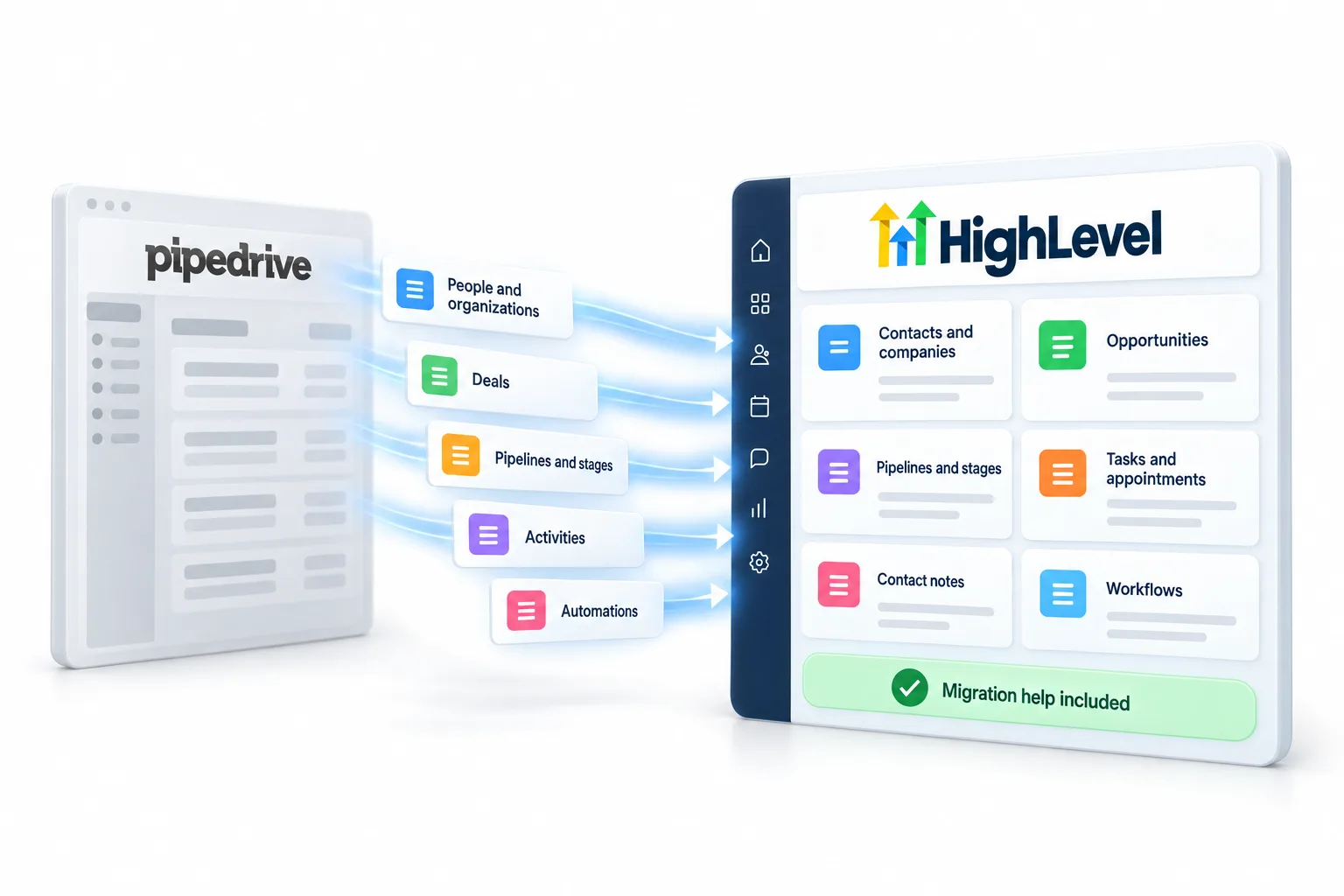
To switch from Pipedrive to HighLevel, export people from Contacts, People and deals (active and closed) with stages, values and linked contacts, plus activities and notes. In HighLevel, recreate the pipeline stages, import contacts, then import deals as opportunities mapped to the right stage.
Michael is a sponsored HighLevel affiliate. Links to HighLevel use his partner link at no extra cost to you. HighLevel prices and product facts on this page come from HighLevel's own pricing page and help center, checked on the date above.
Export
Get your data out of Pipedrive.
- In Pipedrive, go to Contacts, People, and export as CSV or Excel with all fields.
- Go to Deals and export active and closed deals with stage, value and contact.
- Export activities, notes and files linked to contacts and deals.
- Write down your pipeline stages in order.
Import
Bring it into HighLevel.
- Create custom fields in HighLevel for any non standard data first.
- Import contacts from the CSV: Contacts, Import, then map each column.
- Import deals as opportunities from Opportunities, Import, after the pipeline exists.
- Apply tags during import so your segments come across.
- Create the pipeline and stages before importing deals.
Rebuild
What you rebuild.
| Pipedrive item | In HighLevel |
|---|---|
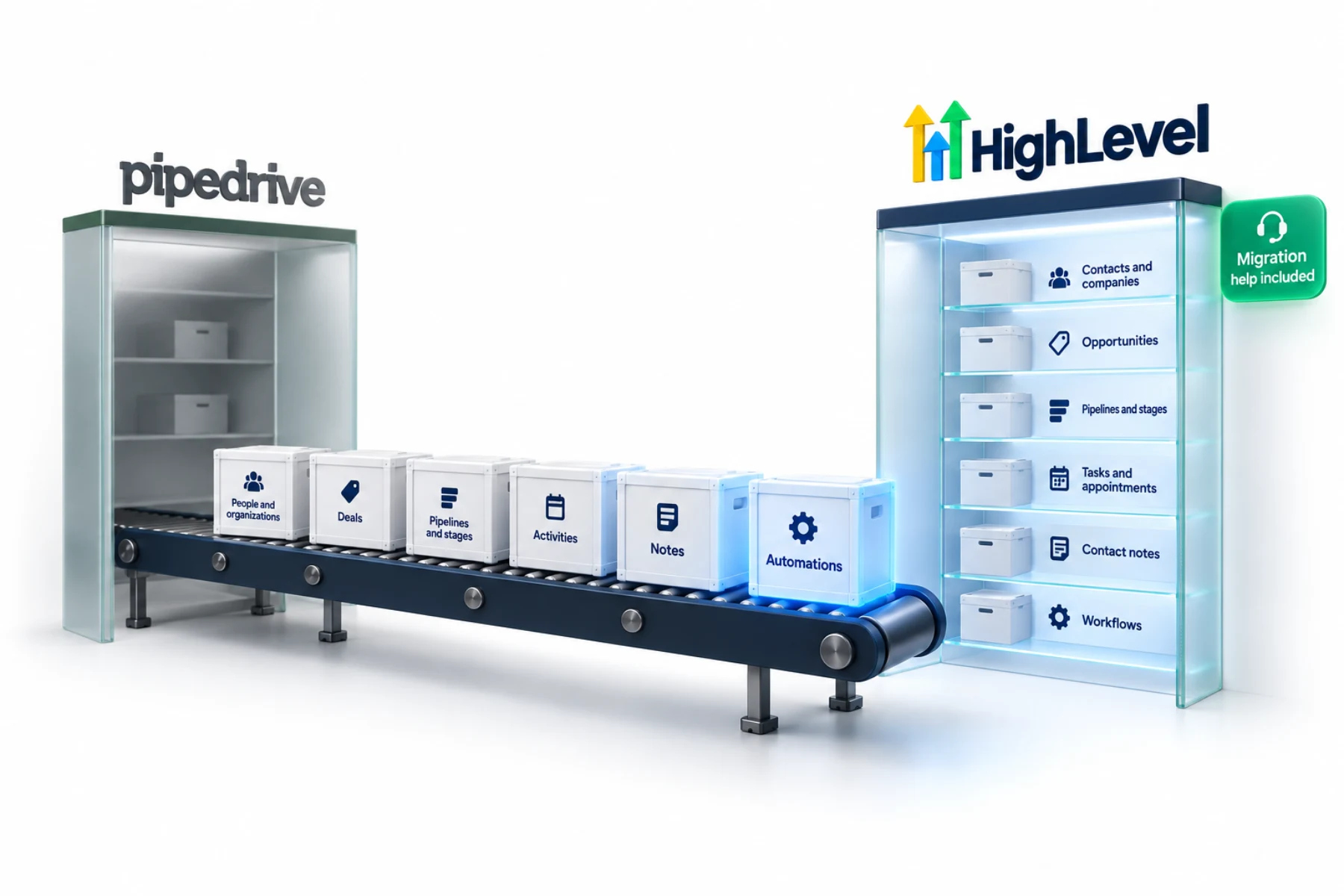
| People and organizations | Contacts and companies |
| Deals | Opportunities |
| Pipelines and stages | Pipelines and stages |
| Activities | Tasks and appointments |
| Notes | Contact notes |
| Automations | Workflows |
Automations, pages and forms do not transfer as files. Document how each one works, then rebuild it. This is also a good moment to drop anything you no longer use.
Go live
Switch over safely.
- Test every form, booking and workflow with a test contact
- Move phone numbers using HighLevel's porting guide
- Point domains to the new pages
- Run both systems side by side for a week
- Cancel Pipedrive only when nothing depends on it
Timeline
How long does a switch from Pipedrive take?
Every move from Pipedrive to HighLevel, or GoHighLevel as many people still call it, runs through the same six stages: export, clean, import, rebuild, test and cut over. Nobody can give you an honest number of days, because it depends on how much you rebuild. What stays true is the proportion between the stages.
With Pipedrive, the pipeline is the heart of the move, and it is quick to recreate. The time goes into the follow up you add around it, which is the reason for moving.
| Stage | What you do | How long it tends to take |
|---|---|---|
| Export | Pull your records out of Pipedrive and save a full copy | Short. Usually the quickest stage |
| Clean | Remove duplicates and blank rows, add country codes to phone numbers and drop tags nobody uses | Short, and the stage most often skipped |
| Import | Create custom fields, import contacts, then import deals as opportunities | Short once the file is clean and the fields exist |
| Rebuild | Recreate pipelines and stages, activities as tasks, and automations as workflows | The longest stage, because it is done by hand |
| Test | Run every form, booking and workflow with a test contact | Short. Never skip it |
| Cut over | Point domains, forms, booking links and numbers at HighLevel, run both for a week, then cancel Pipedrive | About a week of overlap. Longer if a phone number is porting |
Clean up your contact data covers what to fix in the file, and import contacts walks through the mapping screen. Import ten rows as a test before the full file. The 30 day trial through Michael's link gives you room to finish all six stages while Pipedrive keeps running.
Left behind
What does not transfer from Pipedrive?
A CSV file carries rows and columns, and HighLevel maps each column to a contact field during the import. Anything that is not a column in that file does not arrive. Anything that runs, such as an automation or a page, is built again.
- Automations. Rebuild them as workflows. See build your first workflow.
- Pipeline structure. The import does not create stages. Build the pipeline first, then import each deal as an opportunity.
- Files attached to deals. Export them and keep them where your team can reach them. A CSV carries fields, not attachments.
- Activity history. Export activities and notes separately so nothing is lost, and decide what your team really needs to see on the contact.
Common mistakes
What mistakes should you avoid when you leave Pipedrive?
- Importing deals before the stages exist. Write the stages down in order and build the sales pipeline first.
- Recreating the pipeline and nothing else. Add a workflow to each stage so moving a deal starts the right follow up.
- Cancelling Pipedrive too early. Cancel only when nothing has needed it for seven days.
Still deciding? HighLevel vs Pipedrive sets the two side by side.
If HighLevel turns out not to be the fit, the best HighLevel alternatives page lists other options.
Want to see the other options first? Read Pipedrive alternatives compared.

Add a workflow for each pipeline stage. Moving a deal should start the right follow up automatically.
Through my link
Start HighLevel through my link and the CRM Pros team comes with it.
Same HighLevel price. The difference is who is in your corner for the first ninety days.
- Setup help in your first 7 days
- Your onboarding call with Michael’s team
- Three live calls every week: tech, sales and Michael’s own call
- The private affiliate community
- Snapshots, templates and email swipes
- Four apps: Prompt, Demo, A2P and Sales On Demand
The Founder Plan is HighLevel’s top plan at $497 a month. It is the former Agency Pro plan with an exclusive feature set, rebilling with markup and the Founders Club. The full breakdown is here.
The Founder PlanWhat it includes and who it is for
Questions
Common questions.
How do I move from Pipedrive to HighLevel?
Export contacts and records as CSV, import them into HighLevel, rebuild pages and automations, test, then switch over.
Can I import my Pipedrive automations?
Not as files. Document them and rebuild them as HighLevel workflows.
Will I lose my contacts?
No, if you export to CSV and map every column during import.
Is migration help included?
Yes, when you sign up through Michael's link.
How long does it take to switch from Pipedrive to HighLevel?
It depends on how much you rebuild. Exporting, cleaning and importing are the short stages. Rebuilding pipeline stages and automations by hand is the longest. Allow a week of running both systems side by side before you cancel Pipedrive.
What does not transfer from Pipedrive to HighLevel?
Automations, pipeline structure and attached files do not move with a contact or deal CSV. Stages are created first, deals import as opportunities and automations are rebuilt as workflows.
Can I try HighLevel before I cancel Pipedrive?
Yes. Through Michael's link you get a 30 day trial, which gives you time to import, rebuild and test while Pipedrive keeps running. The standard HighLevel trial is 14 days. Usage fees for phone, texting, email and AI apply during any trial.
Next step
See it in your own account. Thirty days, every feature.
Start a trial, build the first system and test it before the first invoice. Usage fees for phone, SMS, email and AI can apply during the trial.
HighLevel has three plans at a flat monthly price, each with unlimited users and contacts. See what each one includes and what it costs.
Compare the PlansStarter, Unlimited and Founder