
Home/HighLevel/Integrations/Lovable
Integrations · Lovable
HighLevel Lovable integration. Your app, connected to your CRM.
Lovable builds web apps from prompts. I build several products in it myself. There is no native GoHighLevel Lovable integration article, so the connection runs through webhooks, the API or embedded HighLevel forms.
The short answer
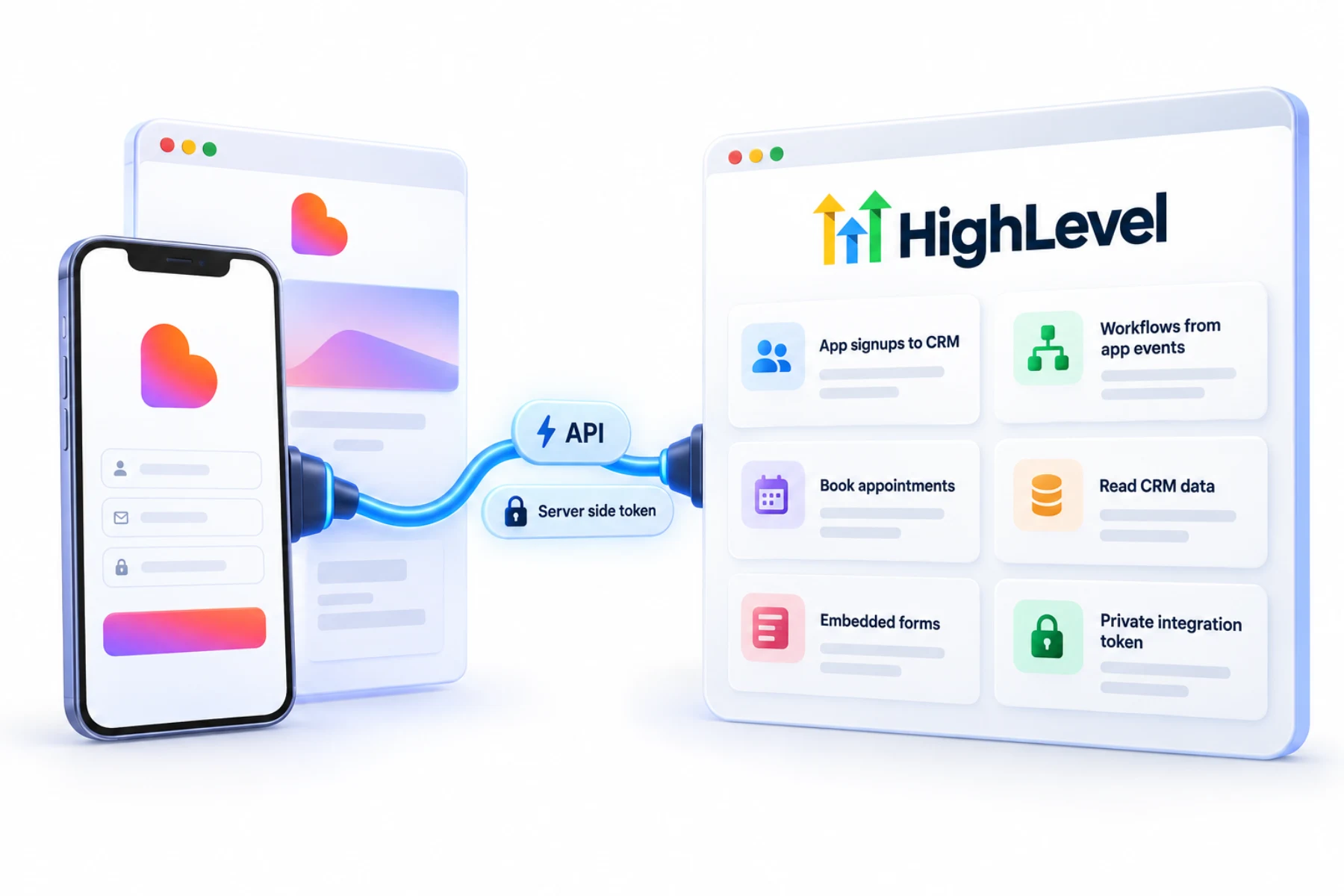
A GoHighLevel Lovable integration means connecting a Lovable app to HighLevel by posting data to a HighLevel Inbound Webhook workflow, calling the HighLevel API from a server side function with a private integration token, or embedding HighLevel forms and calendars in the app. Keep every token out of front end code, where anyone can read it.
Michael is a sponsored HighLevel affiliate. Links to HighLevel use his partner link at no extra cost to you. HighLevel prices and product facts on this page come from HighLevel's own pricing page and help center, checked on the date above.
Connect
How do you connect Lovable to HighLevel?
There is no native HighLevel integration article for Lovable, so nothing here is a one click connection. You choose one of three routes based on what the app needs to do. Whichever you pick, and whether you know the platform as HighLevel or GoHighLevel, one rule holds: no token ever goes in front end code.
- Decide what should reach HighLevel: leads, bookings or events.
- For simple data, create an Inbound Webhook workflow and post to it from the app's backend.
- For full API access, create a private integration token with minimal scopes.
- Store the token as a server side secret, never in front end code.
- Or embed a HighLevel form or calendar in the app.
Uses
What can you do with Lovable and HighLevel?
The webhook route is for sending things in. Your app's backend posts JSON to an Inbound Webhook trigger, and a workflow takes it from there. A signup becomes a contact. An event in the app starts a follow up.
The API route is for two way work. A server side function in your app calls the HighLevel API with a private integration token, so the app can read CRM data as well as write it. The embed route needs no backend code. You paste a HighLevel form or calendar into a page of the app, and submissions and bookings go straight into HighLevel.
- Send app signups to the CRM
- Start follow up workflows from app events
- Book appointments from the app
- Read CRM data for app features
Data
What reaches HighLevel and what does not?
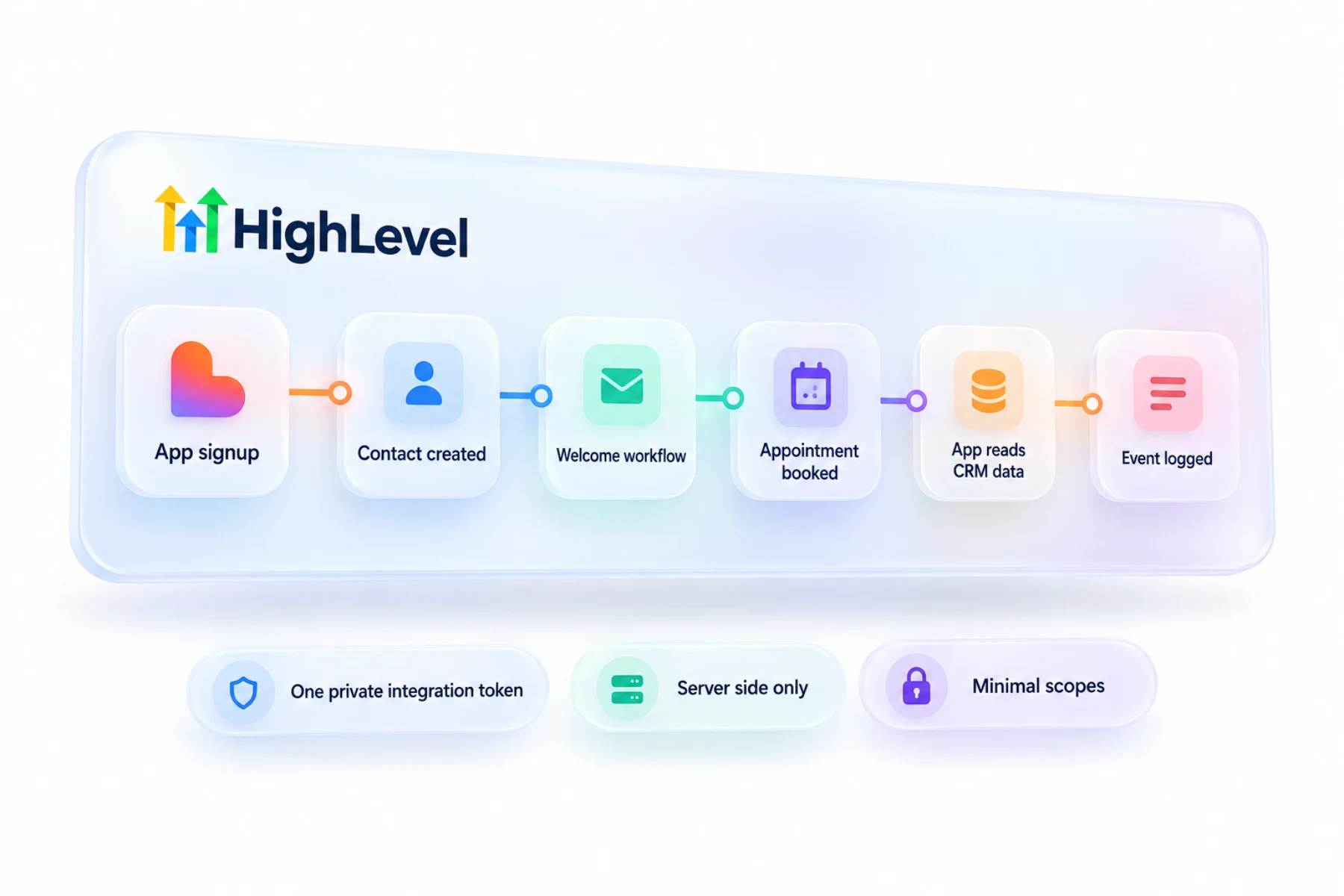
Nothing moves on its own. A webhook sends the fields you include in the post. An API call returns or changes the records you ask for, within the token's scopes. An embedded form saves what the form asks.
With the webhook route, send a test request before you build the workflow. HighLevel shows the sample payload, and you map those fields to contact fields. If you change the shape of the data later, map it again.
Security
What are the security limits to respect?
Anything in front end code is public. Anyone can open the browser tools and read it. So the token lives in a server side secret, and the browser talks to your backend, never to HighLevel directly.
Create the token with only the scopes the app needs, one token per app, so you can revoke it without breaking anything else. HighLevel currently allows up to 20 tokens per subaccount. Inbound Webhook is a premium workflow feature and can carry a small per execution charge.
In practice
Which route should your app use?
A lead capture app or a calculator should start with a webhook. It is the fastest safe way to get app data into HighLevel. A client portal that shows a customer their own appointments needs the API. A marketing page with a booking button only needs an embedded calendar.
If the app does not have to live outside HighLevel, AI Studio builds inside the platform with forms and calendars already connected. See the AI Studio complete guide. Token errors are covered in fix API 401 errors, and a webhook that does nothing is covered in fix a webhook not firing.
To test the Lovable connection in your own account, use the 30 day trial through Michael's link. GoHighLevel pricing lists what each plan costs, and who should get the Founder Plan explains when the top tier makes sense.

Start with a webhook. It is the fastest way to get app data into HighLevel safely.
Questions
Common questions.
Does HighLevel integrate with Lovable?
Through webhooks, the API and embedded forms. There is no one click connection. A Lovable app can post data to a HighLevel Inbound Webhook workflow, call the HighLevel API from a server side function with a private integration token, or embed HighLevel forms and calendars in its pages.
Where should the API token go?
In a server side secret, never front end code. Anything in front end code is public, because anyone can open the browser tools and read it. The browser should talk to your backend, and the backend talks to HighLevel. Create the token with only the scopes the app needs.
Can I embed a HighLevel calendar?
Yes. The embed route needs no backend code. You paste a HighLevel form or calendar into a page of the Lovable app, and submissions and bookings go straight into HighLevel. A marketing page with a booking button only needs an embedded calendar, with no token involved.
Can AI Studio do the same?
AI Studio builds inside HighLevel with forms and calendars already connected. If the app does not have to live outside HighLevel, that removes the webhook and token work. If it must live in Lovable, use a webhook, the API or an embed. The AI Studio complete guide covers the build.
Is there a native Lovable integration for HighLevel?
I did not find one in HighLevel's help center. The connection runs through webhooks, the API or embedded forms and calendars. You choose the route based on what the app needs to do, and one rule holds for all three: no token ever goes in front end code.
Which route should I start with?
A webhook. It is the fastest safe way to get app data into HighLevel, and it suits a lead capture app or a calculator. A client portal that shows a customer their own appointments needs the API. A marketing page with a booking button only needs an embedded calendar.
How many scopes should the token have?
Only the ones the app needs. Use one token per app so you can revoke it without breaking other integrations. HighLevel currently allows up to 20 private integration tokens per subaccount. Store each token as a server side secret, and rotate or delete it if it ever leaks.
Next step
See it in your own account. Thirty days, every feature.
Start a trial, build the first system and test it before the first invoice. Usage fees for phone, SMS, email and AI can apply during the trial.
See the full details.
Compare the PlansSee the full details