
01Who this is for
- Affiliates who earned commissions from HighLevel need the form to report income on their tax returns.
- Accounting staff managing affiliate payouts use the 1099 to verify reported earnings.
021099 forms, explained
The 1099 form summarizes the total amount each qualifying affiliate received from HighLevel during 2023. The IRS requires the form to be sent before January 31, and affiliates must include it when filing taxes.
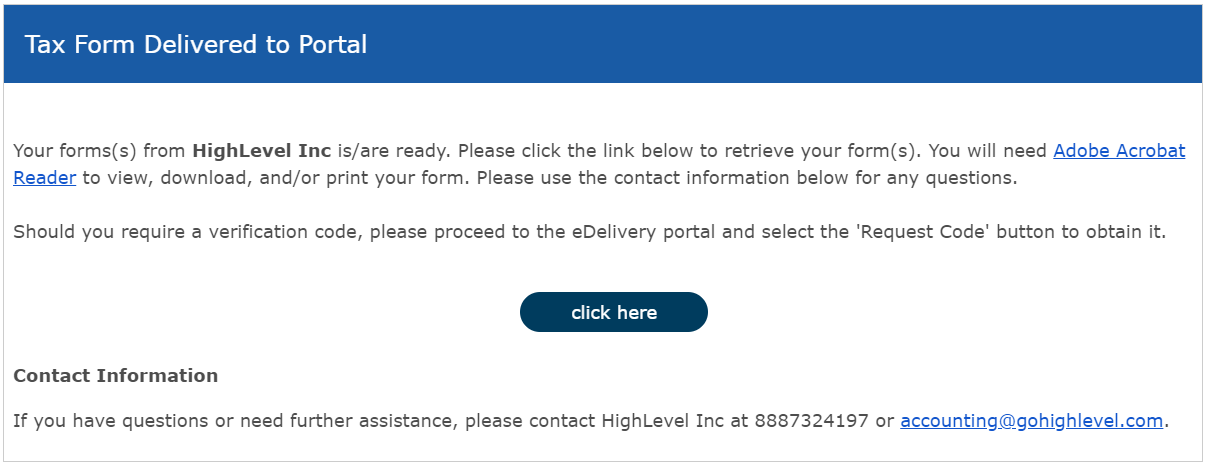
Affiliates receive an email from Tax1099.com with a login link. The form is accessed through the external Tax1099.com portal, not directly inside the HighLevel platform.
03How businesses use the 1099 form
- Digital marketing agency. The agency locates the Tax1099.com email, logs in with the address used for the notification, follows the password guidance, and downloads the 2023 1099 form to include with its tax filing.
- SaaS product reseller. The reseller accesses the email, enters the same email address on the Tax1099.com login screen, uses the password shown in the Password Scenarios, and saves the 1099 for reporting affiliate earnings.
- Online course creator affiliate. The creator follows the link in the Tax1099.com message, inputs the receiving email address, selects the correct password scenario, and retrieves the 1099 document needed for the tax year.
04The numbers and rules that matter
- IRS requires 1099s to be sent prior to January 31st.
- Qualifying affiliates receive an email from Tax1099.com to access the 1099.
05Before you start
- The affiliate must have received the Tax1099.com email containing the login link.
- The affiliate must know the email address that received the Tax1099.com notification.
06How to set up and use the 1099 form in HighLevel
Access 1099 form
- Click the login link that was included in the Tax1099.com email.
- Enter the email address that was used to receive the Tax1099.com notification.
- Select the password shown in the Password Scenarios at the bottom of the login screen.
07What it looks like in HighLevel

08Things to know before you rely on it
- The 1099 form is sent before January 31 to meet IRS requirements.
- Only affiliates who qualify and have received the Tax1099.com email can retrieve the form.
09If something goes wrong
- Unable to access the 1099 form. Email accounting@gohighlevel.com for assistance.
10How it connects to the rest of HighLevel
- View payout details in the affiliate portal that correspond to the 1099 amounts Affiliate portal
- Check the affiliate payout schedule to understand when earnings are reported Affiliate payouts
- Review HighLevel pricing plans to see how affiliate earnings relate to subscription options Pricing plans
Michael's take

Michael ReimerFounder of CRM Pros, HighLevel Commander and Certified Admin
The first setting I would lock down is the password scenario on the login screen.
Get More InformationOpens on HighLevelPublished November 2, 2026 · Updated November 16, 2026