
01Who this is for
- Affiliates who want to earn recurring payouts by promoting the Pro plan, because the links track their referrals.
- Agency owners managing multiple client accounts, allowing them to upgrade clients while keeping commission credit.
- Top performing affiliates with 100+ active trials, eligible for extended 30 day trial links.
02Affiliate customers, explained
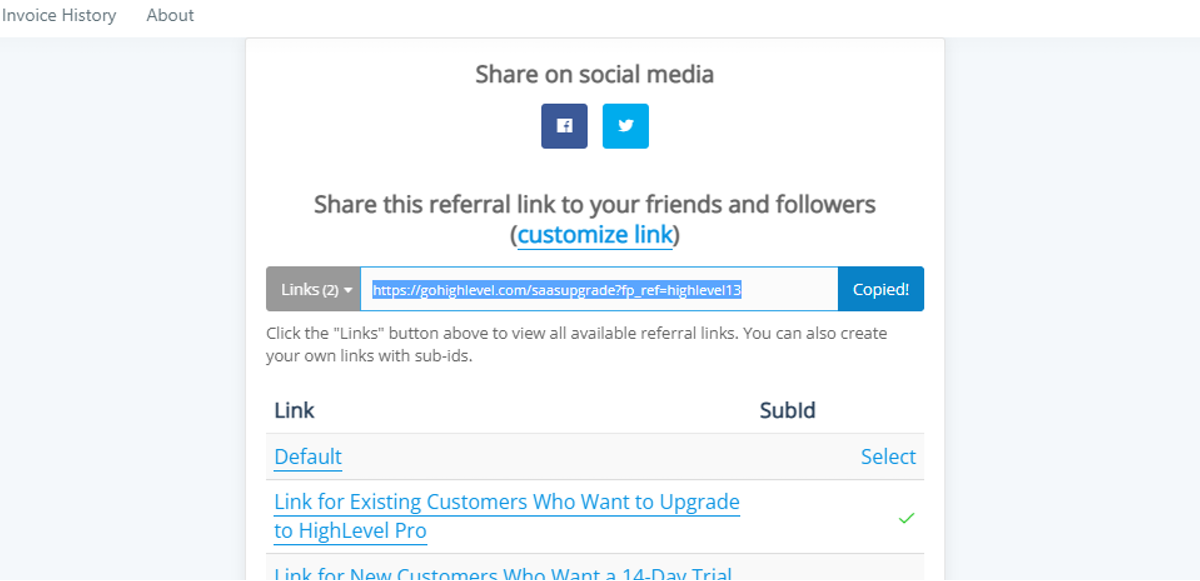
Affiliates access a set of custom URLs inside the Affiliate Portal. One URL upgrades an existing customer directly to the $497 Pro plan (per HighLevel's help center, checked November 2026). Another URL provides a 14 day free trial of the Pro plan for new customers. A default link offers a 14 day trial for starter accounts.
When an existing customer clicks the upgrade link, the platform moves them to the Pro plan within one to three business days, resets the billing cycle, and applies a prorated charge. New customers who follow the trial link fill out a form, start a free 14 day trial, and appear under the affiliate’s referrals once the account is created.
All links are listed under the Links section of the Affiliate Portal and can also be retrieved from FirstPromoter. The portal is being updated, so its appearance may differ from older screenshots.
03How businesses use affiliate customers
- Digital marketing agency. The agency opens the Affiliate Portal, copies the existing customer upgrade link, and sends it to a client who already uses a starter account. The client follows the link, is upgraded to Pro, and the agency continues to receive commission on the $497 subscription (per HighLevel's help center, checked November 2026).
- Software reseller. The reseller selects the new customer 14 day trial link from the portal, copies the URL, and shares it with prospects. Prospects click the link, start the free trial, fill out the registration form, and the reseller’s referral list updates automatically.
- High performing affiliate. Having more than 100 active trials, the affiliate contacts an Affiliate Manager to obtain a 30 day extended Pro trial link. They then distribute that link to qualified leads, offering a longer evaluation period while retaining full commission eligibility.
04The numbers and rules that matter
- $497 plan is also called the Pro or SaaS plan (per HighLevel's help center, checked November 2026).
- $97 starter plan (per HighLevel's help center, checked November 2026).
- $297 Unlimited plan (per HighLevel's help center, checked November 2026).
- Existing customers upgraded in 1 to 3 business days.
- Up to 48 hours for changes to appear in First Promoter/Affiliate Portal.
- 30 day trial links are exclusive to high performing affiliates.
- 100 ACTIVE trials required to request a 30 day link.
- 100 or more active customers required for 30 day trial eligibility.
- 40% commission on the $200 difference for upgrades from $297 to $497 each month (per HighLevel's help center, checked November 2026).
05Before you start
- You must be an active HighLevel affiliate with access to the Affiliate Portal.
- To request a 30 day extended trial link, you need at least 100 active trial accounts and must speak with an Affiliate Manager.
06How to set up and use affiliate customers in HighLevel
Find PRO affiliate links via Affiliate portal
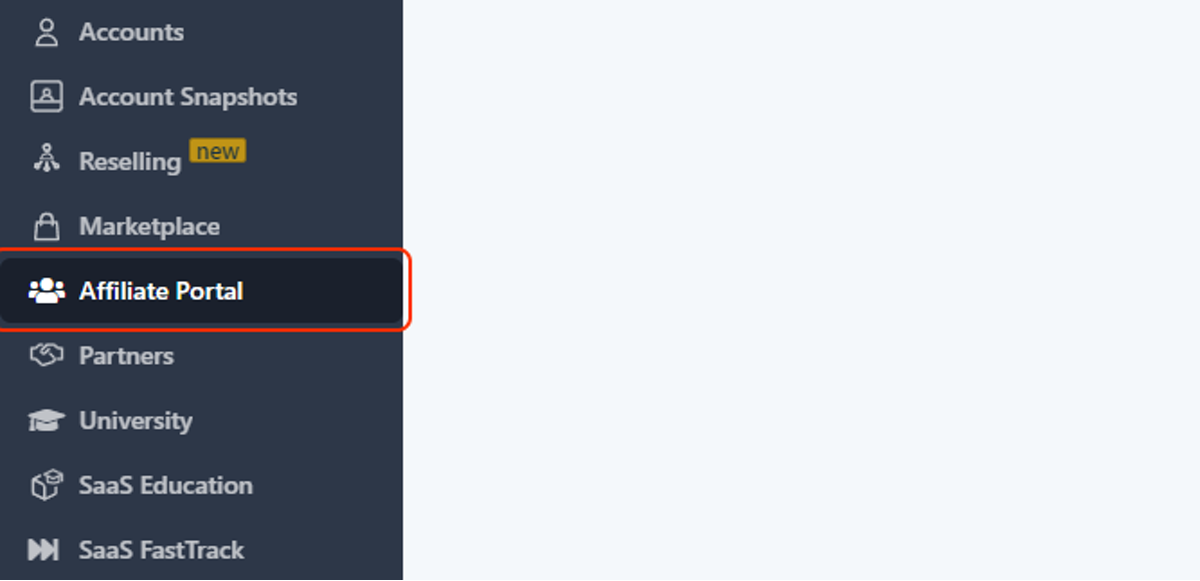
- Open the Affiliate Portal from the HighLevel dashboard.
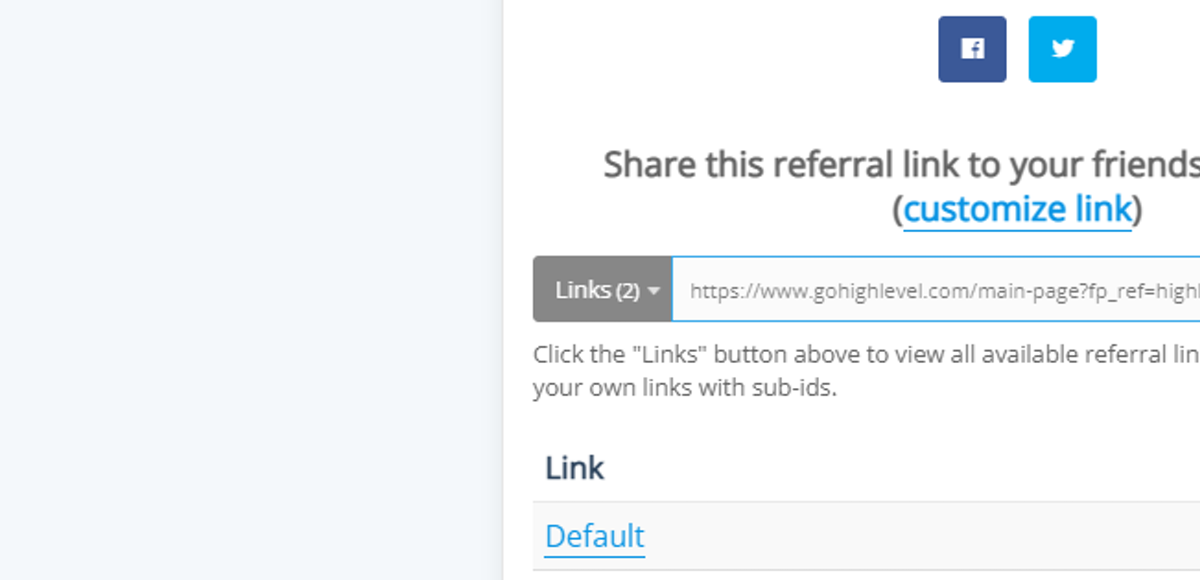
- Scroll down to the Links section.
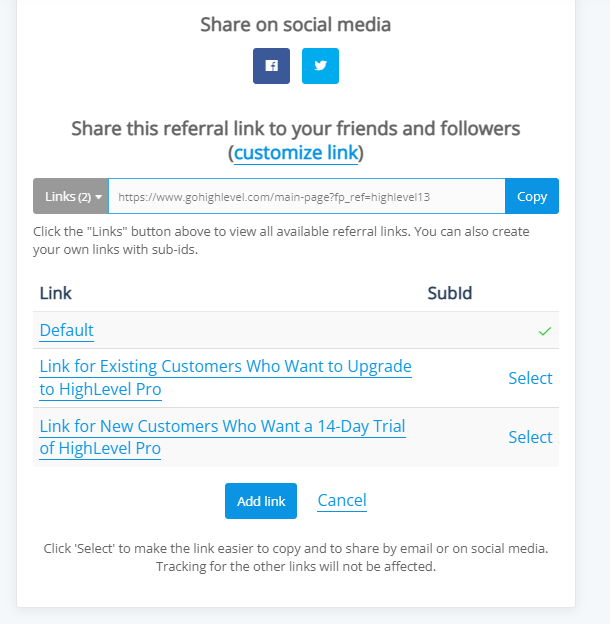
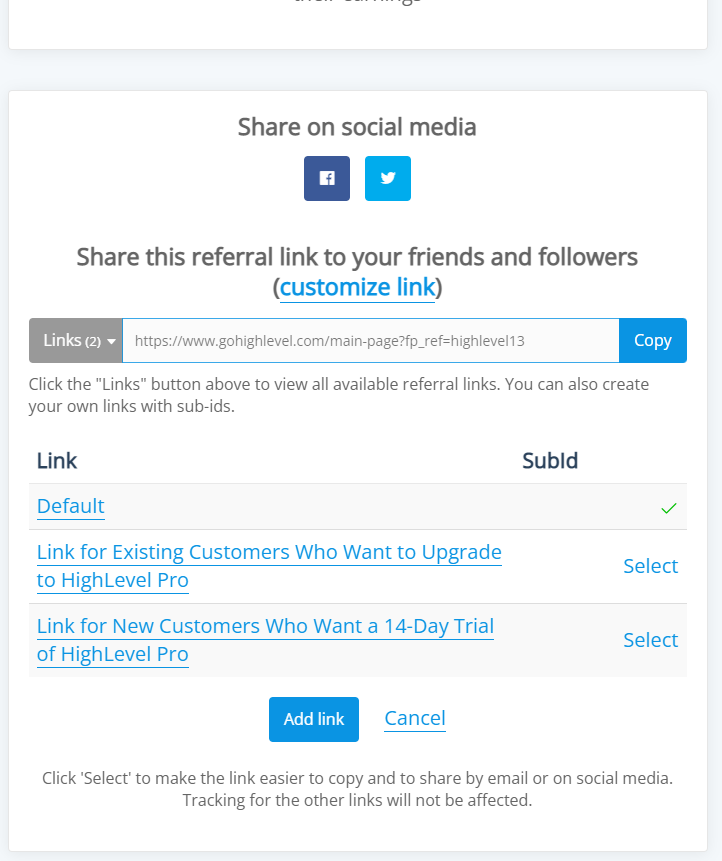
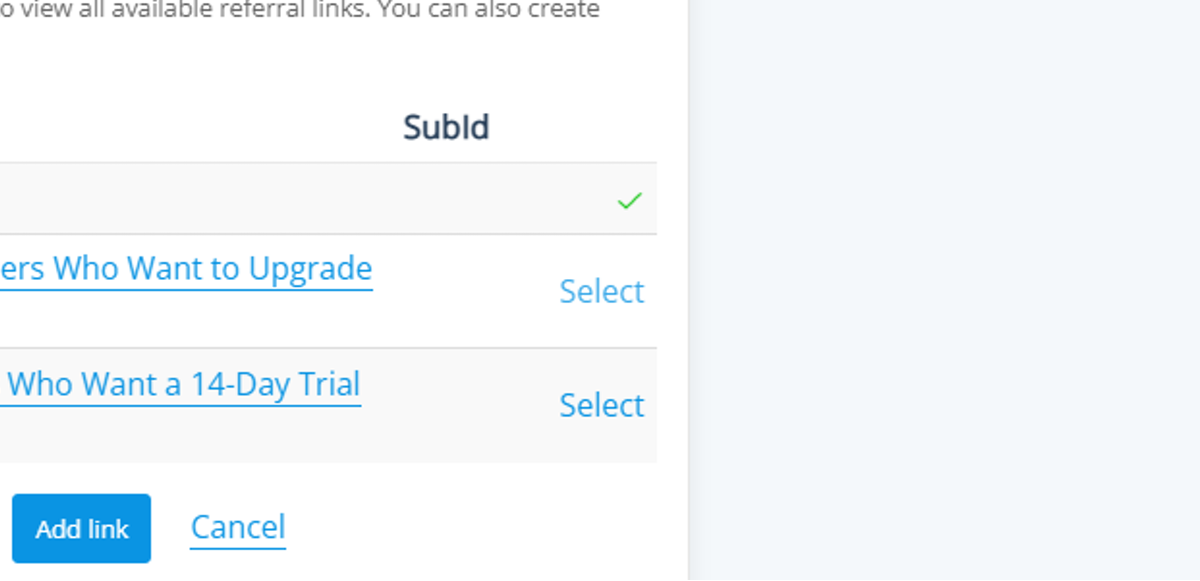
- Review the three links shown: the default starter trial, the existing customer upgrade link, and the new customer 14 day Pro trial link.
Refer existing customers
- Select the Existing Customer Upgrade link.
- Copy the generated URL.
- Send the URL to the customer you wish to upgrade.
- Ask the customer to paste the link into the designated box on the upgrade form.
- Remind the customer that a prorated charge will apply and the billing date will reset.
- Allow up to 48 hours for the upgrade to be reflected in the Affiliate Portal.
Refer new customers
- Navigate to the Affiliate Portal.
- Click the Select button to retrieve the 14 day Pro trial link.
- Copy the new customer trial URL.
- Instruct the prospect to click the "Start A Free Trial of the Pro SaaS Plan Today." button that appears after opening the link.
- Have the prospect complete the free trial registration form; the account will then appear under your referrals.
07What it looks like in HighLevel
08Settings that matter
- Default - 14-day trial for 97 starter accounts. Provides a two week free trial for new users of the $97 starter plan (per HighLevel's help center, checked November 2026).
- Link for EXISTING Customers to upgrade to the HighLevel 497 Pro, plan. Upgrades an already registered customer directly to the $497 Pro plan with prorated billing (per HighLevel's help center, checked November 2026).
- Link for NEW Customers to a 14-Day Trial to the HighLevel 497 Pro, plan. Creates a 14 day free trial of the Pro plan for users who are not yet customers (per HighLevel's help center, checked November 2026).
09Things to know before you rely on it
- The 14 day trial link works only for new customers; existing accounts receive no extra trial period.
- Upgrades for existing customers are processed in 1 to 3 business days, with billing reset and prorated charges applied.
- A 30 day extended trial link is available only to high performing affiliates who have 100 or more active trials and must be approved by an Affiliate Manager.
- The Affiliate Portal is currently being updated; images and videos may not match the live interface.
10If something goes wrong
- New customer's account does not appear under referrals after completing the trial form.. Contact HighLevel support for assistance.
- Portal visuals differ from the guide's screenshots.. Reach out to your Affiliate Manager for clarification.
11How it connects to the rest of HighLevel
- How to use the Affiliate Portal, view links and manage payouts. Affiliate portal guide
- Details on affiliate payout methods, schedules and eligibility. Affiliate payouts
- Overview of all features available to HighLevel affiliates. Affiliate program overview
Michael's take

I find the affiliate upgrade process straightforward.