
01Who this is for
- Agency owners with an active HighLevel agency can add affiliate earnings by linking their account to Tipalti.
- Digital marketers promoting HighLevel can monitor referral performance and receive payouts once Tipalti is configured.
- Founders of SaaS businesses looking to monetize referrals can use the portal to track commissions and collect payments.
02HighLevel affiliate program, explained
The affiliate portal is a FirstPromoter powered area inside HighLevel where affiliates log in to generate referral links, view click and conversion data, and see earned commissions. It is accessed through a dedicated login URL and requires an affiliate account.
Tipalti is the payout processor used by HighLevel. Affiliates must set up or connect their Tipalti account inside the portal before any commissions can be withdrawn. The setup links the affiliate’s payment details to the platform, enabling regular payout of earned commissions.
03How businesses use the HighLevel affiliate program
- Marketing agency. The agency logs into the affiliate portal, creates referral links for client onboarding pages, and monitors the commissions generated by each client. It then configures Tipalti to receive the payout for those commissions.
- Software developer. The developer accesses the portal to track referrals from developers who adopt HighLevel for their own products. After seeing the commission totals, the developer sets up Tipalti to have the earnings deposited directly.
- Online course creator. The course creator logs into the portal to pull unique affiliate links for course promotion, watches the referral stats, and enables Tipalti to collect the recurring commission payments.
04The numbers and rules that matter
- 40% commission on Tier 1 referrals.
- Additional 5% commission on Tier 2 referrals.
- Starter plan $97 (per HighLevel's help center, checked November 2026).
- Agency Freelancer plan $297 (per HighLevel's help center, checked November 2026).
- Agency Pro plan $497 (per HighLevel's help center, checked November 2026).
05Before you start
- An active HighLevel agency subscription must be in place to set up Tipalti.
- A HighLevel affiliate account must be created before accessing the portal.
06How to set up and use the HighLevel affiliate program in HighLevel
Access your Affiliate Portal
- Open a web browser and go to affiliate.gohighlevel.com/login.
- Enter your affiliate credentials to sign in.
- Confirm that you are inside the FirstPromoter powered affiliate dashboard.
Set up Tipalti
- Log in to the affiliate portal.
- Navigate to the Tipalti setup section within the portal.
- If you do not have an active HighLevel agency, request a Tipalti setup link from support.
- If you already have a Tipalti account, click the displayed image to log in and complete the connection.
07What it looks like in HighLevel

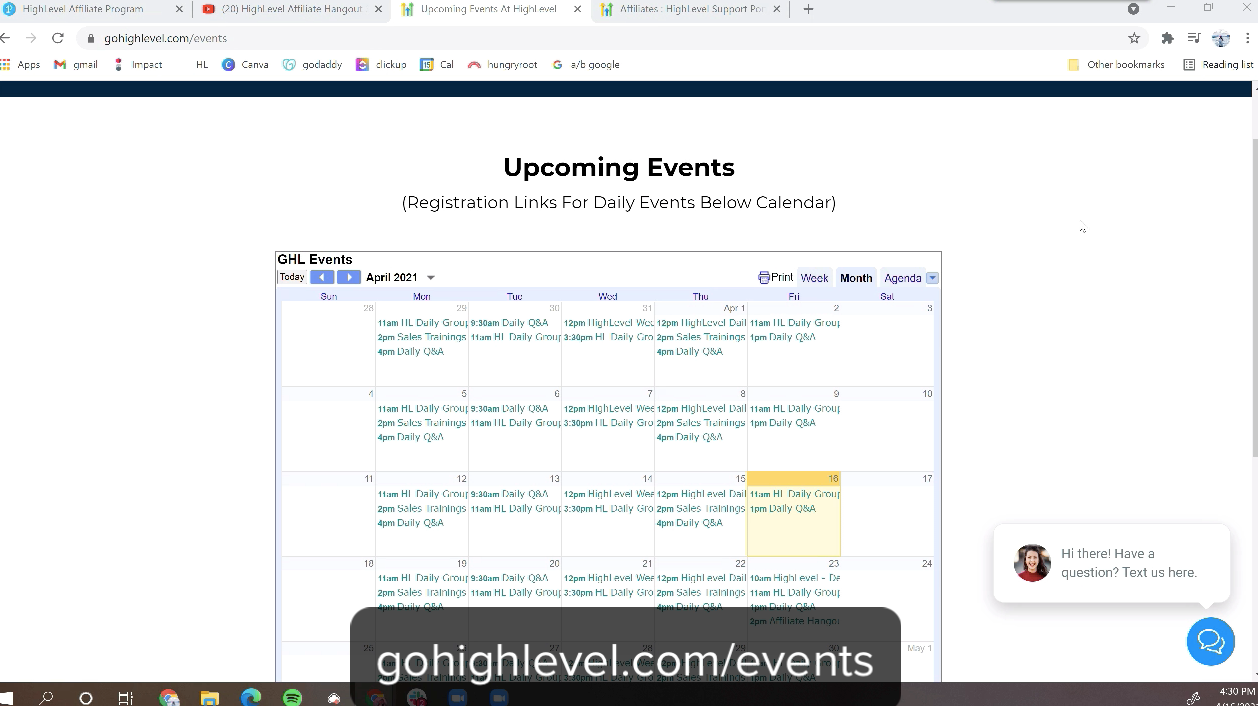
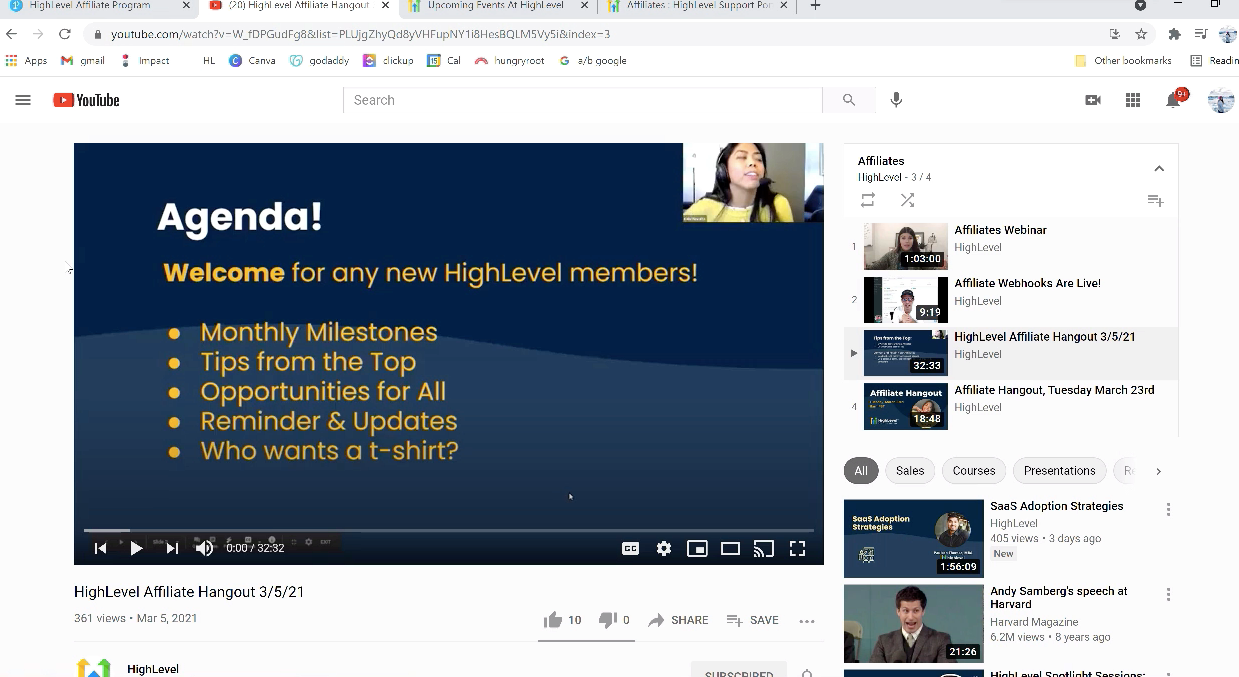
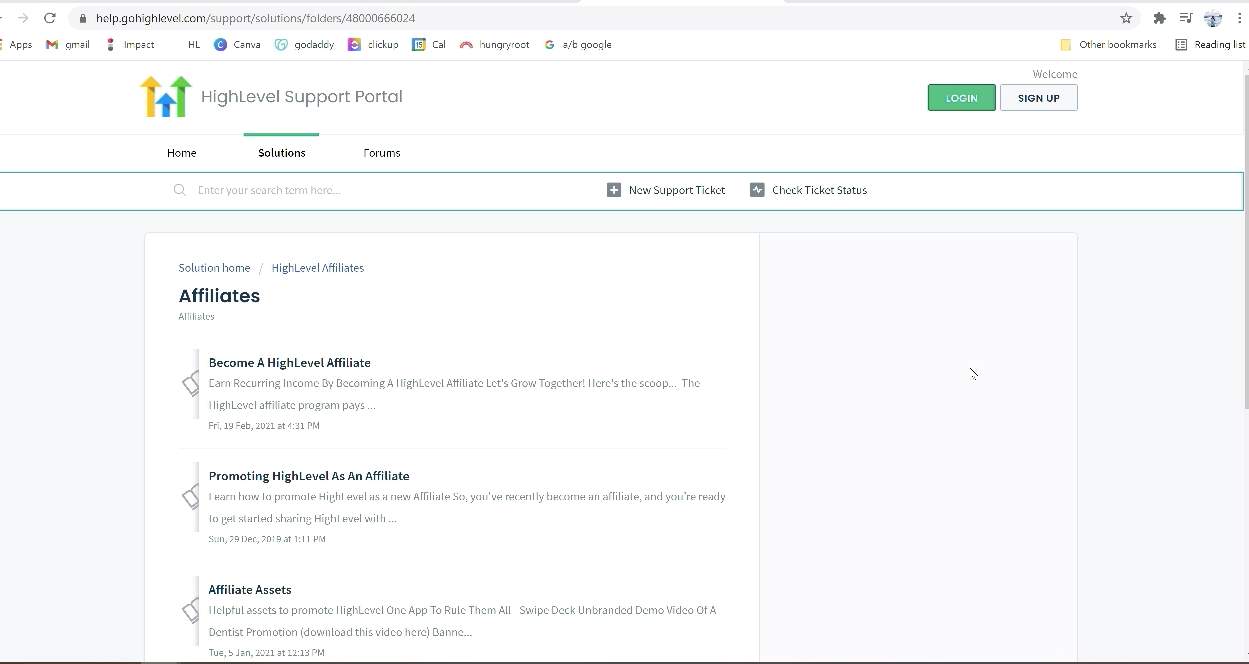
08Things to know before you rely on it
- The portal is currently being updated; images and videos may not match the live interface.
- Tipalti setup is required to withdraw any commissions earned.
- Only affiliates with an active HighLevel agency can configure Tipalti directly.
09How it connects to the rest of HighLevel
- How to become a HighLevel affiliate and start earning commissions Become an affiliate
- HighLevel affiliate payouts: setup, payment methods and schedule Affiliate payouts
- All HighLevel Affiliates Program features Affiliate program overview
Michael's take

Michael ReimerFounder of CRM Pros, HighLevel Commander and Certified Admin
The affiliate program can add additional revenue by sharing a link, and setting up Tipalti is required before you can receive payouts.
Get More InformationOpens on HighLevelPublished November 2, 2026 · Updated November 17, 2026